Help getting nielsfaber's scheduler-card to show

I am using Home Assistant OS on a Raspberry pi 4. I am hoping this is just a case of me being new and missing something.

I installed HACS and followed the directions to install both scheduler-component and scheduler-card:
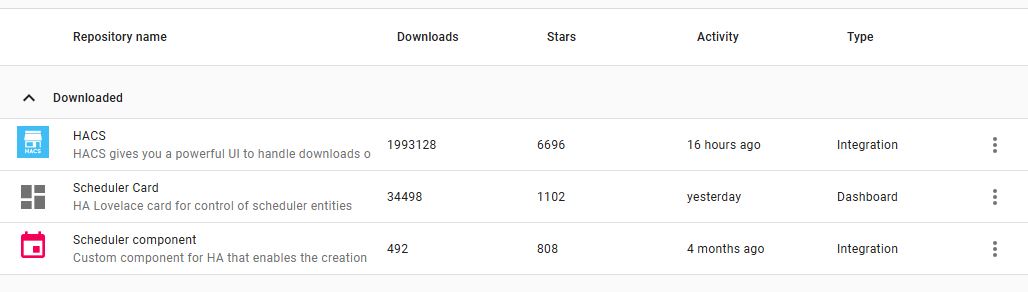
I have advanced mode turned on. I completed the github auth

I added scheduler-component integration.

with the built in SSH I can see that scheduler is in custom components. When I check config/www with the built in SSH all I see is a community folder. I have seen posts saying that the www is in .homeassistant but I don’t know how to check that with the built in SSH.

Ultimately I can’t figure out how to add the schedule-card to my dashboard. When I try and add a “device” using the + on the dashboard I can see “schedule” but not schedule-card.

What am I missing or what am I doing wrong?
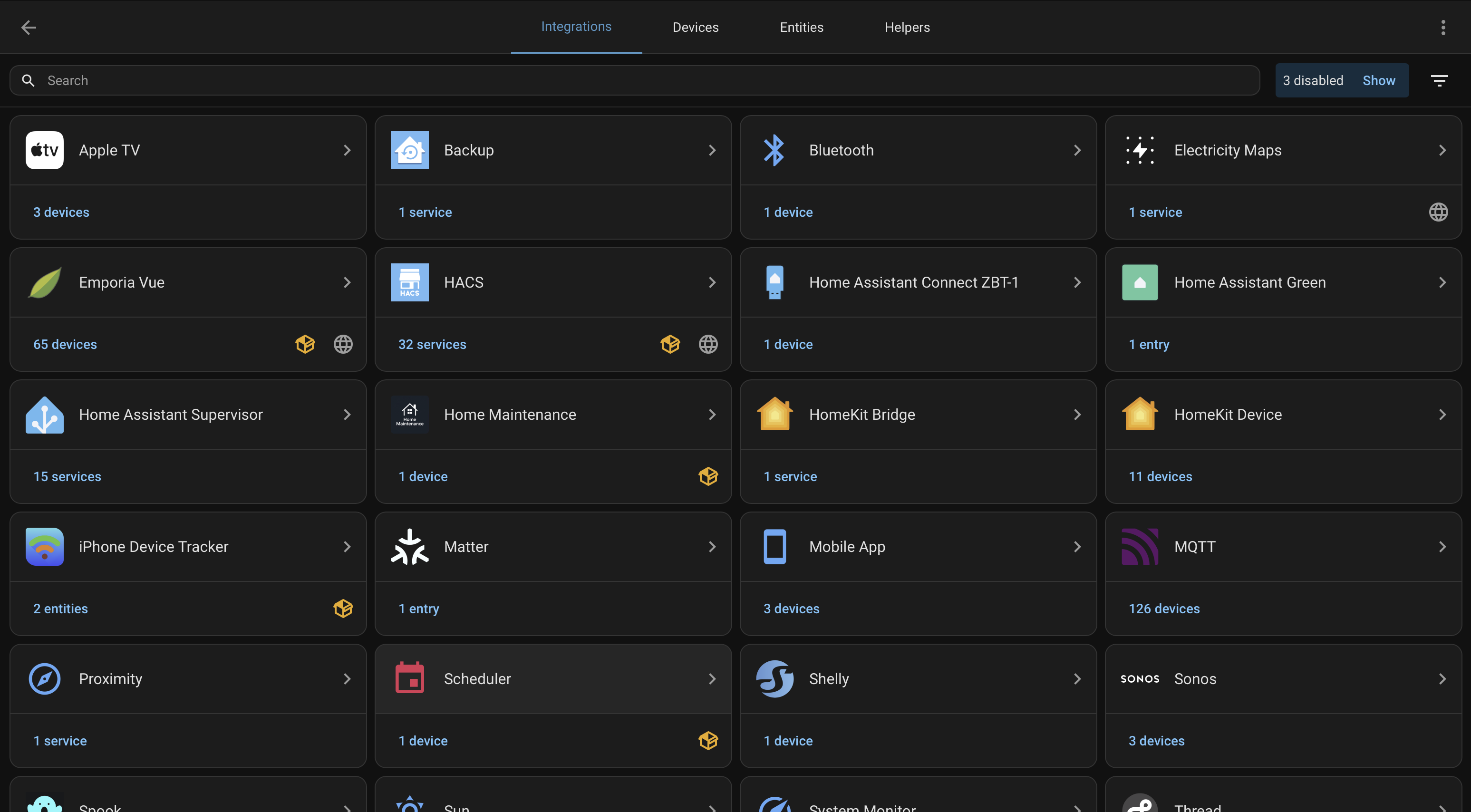
Did you install the Scheduler Integration in Settings / Devices & Services / Integrations?

If you did, you’re supposed to then be able to put the dashboard in edit mode, and add a new card

I should add that I have restarted HA and tried redownloading both scheduler component and scheduler card and neither of those helped. I have also tried deleting my browser cache.

Yes, I did add it to integrations (I would screenshot but as a new user I can only add one image at a time)

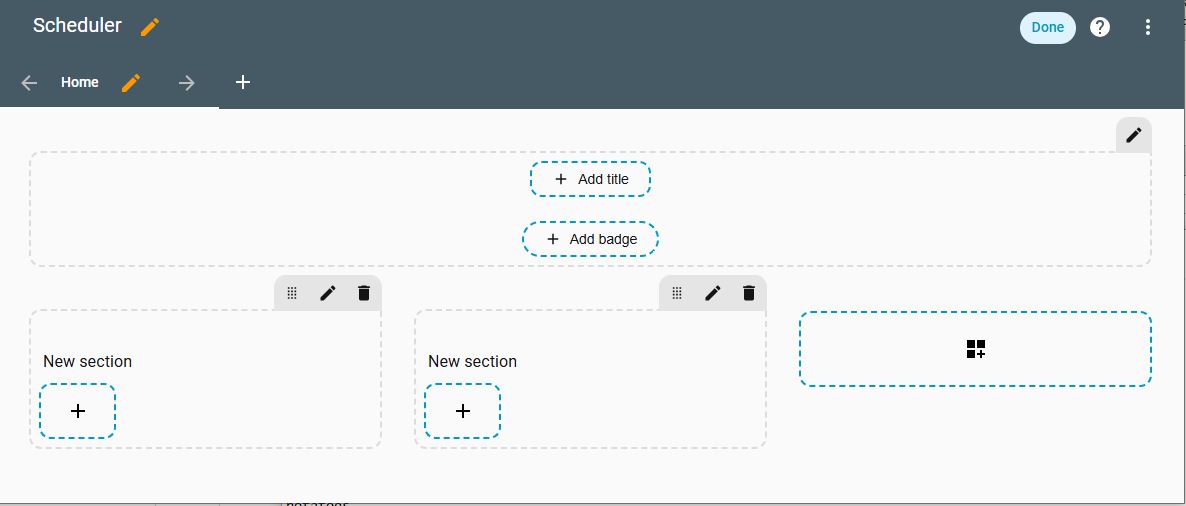
When I click on edit dashboard (either the overview or a custom dash board) I don’t see the add card button:

Neverminded I just found it. Thanks for your help!

For other people that may come across this in the future its under:

New Section → + → by Card

I shows up there when I search for it.

1 Like