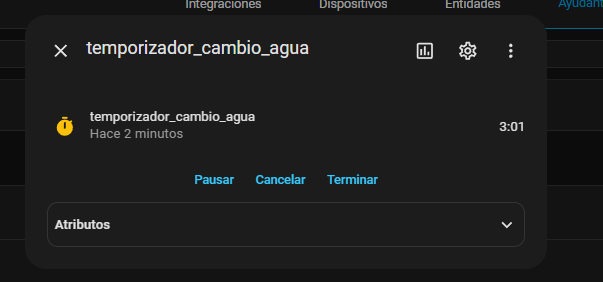
Thank you. Unfortunately, this does not quite work. Although it displays when it will expire, it is not updated every second like a countdown, but only when the view is refreshed.
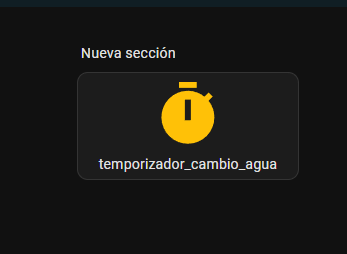
However, it works well with the nested button card and its state field.
Not important to me, but you have a typo in your code at finishes. In case anyone wants to use it.
Oh, I assumed you wanted to see the time updated every ~minute, like in the more-info dialog. I didn’t even know that relativeTime could update so frequently - this is valuable info and I will remember it. So far I always used the timer-bar-card for this purpose.
On a side note: I especially like that the lit-template (relativeTime) works even when there’s no connection to the HA backend. I have a use for this: “offline” backups that I can initiate in Home Assistant and then monitor the duration.
That doesn’t work (so easily), I failed at that. As I and especially RomRider said, with timers it only works in the state field. But there it works natively, without a template.
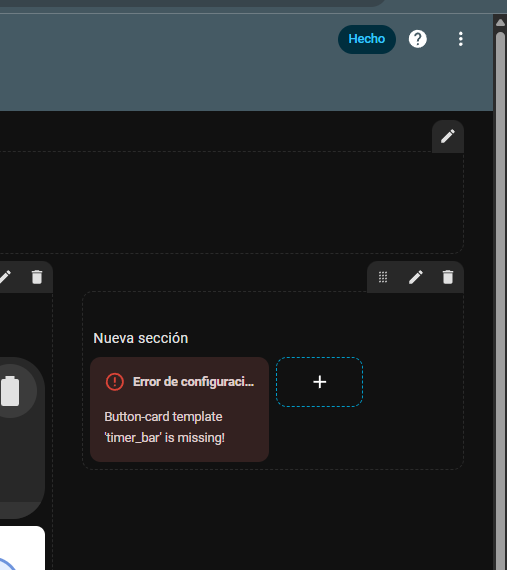
Sorry, but I still don’t understand where to put the templates
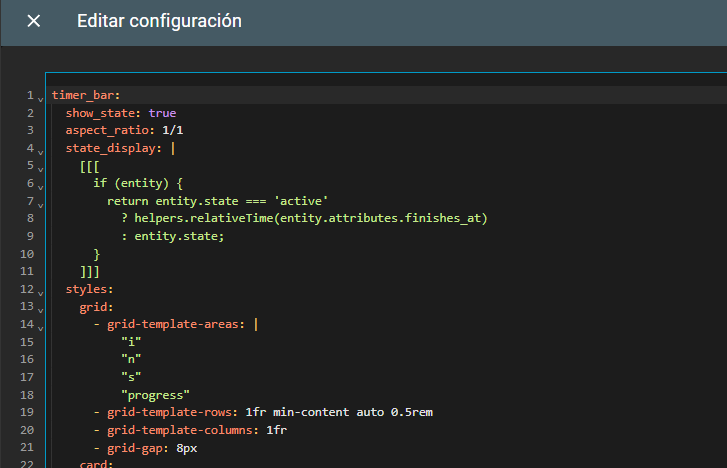
Is that where the 3 dots are? I go there, paste the template, and it still can’t find it.
Sorry. I thought I could ask here. The button card uses a sensor as an entity. And I didn’t know how to add it from the visual editor. I’ll ask in another topic.
I program in other languages, but I’m lost here. I want to implement a sidebar like they used in that Git project, but that button card has a sensor.sidebar. That project is all done in YAML, but now I only use the visual environment. Maybe there’s something simpler to build a sidebar from the visual environment with a custom:button card, but I don’t know what it is. I added button_card_templates: in a dashboard, but I don’t know how to add that sensor so that the button card displays the entire template it has. Add
this is not a correct template sensor definition. you should check the documentation of template sensor for that.
If that sensor does not exist, you can not show it obviously anywhere.
a configuration template holds many used setting in styling for button-card (which would otherwise have to be configured on each and every button-card with the same styling), small in the Frontend.
a template sensor is an entity in the HA backend, that derives its state from another entity or manipulation in Jinja)
You can show that template sensor entity on a button-card…
hope this helps a bit. If not, please first check those links I gave you and come back if you’re still stuck
I added the sensor to the configuration.yaml file because it wouldn’t let me add the sensor with multiple attributes from the visual environment, and it worked. Thanks for the info.