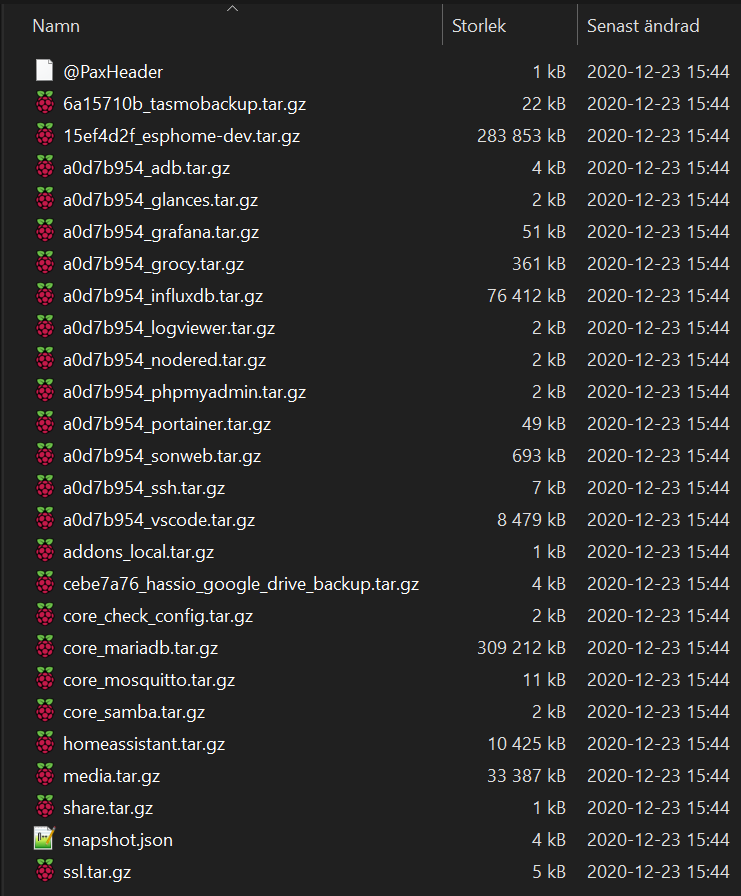
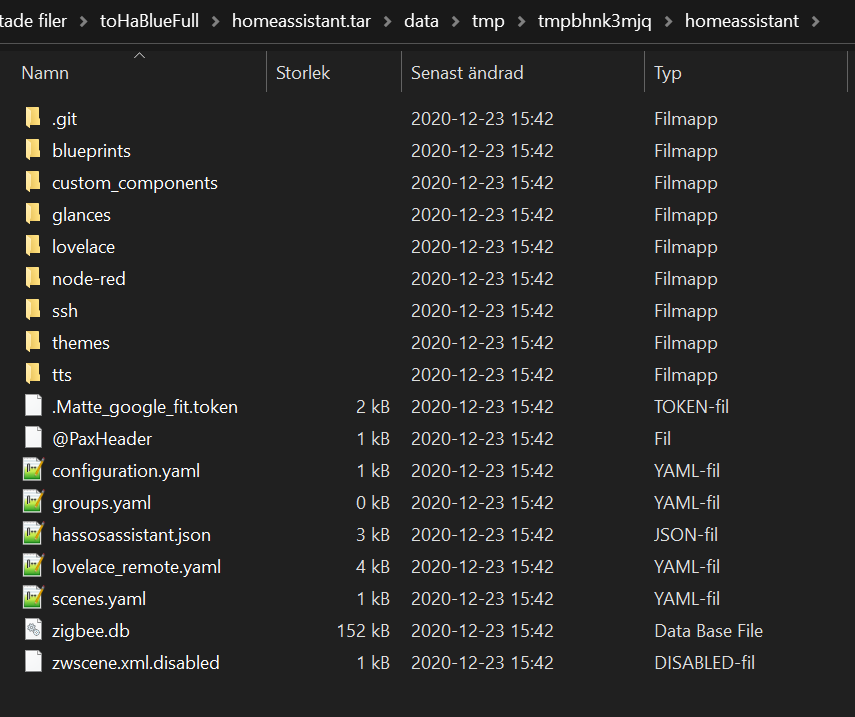
Today when i tried to move my Home Assistant installation from my Intel Nuc to my Home Assistant Blue, i noticed that my snapshot (manually run a full snapshot, even tried partial!) was missing a lot of files and folders.
What folders are supposed to be backed up if not the whole “config” folder?
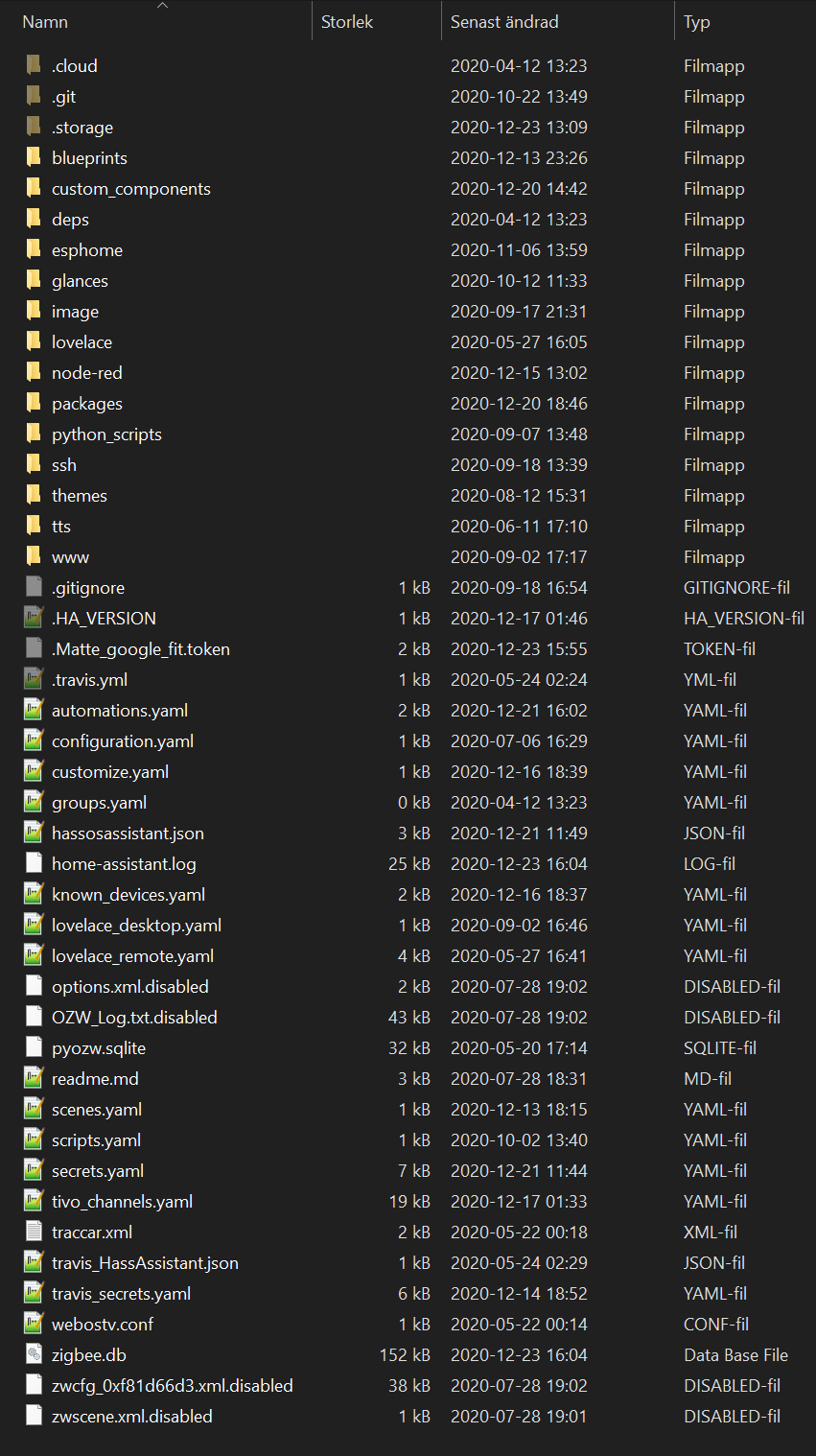
The folders: “image”, “packages”, “python_scripts” and “www” are for sure missing, and about 18 files in the root of config folder seems to be missing.
No matter how i tried to resore the snapshot file from my NUC on my BLUE (“wipe and restore” or “restore partial”) both during onboarding and later from snapshots, i could not get a complete system from that snapshot.
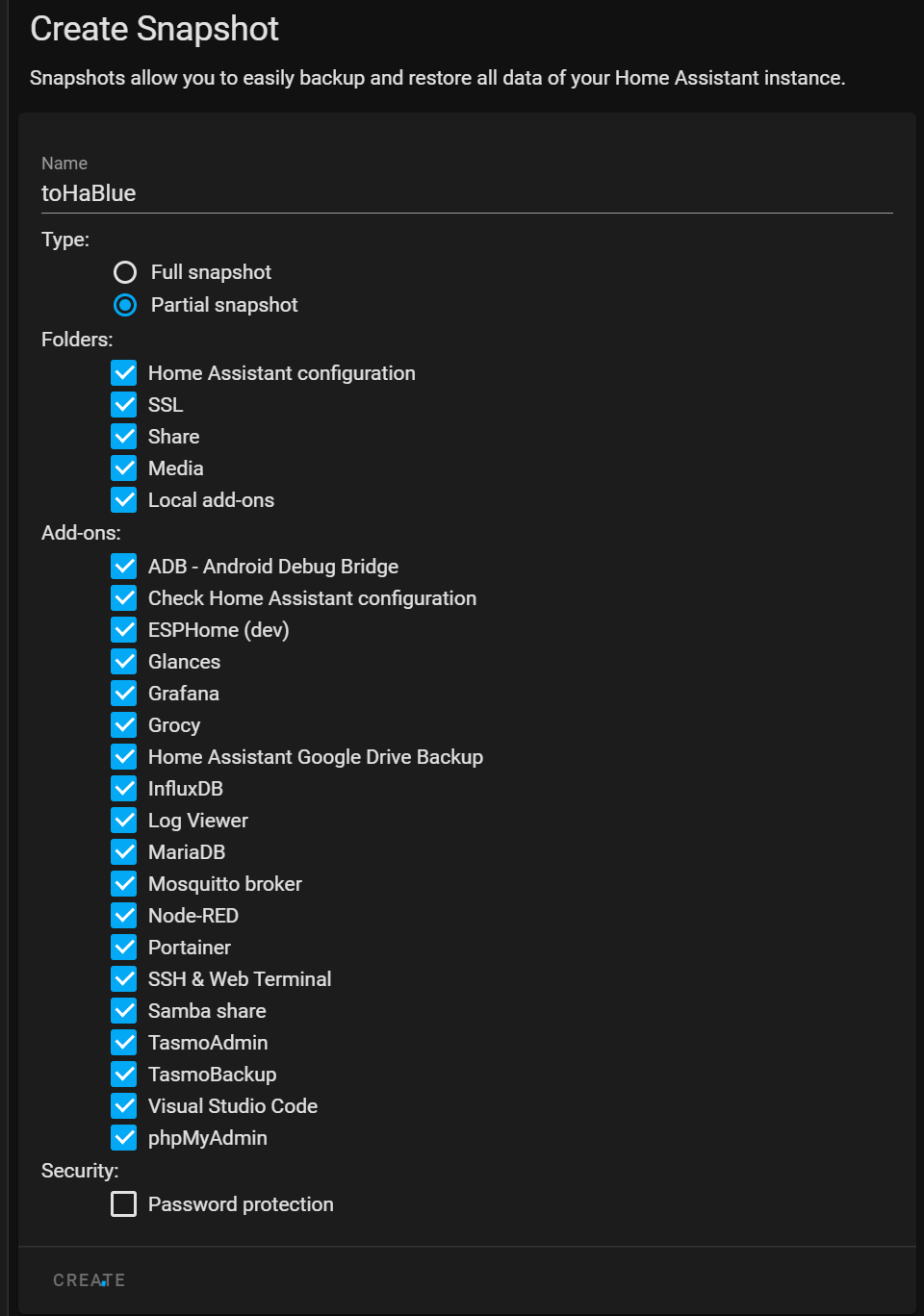
image shows what snapshots is listing if you click “partial snapshot” on the nuc.
When i look inside my .git folder i can see the path (.git/objects/99/) but there is no file/folder called be72fb13c0f14b8bfc501dcc6fe86dc8cd984b
I tried to use winscp and copy the folder .git to my desktop computer and got similar error message.
Received error message from remote side: 'scp: .git/objects/99/be72fb13c0f14b8bfc501dcc6fe86dc8cd984b: Bad message'
Received error message from remote side: 'scp: .git/objects/99/2caccff5eaac8cf0ec0bdc6739adc936e0fad6: Bad message'
Received error message from remote side: 'scp: .git/objects/99/caff74c4c6dc9512869073675ccde103a9a7a2: Bad message'
I tried to delete the folder .git, but all was deleted but the .git/objects/99/ folder.
I renamed .git to .git_broken and then i can see the 3 files in the 99 folder when in vs code, but i cant delete them or move them.
Unable to delete non-existing file 'vscode-remote://hassos.xxxxxxx.se/config/.git_broken/objects/99/2caccff5eaac8cf0ec0bdc6739adc936e0fad6'
So it seems i am stuck with some “zombie files” in that path, and it prevents me from taking a snapshot.
Tried to make a partial snapshot but i get same message.