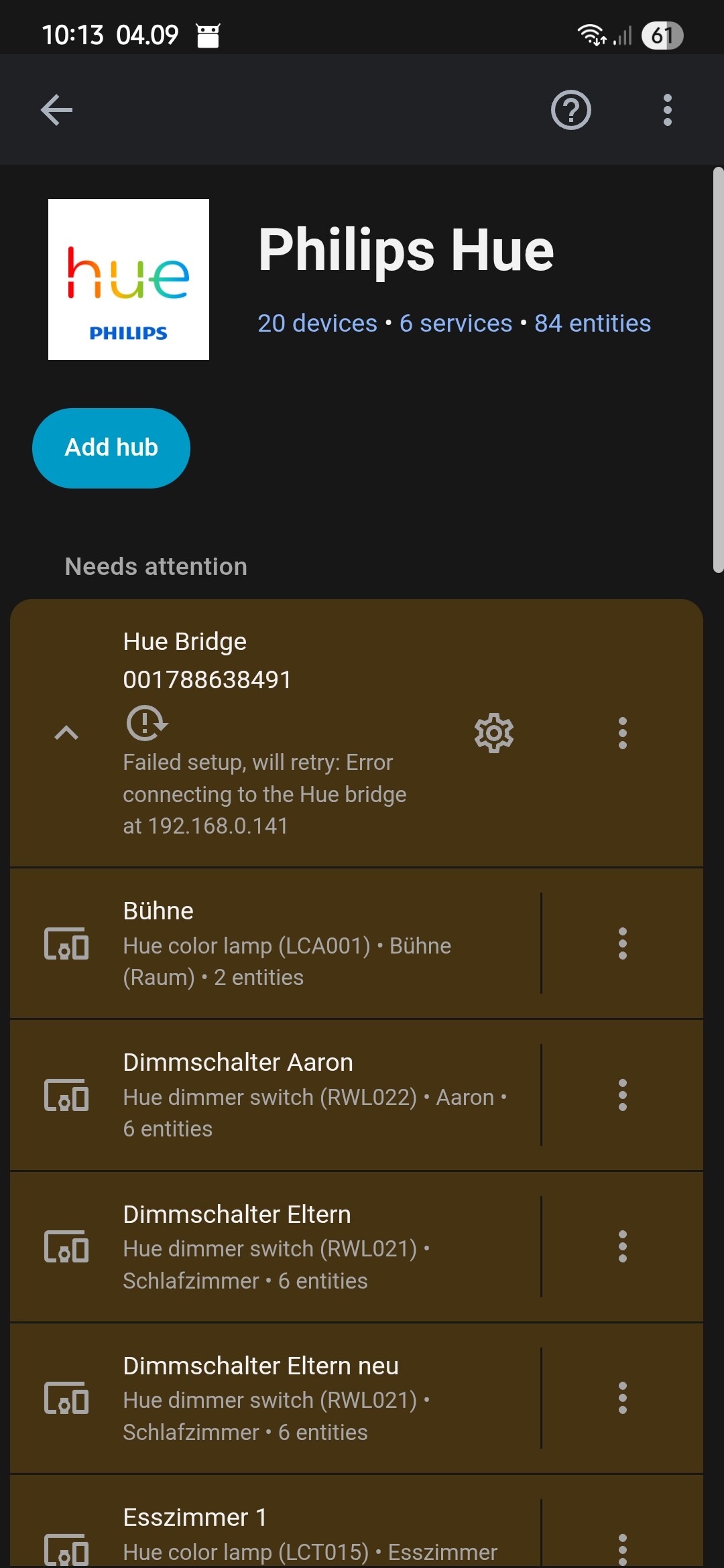
What’s the error? Did you check GitHub to see whether it has been reported yet? If not, you should report it.
Mixed feelings about this half-ready new automations GUI concept.
It could have been a real bummer, but at the moment it looks to me more like a preview which doesn’t offer anything stunning in terms of easing the workflow.
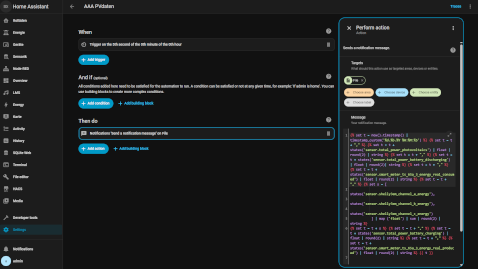
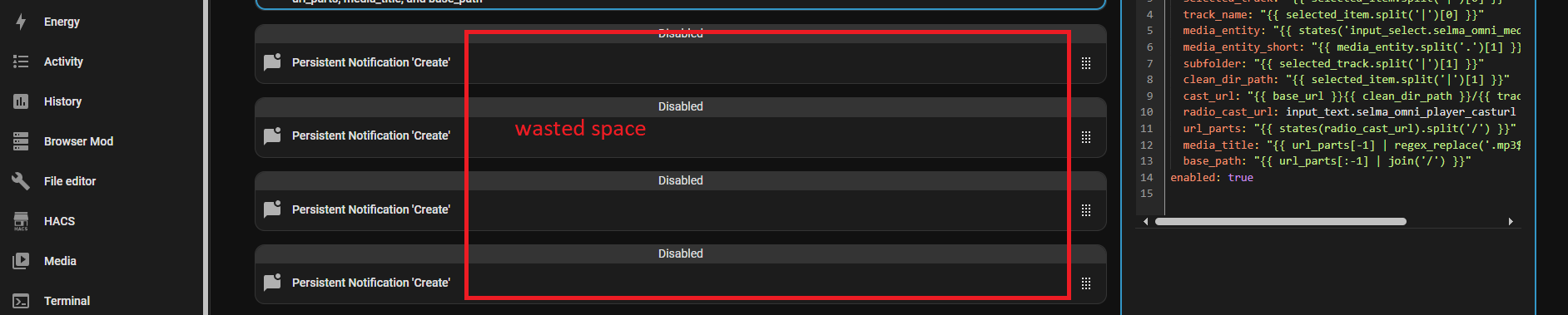
This is what we were given … sure lots better but before, but seriously the less important section is given next to 66% of the spare while the important editable sections is worse but before.
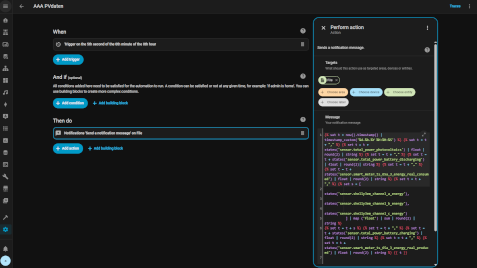
If you now think collapsing the sidebar would improve that … you were too optimistic, it simply moves the whole lot to right offering a dumb unused bar to to right.
And it could have surely been something like this where the essential section (some one being editable) gains the largest section of the view, since, yes being able to see about which stage I’m in my automation is essential, but it’s much important to have a sensefull work-area which is at this point the template/YAML.
And it’s even worse but the lovelace cards where a simple doubleclick upon the title of the editable window would widen this to allow a smooth usage.
Perhaps I’m too optimistic in thinking that such routines are modular and only need to be adopted but coded from scratch.
Hopefully it gets some finetuning in the future, since all it offers now is that it looks differnt but still far from being an intuitive automation gui.
20 Likes
I am loving the new automations set up. It will take some getting used to. Before, I can see two actions at the same time, but the way it is now, it is so much easier to see the levels because before, I will be editing something in the wrong section and mess everything up. This new way, again, will take a little getting used to, is so much better. I love it. You guys are amazing.
1 Like
Can second all what you have written.
And personally miss, that I cannot see more than one part “open” anymore to e.g. compare this and that part of the tree. WIll now have to use YAML mode more than less.
7 Likes
Can someone explain how to get the new Home dashboard? I tried creating a new dashboard and named it Home, but it remains empty.
Update: nvm, it took a while for the new Home dashboard button to show when creating a dashboard
agree, on all…the stuff I need to edit is now a tiny vertical window/bar, I use alot of templates and the vertical scrolling is going to be painful.
6 Likes
Anyone else having issues with the Ecowitt soil moisture sensors (connected to an Ecowitt weather station) after the update? All of them show ‘unavailable’ since the update. The A/D value seems to be correctly reported, but the percentage value is gone.
Please add a horizontal option to the home dashboard as done in section dashboard, it looks so much cleaner. Also for the detailed room view a horizontal option would be nice.
Alphabetical orders can be read much more easier in a list.
The new interface for automations is fantastic
You have brilliant ideas and you’re amazing at bringing them to life, in addition to listening to feedback from the community
1 Like
What is that thermostat card from? It’s exactly what I’ve been looking for because I have one in every room - the default circle one looks nice but is too big.
Where can i find the new clock card(Found the clock) but not the other tiles. I have the newest version installed, cleared the cache, but there a no signs of the clock card or the bar gauge…
Has someone a yaml- example?
1 Like
@musa If it is not possible to create a valve template (@petro could maybe say if templates support valves as not listed in the documention under supported device types?) then I think the next easist way is to just change the Zigbee device type in zha yaml configuration to modify the device type from switch to valve for that specific device, read the ZHA integration documentation on modifying the device type → https://www.home-assistant.io/integrations/zha#modifying-the-device-type
Same for me with bar gauge and the others 
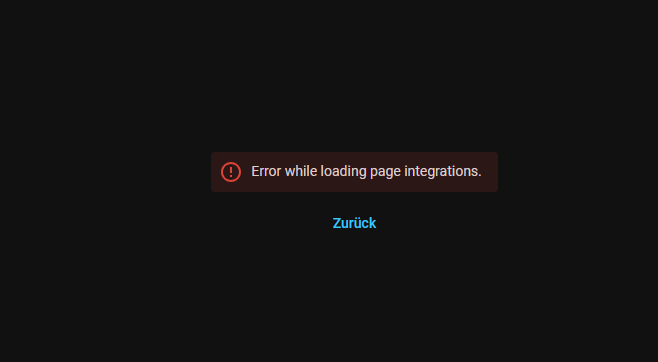
Since Update to this version, integration setup and automation setup pages are down…
reboot already done, no changes
My soil sensors are also unavailable and my HERU integration stopped working …
What type of soil moisture sensors? Ecowitt as well?
Somehow different issue it seems, although root cause may be the same. I have my weather station connected via the Ecowitt integration, your seems to be via Homekit.
The analog clock is the clock card that was already there. Set it to type analog in the settings of the card.
The others are features of the tile card that was already there. Add a tile card for any sensor and in the settings you will find you can add the features.
Make sure you flushed the browser cache/the companion app front end cache if you still do not see the functionality there.
I can’t say i’m a 100percent convinced with the new automations window, i used to just open all the settings and i could get one overview (with some scrolling obviously) of all the things that happen. Now i need to click each item to see whats going on inside it. But who knows, perhaps i need some time with it.
4 Likes