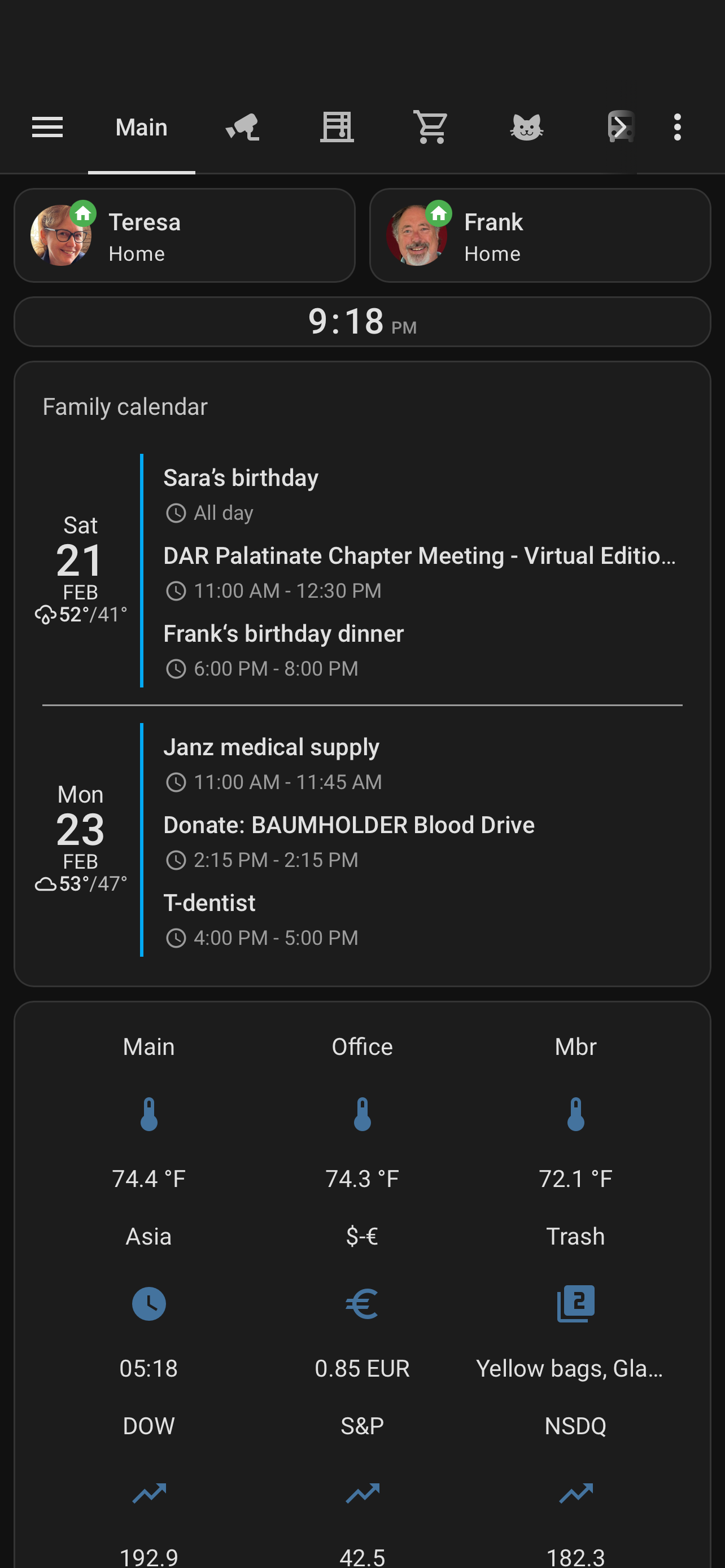
Is there a way to make times display as 09:00 instead of 9:00?
Love this integration! I am having some issues tho. Mainly with my iCloud calendar slow to display or losing all the info. The ‘standard card’ doesn’t take as long (.5sec vs 3) and isn’t losing info. Not sure if there is a cache option somewhere that I haven’t found. Help?
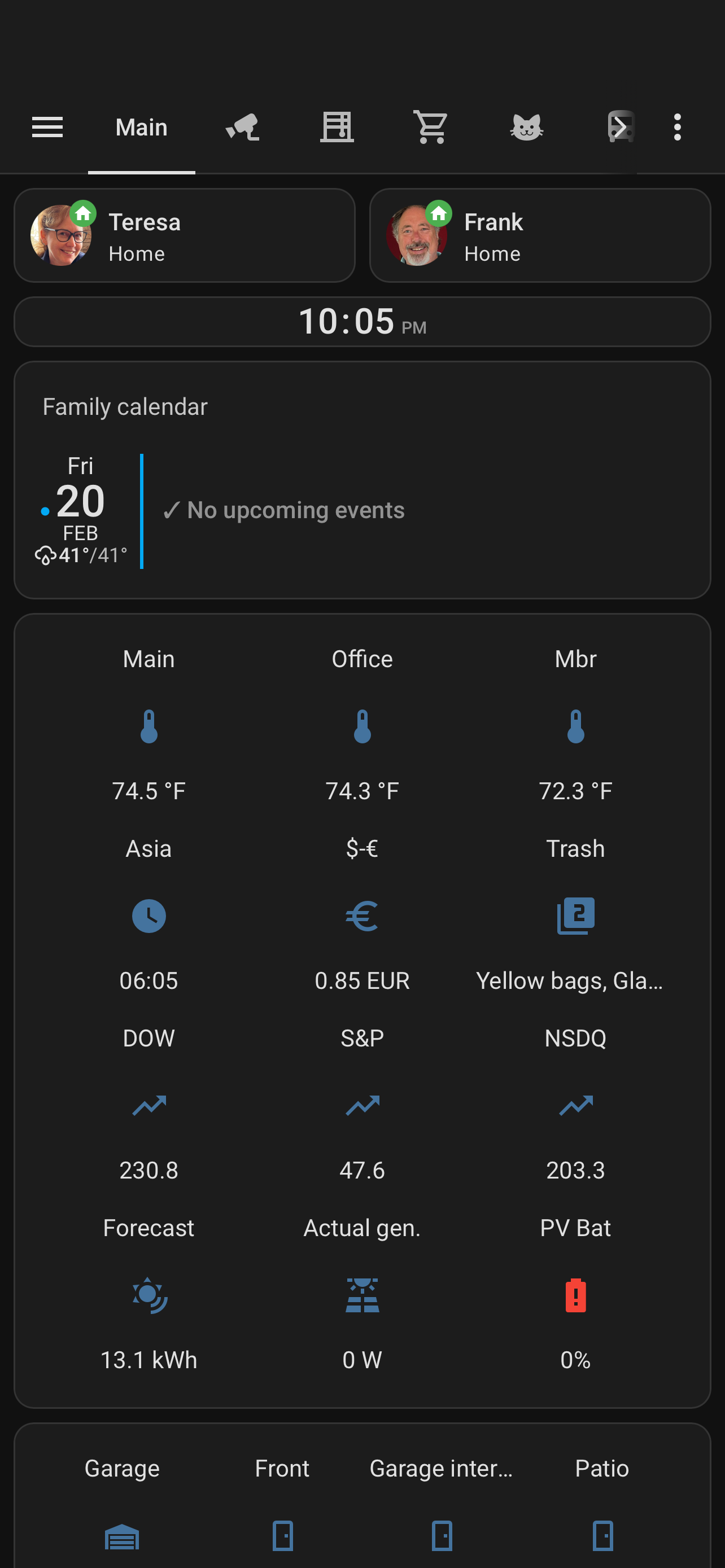
Hi Alex — if you happen to be monitoring the boards, I wanted to share a small (but heartfelt!) request. And yes, I’d happily buy you a coffee — or two — if this is something you’d consider ![]()
First off, I absolutely love the clean, slick feel of your calendar. It’s beautifully done. The only thing that would truly make it perfect for our household would be an enhancement to the Day View — something some folks call a Vertical Day Live View.
What I’m envisioning is a simple line that shows the current time, with events visually cascading past it as the day unfolds. We keep our calendar displayed in the kitchen, and that moving “now” line makes it incredibly intuitive for the whole family to see where we are in the day and what’s coming next at a glance.
The Atomic Calendar Revive Card has this functionality, but the overall refinement of that view just doesn’t compare to the level of sophistication you’ve achieved with CCP. If your design polish could meet that live-time feature, it would honestly be the best of both worlds — and would finally let me retire my Mango Display subscription.
Thanks so much for all the work you’ve put into this. It really shows. I appreciate you even considering the idea!
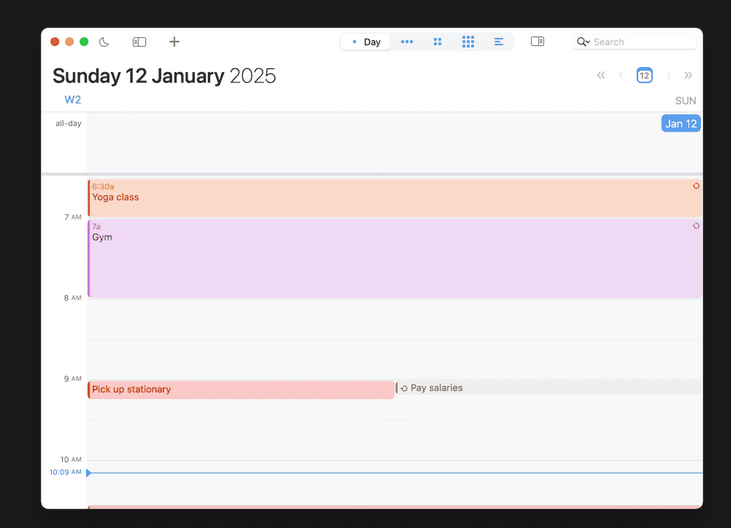
is it possible to have a monthly overview with the calendar card pro or is this the atomic revive calendar?
I am new to this card. And so far I am really liking it! However I am having an issue with making my different calendars recognizable on my view. When I am in the edit mode using visual editor, I cannot choose a label type for any of my calendars. I see the options, but when I click on them nothing happens. It only let’s me leave it at none.
This is a bug introduced with HA 2026.3 that none of the drop-downs in my card’s visual editor work anymore. I have implemented a fix on my dev branch already and will release it soon.
Is there any way to manage/display the individuals age at the day of their birthday and/or display what their age will be at their next birthday?
Right now I use auto-entities to display birthday and anniversary info and also send messages before and during the event however use a calendar people can actively set things in, not edit yaml in Linux. Family can’t do that.
So I have built this calendar wall display using claude code to code it. As far as I can tell claude just used the standard calendar card. I think the full month view is looking good. The issue I am running into is that when I click on a date to view that days events, the text on the screen shows up the same size as the text on the days in the full month view which is too small. I have looked through the CSS to see if I can find a place to make that text larger while keeping the text for events on the full month view the smaller size, but from the loks of it it is using the same CSS classes between the two views. Would this calendar card allow me to do what I am looking for? I would love to give this a shot if it can. I had looked into using DakBoard for this, but I was not able to put both my wife's and my Google calendars on it using the free version which is why I wanted to try to give Home Assistant a shot at it.
The hardware for what you see below is a standard Sharp 32 inch TV being run with a Raspberry PI 4B using FullPage OS for the kiosk running in portrat mode. I also purchased an infrared touch frame to add touch screen capability. Still trying to figure out how to turn the TV on and off using Home Assistant. For some reason using the CEC-utils on the raspberry pi works for all functions except puttin the TV in standby mode (shutting it off). I have his installed in our office and plan to use one of my Aqara FP2 sensors to know when either myself or my wife is in the room to turn it on and shut it off if no one is present.
I have my 27” wall display finally finished. Only thing I cannot seem to figure is how to add the week numbers in the week view. Is this possible?
Hi, like the card, just have an issue with birthdays not showing up (iOS).
I see them on my apple devices but can’t seem to pull them in.
Checked that every calendar is configured, still not showing up.
Any ideas?
The birthdays are pulled from the contacts, as said, they do display in the native iCal as well as on third party calendar apps.
everything else shows up.
tx
That’s because they are not part of a calendar inside of apple. There are lots of
Other possibilities like adding a custom integration or add to calendar.
interesting.
found lots of threads of people wanting to do the same without easy solution.
I resorted to Annuals for now, doing things manual
Thank you for the horizontal layout! Is it possible to change the appearance of the horizontal layout (below) to match the three separate ones (above)?
No, this is currently not possible and not planned. The reason is that the column layout is most space constraint horizontally, and thus moving the date to the top allows displaying more days. That was a tradeoff I had to make.
Thank you for the clear explanation.
Is there a navigation option?
Hi,
Would it be possible to change the order of the days so that the current day appears first?
merci ![]()