Does the LED light top left of the adafruit board like in their photo?
Anti-spam feature from 20 years ago… Ok, time to rest then… 
Okay. So I used the time to check all ports and wiring. Per data sheets it is as follows:
SEN55
-
Port 1 - V5 (red)
-
Port 2 - GND (black)
-
Port 3 - SDA (yellow)
-
Port 4 - SCL (green)
-
Port 5 - SEL (blue)
-
Port 6 - NC (white)
This goes into adafruit
-
Port 1 - V5 (red)
-
Port 2 - GND (black)
-
Port 3 - SDA (yellow)
-
Port 4 - SCL (green)
-
Port 5 - SEL (blue)
-
Port 6 - NC (white)
I checked the JHT GH 6 pin cable, the wiring is in correct order and solid. No cables are loose.
The 4 Pin port on the adafruit is:
-
Pin 1 - GND (black)
-
Pin 2 - V+ (red)
-
Pin 3 - SDA (blue)
-
Pin 4 - SCL (yellow)
Wiring is in correct order in the ESP32 and cables are solid and not loose. In the yaml SDA is 16 and SCL is 17 and the cables are placed correctly.
@EBME2 Yes, the LED is green all the time. So, the adafruit board gets electricity.
@Karosm What do you mean by „skip“? I thought the adafruit adapter board is necessary based on my research. :S
So, the problem must be between adafruit board and SEN55. I realised today that the fan in the Sen55 is not working when electricity is on. So, it’s either the cable or the Sen55. Is there a way to check if the cable is broken? I would also like to know because in that case I would get my money back from the seller. If the cable works it must be the sensor and then I would like to get my money back also.
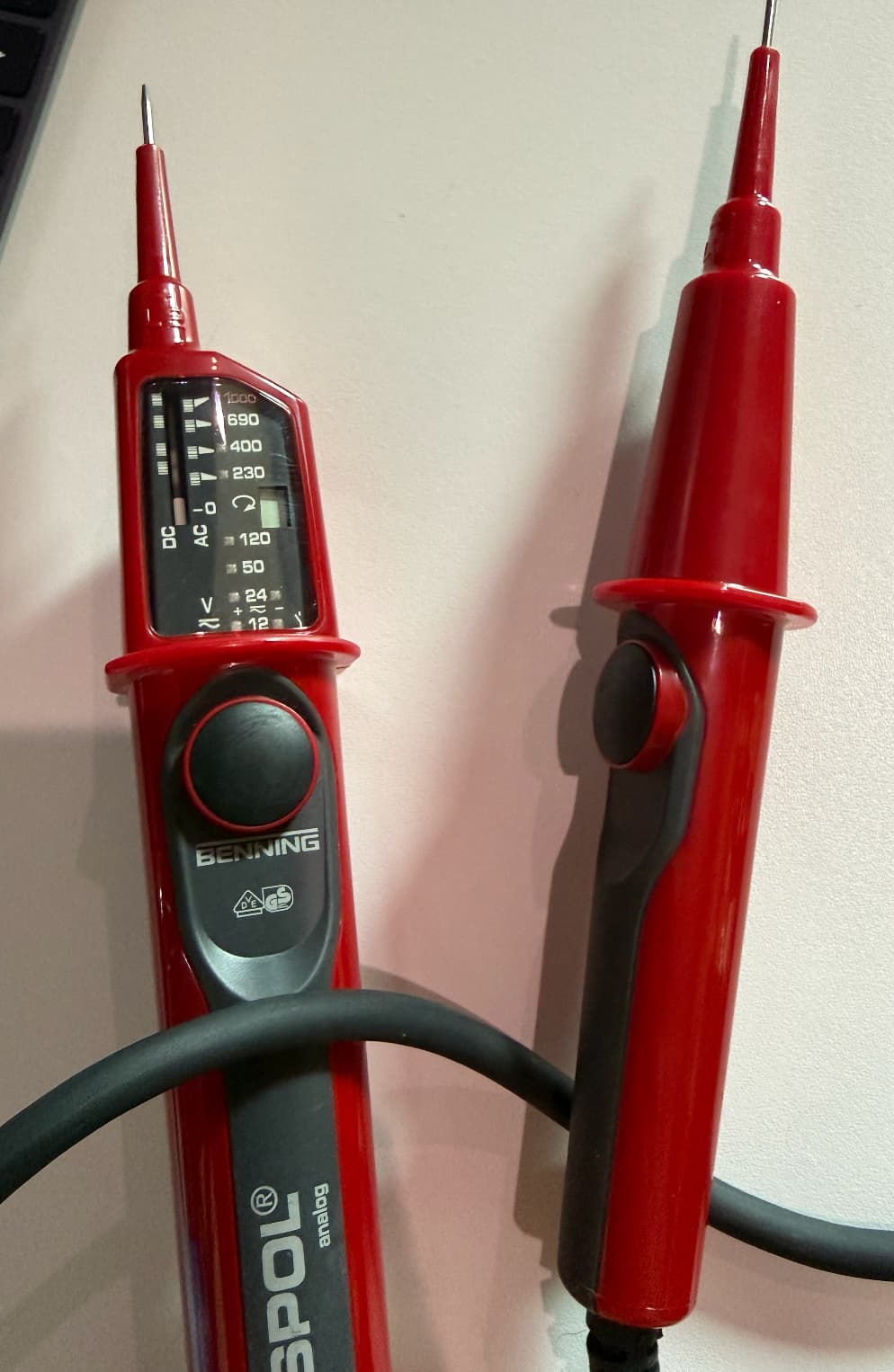
I only have this AC DC tester but I don’t think this will help me here. Any workaround to test that cable in an old school way?
In the meantime, I ordered a JST GH cable and connector set on Amazon, which will arrive on Monday, in case nothing else works.
No it’s not. Sensirion doesn’t relay on Adafruit anyhow.
But keep it for now and measure continuity through all your wiring from Esp32 to Sensirion plug. All powered off.
Update: Changed cable, everything works now. So, cable was dead.
It was expected.
Nice you made it!