I suspect that if Netflix in your attribute is a string, then the JSONata literal in your predicate should be ‘quoted’.
data.attributes.app_id = ‘Netflix’
If you are interested in the detail, then JSONata does not throw an error when it does not find anything. Netflix (unquoted so not a string literal) is treated as a key to lookup. Not finding that key, it returns nothing (just does not return anything at all), and in a predicate test something=nothing is always false, so the predicate will always return false.
When using the JSONata rule on the left, the right hand side needs to return a predicate. Using JSONata for the expression the entity attribute data needs to be obtained using $entity() to get the data first.
Sadly I don’t have your media_player and I don’t have your entity data to examine, however setting this up for myself this morning it all works nicely.
The entity is a media player (nest hub, now playing radio).
Using the output properties, I am sending the entire ‘entity’ object to msg.data. In the debug window I can see all the msg.data, and the attributes, and the app_id which is a string ‘12F05308’.
In the JSONata expression for the JSONata test, the $entity().attributes.app_id gets the entity data, and the attribute value for app_id.
In the JSONata expression the left hand side evaluates to ‘12F05308’ as a string. The right hand side is the same, therefore this expression evaluates as true. The output is on the upper ‘true’ output.
I can only suggest that you would benefit from doing something similar so as to check the entity value (as seen here in Node-RED and not in HA) to ensure that your app_id is actually ‘Netflix’. If it is, then I cannot see why this will not work.
If you find that, in HA the entity looks as if app_id is ‘Netflix’, but in Node-RED the entity app_id is something else, then this is an issue with Node-RED not being updated with the HA state correctly.
Building my first flow and I want to know the actual start time of when my car is about to start, to be able to set charging of my home battery to a certain state.
Problem is that I don’t know how to fetch the start and end time…?
In my “automation” I would like the home battery to start charge at [Charging start time] and change my home battery status to “HOLD” at [Charging stop time:]. Or even better, start charging the home battery one hour before start time, and one hour after…
I could of course check if the status of the whole entity is running or off, but I think it’s better to actually get the specific time so I can plan ahead. Maybe if it would be possible to make the output of start and stop a value? Then I could use that value to decide when to start and stop charging of the home battery, and which mode that should be used.
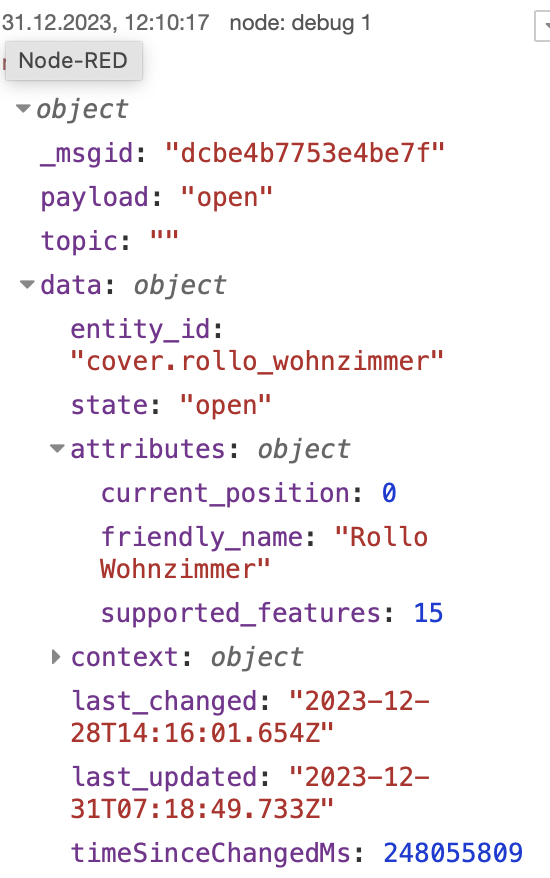
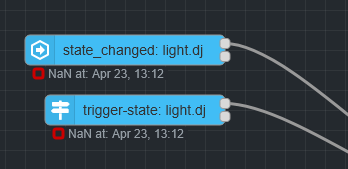
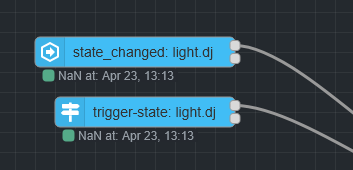
I’m currently trying to solve a similar usecase than the creator of that thread. Basically, I have a cover for which I want to use the cover_position in a current state node. I set up the node as described by @sender, however I always get a NaN error when I execute the flow. Do you know what I’m doing wrong and help to solve that?
If I change the current state node to a simple string/state comparison and use a debug node to check what’s available, I see that the correct attribute is available, however I’m not able to ‘grap’ it…
You are looking at the entity “cover.rollo_wohnzimmer”, which has a state value of “open”
You have a ‘current state’ node, which you are triggering manually, and testing when the JSONata expression “$entity().attributes.current_position=70” is true (top output)
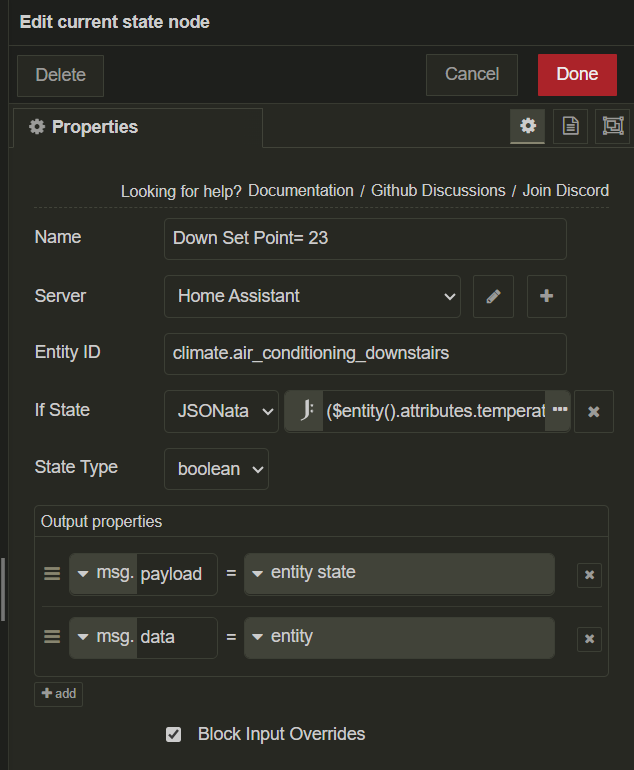
You have set your ‘State Type’ field to ‘number’
This field is used to take the raw value of the state, which is always a string, and either leave it as a string or turn it into something else (number or Boolean).
Since “open” is not a number, the state value output in your Output properties to msg.payload as ‘entity state’ will be NaN (short for Not a Number)
The fact that you are interested in the attribute value does not negate the way the node works in dealing with the entity state value. Suggest setting ‘State Type’ as string.
Should be simple enought one might think, but checking against
$entity().attributes.preset_mode="away"
…just outputs the entity state, but not the preset_mode. Obviously the state type is set to string.
Also tried it without quotes around the “away” as well as using ‘away’. All the same.
This has to be possible, right?
Any Ideas? Thanks in advance!
EDIT: Figured it out. This actually does work with
$entity().attributes.preset_mode="away"
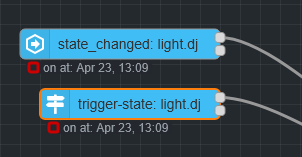
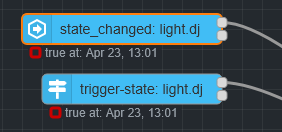
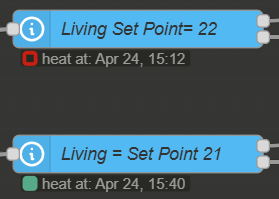
The nodes little state badge as well as the output itself will just be the entity state (in this case “heat”) however the Node will fire that message on the correct output depending on whether the condition tests positive or negative against the attribute (in this case preset_mode=“away”). While this does works as intended, the UI aspect of it really is extremely counter-intuitive in terms of understanding and debugging.
In your example I wonder how this works with state type set to "boolean? Aren’t you testing for a number? Might this change / improve the behaviour?
The behaviour of the node Lables is completely off when testing for attributes fro me too. I think this would have to be fixed by the NR devs in an update.
What you see under the node in text is the state of the entity not the result of the jsonata statement. State type also refers to the main state and not the jsonata statement.
If I use a bulb who’s state type is a string, set to string I see
The climate entity outputs a string as state, heat, cool, dry, off etc. I may be able to set the node as string and it will still work. Setting it as number returns NaN, Not a Number.
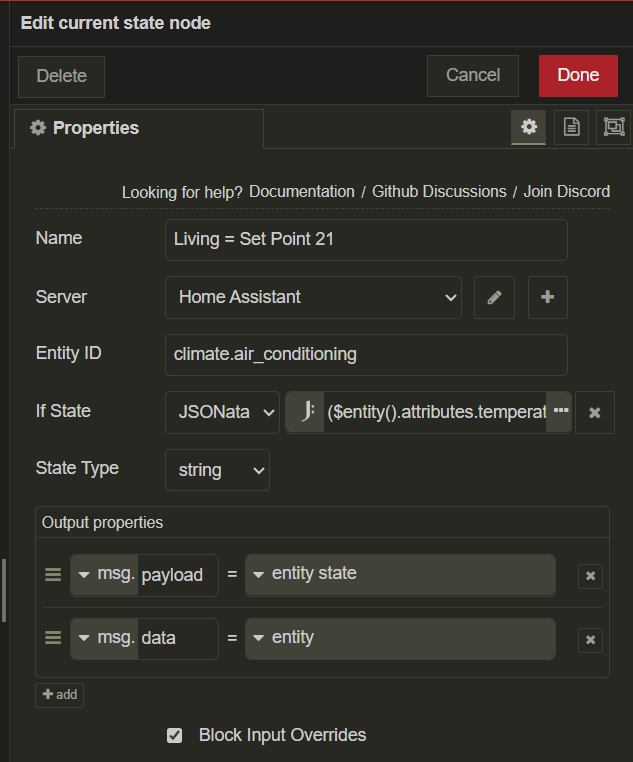
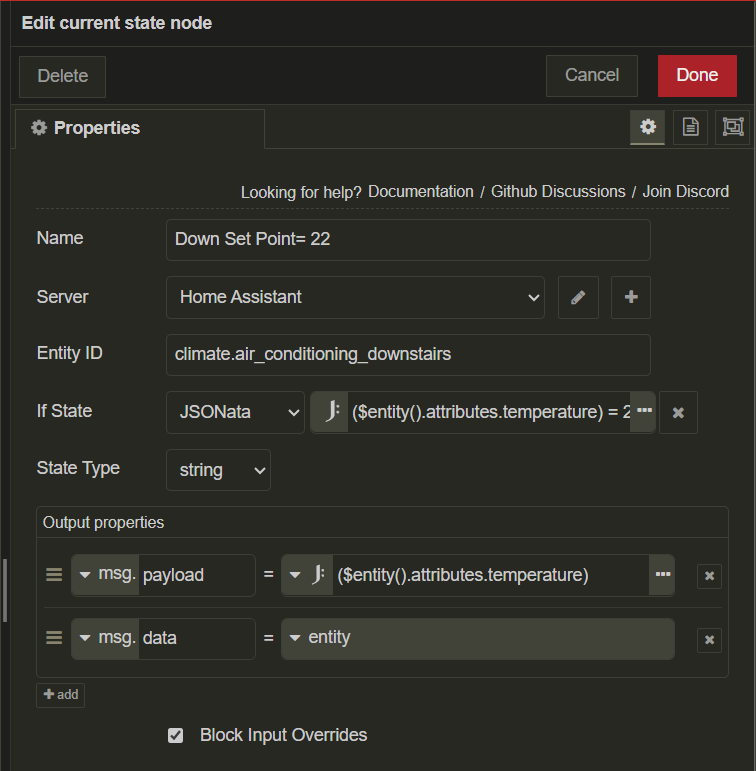
To output the attribute state rather than the entity state If StateJASONata J: ($entity().attributes.temperature) = 21 State Typestring
Output properties
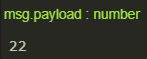
msg.payload J: ($entity().attributes.temperature)
Behaviour:
The Node displays the state of the string, as the climate entities state is a string, showing heat, cool, dry, etc.
NOTE: This does not control the output of the node with the JSONata being in in place
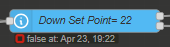
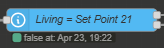
The colour indicator indicates Green for ‘true’ and Red for ‘false’ against the attribute in the JSONata expression.