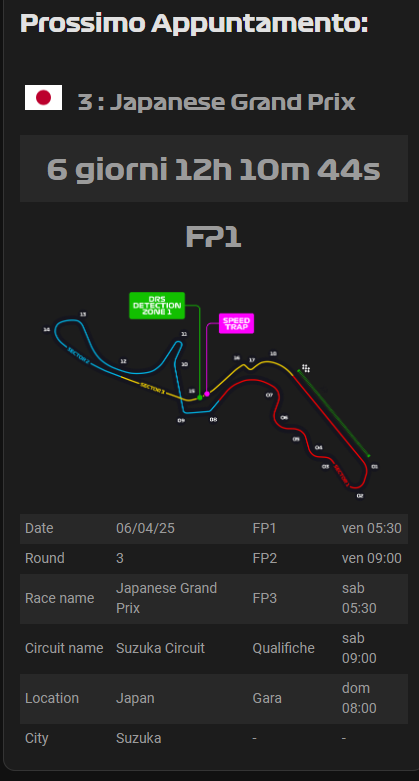
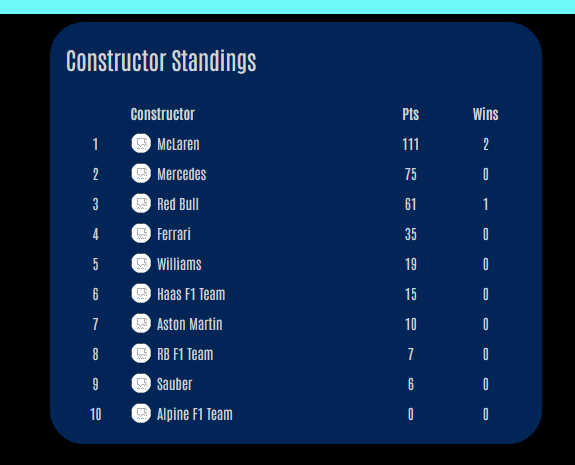
Two identical configurations for two different card types. However, image_clickable only works on card_type:next_race and NOT on card_type: countdown. Is this a bug or can anyone point me to a coding mismatch.
by chance I noticed that the local time is wrong, it indicates 1 hour ahead of what it will actually be (here in Italy it will be visible at 7 in the morning). I think the problem is related to daylight saving time, which will become effective from this Sunday. I expect that from Monday the problem will have disappeared, but I don’t know if it can be useful in evaluating the local time considering daylight saving time or solar time at the time of the event and not at the current time.
This message is just to report what I discovered, but I don’t consider it such a serious problem. It would have been if the time change occurred on the day of the grand prix. One year it happened to me and I woke up an hour late
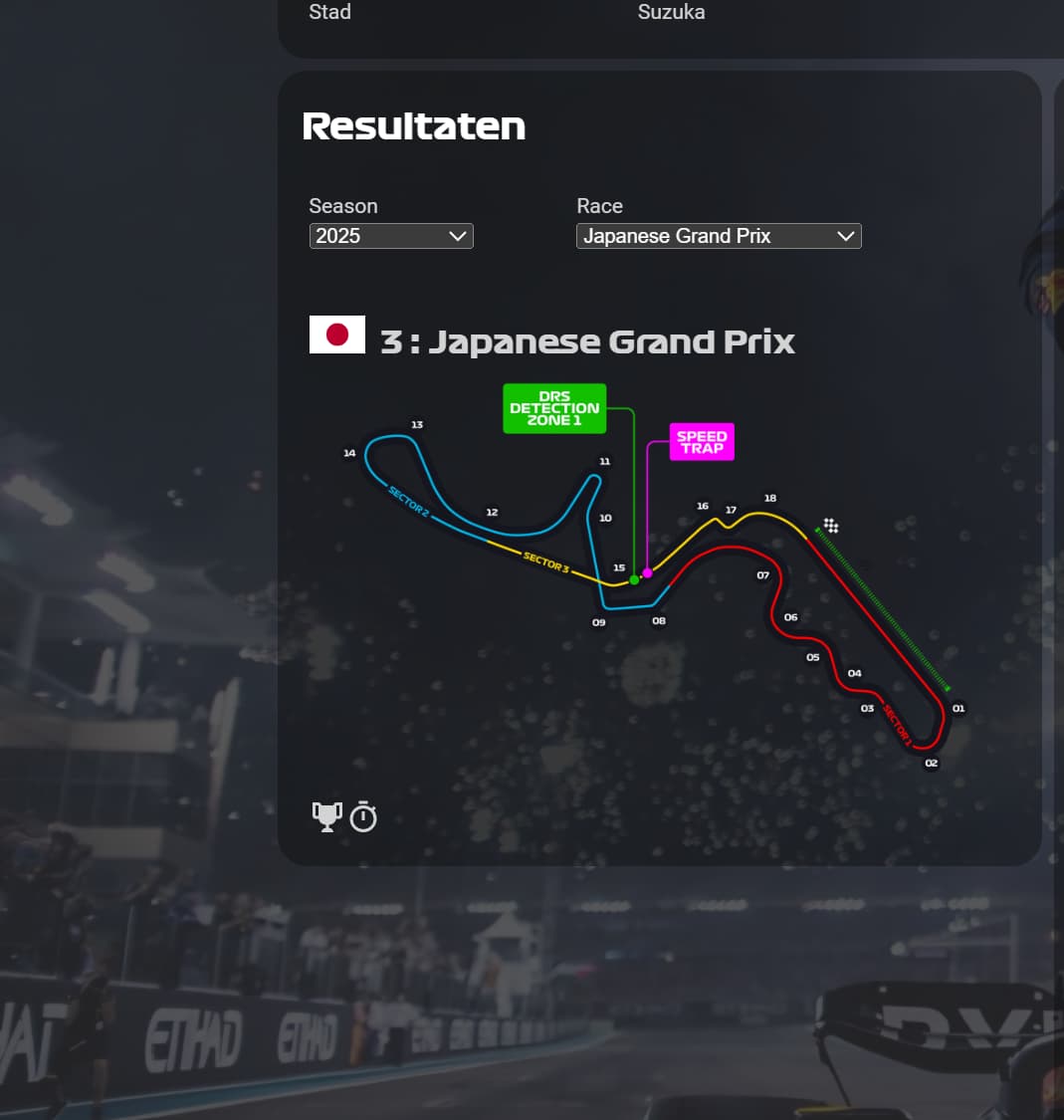
Hi i am having an issue on my tablet with fully kiosk browser with the race results. the trophy and timer buttons are visible but i can’t click on it. On my phone it is working normal. is this a known issue and how do i fix it? see image below
Hi thanks for the quick response, i tried to delete cache but still the same. I tried it on my laptop and pc with the HA app but same problem.
i found out on my laptop in chrome when i edit the card and press save it is working so thats pretty weird.
update:
i temporary made my tablet user administrator and pressed edit card in the fully kiosk browser and same thing happened. i will try and see for how long this fix will work
update2:
fix was not working very long. after a refresh same problem occured. So it looks like there is a bug somewere in the card
You are the only one with the bug so far, so dont think its the card. Can you open developer tools (F12) on your laptop and see if there are any errors?
Update: If I refresh my browser, the card shows for 1 second before the first image reappears. On a tablet, I need to clode the HA app and reload but all dashboards are effected.
Unloading the card stops this behavior and all is normal
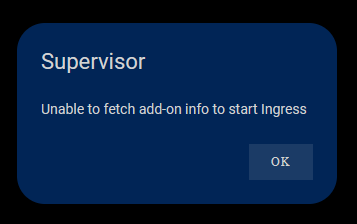
I think something else is causing it. Your supervisor cant start an addon. This card isnt an add on. Check the supervisor logs, there might be a hint there whats causing this. I am also on 2025.4.1 and its working fine.
Thats very weird. The card does absolutely nothing with entities so the card cant be doing all that.
You say as soon as i download the card it does that. Am i right to asume you didnt put it on your dashboard yet?
But very weird, you are the first to report this. Still dont think its the card tho. Its not an integration and does nothing with entities, so it cant turn your entities off
I’ll keep trying to figure this out. Maybe something silly I’m doing. I’ll continue to monitor the logs to see if anything else might be playing up. But everything else works as expected
Can you add it on a dashboard without a custom theme?
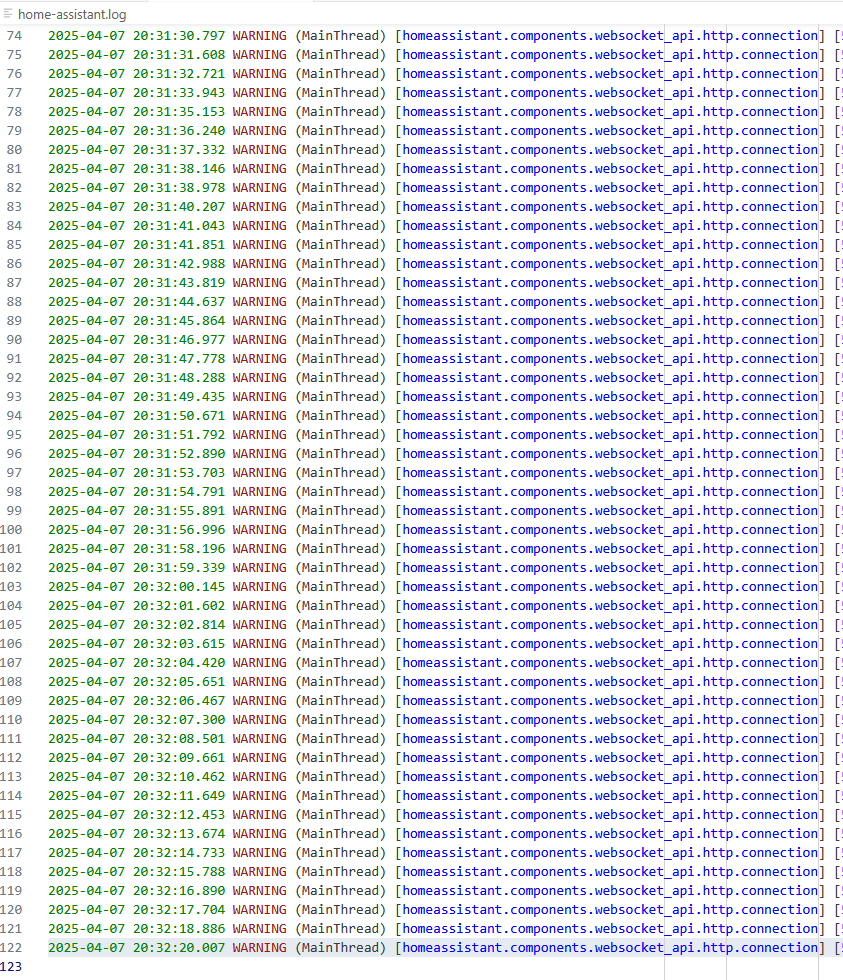
The cards (except the countdown) dont auto refresh. And even the countdown only gets the data once.
The card caches the data its got for 72 hours for most cards so it shouldnt call the api every second.
Thank you. The issue is custom themes. As soon as I remove the theme from my User settings, it works. So sorry. didn’t think a theme would do that.
What would the reason for that be?