I am using the ATOM version with IR only remote (dont have wired) for my ASTG09KUCA
The issue I have is that if I set controller_address: 0 , ESPhome works perfectly in controlling it but with the remote some functions dont work. It beeps and lights flash on the unit.
If I set controller_address: 1 ,ESPhome only has read only access but full control on IR remote.
Why is this? All other brand aircons I have don’t have this issue.
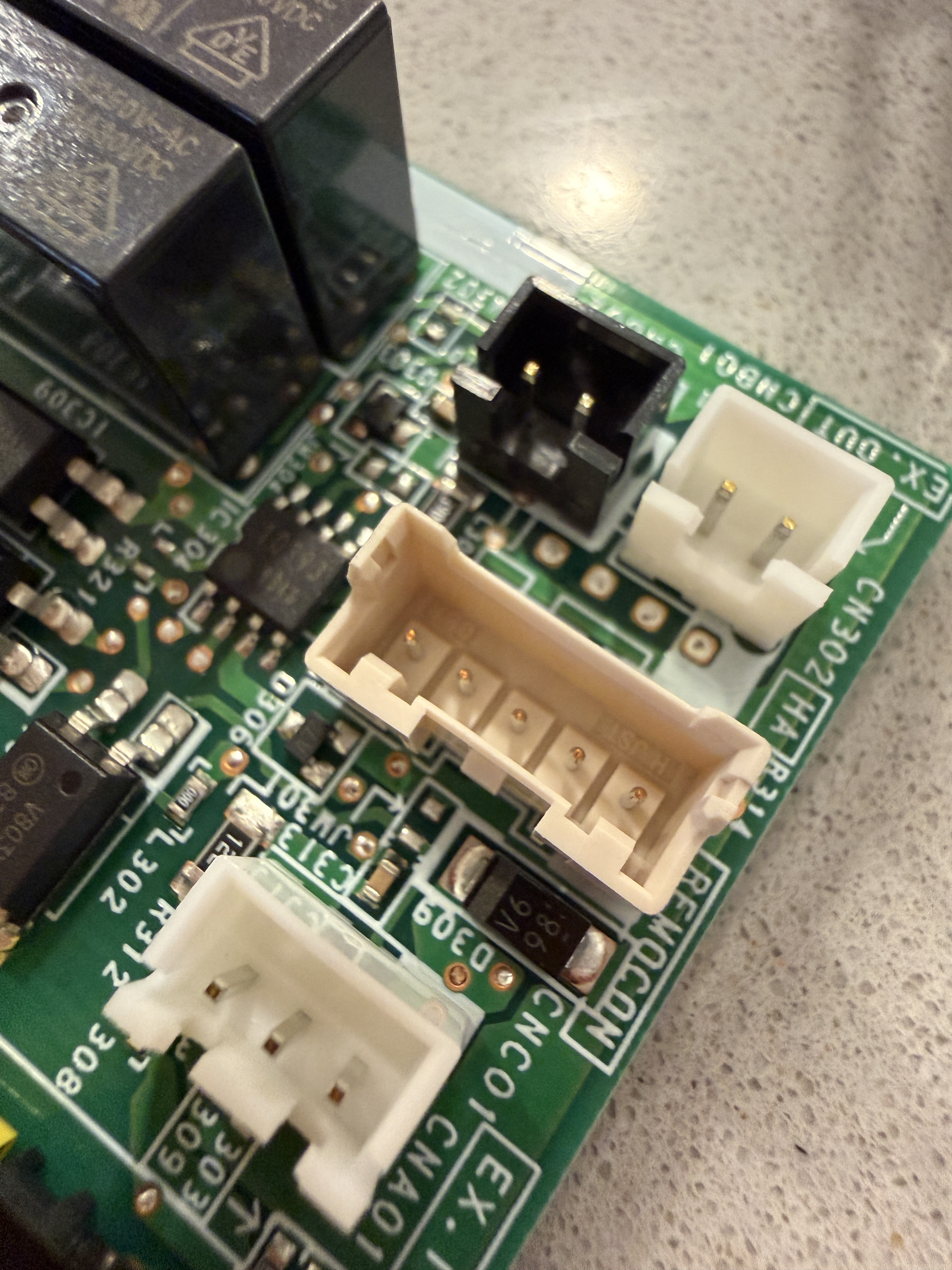
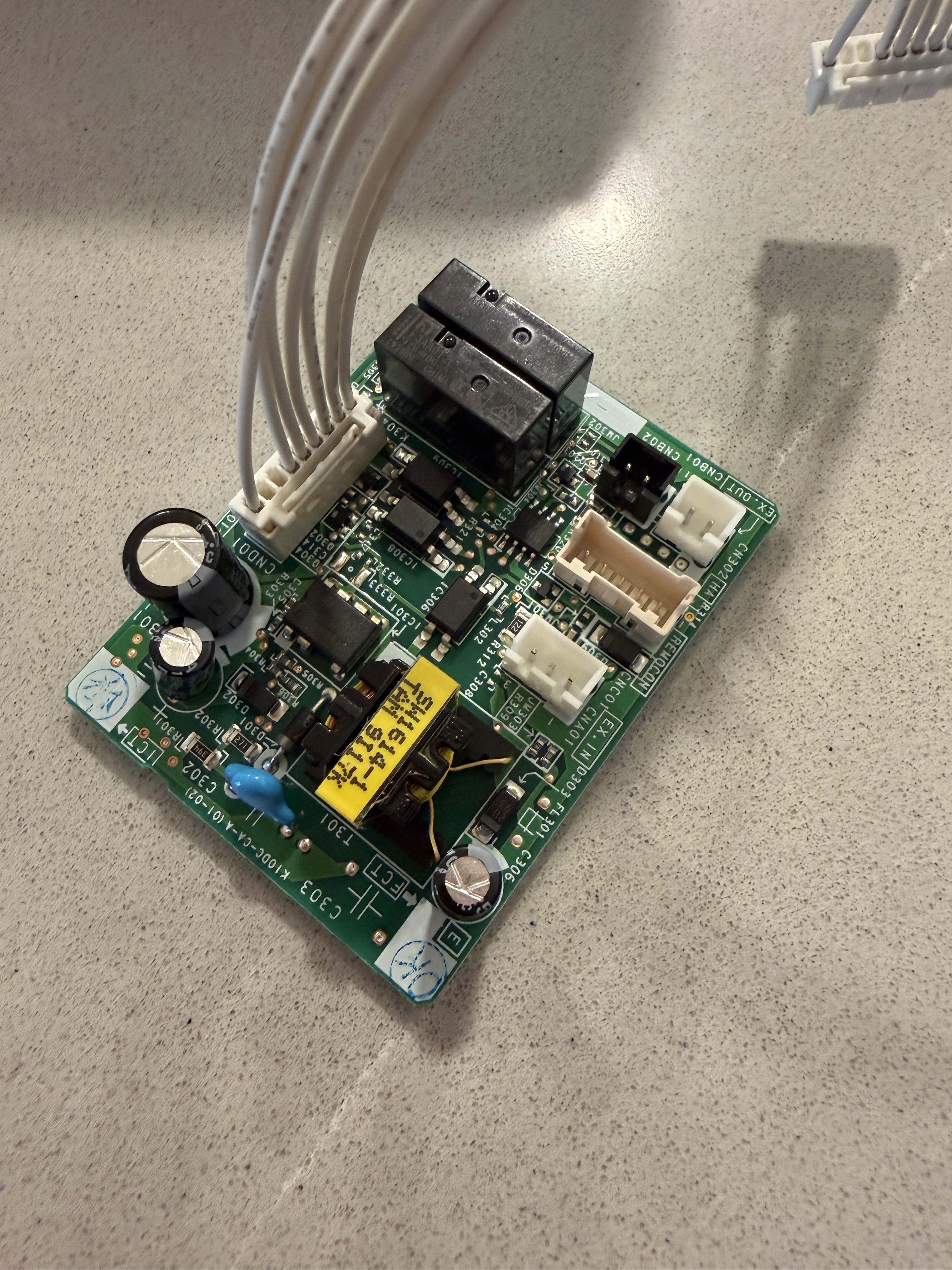
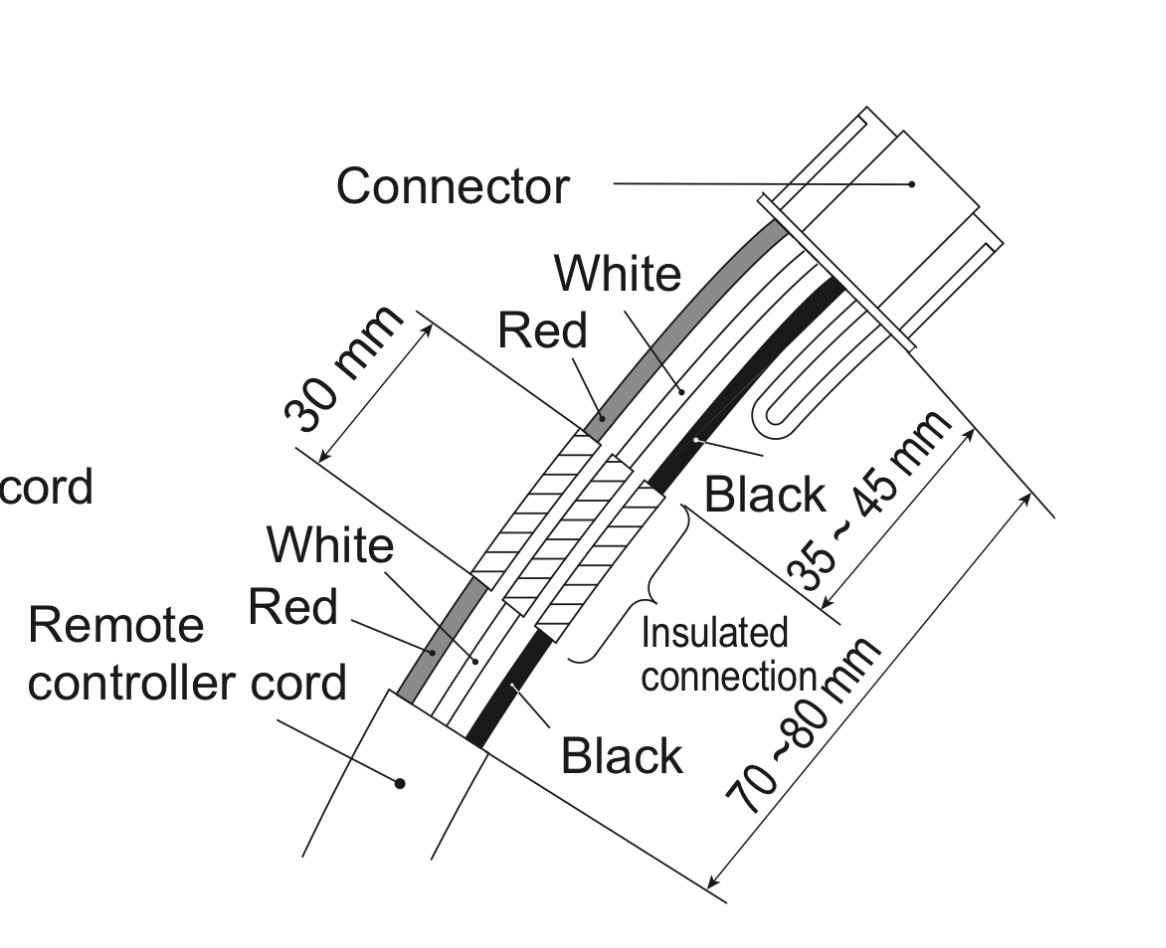
I’m trying to get my ASU15RLS3 wall unit connected to my ESP32 board (shout out @nathansags for the board!). I realized I needed an additional communication board UTY-TWBXF, which I bought, but it has a 5-pin header instead of a 3 wire terminal for remote control.
Apparently the UTY-RNNUM comes with the header, but I don’t have one. The UTY-RNNUM manual shows that pins 4 and 5 are jumpered on the adapter. Does anybody know what type of connector this is? I’m assuming (and hoping) it’s not proprietary. Pictures attached.
The service manual for the ASU15RLS3 does not show this, but a few years ago I looked into this for an ASU9RLF1 with UTY-XCBXZ2, and this looks like the same connector.
It if is, the service manual lists the header as B05B-XASK-1-A. JST lists compatible mating connectors as XAP-05V-1 and XARP-05V.
I have been trying to get the Fujitsu ESPHome integration working for a few days with no luck. I followed the GitHub repo and various guides. I also tried using ChatGPT for help, which honestly made things more confusing.
The main issues I hit:
• The YAML examples seem written for an older ESPHome
• ESPHome Device Builder in Home Assistant would not accept it
• I installed an older ESPHome and Python on Windows to compile manually
• I still hit linking errors and vtable errors when building
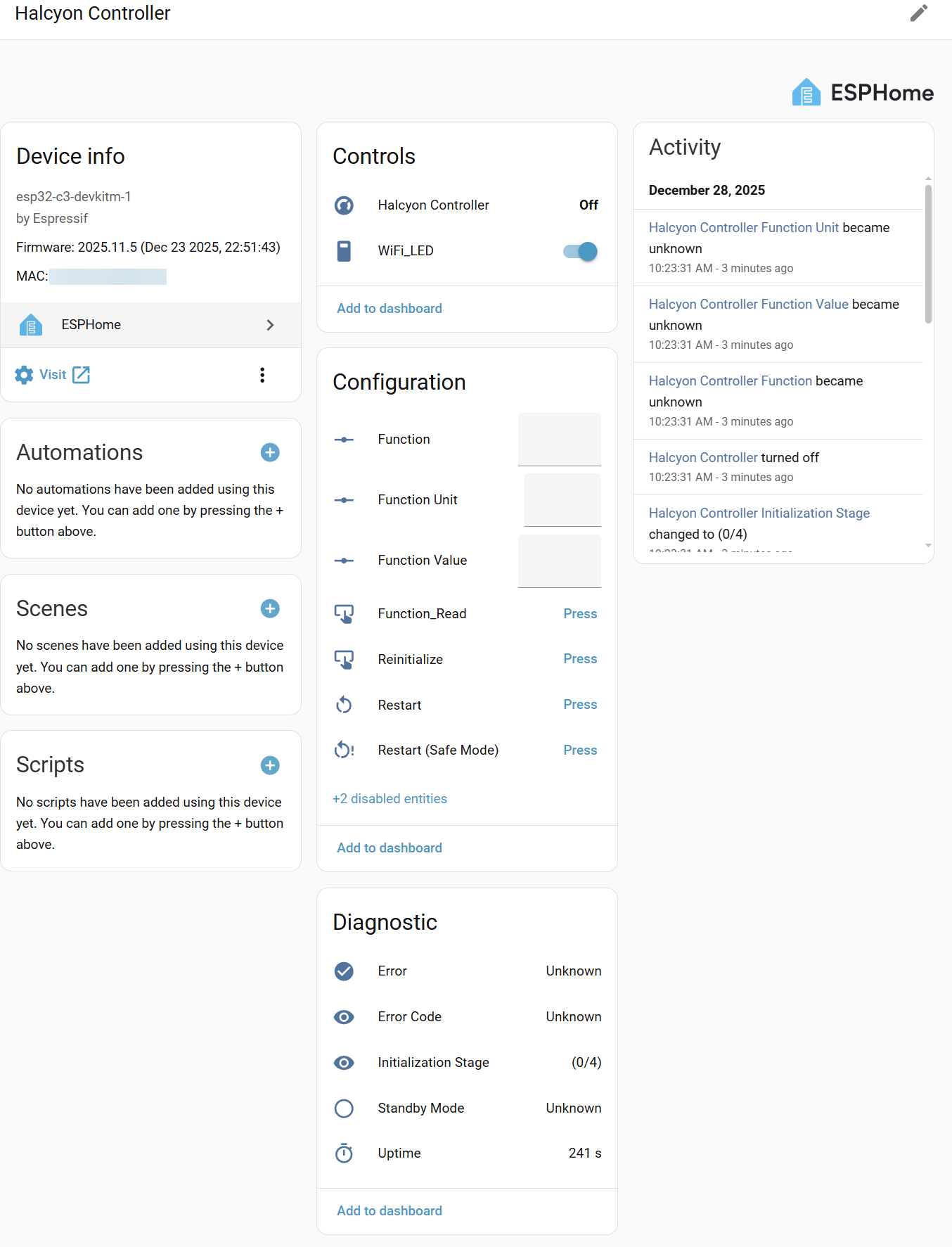
• I am using an ESP32-C3 board that already has a 3-wire UART connector (no IR on my system either)
I am stuck at this point and do not know if the failures are caused by ESPHome changes, the ESP32-C3 hardware, or something else I have missed.
If anyone has a working setup on a C3, or a current working config, firmware, or guidance, I would really appreciate some help.
Thanks in advance.
Controller - AR-WDD1E (UTY-RVNYN)
Indoor Unit - ARTG36LHTA
Outdoor Unit - AOTG36LATL
The current example yaml in the esphome-fujitsu-halcyon repository is valid for ESPHome 2025.10.0 - 2025.12.1 (current latest). Can you share your yaml configuration? Either in this thread, message me, or open an issue in github.
So my yaml has changes a heap due to chatGPT screwing me around. I have the ESP32 chip that @nathansags sells and he pre-laoded a yaml which I belive was the Halcyon but my A/C unit just had an error the whole time. So i tried the link you provided ealier with zoned but that’s where I got stuck and confused.
The orignal yaml included the “includes” then chatgpt told me to remove them, then said the newer verion of esphome don’t support -platform: custom
I’m happy to pay someone to help me figure this out
Will I get logs if it doesn’t get to the flash part? Everytime I do a config validation it fails. ChatGPT put that down to the -platform custom not being supported
Do not only rely on Chatgpt, the is many manual guide, you can read it careful and follow it.
If you have HA running on a Pi you can build and flash it very easy, after fix the config error. But you face other problem, read this issue on the github: Failure to change hardware to ESP32-C3 · Issue #13 · Omniflux/esphome-fujitsu-halcyon · GitHub. I can help you without need any money, but since you are not reply my private message, you can continue here. But if it is hardware problem, there is no hope.
Are you saying there’s possibly a fault with the board? Or something wrong with the aircon controller? The controller works fine when I disconnect the board.
Hi, everyone, I am new here, and this looks like a great project. We have a Fujitsu mini split system for heating and cooling. It has two indoor units and one outdoor unit. Each indoor unit came with its own remote control, no wired control board. We are using the remote for now. But I am wondering if I can use an ESP32 board to control the indoor unit. I do have Home Assistant up and running. One of the indoor units is ASUH12KPAS, and I wonder if I can use the esphome-fujitsu-halcyon package and ESP32 to control it. If so, can someone please let me know how I could get started?
No, ASUH12KPAS uses a different protocol and adapter. There is some discussion about this system in the thread FujitsuAC Integration (look for posts by nbigaouette)
substitutions:
  device_name: halcyon-controller
  friendly_name: Halcyon Controller
  device_description: Atom Lite + FOSV
  esp_board: esp32-c3-devkitm-1

external_components:
  - source: github://Omniflux/esphome-tzsp
  - source: github://Omniflux/esphome-fujitsu-halcyon

wifi:
  ssid: "wifi"
  password: "key"

  on_connect:
    then:
      - switch.turn_on: wifi_led
  on_disconnect:
    then:
      - switch.turn_off: wifi_led

  manual_ip:
    static_ip: 192.168.30.62
    gateway: 192.168.30.1
    subnet: 255.255.255.0

  ap:
    ssid: "Fujitsu AC hotspot"
    password: "key"

esphome:
  name: ${device_name}
  friendly_name: ${friendly_name}
  comment: ${device_description}

esp32:
  board: ${esp_board}
  framework:
    type: esp-idf

api:

ota:
  - platform: esphome
    password: "xx"

#logger:
#  level: DEBUG

button:
  - platform: restart
    name: Restart
  - platform: safe_mode
    name: Restart (Safe Mode)

sensor:
- platform: uptime
  name: "Uptime"

switch:
  - platform: gpio
    pin: GPIO10
    name: "WiFi_LED"
    id: wifi_led
    inverted: false

uart:
  tx_pin: GPIO21  # Device dependent
  rx_pin: GPIO20  # Device dependent
  baud_rate: 500
  parity: EVEN
  rx_full_threshold: 120

climate:
- platform: fujitsu-halcyon
  name: None  # Use device friendly_name

  # Fujitsu devices use 0 and 1, but 2-15 should also work. Must not skip addresses
  controller_address: 1  # 0=Primary, 1=Secondary
  #temperature_controller_address: 0  # Fujitsu controller address to read temperature from

  #temperature_sensor_id: my_temperature_sensor  # ESPHome sensor to read temperature from
  #humidity_sensor: my_humidity_sensor  # ESPHome sensor to read humidity from

  #ignore_lock: true  # Ignore child/part/feature lock set on unit or primary/central remote control

  # To capture communications for debugging / analysis
  # Use Wireshark with https://github.com/Omniflux/fujitsu-airstage-h-dissector
  #tzsp:
  #  ip: 192.168.1.20
  #  protocol: 255
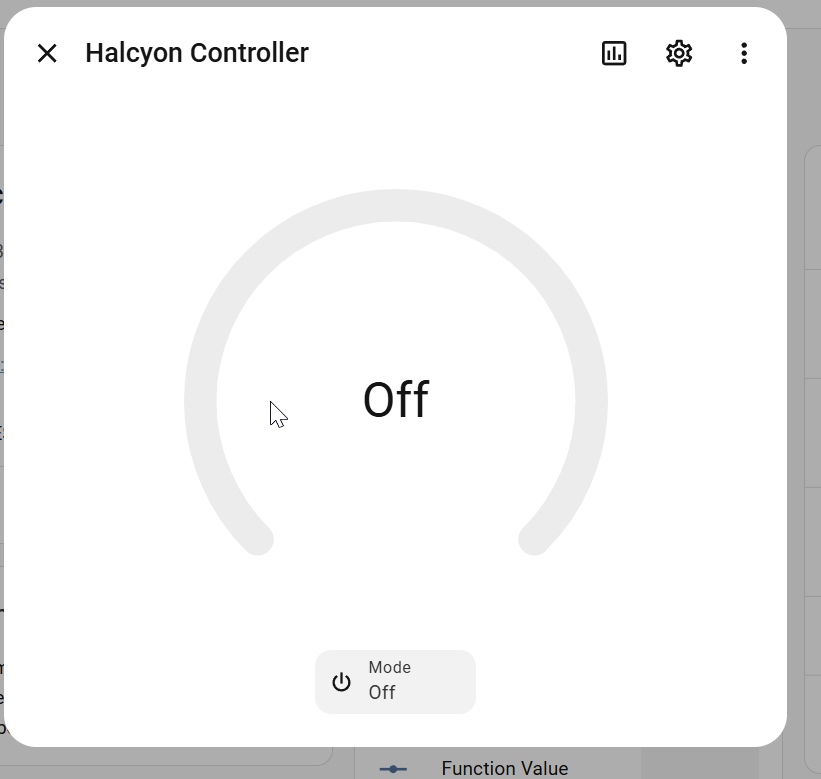
My controller is like @miriumar, when I connect the ESP the local controller loses control, the controller appears to be operating normal but it doesn’t control the AC. I have tried messing around with the addressing but it made no difference, as soon as I disconnect the ESP the local controller works again.
I wanted to try the ESP without the local controller connected but I don’t have all the control functions I see some of the others have and I don’t understand why.
I am using a board from Nathan. Which apart from not working (yet) is great!