I second this. I will happily purchase one to support.
2 Likes
I does not send anything if not requested to. Handshake is also required.
@johnboiles uploaded communication examples and wrote a summary from this AMUH24KUAS and UTY-TFSXJ4.
The protocol is a bit different from UTY-TFSXW1 I made, but the point is the same.
One of my ASYG09KGTB indoor units started blinking like crazy today. 1x power 8x timer and continuous blinking economy. I wasn’t able to identify that error code. Disconnecting ESP32 did not help. Only full power cycle via circuit breaker cleared that error. Any ideas? I guess it could be some kind of communication error with ESP32?
Hi,
I had such blinking (I cant remember if the fault code was exactly the same) in early stages of developing this. It was mainly when used with software serial. After successful handshake errors disappeared. In your case it is possible, that handshake is not successful (dongle gets unexpected response and terminates communication). One such scenario is fixed in 1.0.17.
What version and hardware are you using?
1.10.0 and I’m using hardware serial if I remember correctly. Good to know that I’m not alone. Time to update! I’ll report back if that happens again.
Do not forget to use new example sketch also. There is no need to hardcode credentials anymore.
New device unique id will be created after you will do an update, because it uses ESP.getEfuseMac instead of WiFi.macAddress for generating unique device id in newer library versions
1 Like
Released 1.1.6.
- dongle will check for new versions in github
- possibility to one-click update from firmware uploaded in github

2 Likes
Hello All,
I am from Australia and I’m looking at connecting my Fuijtsu ACs to Home assistant but I cant find my model number on the support list. Maybe Australia has different model numbers?
Model Number:ASTG12CMCA.
From some Google searching it seems to indicate it has some wifi module support (anywair).
I was wondering if anyone knew if this model would be compatible with this project?
Should I just buy the parts and see if I can get anything from that first?
I’m new to all this so if you need any more information please ask. From the photos in this post it seems like the model I have doesn’t have as easily accessible port so I will have to open up the device completely to access the PCB.
Does your aircon have 4pin or usb-type connector inside?
The wifi module that I saw it supports is an ir bridge. If you find the service manual it might have another control option.
I opened up the AC and had a look at the motherboard. Attached a picture of the two connectors I saw that were not populated. I’m starting to think my AC might be unsupported / too old.
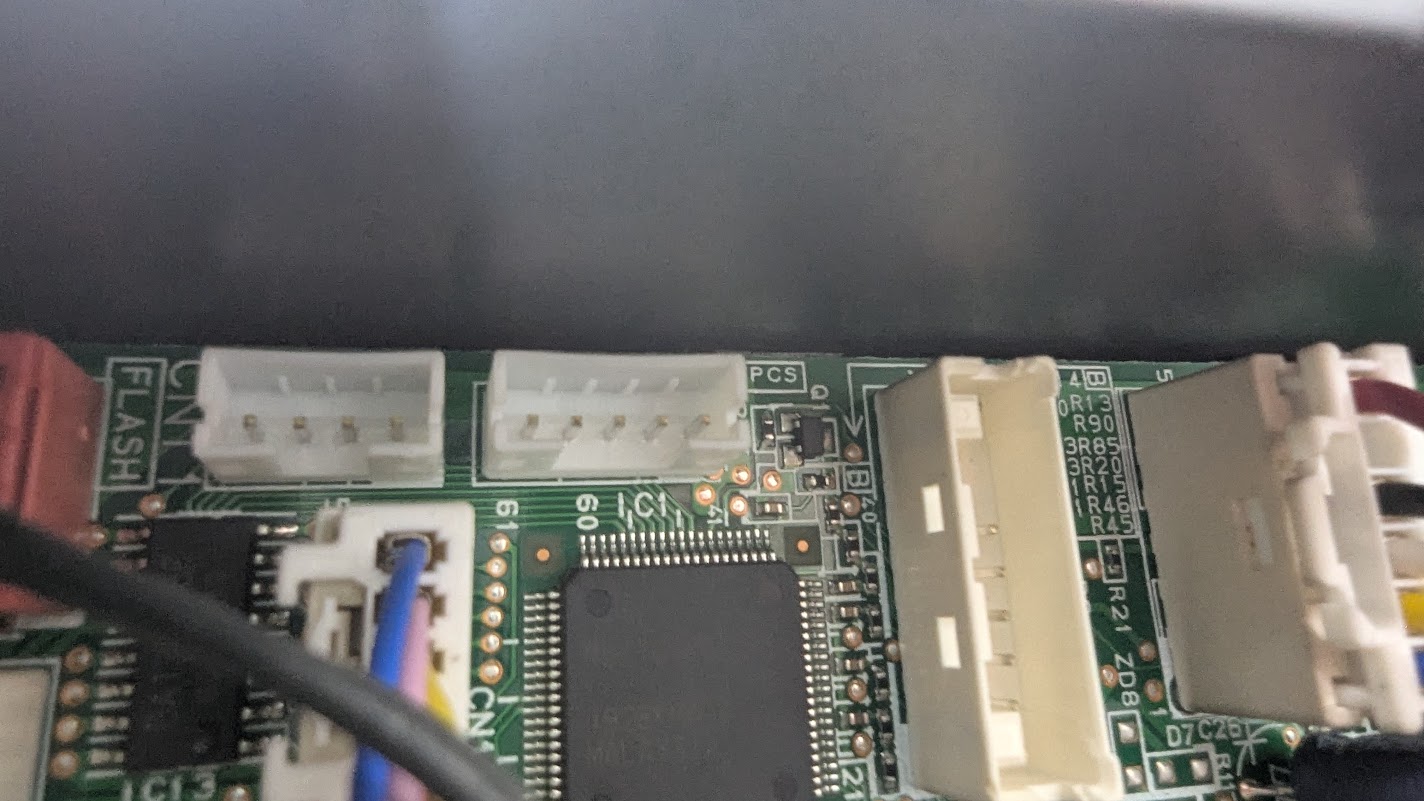
The best instructions I could find are here.
Remote Controller Installation; Optional Kit Installation; Installation Work (Option) - Fujitsu ASTG12CMCB Installation Manual [Page 9] | ManualsLib but the Motherboard looks different in that than mine.
https://bwsimagesau.ts.r.appspot.com/images/astg09kmca-main-pcb-09kmca-1797231.jpg
There is no 4 pin connector or usb on the front panel like I have seen on a few models.
(looks like I can only embed one image so I put links in instead)
I think, your AC lacks communication kit which can be bought as an optional accessory, for example UTY-TWBXF2 (not neccessary this exact model, but just to understand).
On my unit, 4pin socket is just extended wire from the PCB placed deeper in aircon. You need to check what communication kit supports your aircon.
There is a video how these kits are installed
Hi everyone,
I’m trying to integrate my Fujitsu ducted AC with Home Assistant using the FujitsuAC project, but I’m stuck and hoping someone here has experience with this model.
My hardware:
- Indoor unit: Fujitsu ARXG24KMLA (ducted)
- Wired controller: UTY-RLRY (2-wire)
- Main board has CN65 4-pin connector
- ESP32 Dev Module (UART on GPIO16/17)
- Powered from CN65 via step-down (13V → 5V → VIN ESP)
What I’ve done so far:
- Measured CN65 pins:
- One pin ~13V
- One GND
- Two pins around ~4.7–5V (assumed AC_TX / AC_RX)
- Tried both RX/TX combinations
- Tested with and without a BSS138 level shifter
- Also tested direct connection (shared GND, no shifter)
- Firmware: FujitsuAC Arduino project
- UART is inverted in the library (confirmed in code)
- MQTT works, device connects to Home Assistant and entities are created
- ESP is definitely working (WiFi + MQTT OK), but:
- No reaction from AC
- No sensor updates
- No control (power/mode/temp do nothing)
What I suspect:
- Either wrong CN65 pinout for this specific model
- Different protocol on ARXG ducted units
- Or CN65 not being a compatible UART port on this revision
Has anyone successfully integrated ARXG series (especially ARXG24KMLA) using CN65 and the FujitsuAC project?
If you have:
- Working pinout
- Scope captures
- Different wiring
- Or confirmation it’s not supported
I’d really appreciate any guidance before I go deeper into reverse engineering 
Thanks!
Hi, check mqtt logs (keep listening the topic below and then restart the dongle)
mosquitto_sub -h 192.168.1.100 -t fujitsu/# -v
You will get some debug messages.
Edit: your unit needs UTY-TFSXZ1. We do not have info about this controller protocol yet. By naming, it can be the same
* The following optional wireless LAN adapters cannot be used with a wired remote controller at the same time.
UTY-TFNXZ1 / UTY-TFNXZ2 / UTY-TFNXZ3 / UTY-TFNXZ4
Hi guys
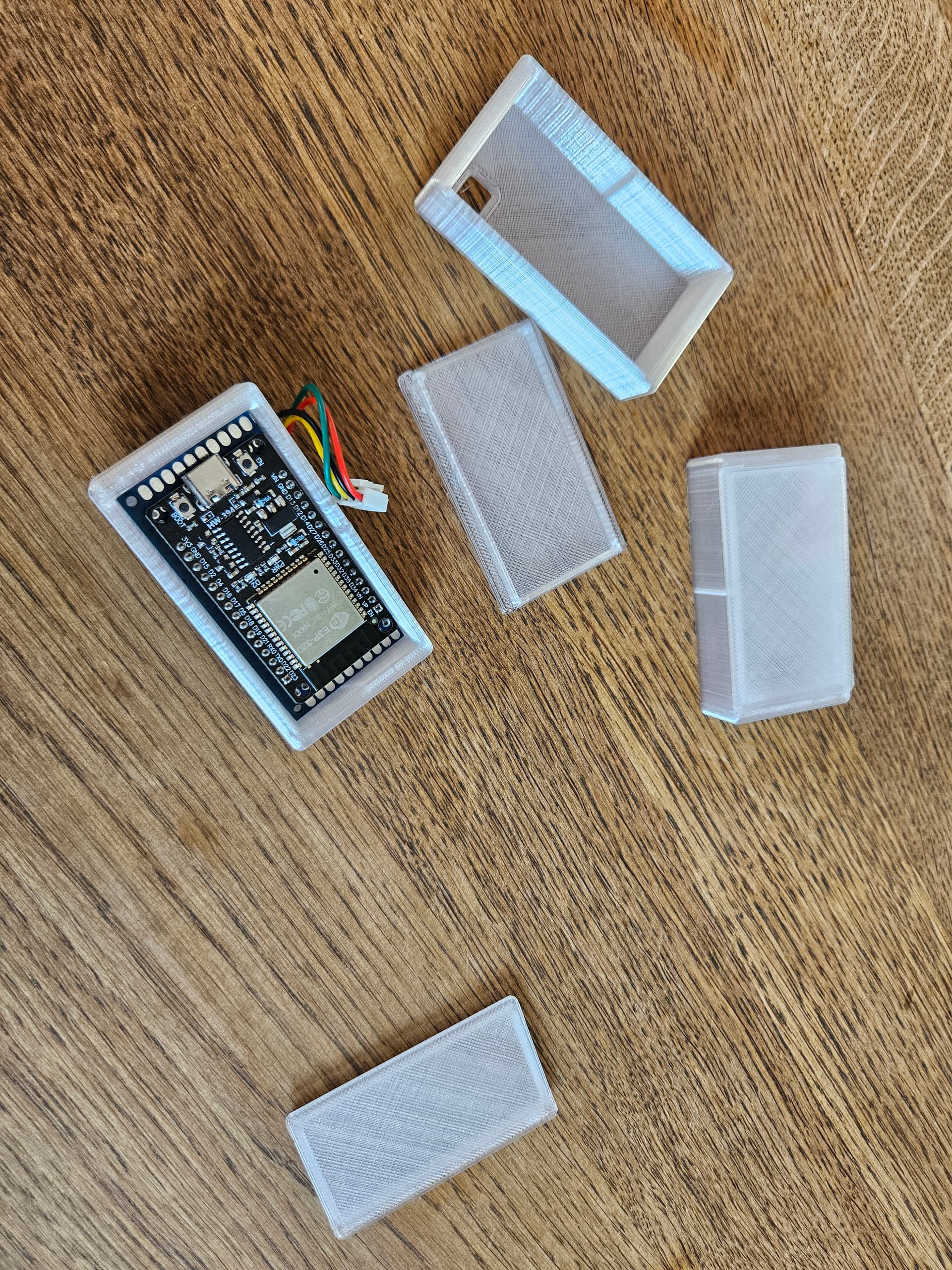
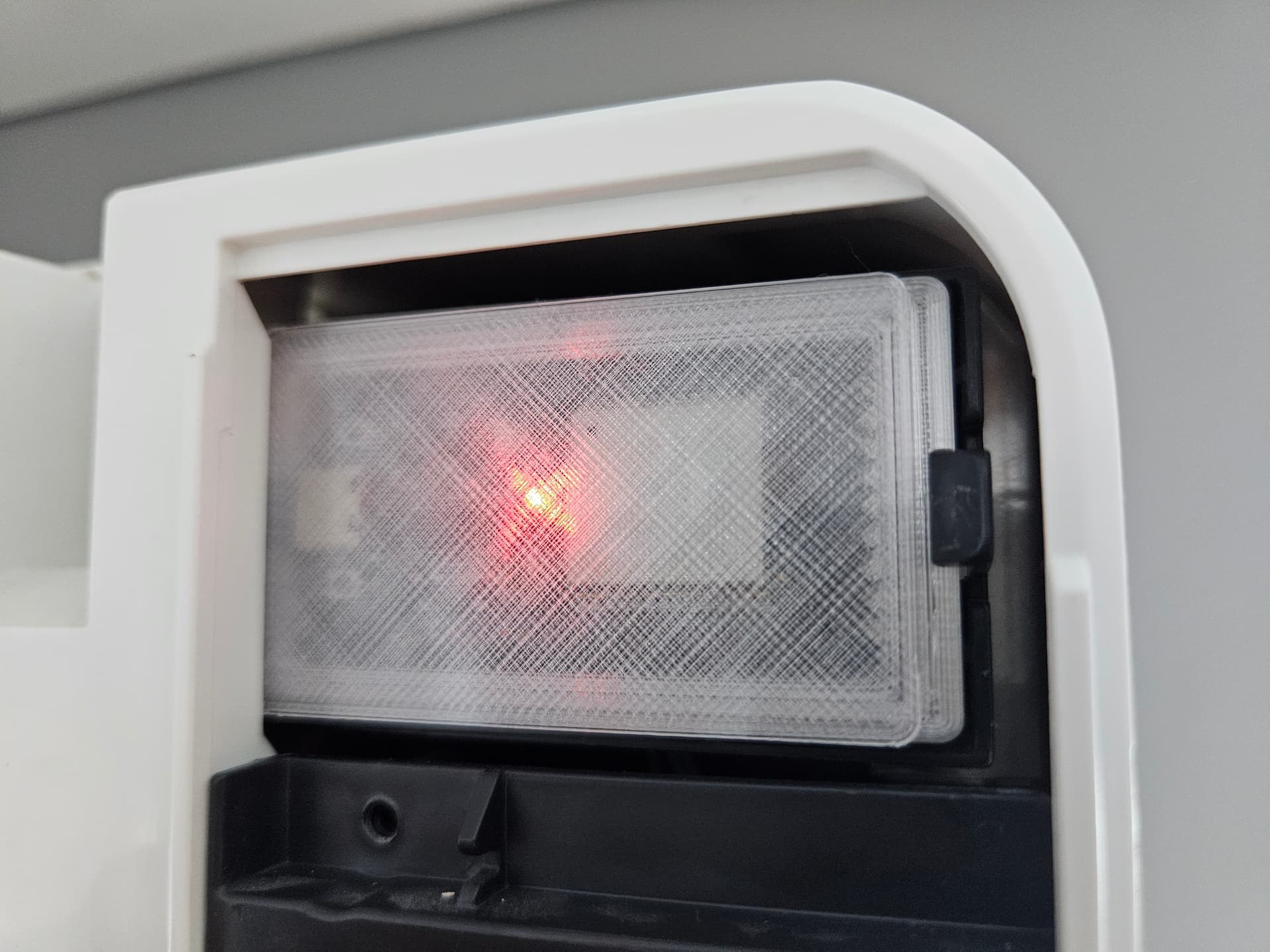
Ive had a bit of a look at my ac unit after seeing this
Its an older model but seems to support some kind of remote control
Model numbers follow:
Indoor unit: ASTG14LUCB
Outdoor unit: AOTG14LUCB
Pcb model: 1201HSE-C1
There is a spare connector labelled CN8 (ADAPTER) That i believe will have some form of uart
Do you have any suggestions on how to proceed?
I think that connector can run to an optional wired remote control, maybe building or room controls
I’ll get a multimeter and have a poke around
I suspect pin #1 runs to ~400vdc! So must be careful
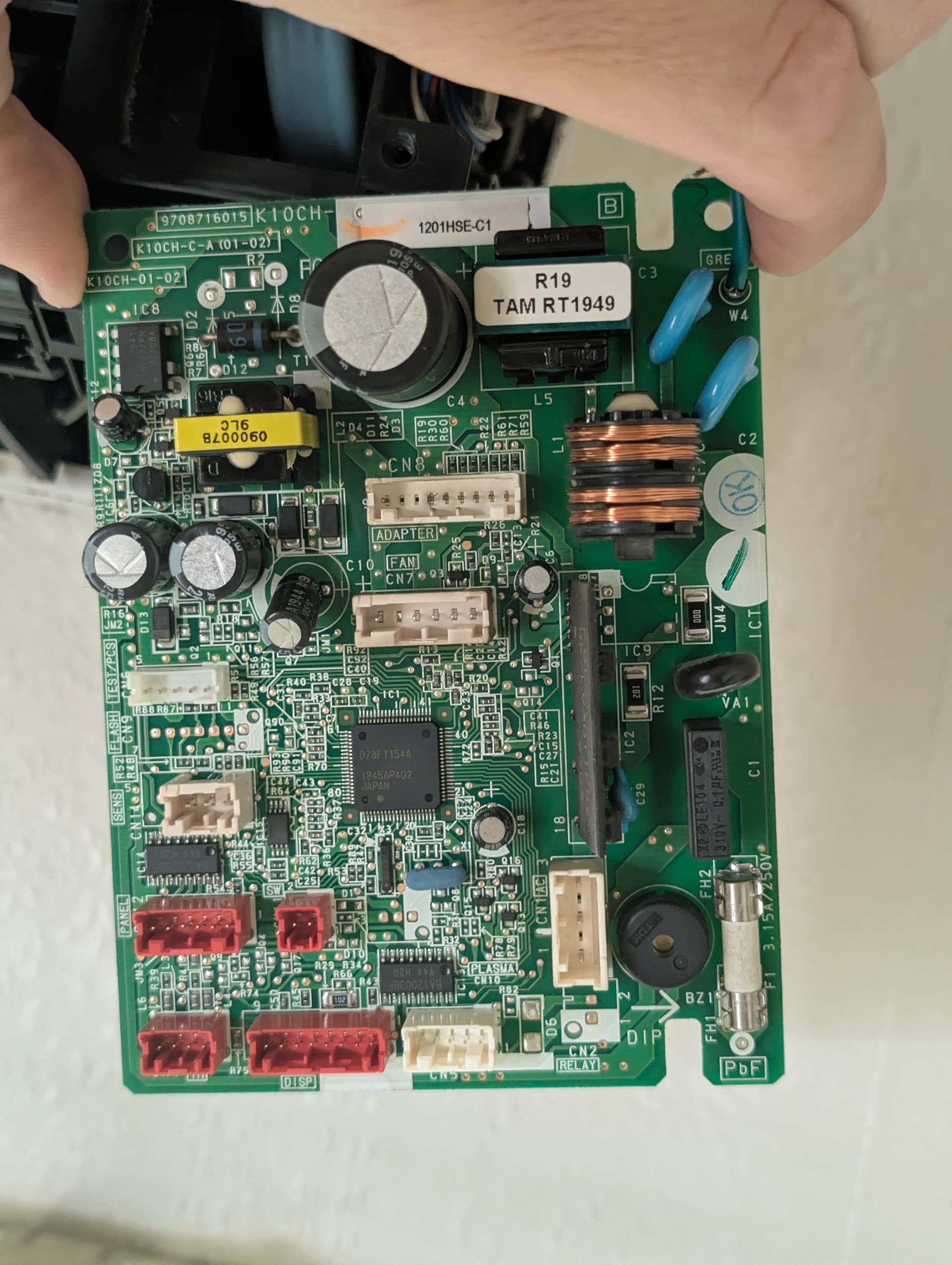
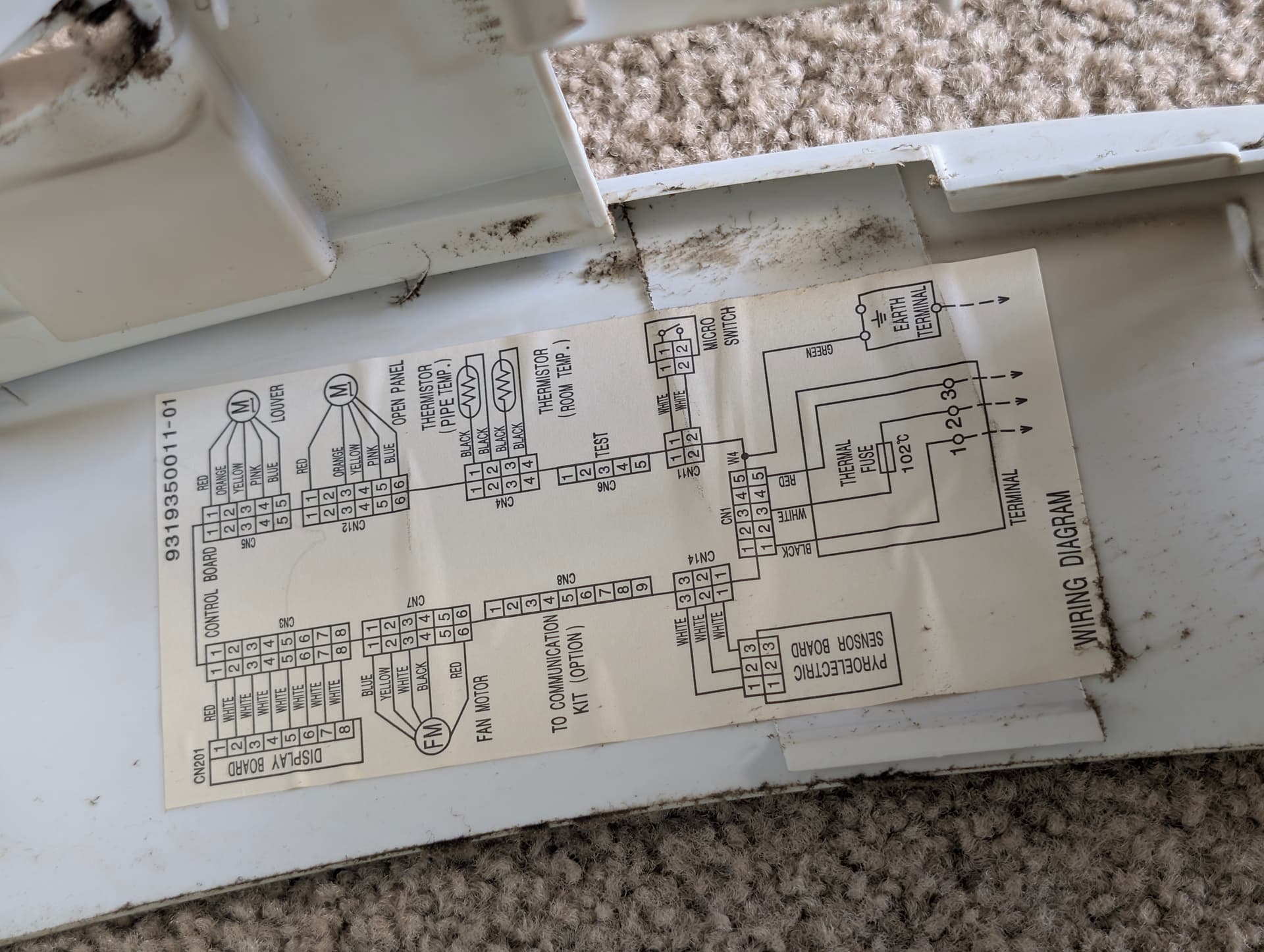
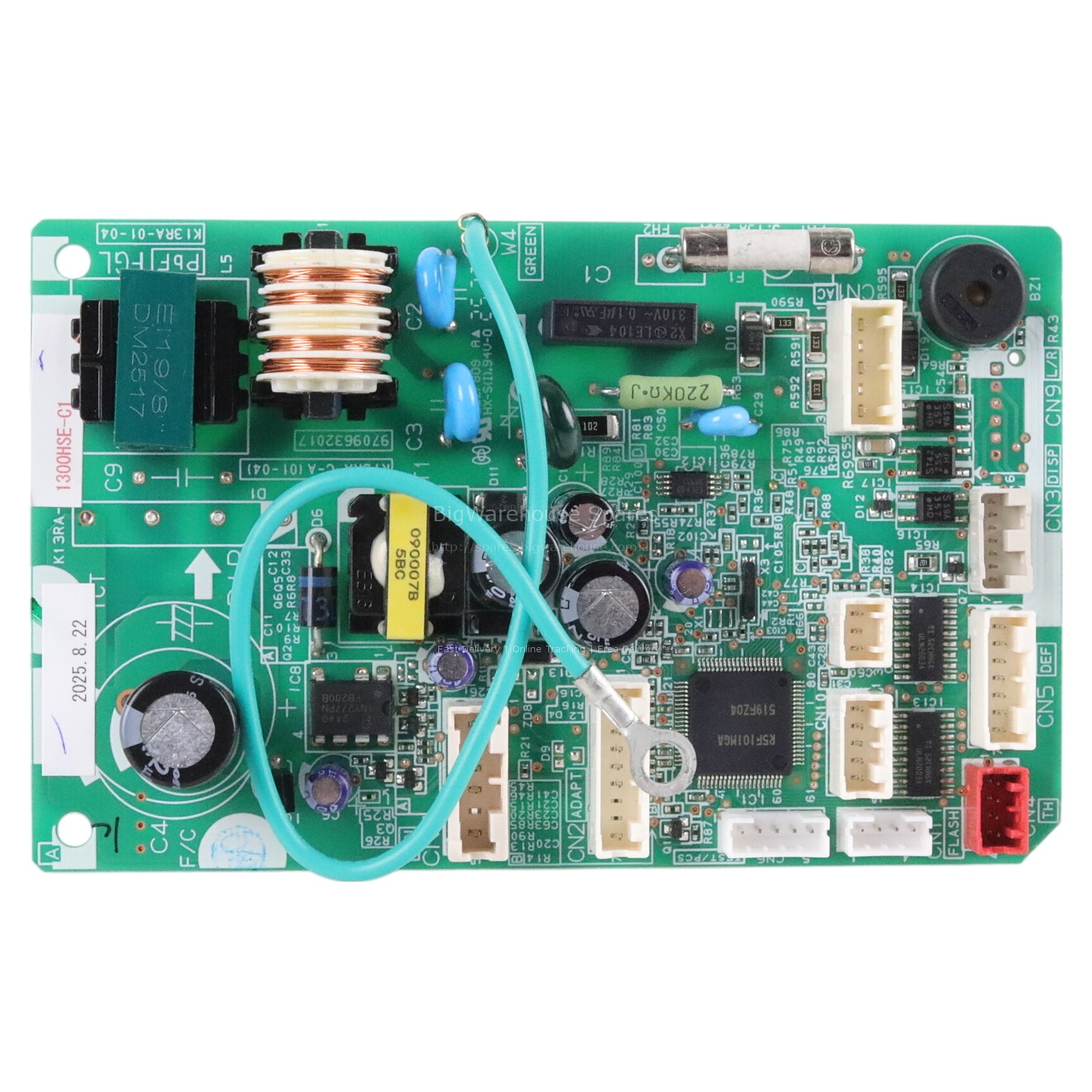
Hi. Based by document below, CN8 is for communication kit UTY-TWBXF. And it enables you to use UTY–RNNYN or UTY-RSNYN wall controllers.
I checked UTY-TWBXF (https://www.cairox.be/pdf/BE/DS/BE-EN-J02.121.1G-UTY_TWBXF.pdf) and I did not see 4 pin connector on it.
I have 2 pre-built units by Benas and they work great!
3 Likes