Do you have an ARM architecture CPU? Apparently browserless do not release the ARM architecture Docker images often, so that Docker gets updated very rarely. I do not understand if that’s by omission or whether there is a fundamental problem with their ARM implementation.
My HA is running on an ARM chip so I have the same problem. I have ended up running the browserless Docker container on another (Intel) machine and having HA make requests to there.
The changelog for the Browserless Chrome add-on now says not to update and to “switch to chromium” without any further explanation of what that might mean. Does anyone know what’s going on?
hy I did it exactly according to the description. The html file is created but it is empty. is that right? On the browserless.io site the script works great. Do I just copy the data from the script and create a file with my_scraper.js? Thanks
Not sure it’s the same, but for me the v2.8 of the browserless-chromium add-on worked flawlessly, but e.g. the new 2.11 (I think) seems to return empty html.
I have a feeling that version v2 of browserless is not super stable; it’s a bit of a work in progress, but I have not had time to investigate the problem yet.
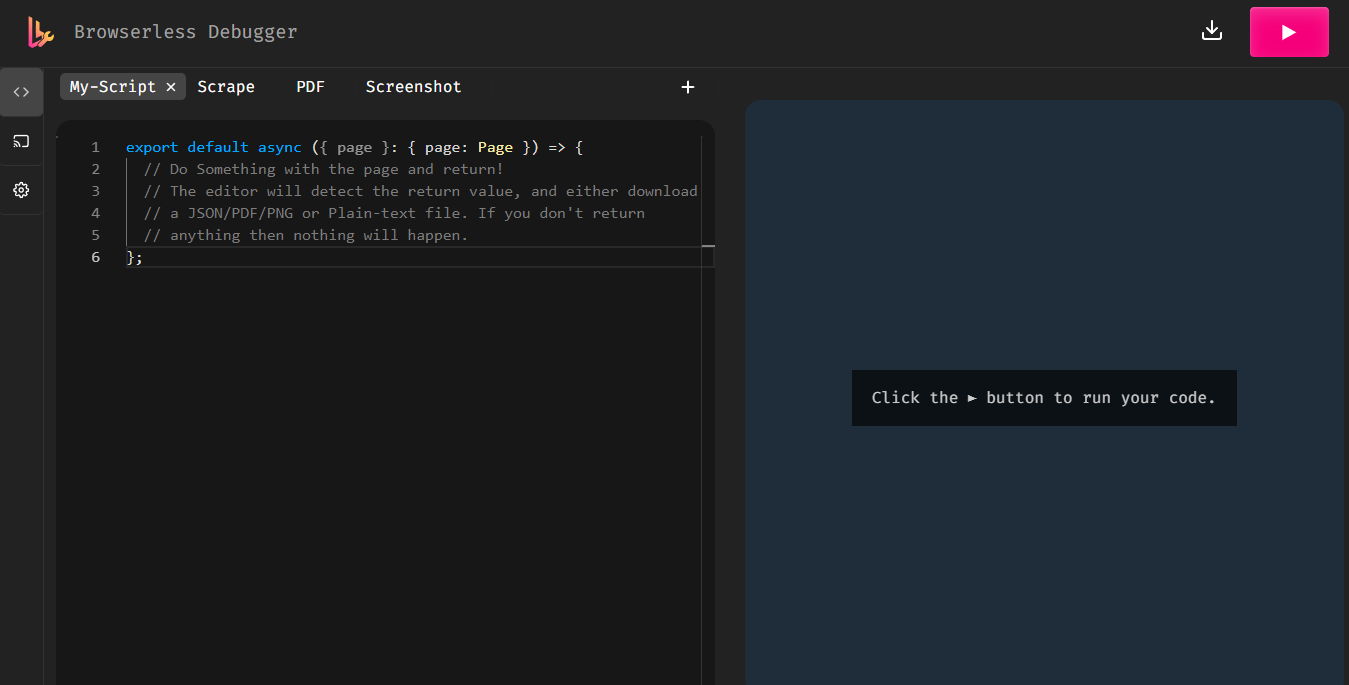
Thanks for the great write-up. Fortunately you can still access the debugger in V2 via the Addon. The trick is to stick a / at the end. http://homeassistant.local:3000/debugger/ works for me.
I’m still stuck at “missing ) after argument list”.
It’s not clear what should I do with the Repository Updater, could you please clarify?
Any other steps that you’ve done?
can i have some help on what should i target in multiscrape please?
i want to grab a number in a position 813,504, it is electricity price that changes. i want it to be decimal changed and without a , so output should be 8.13504
- platform: multiscrape
  resource: "http://localhost:8123/local/browserless/my_output.html"
  scan_interval: 0
  timeout: 30
  log_response: true
  method: GET
  sensor:
    - name: "Number Position"
      unique_id: "number_position"
      select: ".spot-list-item div" # grab all possible number divs
      value_template: >
        {# take the list of all values and find the index of the one you need #}
        {% set all = value if value is iterable else [value] %}
        {% for v in all %}
          {% if loop.index %}
            {{ loop.index }}
          {% endif %}
        {% endfor %}
If that’s the case and since there are multiple h4 tags with the same class, you would need to know the position. In this case it seems to be the fifth, but not sure if that will always be the case?
im not sure my template is correct at all, it was suggested by chatgpt lol.
im looking for a tag 813,504 position, it will change over time every month
can you help me you with template please? so it would be with a dot and 8.13504
Have been having issues extracting data from a heavily JS rendered website for a long time. Been using selenium but need to retire that option and glad to have found Browserless Chromium.
I have made a script in the debugger that works and then wanting to use a python script to get that data into a mariadb SQL database via home assistant. I am utilising pyscript (I hope) to do this. Reason being I have a bunch of computation that happens to the data in transit to the dB and don’t want to reinvent too much of the wheel un-necessarily (and also data from other sites I am scraping from I am using pyscript so if I can stay with this would be better to just have it all in one place.
Anyhow I have it working in the debugger (http://homeassistant.local:3000/debugger) but when I try to incorporate it into pyscript not too sure of the method. I get a Browserless 400 Error.
Few things I feel may be relevant
I am assuming using the borderless url ending in just “function” is correct
I do not need to have the name of my test script in debugger called “function”
I have seen some references to in this browserless url ending with ?token=??? however I have not set any token and there is none in the browserless chromium addon. I tried adding a variable here called token and doing this format to the url but it didn’t make a difference
As stated the first section of this code works fully in the debugger so assuming the issue is coming from the call in someway from the home assistance (try). Appreciate any pointers
import aiohttp

@service
def get_secure_data():
    browserless_url = "http://localhost:3000/function"

    # This is the actual JavaScript (Puppeteer) Browserless will run
    js_code = """
    export default async function ({ page }) {
        await page.goto("https://investmentsite/auth/login");

        await page.type('input[name="email"]', "[email protected]");
        await page.type('input[name="password"]', "myPassW0rd");

        await Promise.all([
            page.click('button[type="submit"]',
            page.waitForNavigation({ waitUntil: 'networkidle2' })
        ]);

        await page.waitForSelector('.css-19344h9.e4o4i6u8');

        const result = await page.evaluate(() => {
            return document.querySelector('.css-19344h9.e4o4i6u8').innerHTML;
        });
        return { data: result, type: 'application/json' };
    };
    """

    try:
        # Use aiohttp for non-blocking requests
        async with aiohttp.ClientSession() as session:
            async with session.post(
                browserless_url,
                data=js_code,
                headers={"Content-Type": "application/javascript"},
                timeout=60
            ) as response:
                if response.status == 200:
                    res_json = await response.json()
                    scraped_value = res_json.get("data")

                    # Update Home Assistant entity
                    state.set("sensor.web_data_async", value=scraped_value)
                    log.info(f"Async Scrape Success: {scraped_value}")
                else:
                    log.error(f"Browserless Error: {response.status}")

    except Exception as e:
        log.error(f"Async scraping failed: {e}")
Any pointers would be appreciated. As stated really want to stay with pyscript if I can for consistency if possible but I am not tied to using aiohttp if there is a better suggested method for library
page.click line I had left off a closing “)”. However the code did run in the debugger just fine without it but it may have mucked up the payload which is fussier??? but suspect it was more the next point
This link could be updated to http://homeassistant.local:3000/debugger/ - which will give you a handy in-browser debugger (because https://chrome.browserless.io/ seems to be broken a lot of the time):
 [BROWSERLESS-CHROME] Add on on ARM stuck on old version 2.2.0-5 · Issue #1375 · alexbelgium/hassio-addons (github.com)