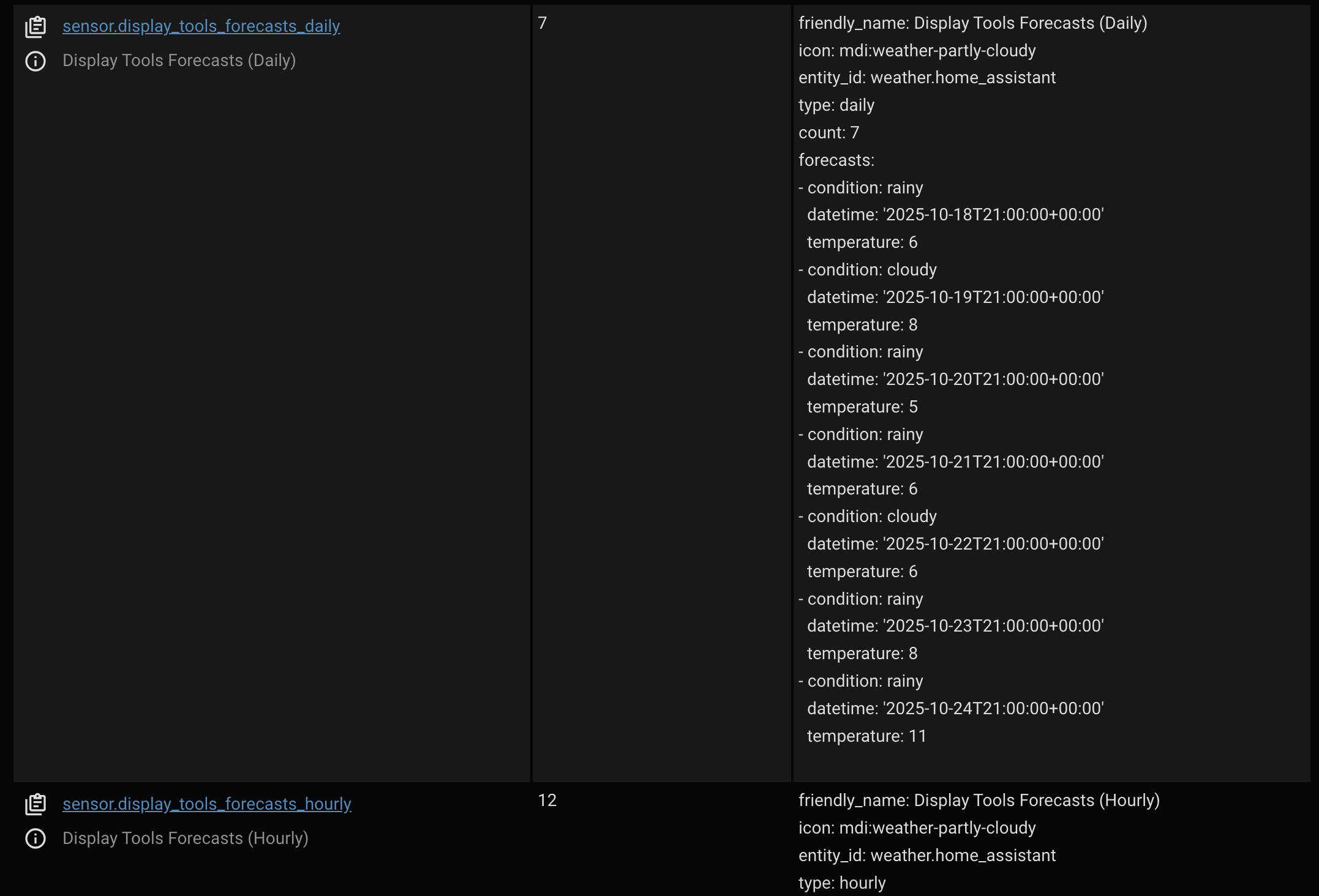
Exactly, previously I was showing the yaml version in dev tool->actions
Here is the GUI version
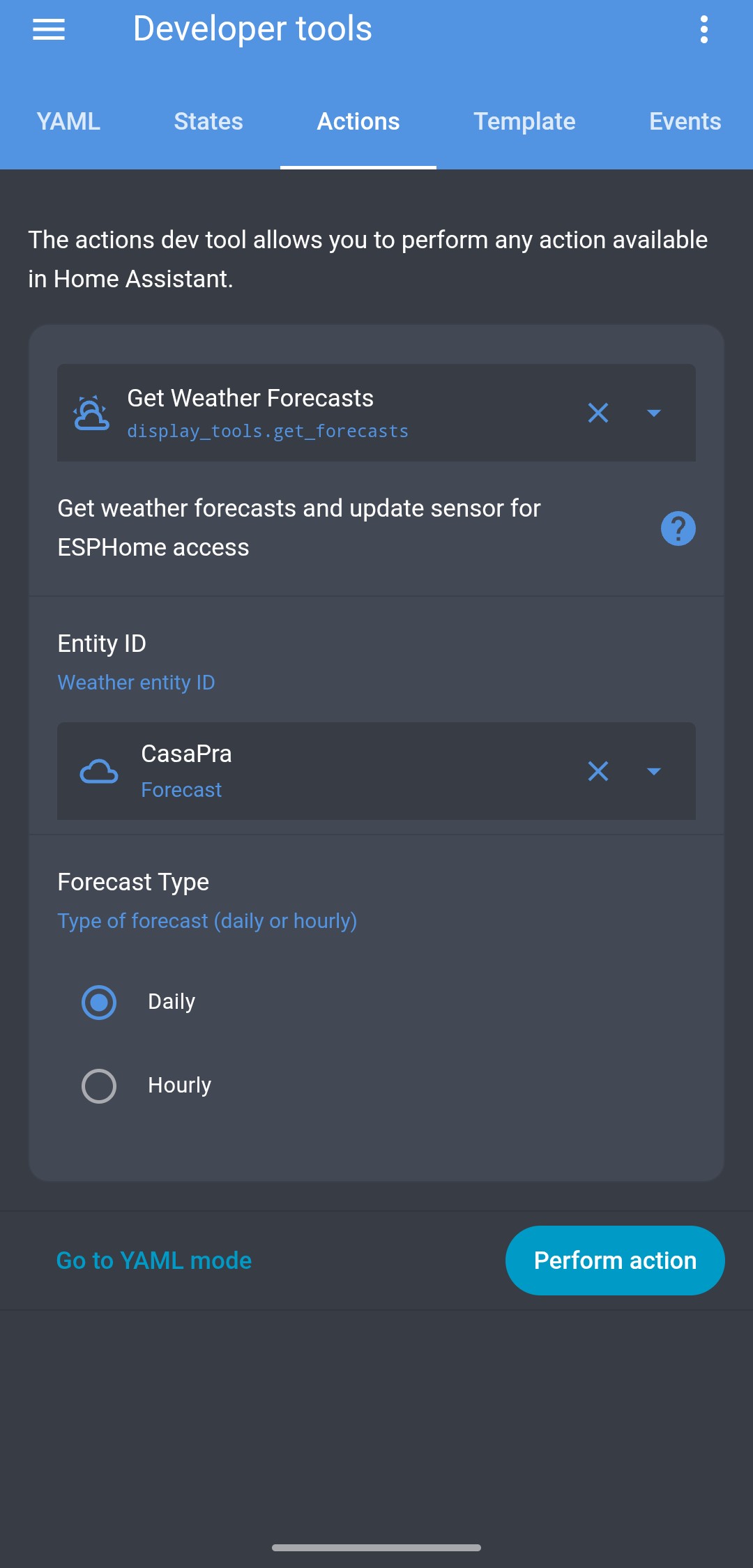
But I don’t see anything when I click perform action
Exactly, previously I was showing the yaml version in dev tool->actions
Here is the GUI version
So you won’t see the response. This service creates/updates two sensors with specific names. Do you see them?
That’s about it. I need to finish the design, but the basic functionality is working. Here’s a video
Thanks @alaltitov now I see both, I thought it works same as weather.get_forecast where it shows the data extracted.
I will try ASAP to see the forecast in the weather panel.
Thanks!!
It’s perfect with forecast, now is showing up, daily and hourly.
Also the media player now is working, it was my fault choosing a wrong entity.
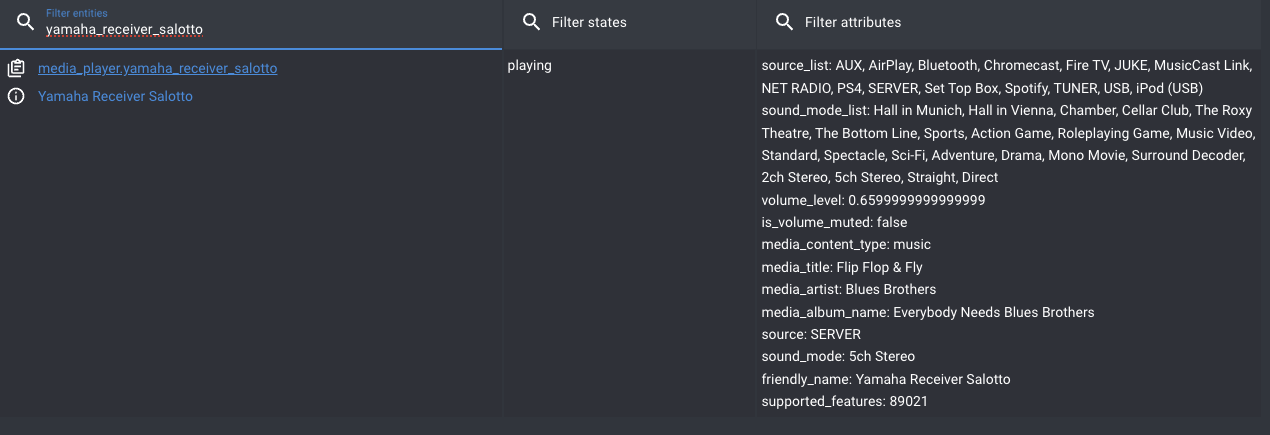
What about the media player source selection.
This is my media player entity
Is there a way to do it?
When I click the source icon nothings happens.
Thanks!
This button is currently inactive. I’ll make it functional next week.
Off-topic. Hi everyone! Does anyone have thermostats with a color knob display? If so, could you send me a photo of the insides so I can see the chip numbers, microchips, and modules? I’d like to write firmware for this type of rotary encoder in the future, specifically for the thermostat.
Is there going to be a page for switches and input_boolean?
I have and switch for my amplifier and pc monitors.
The work you do for this is really appreciated.
Thank you.
This seems like a really good one.
As esphome is getting larger I have been trying not to buy screen with less then 16mb of flash. This one has plenty of flash and psram.
I have not seen it used with ESPHome yet but it seems like all the hardware is compatible.
Hi! widgets for the switch will be added. What do you mean by input_boolean? Which version do you see it in?
There are plenty of those, including Guition and Waveshare. But I’d prefer a ready-made device, like a thermostat (which could be reflashed and used as a dimmer, albeit remotely).
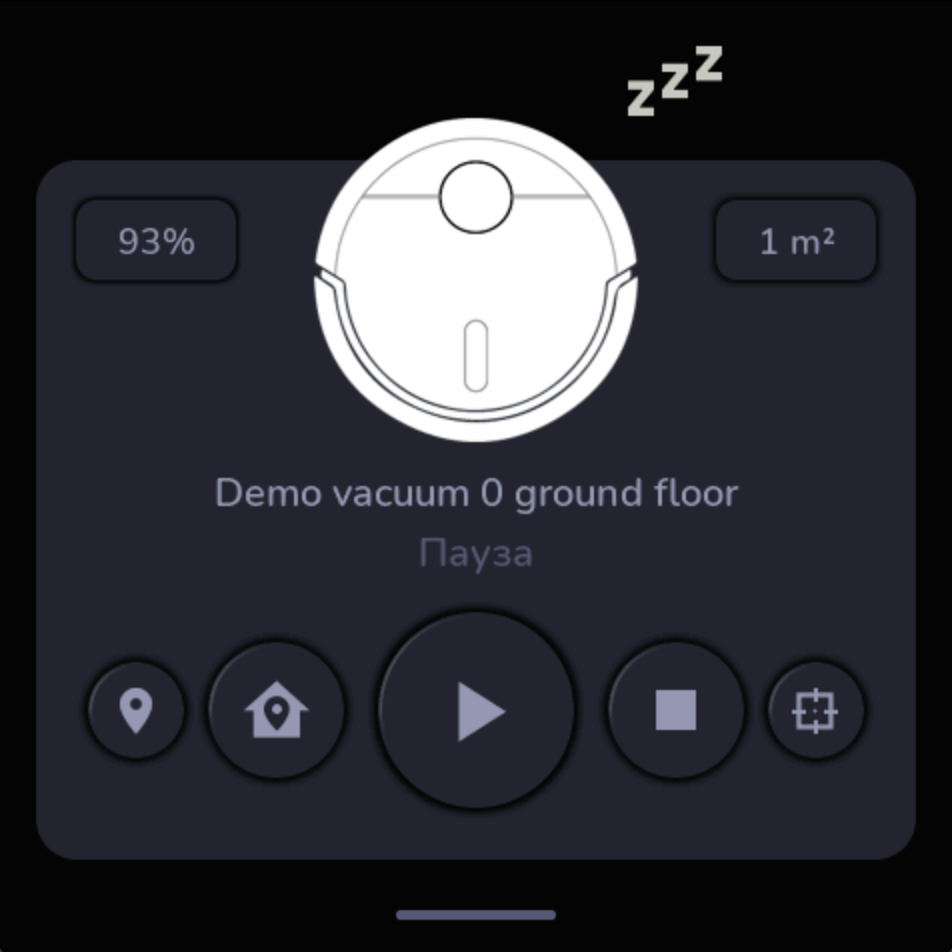
So, guys, I didn’t commit the vacuum widget overnight to avoid introducing bugs. I just spent all my time today officially integrating display_tools into HACS and making its installation much easier. I’ll let you know how the PR goes, and then we’ll be able to install it from HACS. I hope that will happen this weekend, maybe even sooner. As for the vacuum widget, I’ll release it tomorrow after I’ve done some testing. The design won’t be finalized, but the functionality will be ready to test. Suggestions for this widget are welcome. I’ll update it tomorrow and let you know what I need from you for testing.
UPDATE: Vacuum is now available in repo
UPDATE 2: Display tools is now available in HACS
Added source button functionality to the media player. Please check if it works.
Has anyone tried using these displays with the MIPI driver (introduced in 2025.09)?
When using the precanned config the display is rotated 180° and the quality is significantly degraded.
display:
  - platform: mipi_rgb
    model: GUITION-4848S040
Hardware rotation doesn’t appear to be possible on our devices, so software rotation was required:
rotation: 180°
I tried overriding a couple of parameters but no improvement yet…
    spi_mode: MODE3
    update_interval: never
    pclk_frequency: 12MHz
I tried this new option and can confirm that there are issues. I asked the question on Discord, but didn’t receive a response. Perhaps, as with waveshare and mipi_dsi, you need to use little_endian instead of big_endian. On the other hand, I don’t see any problem with using the old config.
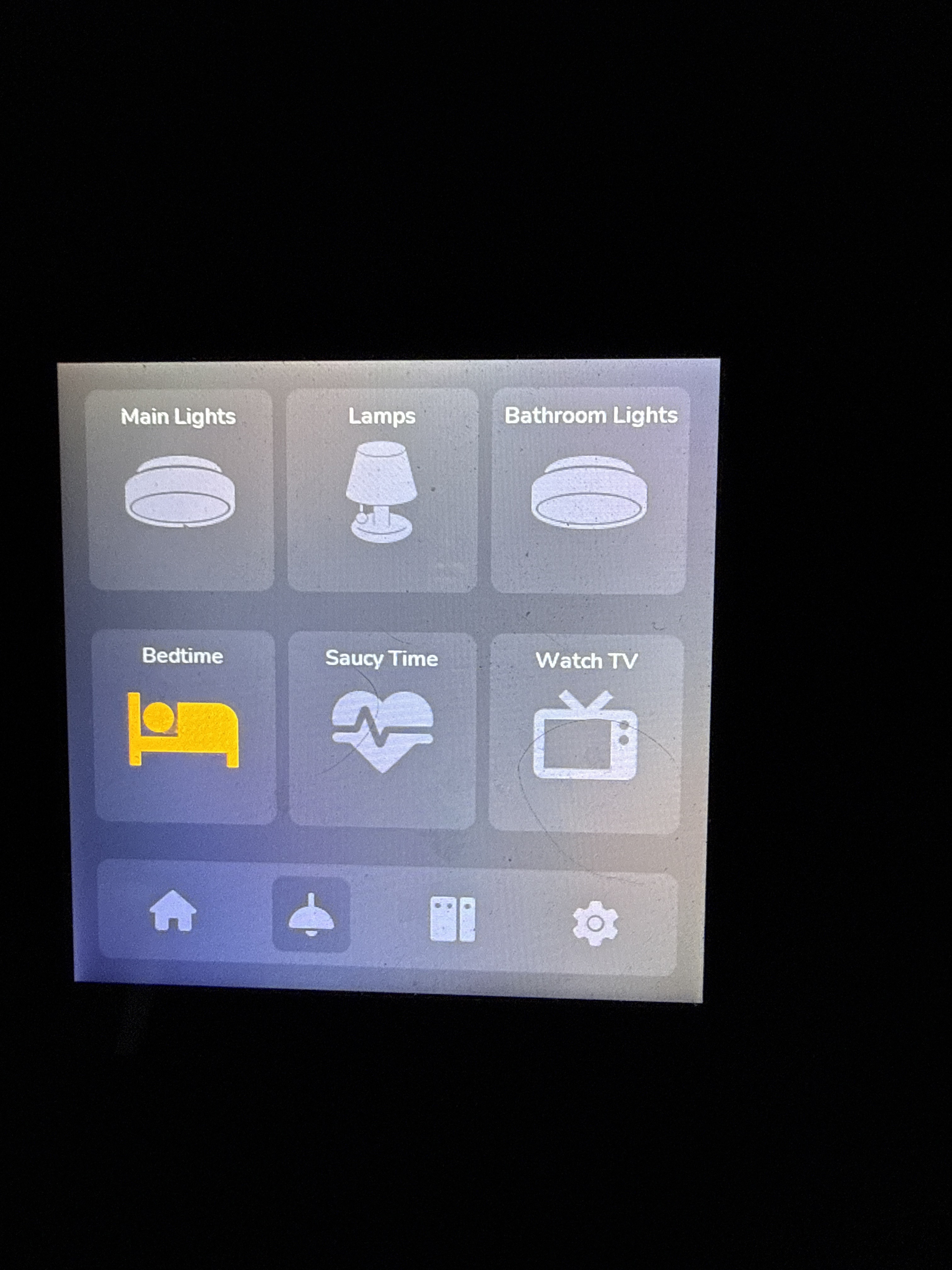
@alaltitov I believe he means HA helpers. I use those for Bedtime, Watch TV and other routines so that it is just a click of a button. I would agree that an input_Boolean or routines page would be great to include. It would only consist of the toggle capability. Icons could be a sleeping bed, television, etc.
Hi! That’s not a problem; they’ll essentially be regular buttons. I’m just wondering how you see this graphically and how to make it work automatically? For example, one user might have one entity, and another might have 20. Since ESPHome doesn’t have dynamic subscriptions, I need to pre-set the required number in the code. And how should it be represented, as a list with an icon and a name?
yes, I also tried the new mipi_rgb but indeed 180° wrong rotated, can be solved with rotation: 180°
But indeed the quality looks bad agains old style display driver.
The new driver is more pixelated lower quality resolution.
Great question! I would recommend maybe 4 icons with names. Here is how I added mine to your lights section on your original implementation.
@PrayerfulDrop @cameron I can make a widget for scenarios. With options, name, icon, and entity. I’ll think about it.