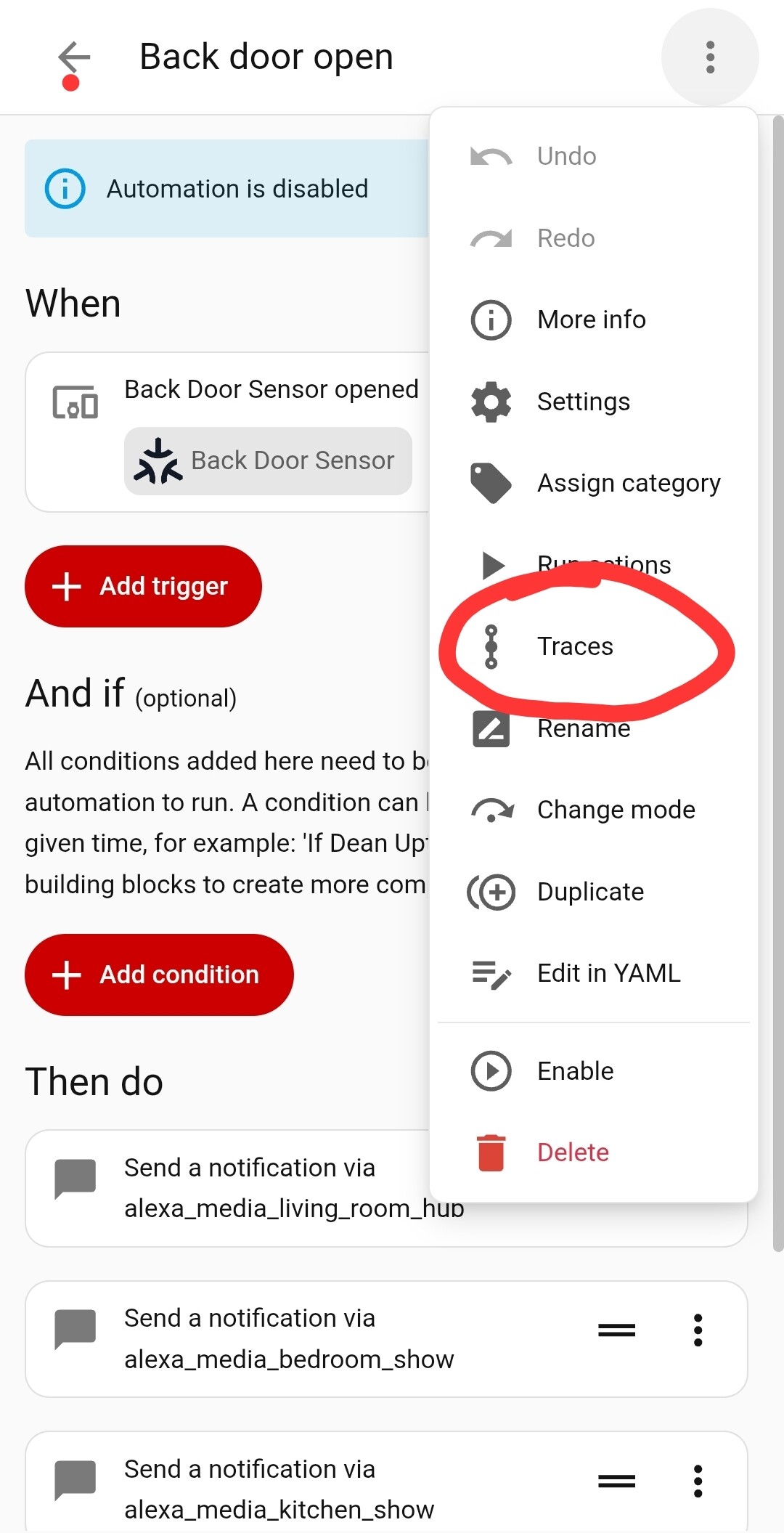
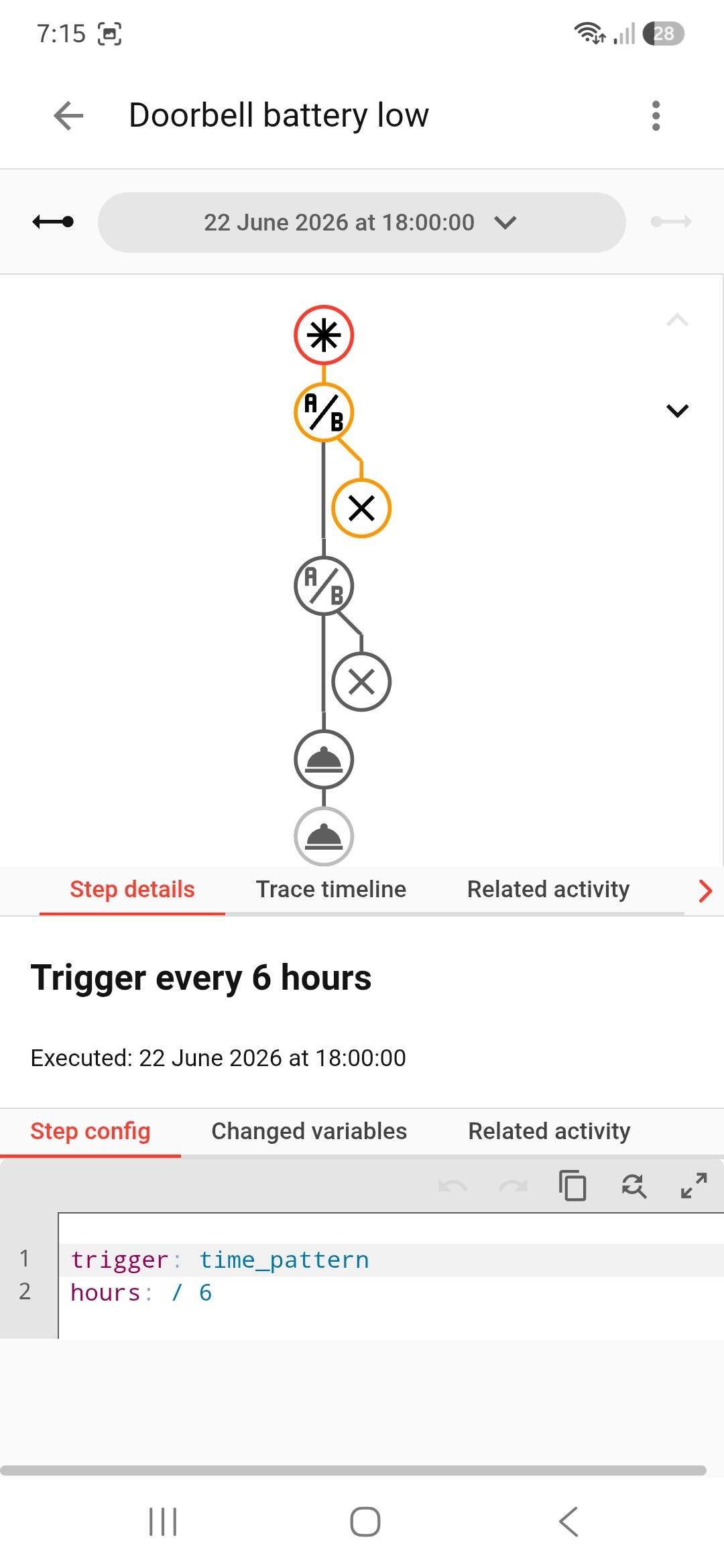
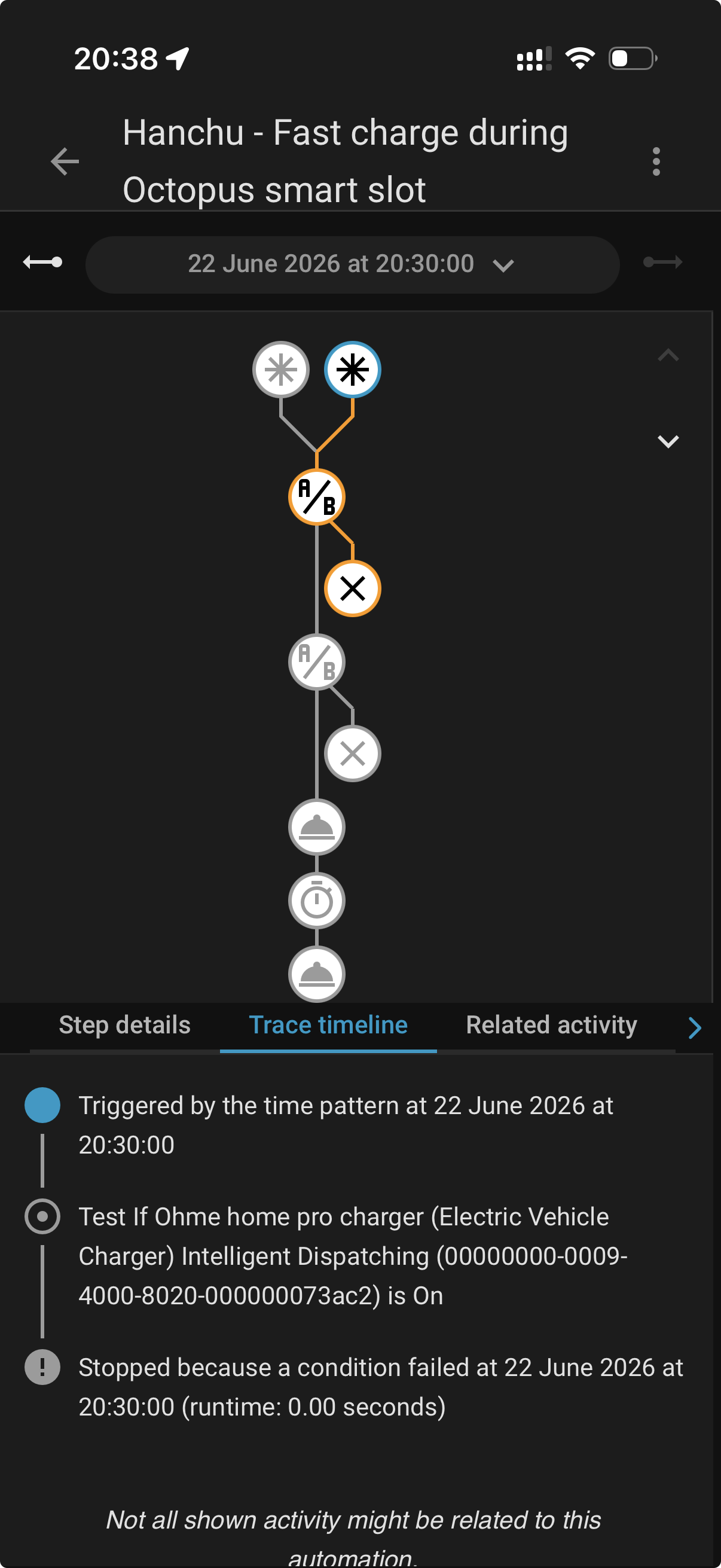
The way your new integration works means both triggers need to be true. I found that my charger trigger & Octopus trigger didn't switch at the same time so that might not work through way you want.
This is my one. Slightly different because I use charge slot 2 not fast charge.
alias: Hanchu TCT2 - Set on Intelligent Dispatch
description: >-
  Sets TCT2 charge slot to current time when Octopus dispatch starts and car is
  plugged in
triggers:
  - entity_id: binary_sensor.octopus_intelligent_planned_dispatch_slot
    to: "on"
    trigger: state
conditions:
  - condition: state
    entity_id: binary_sensor.hypervolt_car_plugged
    state: "on"
  - condition: time
    after: "05:29:00"
    before: "23:30:00"
actions:
  - action: time.set_value
    target:
      entity_id: time.hanchuess_SN_charge_slot_2_start
    data:
      time: "{{ now().strftime('%H:%M:%S') }}"
  - action: time.set_value
    target:
      entity_id: time.hanchuess_SN_charge_slot_2_end
    data:
      time: "05:30:00"
mode: single
So I've had a bit of time to do some messing about. I've now got the following Automations using the Octopus integration Deanupton68 posted.
Automation 1 - Turn on Fast Charge when Octopus Starts charging
alias: Hanchu - Fast charge during Octopus Intelligent slot (Safe)
description: >-
  Fast charge Hanchu during Octopus Intelligent slot, excluding overnight iESS
  window
triggers:
  - entity_id: binary_sensor.octopus_intelligent_tariff_octopus_intelligent_slot
    to: "on"
    for:
      seconds: 30
    trigger: state
  - minutes: /10
    trigger: time_pattern
conditions:
  - condition: state
    entity_id: binary_sensor.octopus_intelligent_tariff_octopus_intelligent_slot
    state: "on"
  - condition: not
    conditions:
      - condition: time
        after: "23:30:00"
        before: "05:30:00"
actions:
  - action: hanchuess.device_control
    data:
      sn: XXXX
      dev_type: "2"
      value:
        CHG_PWR_LMT: 1500
  - delay:
      hours: 0
      minutes: 0
      seconds: 30
      milliseconds: 0
  - action: hanchuess.fast_charge
    data:
      act: 2
      duration: 1200
  - action: notify.mobile_app_stewarts_iphone
    metadata: {}
    data:
      message: Octopus Intelligent slot active. Hanchu fast charge started.
      title: Hanchu fast charge started
mode: single
max_exceeded: silent
Automation 2 - Stop Hanchu Fast charge when Octopus stops charging car
alias: Hanchu - Stop fast charge when Octopus Intelligent slot ends (Safe)
description: >-
  Stop Hanchu fast charge and restore charge power when Octopus Intelligent slot
  ends
triggers:
  - entity_id: binary_sensor.octopus_intelligent_tariff_octopus_intelligent_slot
    to: "off"
    for:
      seconds: 30
    trigger: state
conditions:
  - condition: not
    conditions:
      - condition: time
        after: "23:30:00"
        before: "05:30:00"
actions:
  - action: hanchuess.fast_charge
    data:
      act: -2
      duration: 0
  - delay: "00:00:10"
  - action: hanchuess.device_control
    data:
      sn: XXXX
      dev_type: "2"
      value:
        CHG_PWR_LMT: 3680
  - action: notify.mobile_app_stewarts_iphone
    metadata: {}
    data:
      message: >-
        Octopus Intelligent slot ended. Hanchu fast charge stopped and charge
        limit restored to 3680W
      title: Hanchu fast charge stopped
mode: single
max_exceeded: silent
Automation 3 - stop Hanchu charging if grid pull gets high (this maybe overkill? in the automations above, you'll see I have set the charge limit to 1500W to try and limit the pull from the grid - as far as I can tell, Forcing a fast charge doesn't respect that? So just building in a bit of safety)
alias: Hanchu - Stop fast charge if grid import too high
description: Safety stop for Hanchu fast charge if total grid import exceeds threshold
triggers:
  - entity_id: sensor.hanchuess_XXXX_grid_power
    above: 9000
    for:
      seconds: 30
    trigger: numeric_state
conditions:
  - condition: state
    entity_id: binary_sensor.octopus_intelligent_tariff_octopus_intelligent_slot
    state: "on"
  - condition: not
    conditions:
      - condition: time
        after: "23:30:00"
        before: "05:30:00"
actions:
  - action: hanchuess.fast_charge
    data:
      act: -2
      duration: 0
  - delay: "00:00:10"
  - action: hanchuess.device_control
    data:
      sn: XXXX
      dev_type: "2"
      value:
        CHG_PWR_LMT: 3680
  - action: notify.mobile_app_stewarts_iphone
    metadata: {}
    data:
      message: >-
        Grid import exceeded the safety threshold, so Home Assistant stopped
        Hanchu fast charge.
      title: Hanchu fast charge stopped
mode: single
max_exceeded: silent
I've gone into all the automation and manually ran the actions, and they all seem to run. Manually setting the "binary_sensor.octopus_intelligent_tariff_octopus_intelligent_slot" entity to on or off seems to also trigger the automation so hopefully should all be well? I did notice that when I set the entity to on, it would start fast charging, but soon stop - I suspect its interrogated the actual state and ran the "off" automation.
The reason your original automation did not run because you had the Ohme & Intelligent Dispatching as triggers. As I mentioned I found that these do not normally trigger at the same time so it was probably the case here. As you have done in your new automation you only have 1 trigger so it should be ok. However did you read the document I left the link for because it mentions issues with Ohme not working correctly with Octopus integration. You might be better to use the Ohme trigger going forward.
You can use the inverter mode ‘Backup Energy’ with battery set 100% charge limit to say to the inverter ‘don’t dump battery ever’ and ‘charge as much as you can’ (at whatever rate you choose to set).
You can use the cost of electricity by means of the off-peak ON or OFF from Octopus to know when to boundary the charging of the inverter batteries or the EV, and when to stop too!
You can ditch any EV trigger by means of just letting Octopus handle your charger (if yours integrates that way - Ocotpus have full control over my charger for example) if not then just setting your EV/charger to charge when rate is low I guess would work. Octopus just took full control of mine so being plugged in and a charge slot being given - they just turn it on = Cost low (i.e. off peak ‘on’ - and this is the result I’m waiting for!)
SO:
Rate low (off peak on) > Backup mode with 100% battery set > EV handed to Octopus
OR
Rate low (off peak on) > Backup mode with 100% battery set > Set EV to charge (if not integrated)
And finally END = Off-peak off (rate high), achieved with charge slot ending, unplugging, manual car stop, EV charger stop - which all force cheap slot to end eventually > and THEN resume operation of whatever mode you usually have running on the inverter - you could use a script to control that and have the automation call the script on condition ‘HIGH’ / off peak ‘off’.
Cost is what really determines what I want to happen, charge triggers are all octopuses to do whatever they like with, my automation just hangs on price low and then revert on High. I too had the same issues with intelligent dispatch - just too unreliable. Follow the money - its the most reliable factor
Thanks for this, although I've just read it, and I'm a bit lost. Can you ELI5?
I'm just re-reading your post, is this what you mean?
When Octopus starts to actively charge my car (at cheap rate), put the inverter into "Backup Energy Mode", which will then charge the car and the battery simultaneously (currently pulling 11.6kW from the grid).
When octopus stops actively charging the car, go back to Self-Consumption mode (which is my normal mode)?
On another note, my automations are actually working, but it keeps turning off as I'm pulling in excess of 9kW from the grid (seems to max out at 11.6kW) - do I even need this safety automation, or does the inverter throttle when it needs to?
I had an automation which turned off home battery charging if my pull from the grid exceeded 9kW. I’ve done a bit of research and determined it’s not needed.
Not sure if it’s the answer to your question but I also managed to work out the API around the same time everyone else did. My system has been running for many months and I ask for data every 15s. No issue with API limits. I could call it faster but I’m calling the telemetry API that I think requests the data directly from the inverter (/gateway/platform/pcs/powerChartTelemetry) - so it takes some time to respond. If I call it faster then there’s a chance it hasn’t finished the previous call.
Hey @deanupton68 I wondered if I could trouble you for a quick run down of your predbat setup (I think I recall you use that from previous chats in github).
I have installed it and I think its in its learning state right now (and is set to ‘monitor’ only for now), I have setup the script, energy kwh sensor and inverter variabels as instructed in predbat instructions, but specifically am a little stumped with our three charge slots, to the two permitted in predbat - can you give us an idea how you set those up?
Do you hand full control to predbat, have you ever been left short in the battery on a day to day basis (I know predbat has lower thresholds to control this but is generally fairly good at avoiding this?)
Although I’ve not yet used home assistant (it’s something I’m considering but would probably want to use a local access so probably Bluetooth) I too had this issue where essentially the EV Charger was being seen by the battery as a house load! This is because EV Charger installers normally want to install at the cheapest cost so as to maximise their profit. Apart from always charging your house battery at the same time as charging the car, the only way to ensure the car doesn’t pull some of its power from house battery is for the EV to have a dedicated feed directly from the meter before the tails are connected to house battery and consumer unit. The current clamp for battery has to be on the tails after the EV charger circuit to measure excess energy from any solar (or load to consumer unit) that is not tied directly into the inverter feeding the battery - as in my case where I had a pre-existing solar installation prior to battery installation.