Sure. Because I want this sensor to update as soon as there is a change in power wattage. For example when the wattage is change an mqtt sensor is update so if this an mqtt sensor it will update the same time the change in wattage occurs. This way I do not need to wait for template sensor to update.
so the problem I am facing is because a sensor is becoming unavailable but the utility meter see this as zero and does some calculations that are not intended?
I was only normalize values and putting zero or keeping the previous value in order to avoid unexpected behavior when a sensor became unavailable for some reason.
But if this is the case why in the scenario that I describe above will not cause problems? I mean when for a brief period of time the power consumption becomes larger than the productions and the value goes to zero for little while? Is this different when I normalize the values?
I don’t know anything about your “normalisation” but yes by making the sensor go unavailable rather than 0 when the calculation is not possible the utility meter will not record the huge jump in value.
ok I see. If I want to have meaningful values (maybe when view on dashboard) I can create two sensors, one with “normalize” values (on the dashboard) and one for feeding to utility meter. Maybe this is better yes?
by normalize I mean I am trying to keep the values of a senors to the most appropriate value if for some reason the sensor does not get the correct data.
For example lets say that because of another issue (network issue) the power generation inverter becomes unavailable. The history will not be displayed very good and it will have caps inside. I thought that by keeping the last know value (as soon as is not night and the inverter is on) it will have more ‘compatible’ values that just leave it with unavailable.
Gaps are meaningful data. It shows you when there is an issue you need to correct.
Your power sensors will still report 0W when not producing or consuming anything. The Riemann Sum integration will stop counting when this happens and stay at the last value, as will your utility meters. That has not changed.
Your sensors will just have gaps when there is an actual issue with your sensors you need to fix. e.g. they become disconnected from the network for some reason.
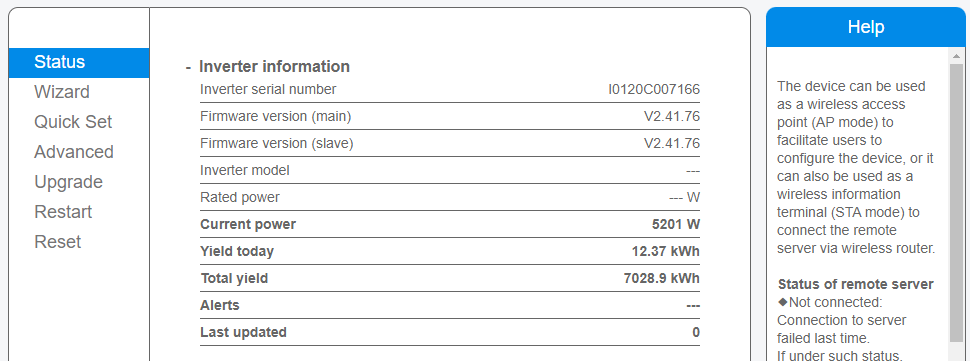
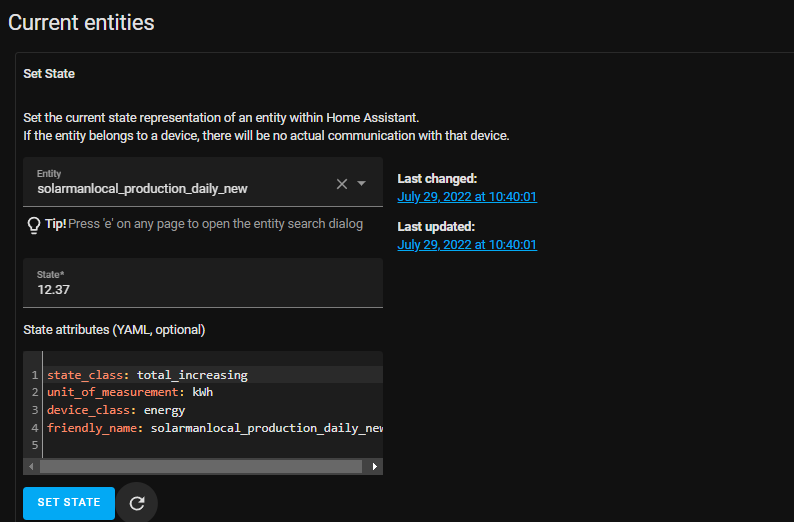
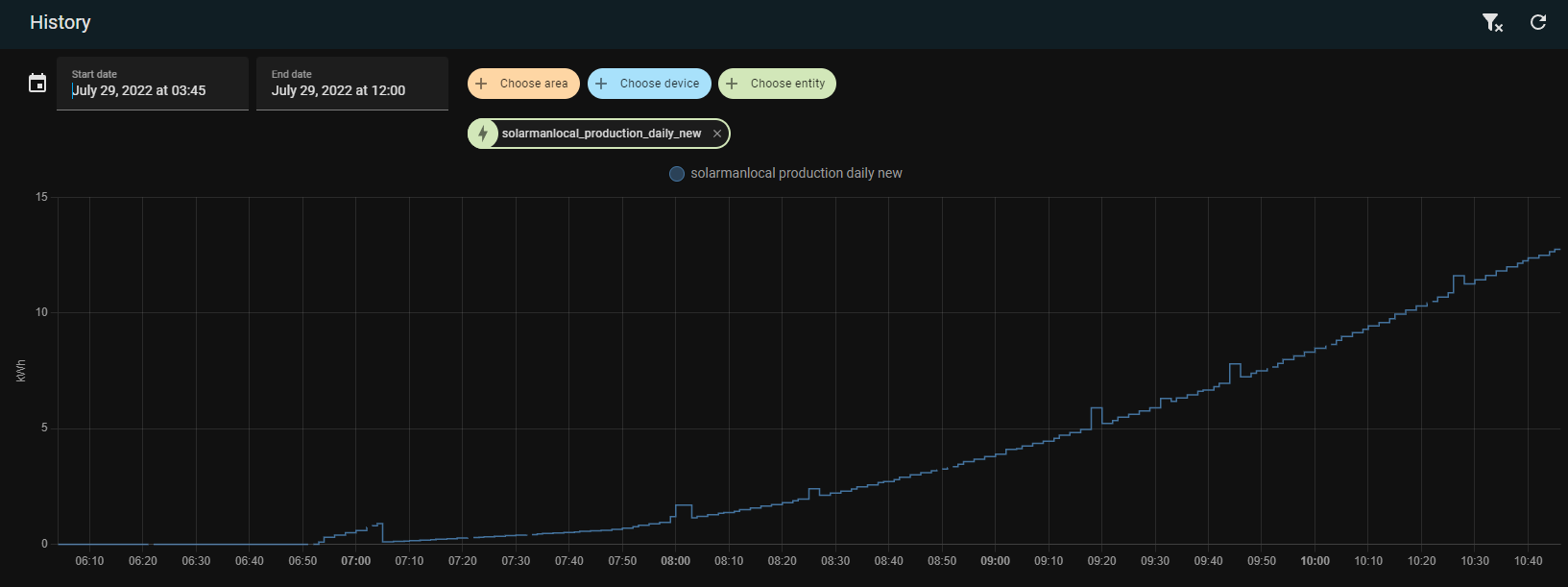
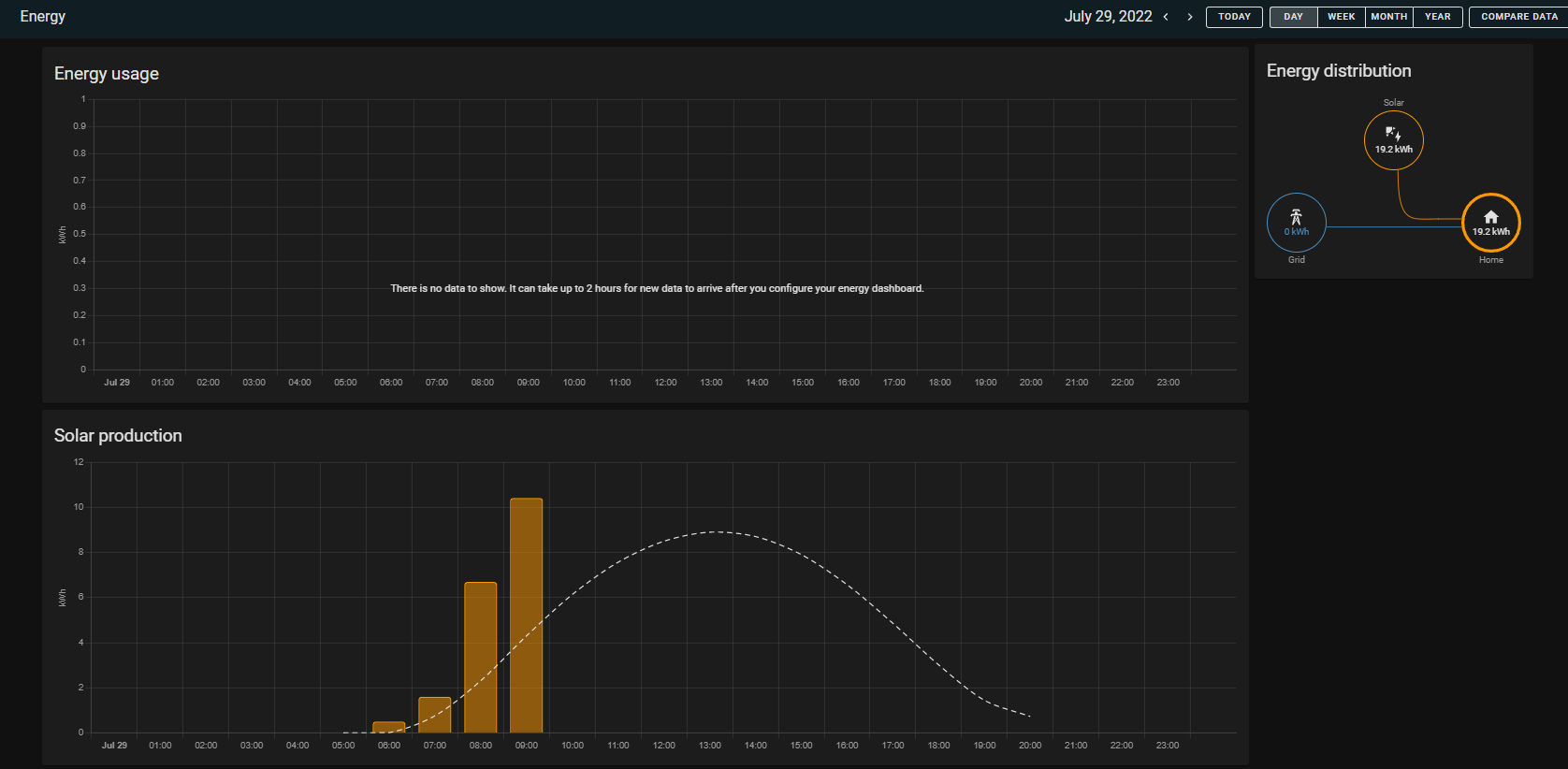
Hello, I have the same problem like you if I’m using today sensor, at the end of the day, there is more energy produced in energy dash than the entity itself.
But if I’m using total energy, the problem is that every morning it starts with total value (big value) and after that it gets corrected , and if I calibrate sensor in statistics to start with 0 value, than the rest of the day is good.
Did you managed to fix somehow?
Was this ever resolved? I have been battling with this issue for a long time myself.
I have two Solar Inputs in kWh and a little reader sitting on my meter that gives me the daily energy consumption. My Inverter also provides data for Battery Charge and Discharge.
The issue is…the value HA calculates for “Home Consumption” appears too high. I have no sensor dropouts or anything, it just seems that HA is calculating the energy consumption in a way that isn’t quite correct as far as I can tell…