I wanted fully local control of my Levoit LV600S humidifier without depending on the VeSync cloud, so I went down the rabbit hole to get ESPHome on the device.
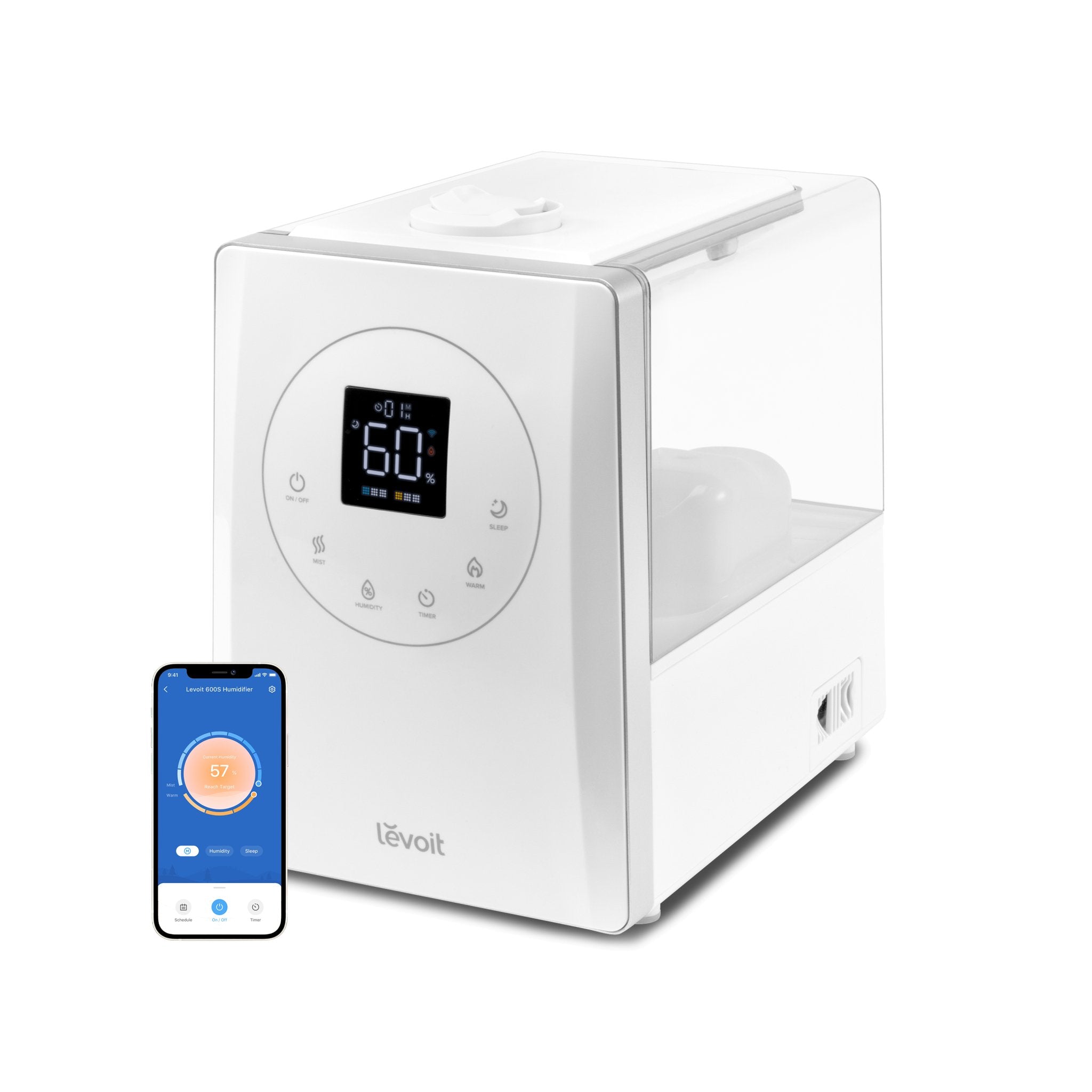
The LV600S has an ESP32-SOLO-1 module inside that talks to the appliance’s main controller over UART. So I dumped the original ESP32 firmware, and after that I poked through it to figure out how the stock firmware talked to the humidifier MCU.
Based on that:
- ESP32-SOLO-1 / ESP32-S0WD
- UART on GPIO17 TX and GPIO16 RX
- 9600 baud
- Commands for power, mist level, warm mist, target humidity, display, timer, and status polling
Once that was understood, I made an ESPHome external component that speaks the same protocol directly to the humidifier controller.
Right now I have these working in Home Assistant:
- Power
- Mode select
- Display on/off
- Target humidity
- Mist level 1-9
- Warm mist level 0-3
- Timer
- Current humidity
- Current temperature
- Water/tank status
A couple of important notes if anyone else tries this:
- Dump your stock firmware first.
- This replaces the cloud firmware, so assume the app/cloud features are gone afterward.
- The ESP32-SOLO is single-core, so ESPHome needs the unicore build option.
I put together a repo with the YAML and custom ESPHome component here:
https://github.com/wdm230/levoit-lv600s-esphome.git
How I flashed ESPHome
- Unplug the humidifier from the wall before opening it.
- Remove the screws between the water tank area and the display section.
- Remove the screws holding the display PCB so you can access the ESP32 module area.
- Connect/solder
RX,TX, andGNDfrom the ESP32 board to a USB UART adapter (Pin out below). - Do not try to power the board from the USB UART adapter. Mine would brown out that way.
- Solder/connect
IO0toGNDso the ESP32 boots into flashing mode. - Plug in the USB UART adapter first.
- Then plug the humidifier into the wall so the board is powered normally.
- Use ESPHome/esptool to connect to the ESP32.
- Dump the stock firmware and keep it somewhere safe.
- Flash the ESPHome firmware.
- Boot it normally, test that Home Assistant can control the humidifier, then put everything back together.
