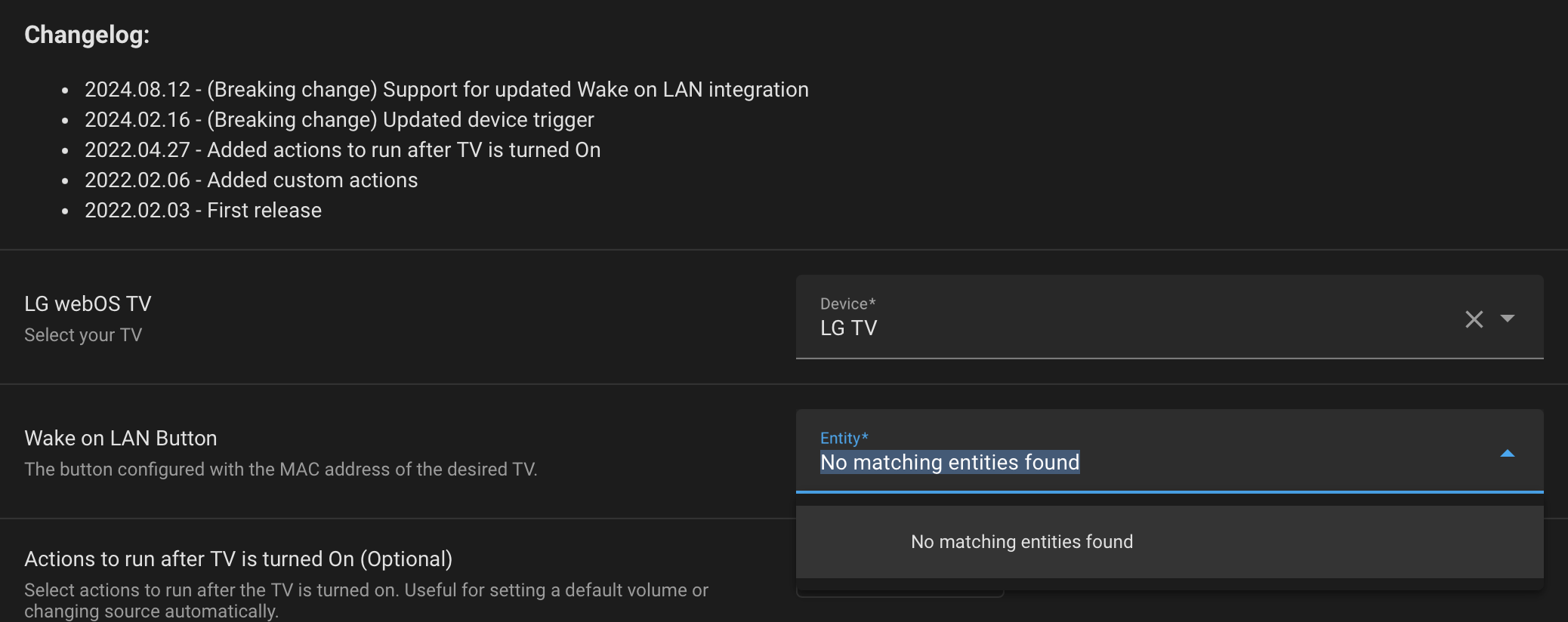
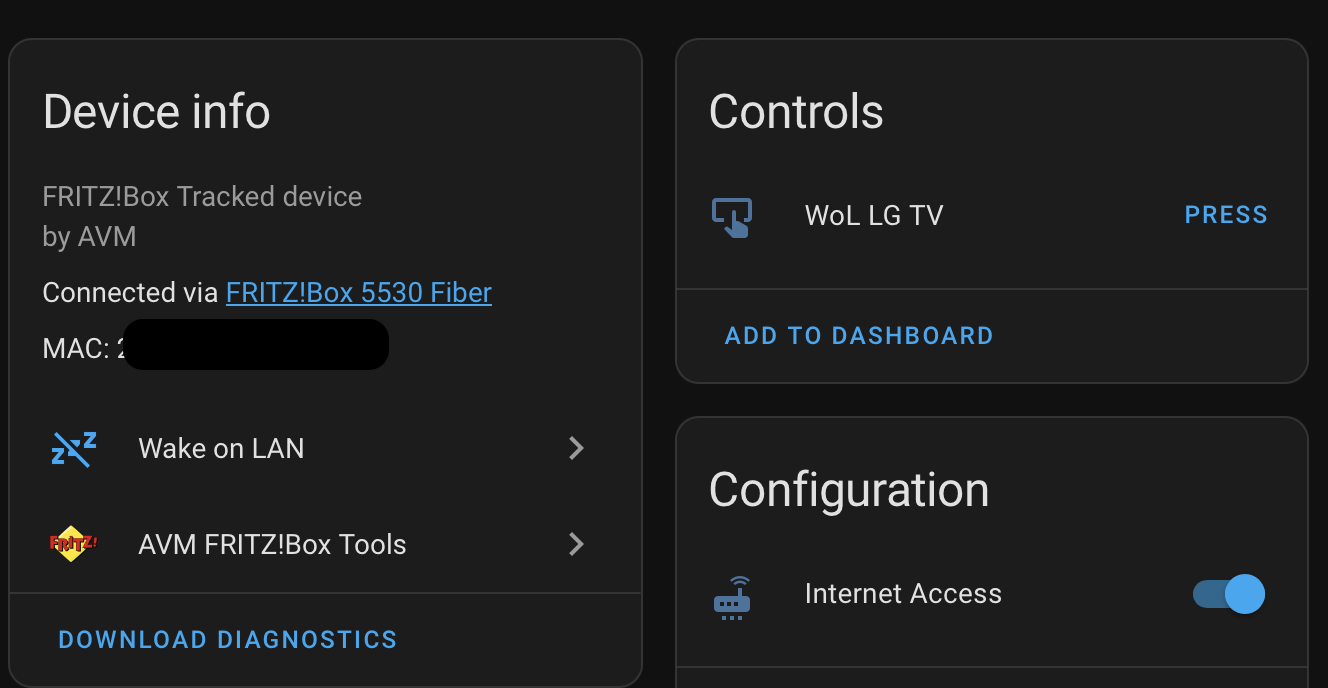
I have added the TV’s MAC-Adress to the WoL integration (and it’s able to turn on the tv), but the blueprint doesn’t recognize it, doesn’t let me pick the button entity.
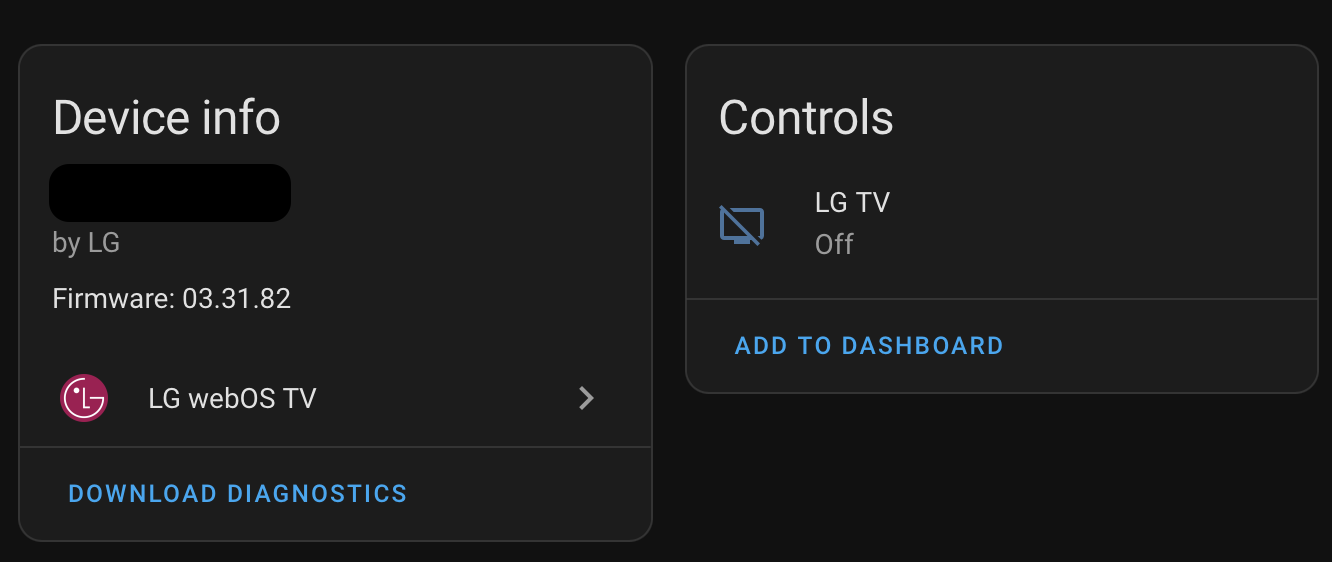
Maybe worth mentioning, the button is added automatically under a FritzBox device, not the WebOS device where the TV’s media player is.
@carlos.vroque thanks for this, I’ve been using it for years.
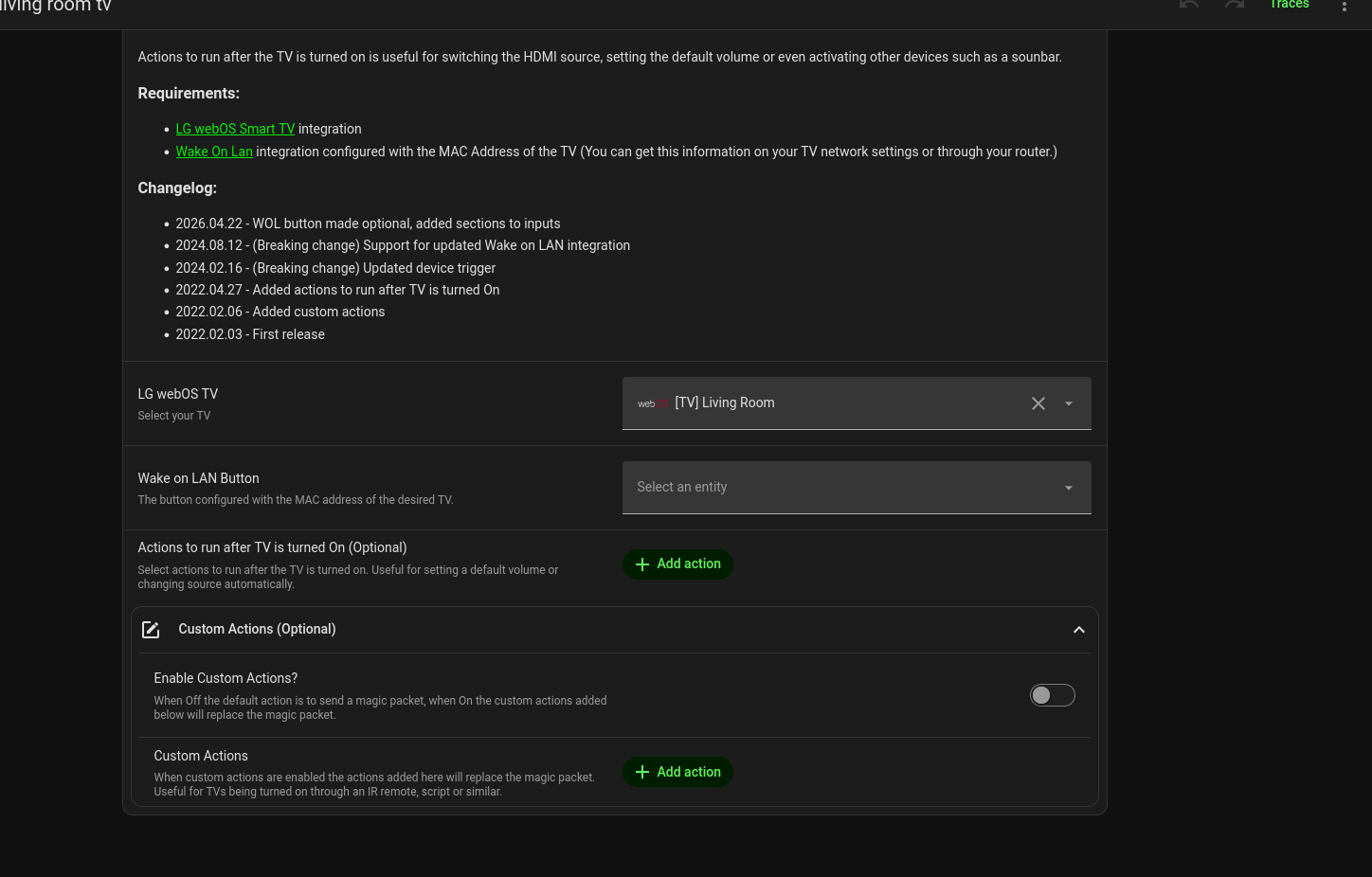
Minor suggestion to make configuration easier for anyone choosing custom actions: The WOL integration selection should be optional as it gets ignored anyway. I updated the blueprint, and to fix it I had to create a new entry that just gets ignored.
My setup: My VLANs block the WOL packet to the TVs, so a custom option pushes causes an ESPhome device sitting on the TVs VLAN to send the packet.
This blueprint is giving me issues currently. when pressing the power button, my tv does not turn on, only this community custom card works semi-correctly. everything else is a bit wonky and takes too long to simply boot the tv. I just updated to newer blueprint and cannot see the mac section :-/ (yes i did figure out that updating was re-importing, at least thats what I thought.)
so what are you supposed to put in the Wake on Lan button thing, i only put mac and now it won’t work. what do i do. update: tv did turn on but took like 30seconds. wait its working now im so confused…
sigh, nope, works like half the time, I have this tv connected over wifi, its a lg 32LQ63006LA - which is like a budget level 2022 so im unsure whether lg’s messed something up or whether its just cause its on wifi. i dont have any easy way to route this over ethernet, and bam, 2 minutes later its back on as im editing it, by the time the WoL command gets through you’ve probably just gone and done something else. at this point I think I’m better off just using an ir blaster to reliably power it on/off
Had to append this to this comment cause ‘new users appended to 3 replies’ so I’m just gonna have to say that the path of trying to make it WoL is wonky over wifi, might try a powerline adapter though I’m not confident that’ll help - packet sending is just… slow on my end for whatever reason.
i probably could test a powerline, but im not going to. this has previously worked fine over wifi so probably a regression of some kind.
yep, going over an ethernet powerline just works, unfortauntely, i dont have a permanent spot for a powerline ethernet, also idk how fast my powerline is.
Hey there.
I do have two TVs on this blueprint, one with WoL and another with an IR blaster.
I ended up using the IR because the second TV didn’t reliably respond to manual WoL calls despite messing with all the settings in the integration docs.
Still, I’ll take a look at the custom card and see what it does differently.
yeah, tested with a powerline, it worked, but powerline was being a bit limited. there’s no way to have the ir power on command integrate into the lg webos tv device cards is there? and besides, my remote card has a power button that’d make it do wake on lan with no obvious way to change that.