Can anyone possibly help and confirm if it is possibly to break up your view into segments?
I can trying to break out my chips separately into a ‘navigation’ yaml file, and then include that file. This would greatly help in reducing the code redundancy.
In, the below, I’ve coped the entire custom:mushroom-chips-card into a new navigation file, but can’t seem to the include to work correctly.
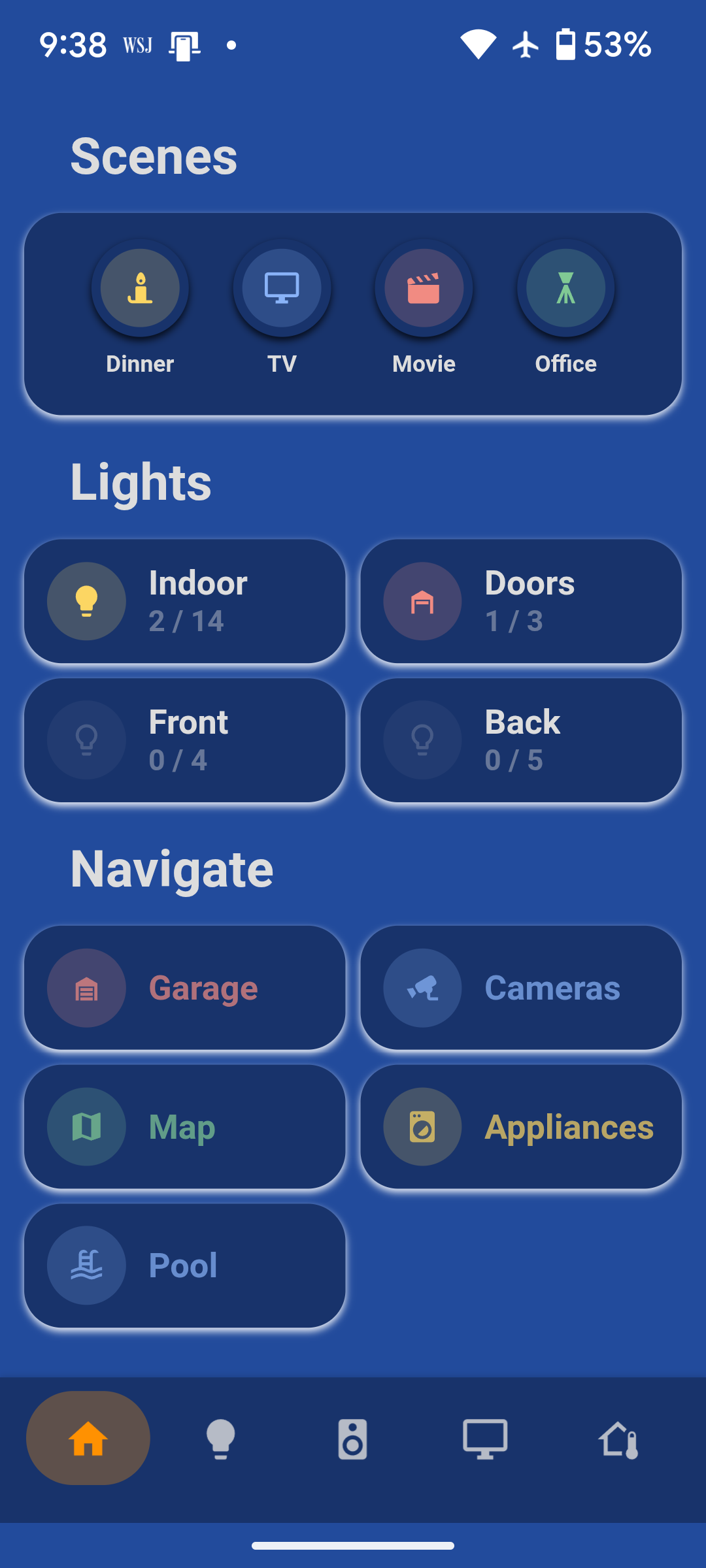
I’m using the minimalist-ios-tapbar theme and there is an offset relative to the bottom of the screen. I’ve tried to adjust a few of the parameters in card-mod-root-yaml, but I’m not able to move it down. Any suggestions on things to try?
It doesn’t seem like any of the changes I make under card-mod-root-yaml have any effect. I’ve reloaded themes, reloaded UI Minimalist YAML and restarted home assistant. Changes made to other theme variables are reflected.
I am experimenting with different cards, etc, unsure if I did something or not within my setup. But anything I do within my minimalist template will not expand accros the full view of my browser?
I’m experiment with the gid layout, and I can get this go the full width of the screen?
I’m running the adaptive display on a pi 5. Has anyone get it to run smoothly? It seems like a bit of a dogs breakfast when it comes to speed. Sometimes its fine and sometimes to super slow. Entities updating is one thing I guess. But it also seems to just be slow sometimes.
I have some battery cards which used to work properly and now they don’t. What I do is to send a mobile app notification when double tapping the name of the card (using some TTS which I’m ignoring here for simplicity). Now when I double tap it it just gives me this error:
Failed to perform the action notify/mobile_app_phone_personal. not a valid value for dictionary value @ data['target']['entity_id']. Got ''
This is the simplified definition which also gives the same error:
type: custom:button-card
template: card_battery
entity: sensor.phone_personal_battery_level
variables:
  ulm_card_battery_charger_type_entity_id: sensor.phone_personal_battery_level
  ulm_card_battery_name: my phone
  ulm_name_double_tap_action: call-service
  ulm_name_double_tap_service: notify.mobile_app_phone_personal
  ulm_name_double_tap_service_data:
    message: lorem ipsum
Adding entity or entity_id within the service_data and/or within service_data/target/ doesn’t help.
I wonder if it has something to do with that HA update where now the services are called actions or not…
HA version: 2025.6.1
UILM version: v1.3.18
browsermod version: 2.4.0 (in case it matters)
Any idea?
~ EDIT ~
If I add this:
ulm_name_double_tap_target: 'xxx'
the error changes to:
Failed to perform the action notify/mobile_app_phone_personal. not a valid value for dictionary value @ data['target']['entity_id']. Got 'xxx'
If I change it to this:
ulm_name_double_tap_target: {},
the error is this:
Failed to perform the action notify/mobile_app_phone_personal. extra keys not allowed @ data['entity_id']
~ EDIT 2 ~
I was able to get it to work by using a script that calls the notify.*
I’m basically doing this for now:
Is there a way to create a drop down for an input select? I’m trying to find a decent way to do it but I just can’t find something that works. Any help appreciated.
When you show an Input Select in a dashboard, it is by it’s nature showing as a drop-down combobox. Did yoiu go into the settings and add multiple values for the dropdown choices?
I accidentally selected the “minimalist-tapbar” theme for my iOS app and now I have no access to my sidebar… is there a way to restore it without uninstalling and reinstalling the app?