 PumpSteer 2.0 released
Hi again!
I’ve just released PumpSteer 2.0 — a major rewrite of the entire control system.
This is not an incremental update. It’s a completely new approach to controlling heating systems based on electricity price, indoor temperature, and forecasts.
 Important:
Treat this as a new integration, not an upgrade from 1.x.
 What’s new in 2.0
•  PI-based control (replaces previous heuristics)
•  Smart price classification: cheap / normal / expensive
•  State machine for predictable and explainable behavior
•  Dynamic braking with ramp, hold logic and peak filtering
•  Forecast-aware planning (optional weather integration)
•  Integration-managed entities (numbers, switches, datetime)
•  Fully local — no cloud dependencies
•  Removed ML from runtime for stability and simplicity
 Breaking changes
• Price categories changed (simplified model)
• Requires price sensors with raw_today and raw_tomorrow
• Old helpers are no longer primary
• Automations and dashboards need to be rebuilt
• Behavior is NOT the same as 1.6.x
 After upgrading you should:
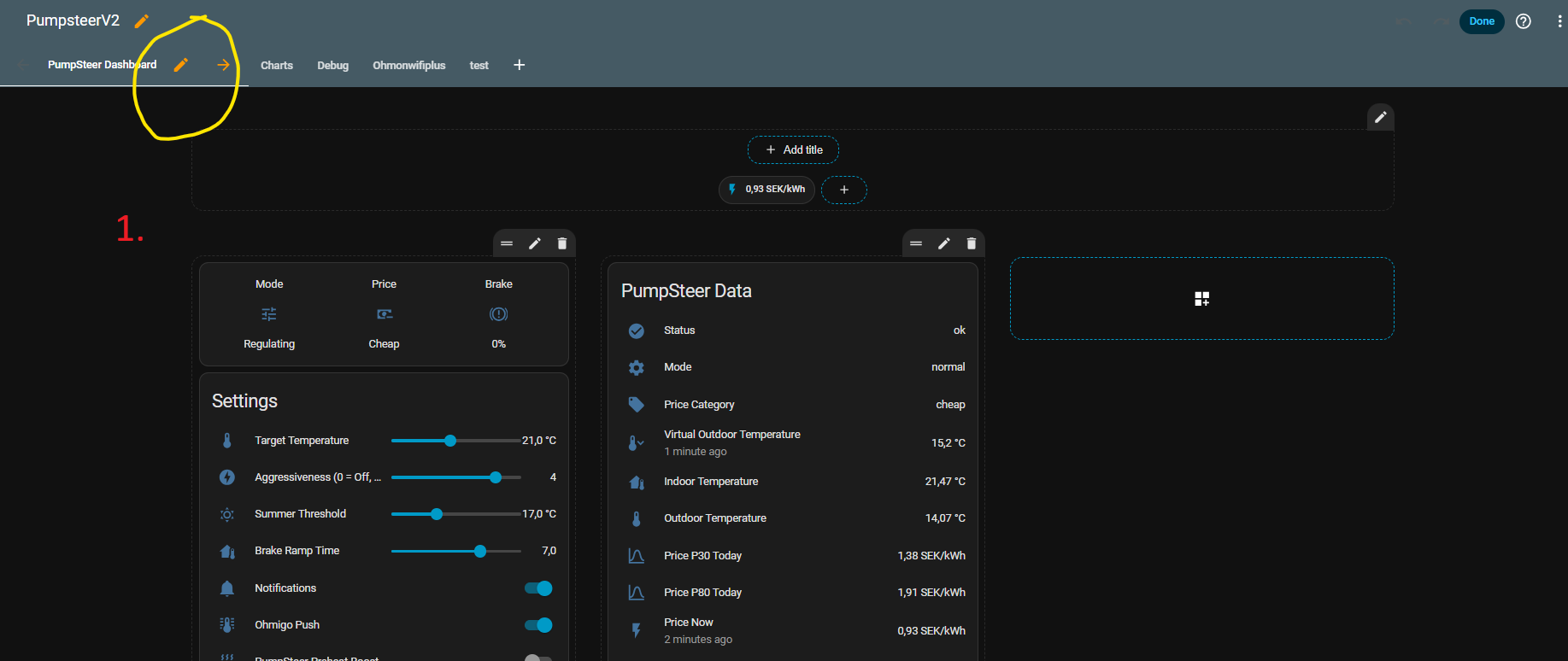
• Rebuild Lovelace dashboard
• Update automations
• Verify price sensors
• Reconnect entities
• Retune aggressiveness and inertia
GitHub:
 Feedback AND help welcome!
I would really appreciate not only feedback, but also help from experienced developers:
• Improving the control logic (PI + price strategy)
• Reviewing architecture and structure
• Handling edge cases and long-term stability
• Making the integration more aligned with Home Assistant best practices
This project started as a learning journey, and I’m still learning — so all input, ideas, and contributions are very welcome.
If anyone wants to collaborate or contribute, I’d be happy to work together!
 One thing I’d especially like input on:
How would you best structure a system that combines:
• PI control
• price-based state transitions
• forecast-based pre-planning
…without making it too complex or fragile?
Thanks to everyone who has followed along so far!
/Johan
 yet…
yet…
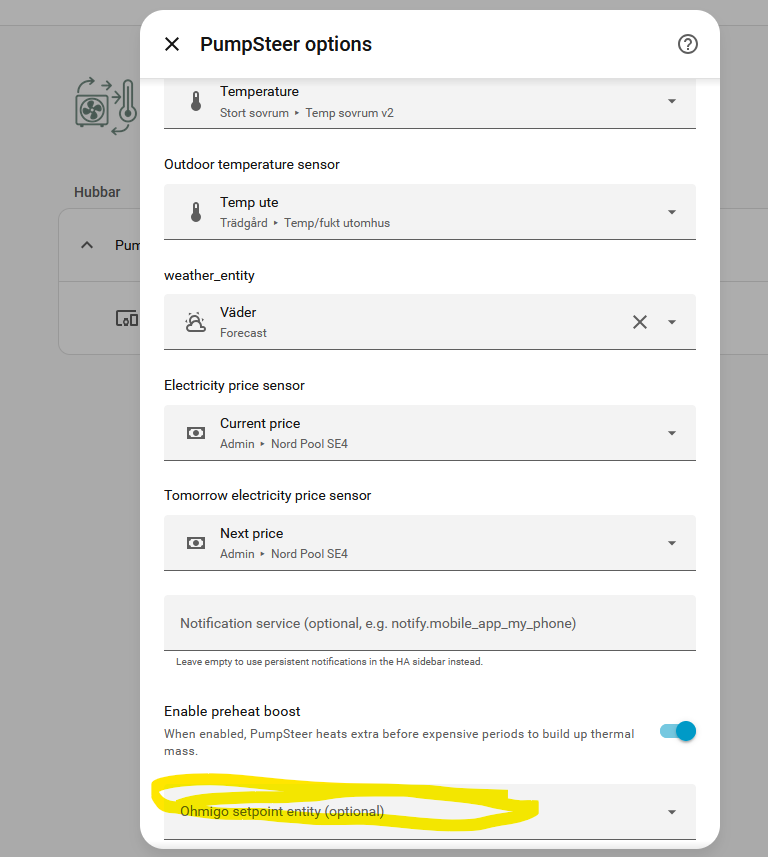
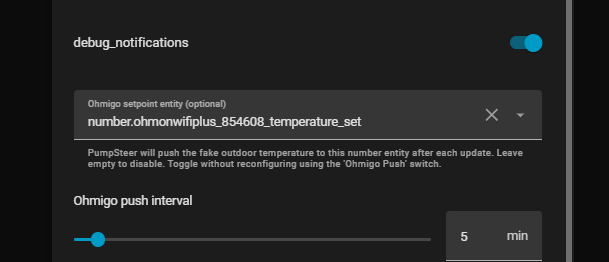

 PumpSteer 2.1.1 pre-release now has experimental support for generic service output — for example Modbus.
 Important: