I changed this setting, as it was set to off.
But I don’t know whether it helped or not.
Have you checked this?
Are you running Home Assistant OS or (the now deprecated and unsupported) Home Assistant Supervised?
The reason why I ask is because I am still running Home Assistant Supervised and had a similar problem (some time ago) that required me to switch to a forked version of the Tailscale App.
Here’s how my HA server’s connection information is configured in the Companion app’s settings.
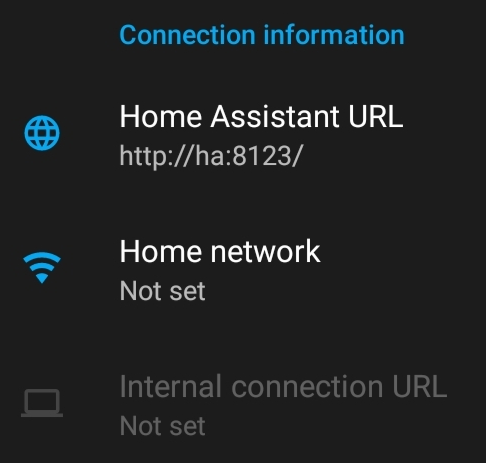
My local LAN’s DNS converts the URL’s “ha” to the local IP address (192.168 etc). The Companion app transparently connects to the HA server whether the connection is local, via my home’s LAN, or remotely via Tailscale.
I run HA OS, the ha-link does not work for me.
My colleague managed to fix it by adding a subnet in the tailscale app settings in home assistant and enabling this in the admin console of tailscale. I tried the exact same settings but no luck unfortunately. Besides that he only configured the HA URL with his local ip as it was before, no Internal connection URL required.
I’m mostly guessing here, but that subnet route still looks pretty suspicious.
There have been a few changes around advertise_routes. It started with this change in 0.29.0, which (among other stuff) disabled subnet advertising by default, and then another change in 0.30.0, which migrated the old local_subnets setting to explicit routes.
Whether that affects the setup depends on how it was configured before and how it was upgraded.
I’d first check in Tailscale’s admin console that the subnet is actually being advertised and approved for the current HA node. Then try opening http://192.168.x.x:8123 in your phone’s browser with Wi-Fi turned off and Tailscale enabled. If that doesn’t work but 100.x.x.x:8123 does, I’d start by looking at the subnet routing.
That is what is happening here.
But, I don’t know which setting I’ve changed that did this, but when the HA Companion app. fails to connect now, I get one or other of these screens…
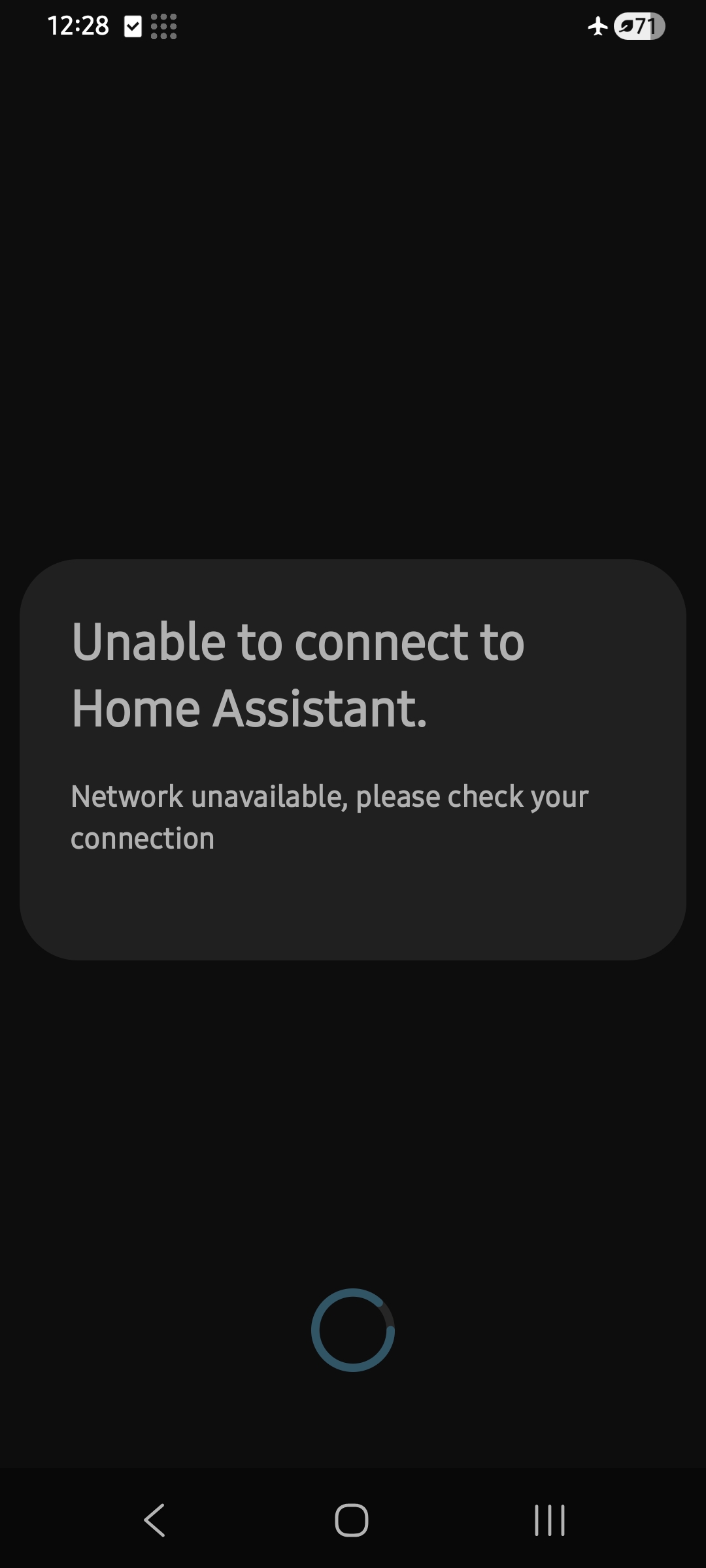
or

…instead of the Wait / Settings / Check URL prompt, which was presented before.
So I can’t get to the settings anymore… or at least, I don’t know how to get to the settings. Although it does still work when it can connect…
Maybe see what happens with the next Tailscale update.
But I’ve done with the app. now.

Well I finally solved it after chatting with CoPilot for half an hour and going through logs. In Tailscale settings under App Split tunneling I had selected Home Assistant and because of that it could not use Tailscale. That’s why it worked fine from the browser but not the companion app.
I probably selected this somewhere during the beginning of my troubleshooting and forgot to turn it off, that’s all I can think of. Stupid but glad I finally found it.
I had the same problem. The companion app refused to use the tailscale address until I deleted my wifi ssids and the internal connection url. From the companion app error logs:
ServerConnectionStateProviderImpl: usesVpn is: true
ServerConnectionStateProviderImplKt: Using internal URL
and
SocketTimeoutException: failed to connect to /192.168.x.x (port 8123) from /192.0.0.4 (port 45128) after 10000ms