Water level sensor "measurement timed out"

YES! This finally worked for me. THANK. YOU!

I am running the AJ-SR04M, which is sold on Amazon as the JSN-SR04t on a NodeMCU 1.0 (ESP8266). I was able to confirm that the sensor and the board were working AND I had the correct pins by uploading a simple example through Arduino IDE. I didn’t notice any mention of the specific timeout, but this helped. Here is my full ESPHome yaml:

esphome:
name: proximity-sensor
friendly_name: Proximity Sensor

esp8266:
  board: esp01_1m

# Enable logging
logger:

# Enable Home Assistant API
api:
  encryption:
    key: "MYAPIKEY"

ota:
  - platform: esphome
    password: "MYPASSWORD"

wifi:
  ssid: SSID
  password: MYSSIDPASSWORD

# Enable fallback hotspot (captive portal) in case wifi connection fails
  ap:
    ssid: "Proximity-Sensor"
    password: "MYPASSWORD"

# AJ-SR04M configuration entry
sensor:
- platform: ultrasonic
  echo_pin: 13
  trigger_pin: 15
  name: "Ultrasonic Sensor"
  pulse_time:
    microseconds: 20
  update_interval: 5s
  accuracy_decimals: 3
  device_class: distance
  force_update: True
  timeout: 6.1m
  filters:
    - sliding_window_moving_average:
      window_size: 12
      send_every: 12

captive_portal:

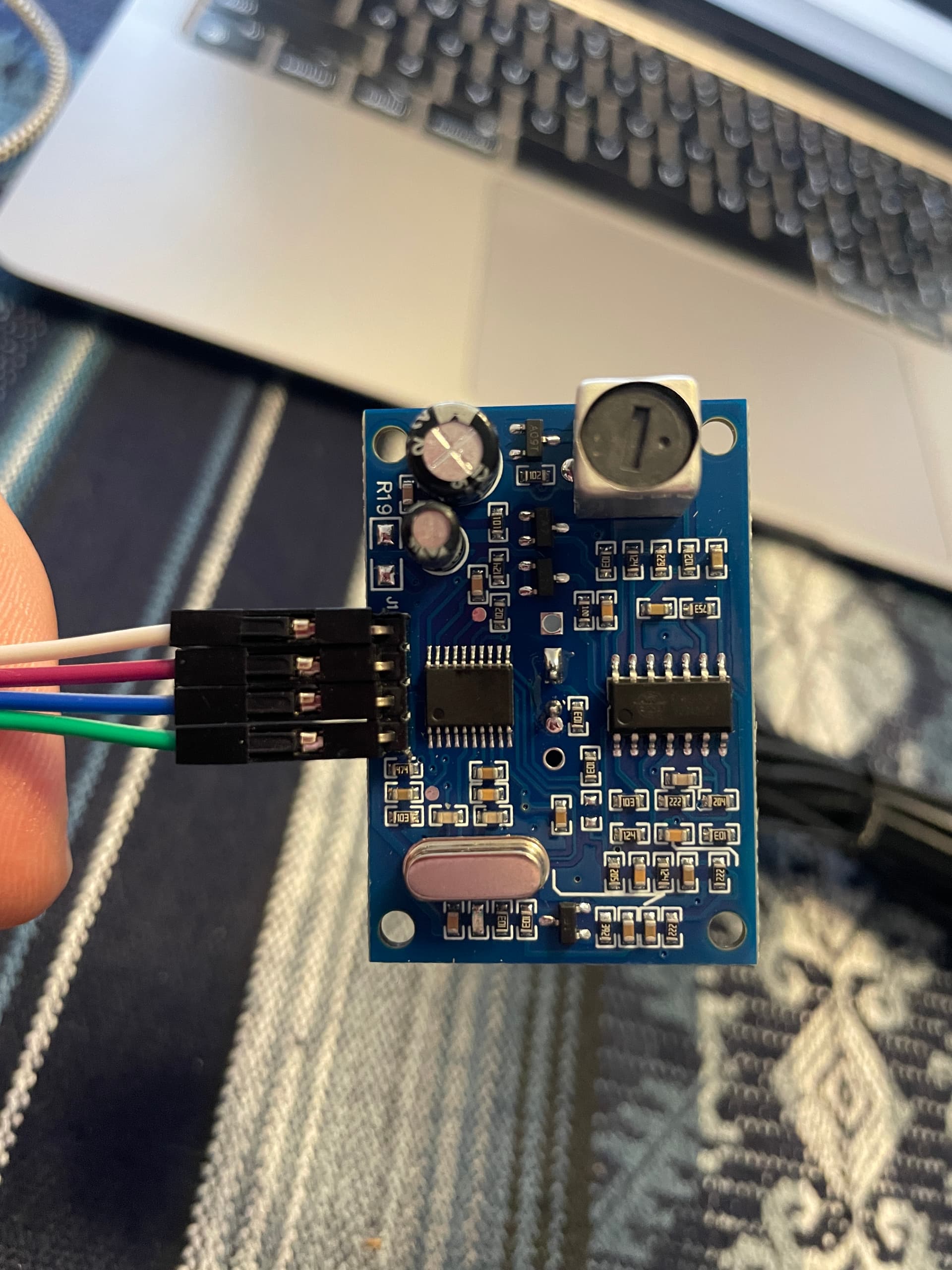
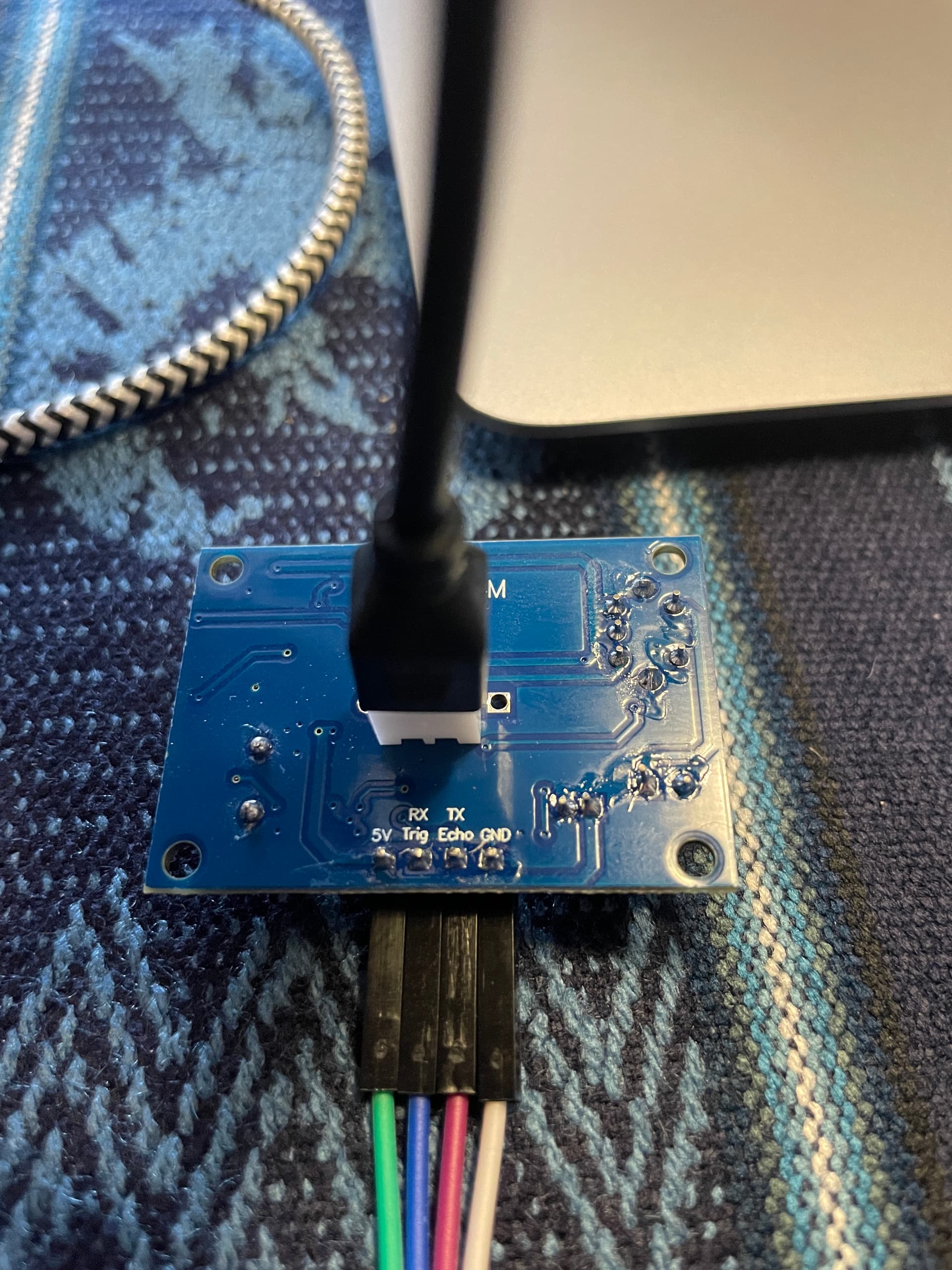
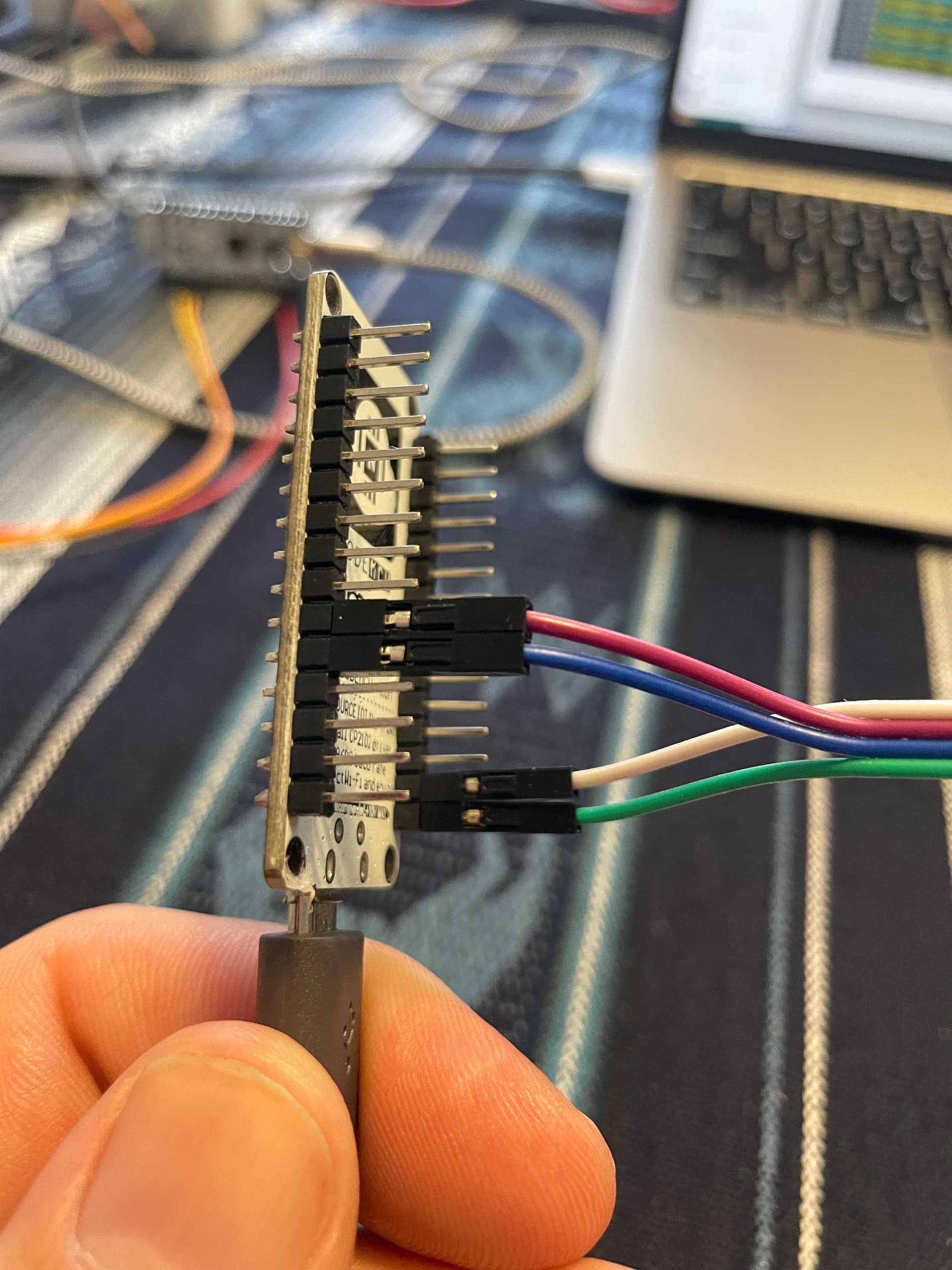
Here are a few pictures of the wiring. I’m not sure if GPIO pins 13 and 15 must be used or whether I could use 12 and 14 or even 4 and 5, there are mixed comments on these elsewhere, but I may try them each later.

Hi,

I had the same issue.
I have it solved by using pulse interval of 75us and use other port on esp32.

After installing it in my rainwatertank it reads through the water and shown the bottom of the tank :slight_smile: So It cannot read the waterlevel.

Any clues on this?

Regards,

Sander

I have got it fixed by replacing the sensor at the right angle to the water surface.

I also noticed that sometimes i got a “Distance measurement timed out!” message.

I have changed the yaml code to only use the correct readings and ignore the timeouts.

I have created a global with last valid distance:
globals:

  • id: last_valid_distance
    type: float
    restore_value: yes
    initial_value: ‘0.5’

changes the sensor to use this last valid value:

sensor:

  • platform: ultrasonic
    id: Afstand
    trigger_pin: 16
    echo_pin: 18
    name: “Watertank”
    update_interval: 5s
    pulse_time: 60us
    timeout: 6m
    filters:

    • lambda: |-
      if (x > 0.0) {
      id(last_valid_distance) = x;
      return x;
      } else {
      return id(last_valid_distance);
      }
  • platform: template
    name: “% vol”
    unit_of_measurement: “%”
    lambda: |-
    float afstand = id(last_valid_distance);
    if (afstand <= 0.200) {
    return 100;
    } else if (afstand >= 0.780) {
    return 0;
    } else {
    return (100 - ((afstand - 0.200) / 0.58 * 100));
    }
    update_interval: 10s

  • platform: template
    name: “Liter”
    unit_of_measurement: “L”
    accuracy_decimals: 0
    lambda: |-
    float afstand = id(last_valid_distance);
    if (afstand > 0.200) {
    return ((0.65 - (afstand - 0.200)) * 3000);
    } else {
    return 0;
    }
    update_interval: 10s

Now the value shown in HA stays stable and gets update several times a minute.

Regards

Sander

1 Like

I feel a bit bad after starting this thread and not coming to you for quite a while. But at least it looks like I was not the only struggling and some got helped. After tinkering around this afternoon (and finishing some really nice projects while not finding the time to tackle this), it is finally working. This is my final sensor setup:

sensor:
  - platform: ultrasonic
    id: Distance 
    trigger_pin: D1
    echo_pin: D2
    name: Reservoir Wasserstand
    device_class: distance
    pulse_time:
      microseconds: 20
    update_interval: 3s
    force_update: True
    timeout: 5m
    filters:
      - filter_out: nan
      - lambda: |-
          if (x < 0.1 || x > 5.0) return {};  // nur 0.1–5m gültig
          return x;
      - median:
          window_size: 10
          send_every: 1
          send_first_at: 1

Well, if I say working: I still have quite a few timed outs, that is why I added the filters. It looks to me that I got a bunch of crappy sensors which are not working well.