Sounds nice! as always … Thank you for this update.
Did you check the C.A.F.E project ? This is very promising for editing automations with an easy to understand UI and without having to rely on anything else that the existing yaml system …
I’m curious of knowing if this or something similar could one day reach a native integratiuon in the project 
7 Likes
As far as moving the Developer tools: “We understand this might take some getting used to, and we hear you! We’re actively exploring adding full sidebar menu customization capabilities in the future”. If you hear us why not explore and provide a mechanism before making this type of change?
92 Likes
I still fail to see how changing “add-on” to “app” fixes the underlying problem described in the blog post.
If a new user can’t figure out the difference between “add-on” & “integration” then I seriously doubt they’ll be able to figure out the difference between “app” and “integration”.

57 Likes
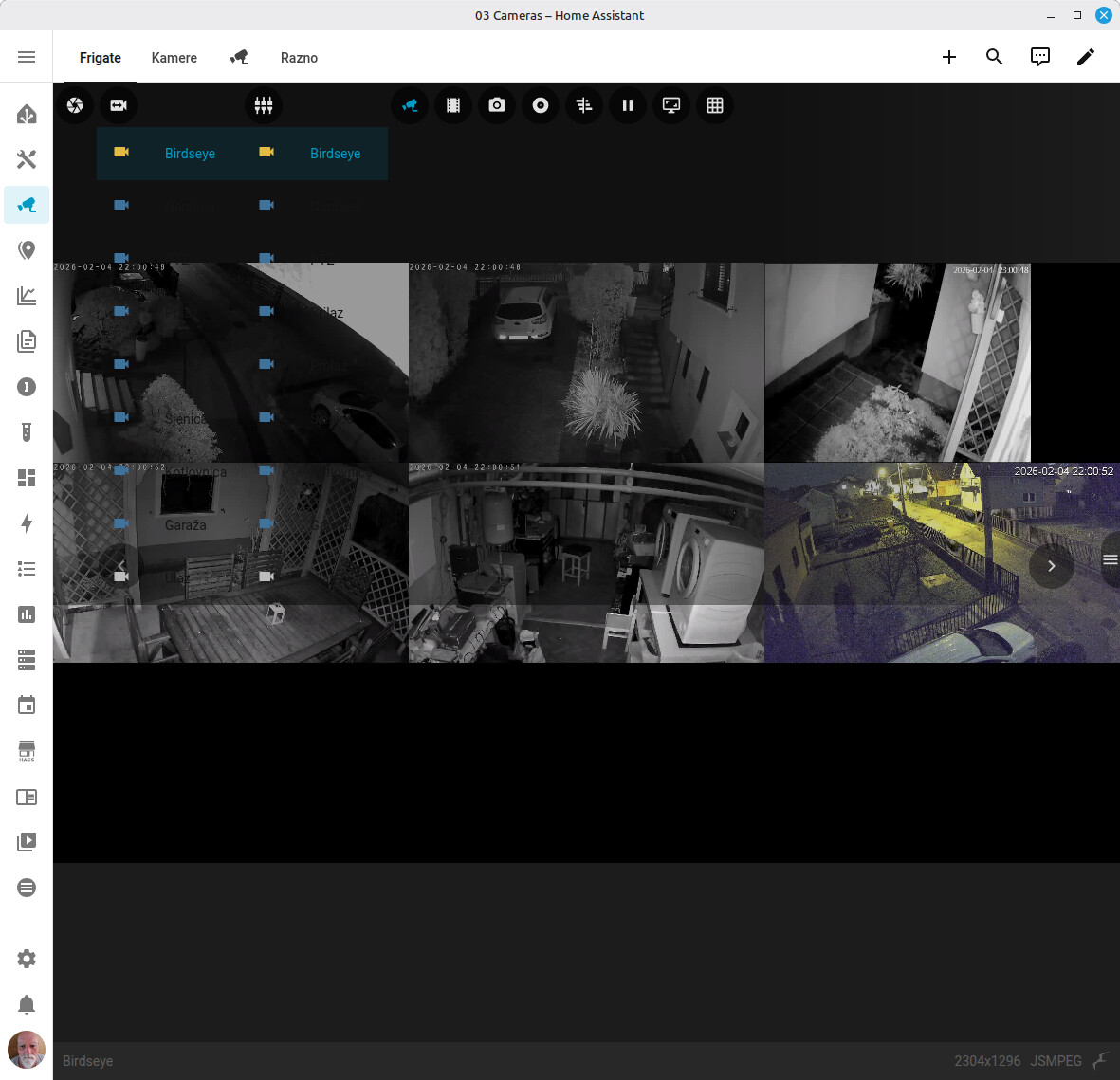
The theme change (no more blue header) is mentioned in the release notes, so no surprise there.
The card you mention is a custom one, so it probably has not been updated yet for the new HA version.
just upgraded and having issues with vodafone station and smarthings integrations
I can live without the first, but not the second
How/where am I supposed to file a bug?
Where is the merch store … Can’t find it
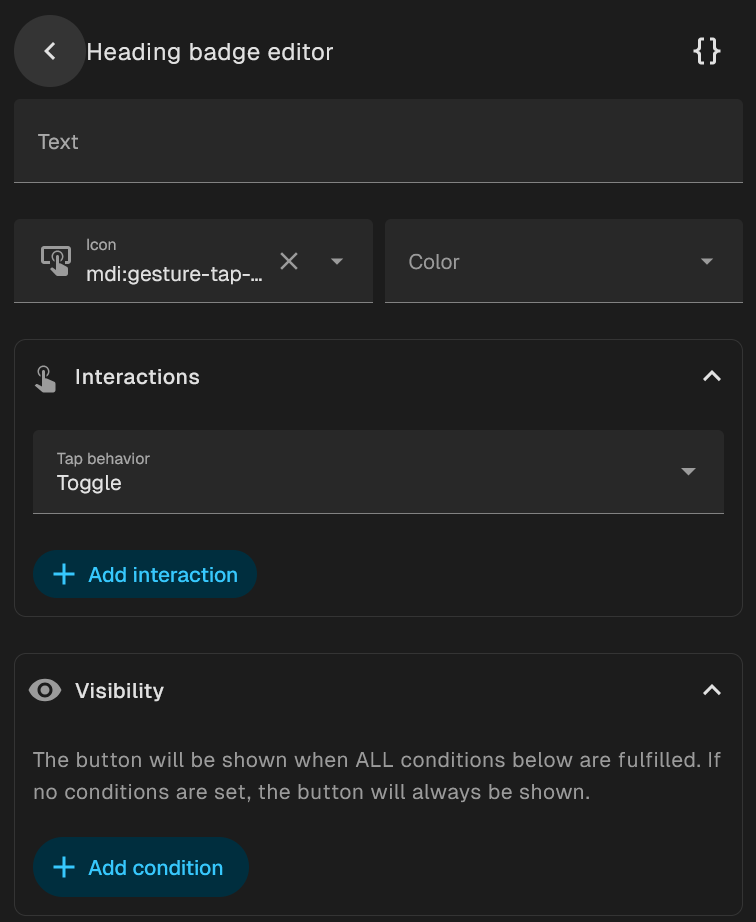
The new buttons for the Heading card are great, but I think they’re missing the entity field input to actually perform any actions. Adding it via YAML works, but this should be in the UI for sure.
1 Like
In the new overview,” ruimte bewerken, gerelateerde sensoren, temperatuursensor “ I would like to be able to choose the current temperature of my Evohome CV/climate thermostats. Will that be made possible?
1 Like
Github. Links on HA website for HA Core or HA UI repo’s.
I pulled new image from github and restarted ha. I don’t see any major problem but as I said and you deleted this post, you can’t impose features no one ask for and no one want to have just because someone thinks it will be good, cool or whatever.
Deleting posts will not change anything and I hope you understand that.
3 Likes
Thanks guys! 

Good job with the new release, well presented, updated without any hiccup.
Your post was deleted because the way you phrased your displeasure. You can provide feedback, just keep it friendly.
12 Likes
I didnt say any of mine displesure. I was just refering to the post above.
I dont see any problems with 2026.2 but i agree that developers more than often add crucial changes that on one asked for.
Backup is the best example.
It doesnt affect me as i dont use it. I made my own solution that doesnt depend on the house provided solution.
But never the less.
People are telling do not do that but anyway we hear you and we will do it.
How dows it sound then we dont care.
3 Likes
I think using the perform action probably makes more sense in that case, since the header/button isn’t really tied to a specific entity:
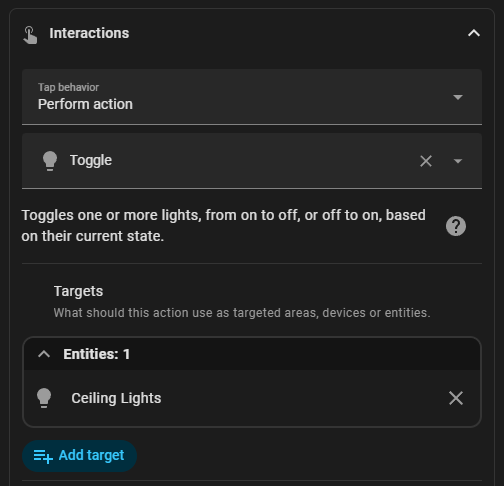
I’m surprised toggle is offered there as an option, probably makes sense for that to be hidden.
Just updated 2026.2.0 and my browsers and the app keep reloading over and over. Can’t use the http to view homeassistant. Any suggestions?
1 Like
I am not a fan of this change, I use the Developer Tools all the time and this makes it more of a pain to get there. I hope the customization option comes soon so I can put it back into the sidebar!
44 Likes
I just upgraded to 2026.2. I notice a new dashboard called “Home” that seems to have the new layout. Nice. Is that the right way to see the new dashboard if I already had a prior Overview dashboard?
Also, my Settings still has Add-Ons, not Apps and when I click on it nothing shows up. On the prior version under add-ons I had the file editor installed. I still see File Editor listed in the left hand list, but when I click on it, I only get a blank screen on the right side. No title or anything! Please advise how I can get file editor back and why my settings has Add-Ons instead of Apps after upgrading. Thank you.
P.S. Developer Tools is NOT showing up anywhere now. Not on the left and not in settings.
1 Like
If anyone want’s to restore the header bar color, try this in your theme.yaml.
  # Example: bring back header feel
  app-header-background-color: "#1E88E5"
  app-header-text-color: "#FFFFFF"
or
  app-header-background-color: var(--primary-color)
  app-header-text-color: var(--primary-text-color)
15 Likes