What’s going on with the update? It’s taking forever an hour for 41%!
Making the Energy dashboard prettier is great, but what about basis functionality. Where is the ability to record a standing daily rate alongside metered usage?
2 Likes
If wake word functions while connected to android auto that would be amazing, although being a first version and with no mention, I’m not expecting it to. Since google removed 3rd party list support I’ve been unable to set reminders when inspiration strikes while driving.
Seeing an error on a couple of dashboards particularly on the overview
Error loading the view strategy:
TypeError: Cannot read properties of undefined (reading ‘length’)

Nothing in the logs. Anyone have any ideas?
1 Like
I’ve got this same problem too. Only seemed to happen after the update.
This appears to be a caching issue. The dashboard loads in the iOS app and Edge. From Chrome, press F12 for developer options, then while holding Shift+Ctrl, right click the reload button and select “Empty Cache and Hard Reload”
2 Likes
Thanks for your great work :D.
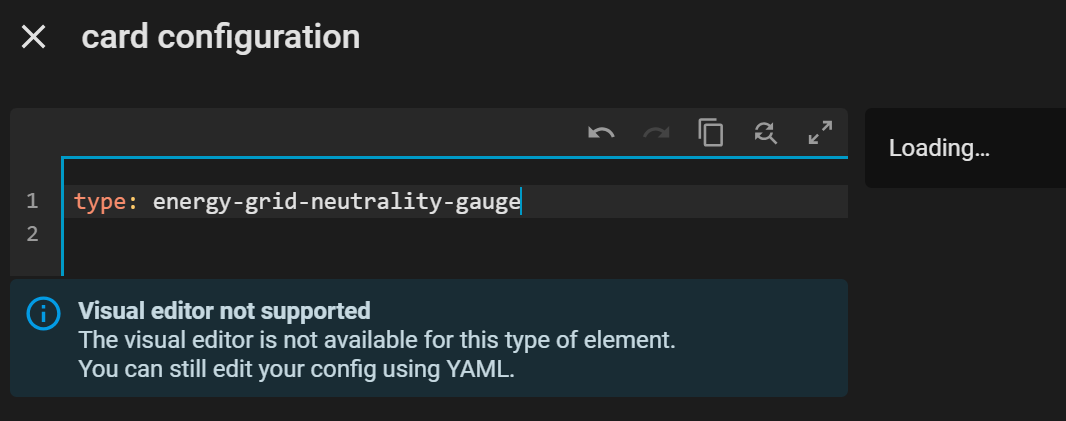
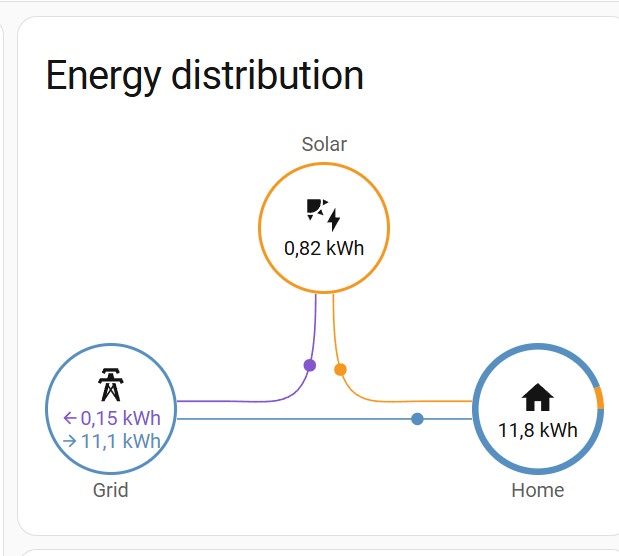
The “Energy Distribution” chart is missing from the energy dashboard.
I have only configured electricity (and no water or gas). That’s why there is no summary of all sources and you can no longer see this chart, as it has probably moved to the “Summary” tab.
1 Like
Hmm, because I learned reading the “breaking changes” is more or less an important thing I wonder what the following sentence from the release notes should tell me.
If you are running a very old container runtime, make sure it supports
zstdbefore updating.
Any hints about how to check / what to do if not given?
Github load issue. It happened to me on the last update cycle. This time it zoomed to 88% before slowing way down. It tool 5 minutes for the last 12%
Check if you have an updated Docker.
1 Like
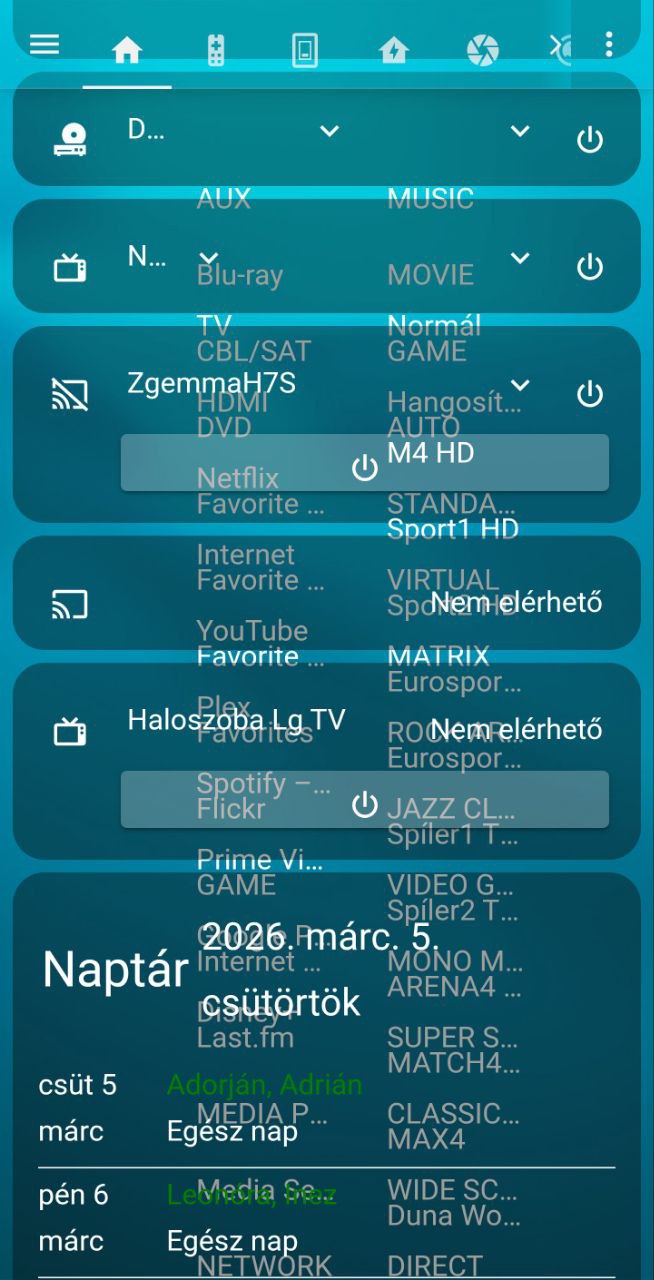
After the latest Home Assistant update my Lovelace dashboard dropdown menus became transparent.
The dropdown list appears but the background is transparent, so the dashboard behind it is visible through the menu items.
Steps / details:
- Home Assistant updated to the latest version
- Issue appears on mobile (Home Assistant Android app)
- It happens with the default theme as well
- Removing my old custom theme did not fix it
- Restarting Home Assistant multiple times did not help
- Card-mod is installed via HACS
Expected behavior:
Dropdown menus should have a solid background like before.
Actual behavior:
The menu surface is transparent and UI elements behind it are visible.
Screenshot attached.
Can’t upload the screenshot…Processing: 1000096946.jpg…
might not be this but AFAIK card-mod is not really being actively developed any more so will start to lag behind HA features (and there seem to be be significant front end changes with 2026.3 so that could be what you are seeing here)
have a look at this as a drop-in alternative
slightly off topic for the 2026.3 release but there are few “work-around” solutions to this if you need a standing charge cost in each day…few good ideas in this thread
…why don´t we see an Oil consumption option in the energy dashboard??
2 Likes
This does not have anything to do with card-mod.
It’s just that the dropdown theme variables have changed and will need changing in their themes.
1 Like
thanks Tom…wasn’t sure and just trying to point in right direction
I’ll stick to what I know from now on 
They could be using card-mod to apply a CSS change in the card, in which case card-mod would have no trouble once they change the theme variables in their card-mod config.
1 Like