Hey all,
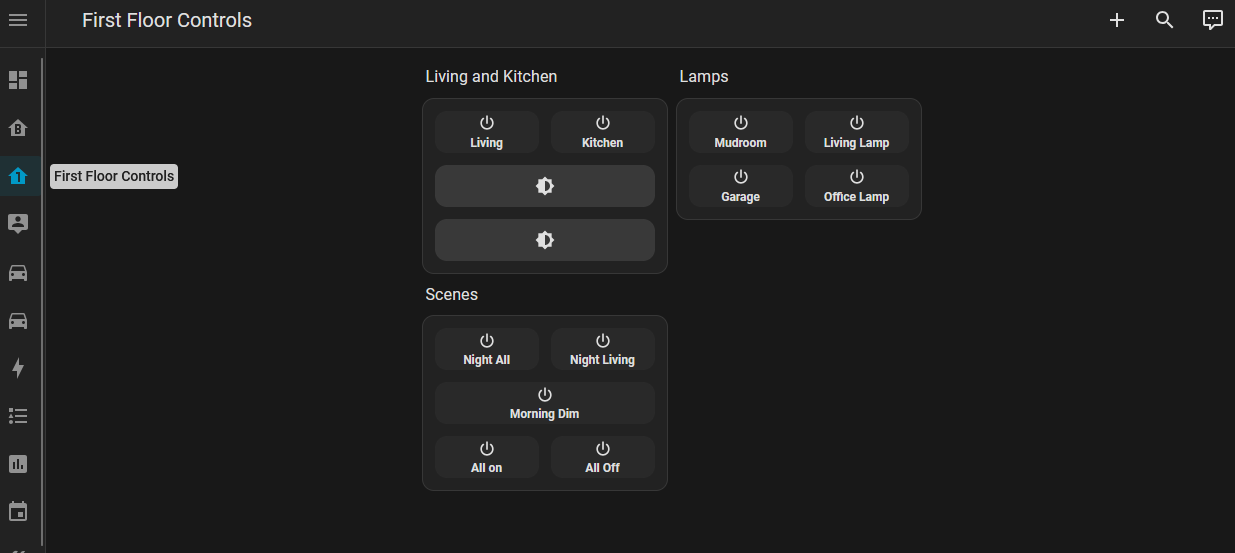
As I finish my basement and had some automated lights with different controllers (smartthings, wifi, etc). The idea was a central location to turn on/off, set dimmer, color. The 3 gang wall switches was the best place for a display with Home assistant dashboard as people normally look for that spot to switch lights.
Spent some time looking around the internet for something ready and couldn’t find. Very likely there are others around but I was too incompetent to find.
I got today to a nice implementation that I’m very happy with and will now install in my other house floors.
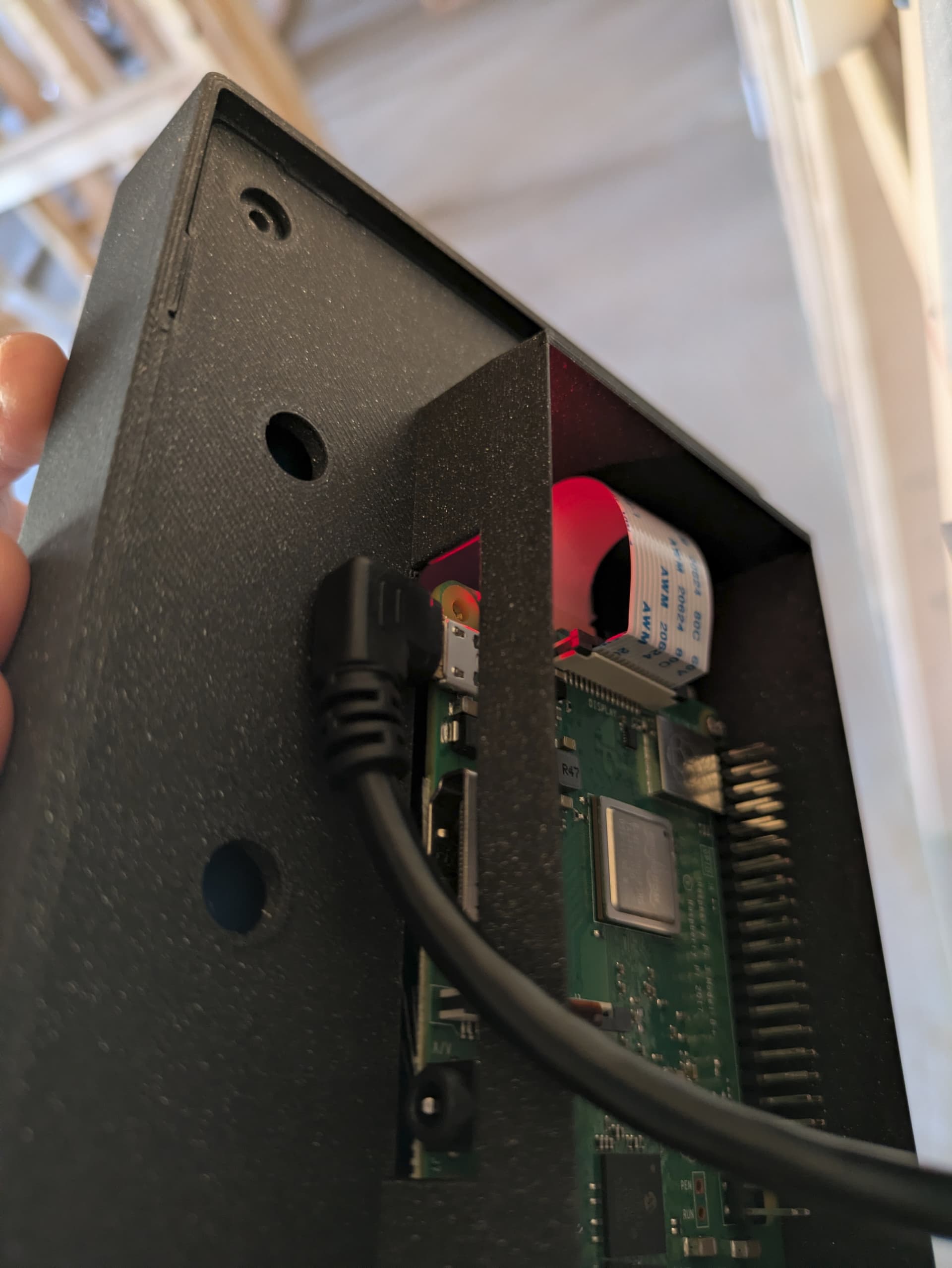
I’m running a Rasp 3B+. Chose the cheapest capable for the task and it’s doing a great job. Got a display on Amazon from China but performs well and connects to the rasp like the native raspberry display. Also chose one with the smallest bezel possible. You will find commercial displays worse than this  .
.
Found nice USB cable (short and capable of keeping the raps voltage, had to return many) and charger (holding the power needed, many returned as well). Did some wiring to the point it’s easy to install like any light or typical switch, but only two wires (ground not needed).
Made a 3D printed housing for the setup (many protos). Got to a nice design. No screws, no visible gaps, housing touches the wall. A bracket installed first, holds it all to the 3-gang.
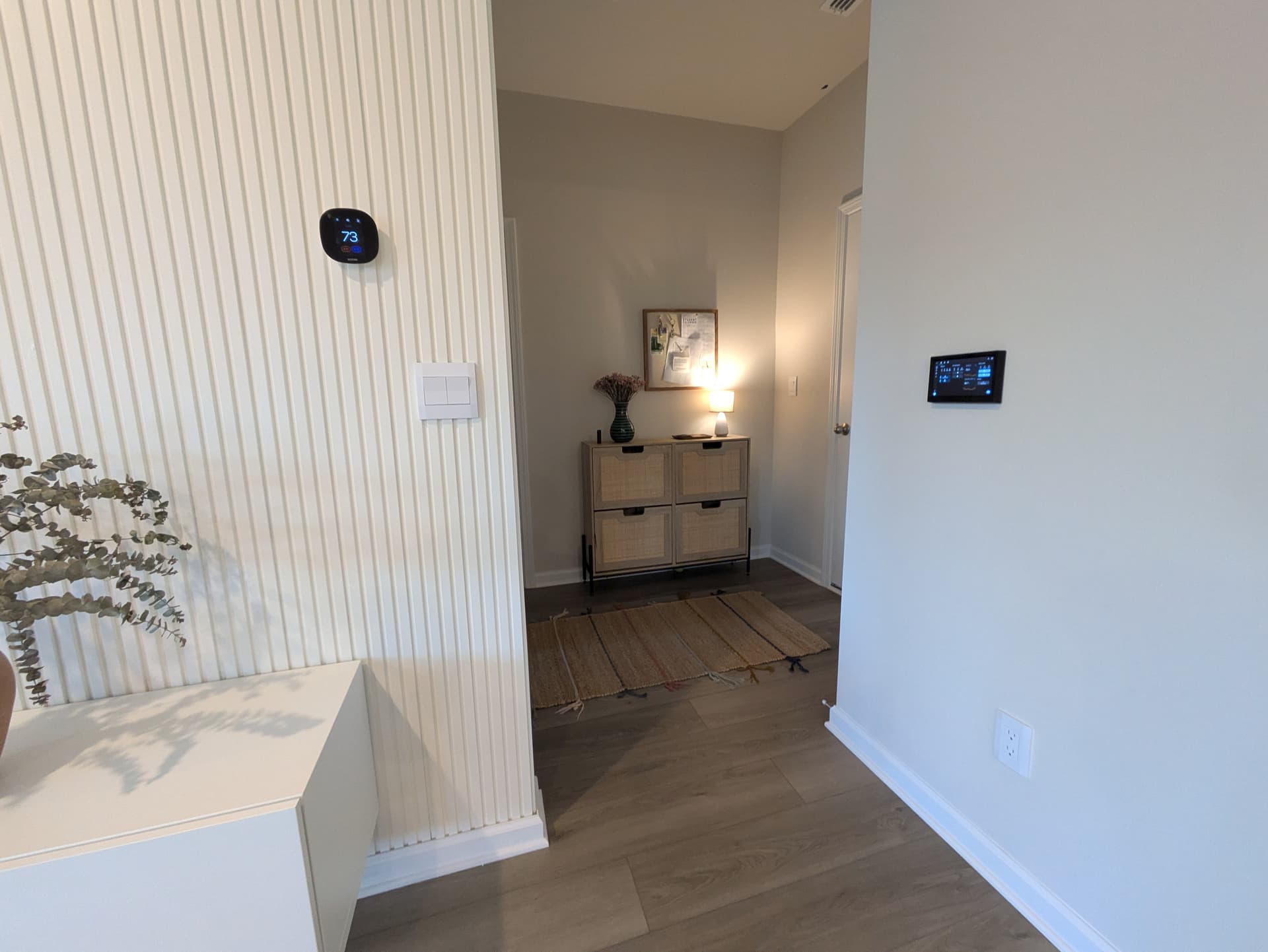
Here it is.

Interesting is that this thing sits aside of a originally planned Ecobee and I can definitely remove from the wall now. I’m still thinking about it. Will need a sensor in a fixed location to replace it.
This rasp is running a specific light OS in kiosk mode. This was the most painful thing to implement. It boots directly to this dashboard, logging in a specific home assistant user account for this display.
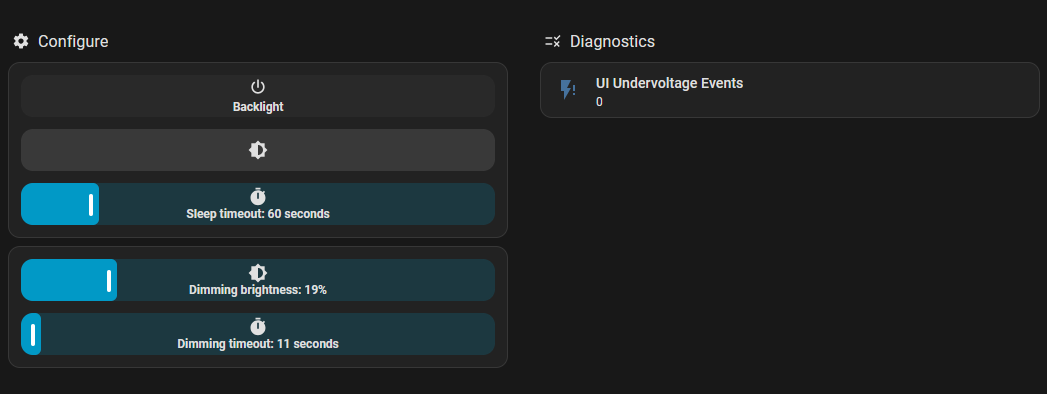
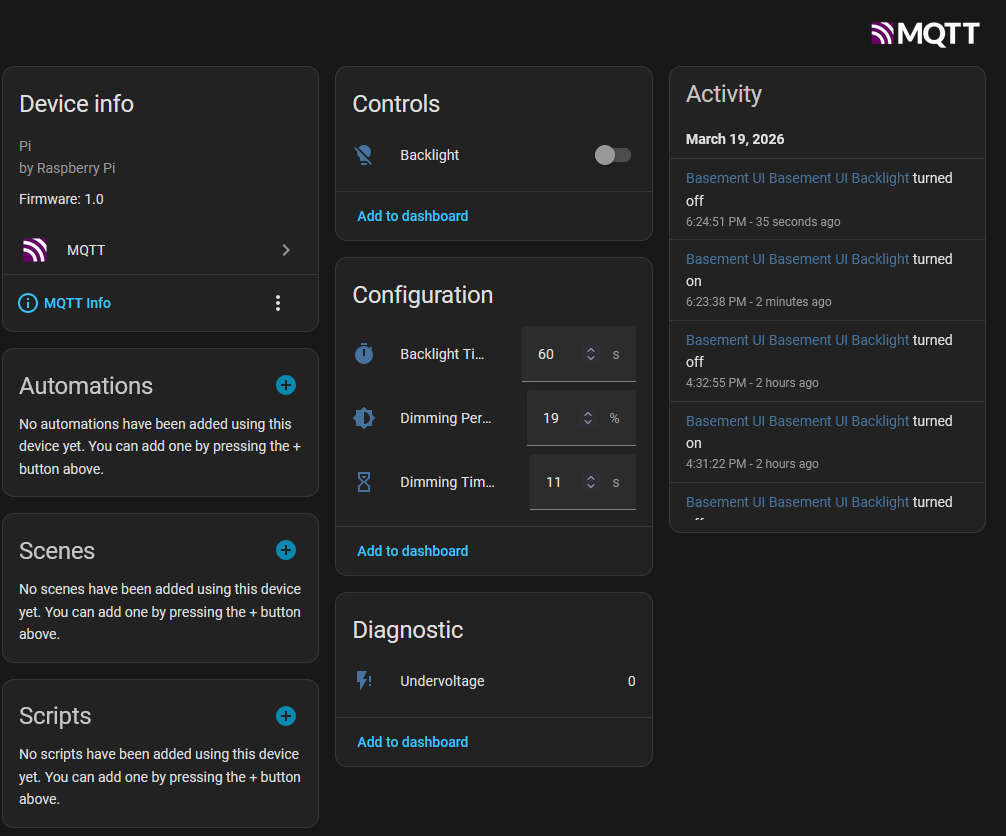
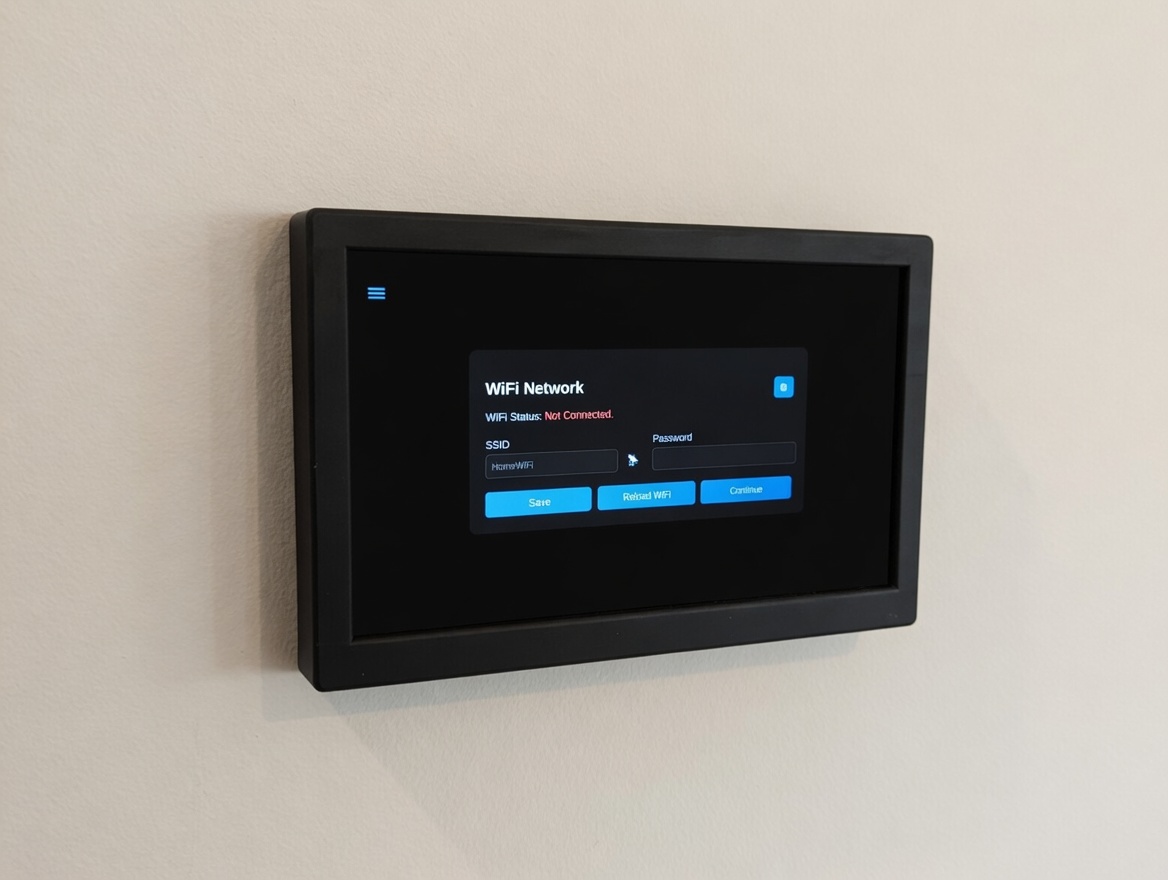
In the rasp I also have an interface with MQTT that allows me to change display settings like below. You can see undervoltage events if they happen.
At the end it made a nice replacement for my 3 ugly standard switches, exactly the way I expected it to be. As I add to other house floors, I’ll post more photos. I plan on adding a 3 gang box where I currently have 1 gang. Just need something like this:
If you are interested please reach out.

 as much as the results were above my expectations.