Hello,
I only can add one axis camera device…
When I want add a second axis camera device the following message come up:
Axis
Device is already configured
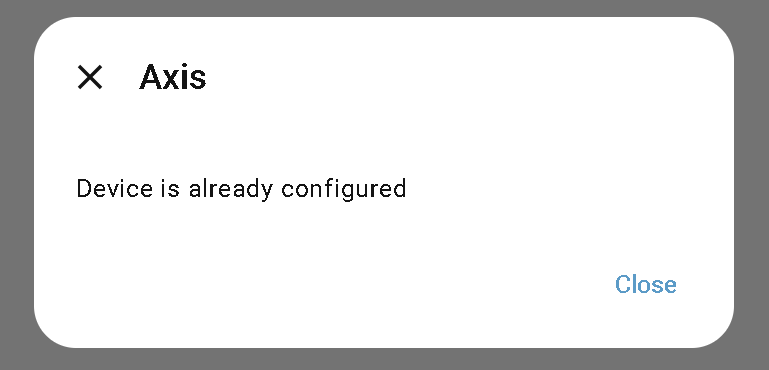
I have one configured, but with other IP-Adress.
What can I do?
Hello,
I only can add one axis camera device…
When I want add a second axis camera device the following message come up:
Axis
Device is already configured
I have one configured, but with other IP-Adress.
What can I do?
What integration are you using?
Give the local IP Address, and MAC address of each of your cameras, your router, and your HomeAssiistant server.
Do you have Static IP Addresses allocated, or just use DHCP?
Do you have VLANs, etc configured?
Hello, I use the axis integration.
I enter the local ip address these are static. Both are different. One is working and the other not.
But when I delete the working one I can add the other one.
So I thinking it’s a internally problem.
I would agree, and it looks like it has already been flagged as an issue with the developer. You may wish to follow progress on GitHub for a fix, or consider rolling back to when it worked last until a fix is released.
As a side comment, I see that integration is getting ‘CLAUDIFIED’ as we speak. Amusing.
Thanks for the information.
Do you know how I can send ptz signals to the axis camera?
I want to change position of camera when my motion detection from garden are active…
I don’t have an Axis camera connected to my system right now. Haven’t touched one for a few years, but yes they are robust and flexible, so much so that the last one I had installed was stolen, but served its role well, capturing a clear picture of the offender for quick apprehension within the hour. Dumb thief vandalised and stole from the school he finished at the last year, and the principal instantly recognised him! Open and shut case your honor.
For your camera model, are these sensors and controls exposed to the integration? If so, yes, if not, you may have to raise a request to add it.