Hello - New to HA and working with a new HA Green with HAOS 17.0 through Google Chrome. Trying to get the basics set up but the Add-Ons option will not show up in the Settings Menu. I have enabled Advanced Mode under my user profile. I have re-started HA. I have re-booted and shut down the HA Green completely and restarted it. I have cleared my browser cache. I have tried using MS Edge as the browser.
edit: I am trying to get HACS installed. When I go to HACS.xyz and try to download HACS, I get this message. “Error loading addon: Addon cb646a50_get does not exist”
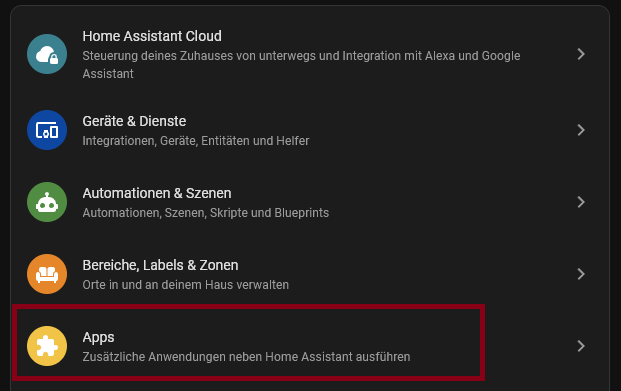
Hi Ken, maybe you’ve already figured it out by now, but if not, here’s the solution: Since the new version 2026.2 of Home Assistant, add-ons are now called apps. HACS is one such add-on/app. The installation solutions described by the previous speakers are based on the installer link on the official HACS website, which no longer seems to work since the renaming.
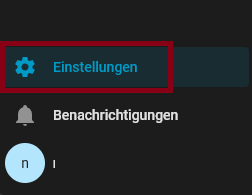
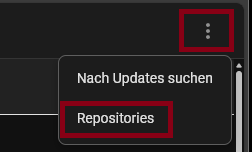
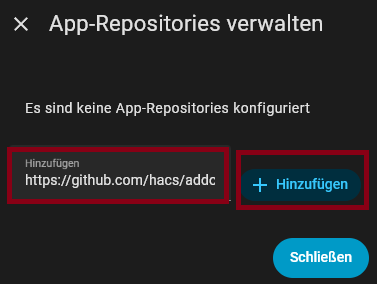
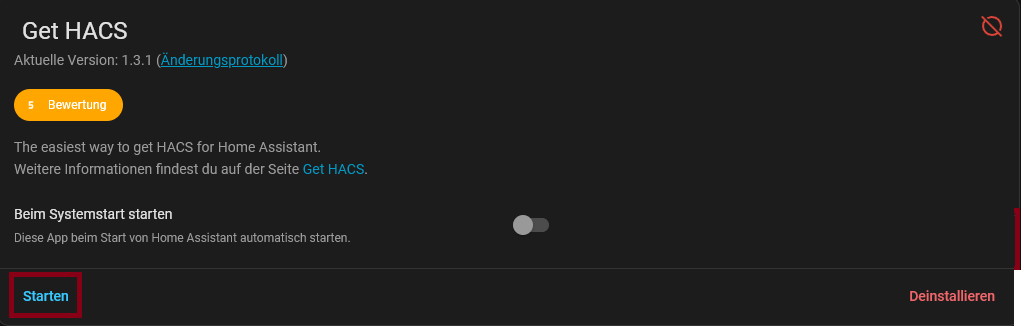
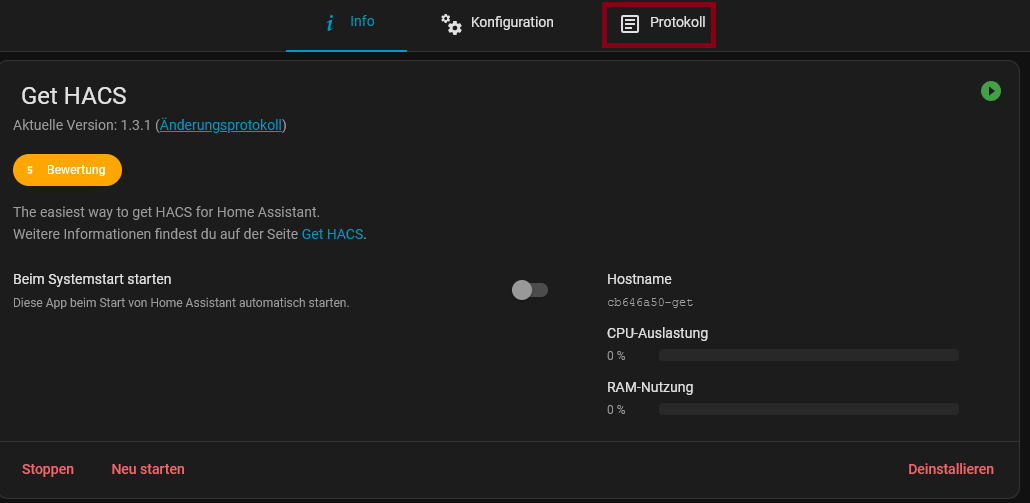
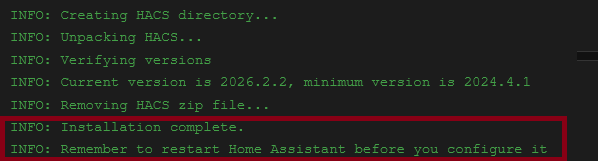
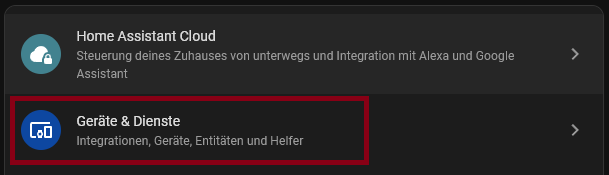
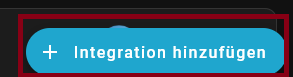
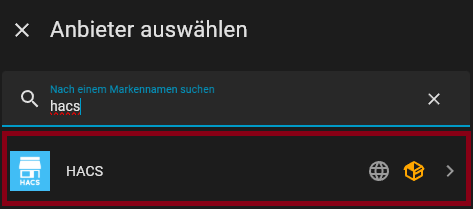
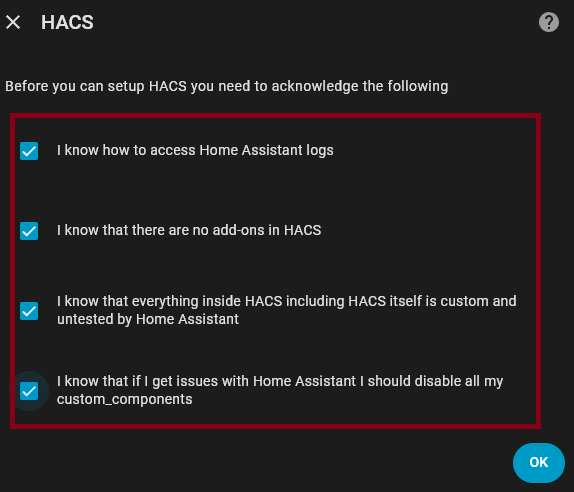
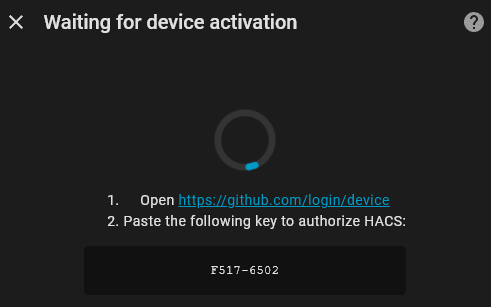
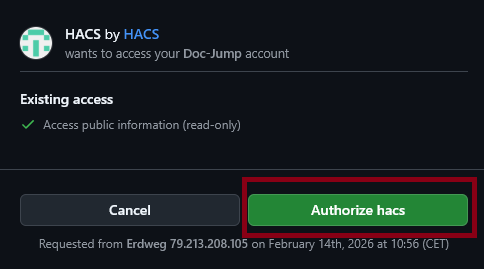
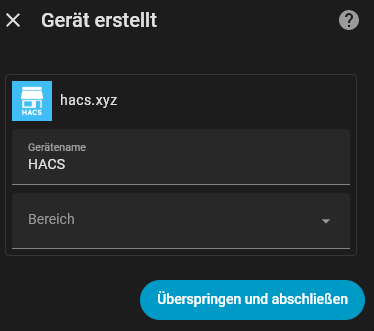
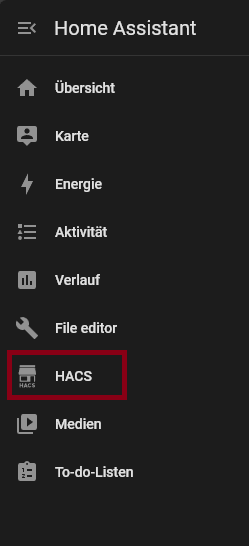
Here is the solution (sorry, the screenshots are in German):
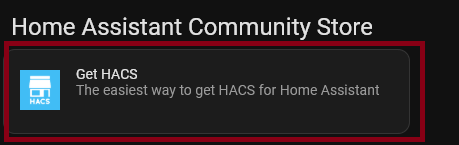
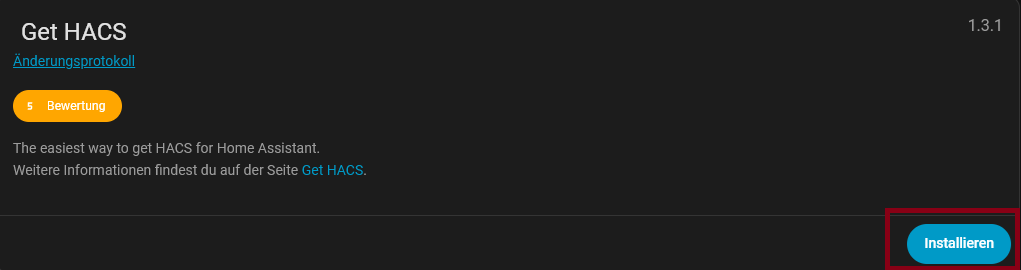
Back in the App Store, scroll down and you will find the entry “Get HACS”. Click on it and go to “Install” (this is not HACS itself, but the installer).