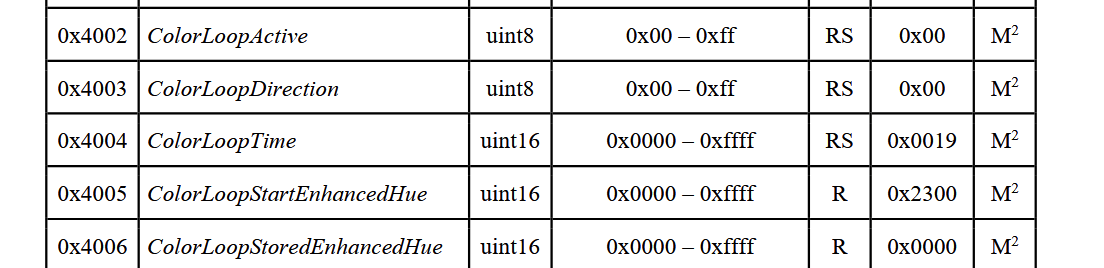
I’m trying to extend some Philips Hue lightbulbs via quirk to support firmware built-in effect such as candelight and fireplace. Right now I can trigger them as ZHA command, but that’s not really user friendly. Having the effects in dropdown and just being able to select one would be the best way to achieve this, but I haven’t found any example of a device that has more than the preset colorloop in there.
Where do you do this though? It’s not clear to me from the link above.
Can it be done so that all lights of a certain type have a list effects assigned to them? I have 17 Philips Hue White Ambiance Downlights, so it would be good to define the available effects at a global level.
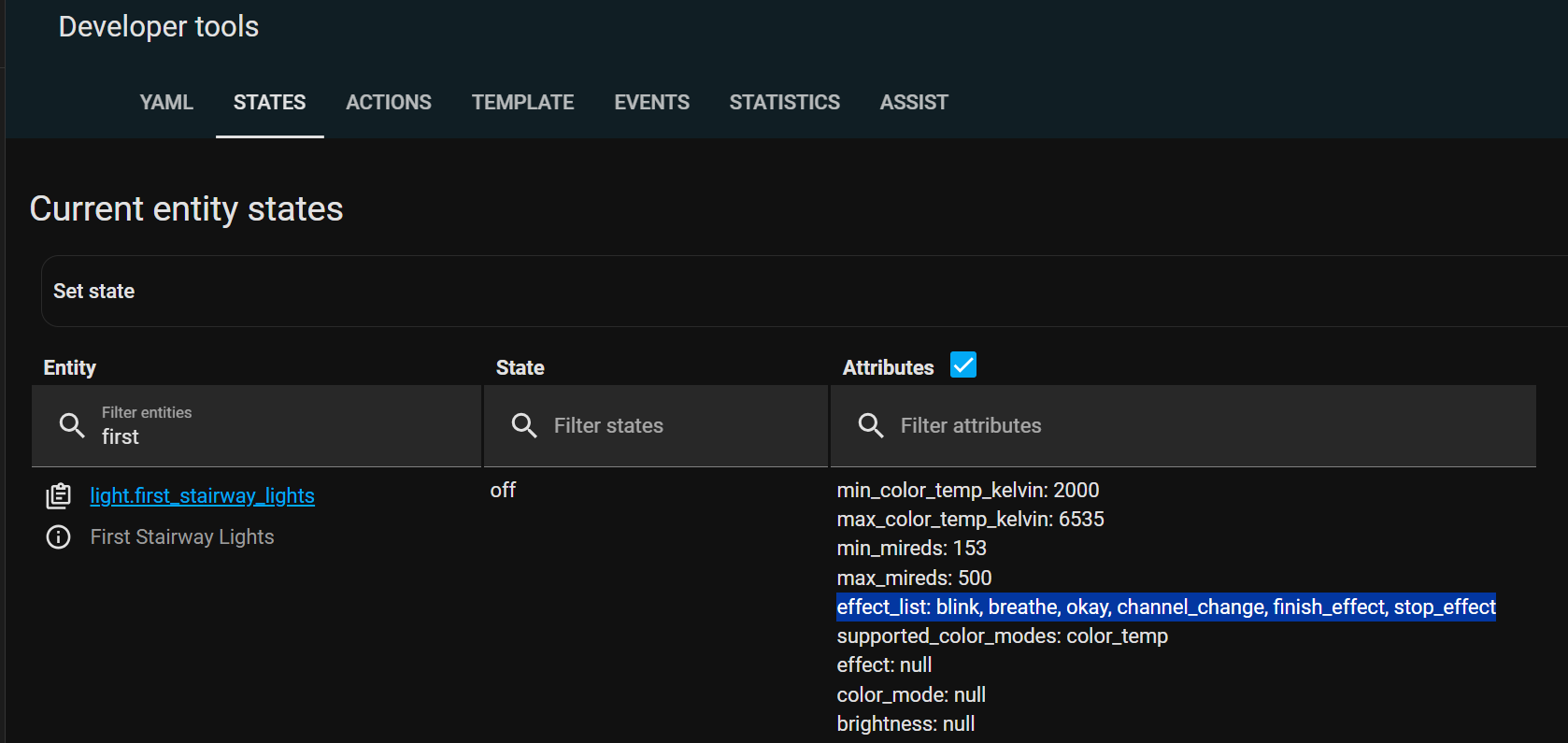
Go in Developer tools and search for your Hue lights (one should be enough if they’re all the same model).
You’ll see the effect list in the attributes:
Oh, I see. I thought that HA was reading the device capabilities. “Colorloop” is presumably an HA effect that could work with any RGB light, not just Philips Hue?
My assumption (which could be completely wrong) is that the effects are built into the Hue Downlights, but maybe they are built into the Hue Hub which then controls the lights. Do you happen to know which is correct?
Edit: do you have Hue lights? If so, where did the list effects that you have in post #6 come from?
Most of those assumptions are incorrect. Let me try to clarify:
Colorloop is not an HA effect that works with any RGB light. The device (or rather, the integration exposing the device) needs to expose it.
For that to happen, you have two three options:
Wait until someone submits a PR for the integration (I’m guessing in your case it’s ZHA) with the updated effect list for your bulbs. This would then be rolled out to everyone on the release after the PR is merged.
Create your own custom quirk for these lights, as mentioned in the first post. This would be only available to you, and you’d need to write a quirk for each different model (not per device).
Switch to using Zigbee2Mqtt instead of ZHA as your zigbee integration. Depending on your exact bulb model, you should get plenty more effect options out of the box. Eg. this random white ambience bulb supports the following effects out of the box: blink, breathe, okay, channel_change, candle, finish_effect, stop_effect, stop_hue_effect
No, I do not have any Hue lights. That list of effects is a random Tuya CCT bulb I bought from Lidl. Z2M exposed those effects without me having to do anything.
I’ve been thinking about this but am going to stick with ZHA in order to prevent my brain from frying. I think I need to be rather more well versed in ZHA before attempting to change to a different system.
I did install ZHA Toolkit and use the scan_device command to try and gleen some more information about my Hue lights but very little was forthcoming. Other devices that I own from Aqara and Clipsal Wiser returned much more information.
Is it possible to view the source for the Z2M quirk (are they called quirks for Z2M?) to see how the effects are implemented with a view to potentially porting them to ZHA? I had a look around but couldn’t find anything but it’s highly likely that I missed it.