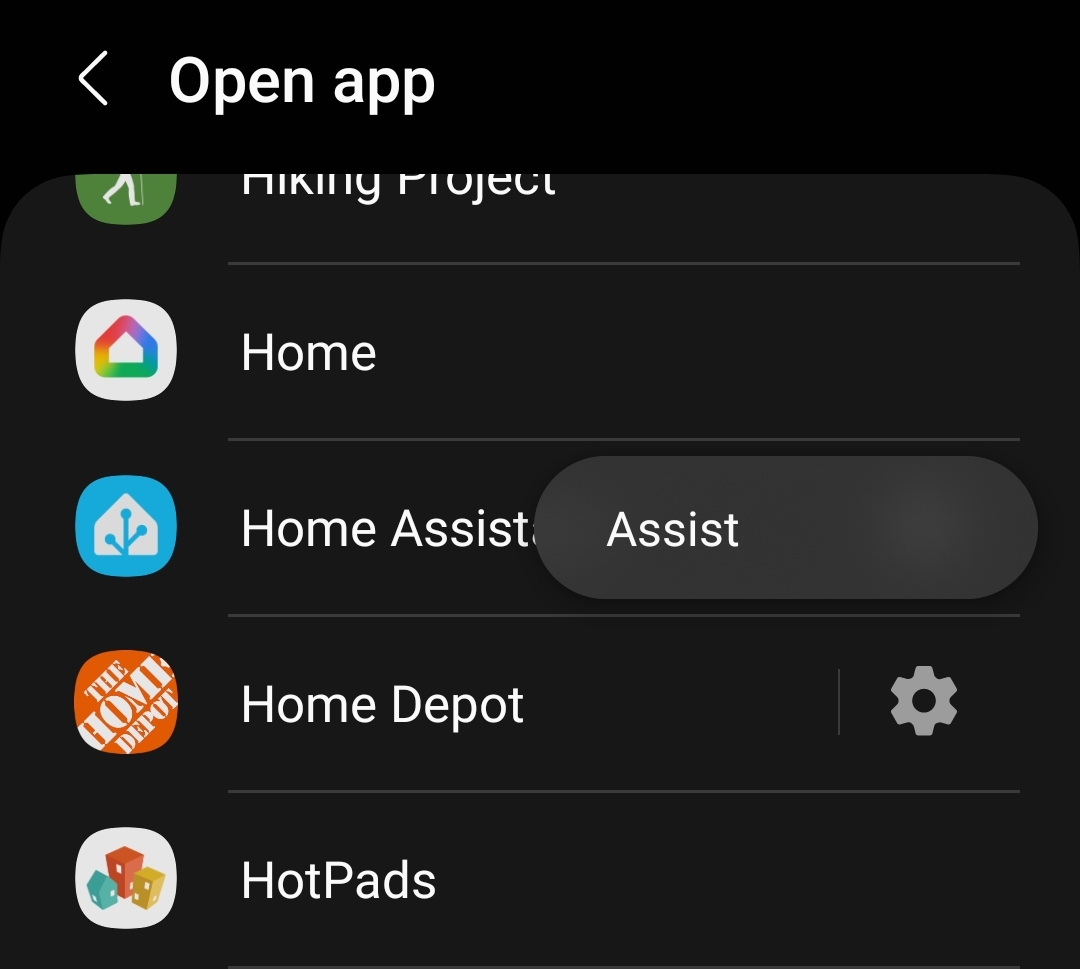
On my Samsung S20 install Good Lock then Registar. Enable backtap then double tap then find the Home Assistant app, there should be a gear icon that further allows you to choose Assist.
If you do not see the Assist or gear icon then you have to first create the widget for Assist on your home screen.
Unfortunately there is no way to select Assist in the double side key press action. You can only allow directly open the Home Assistant.