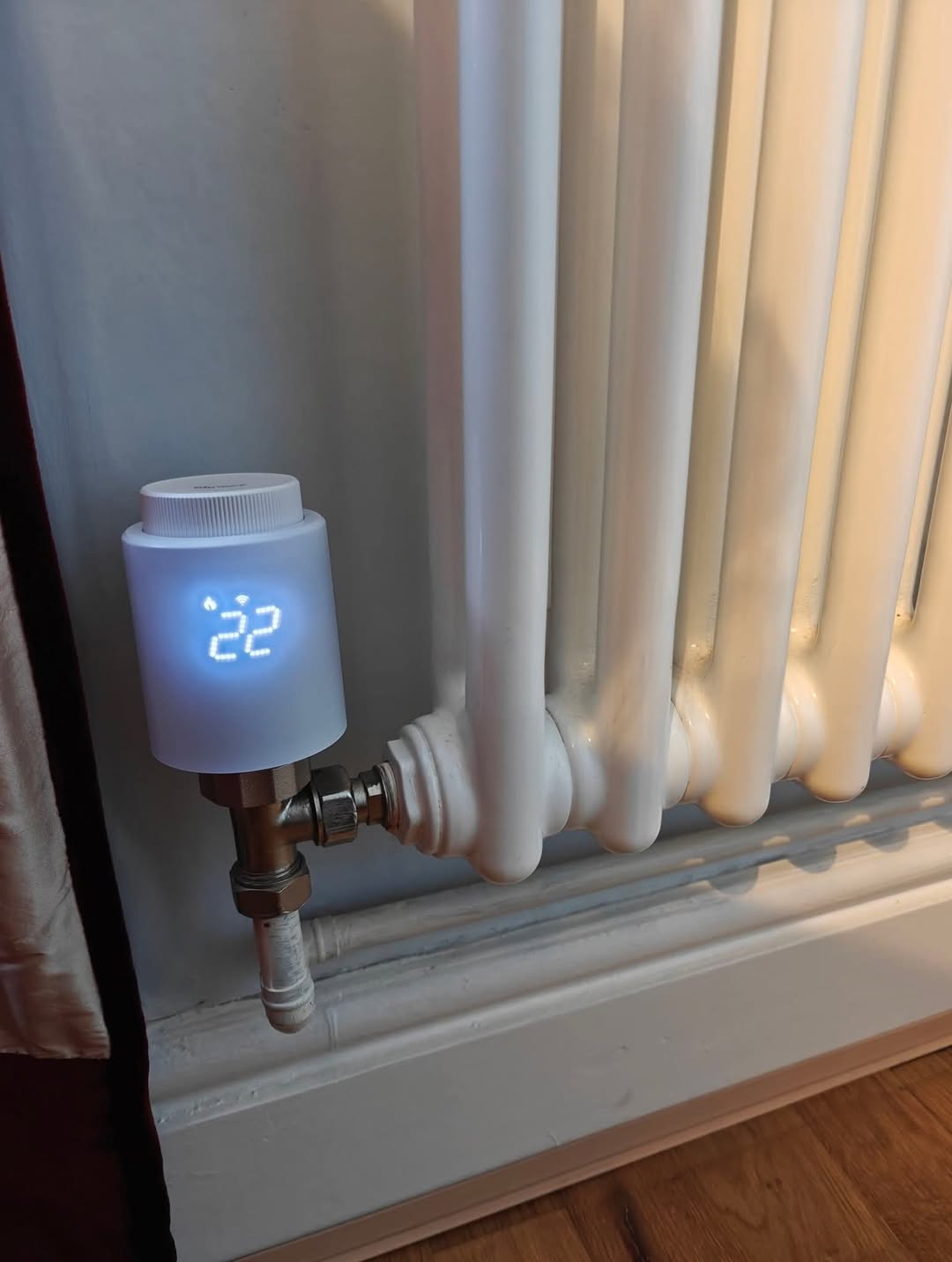
Not so long ago I moved into an old English house. Everything about it was great… except the heating.
A single Honeywell thermostat in one room controlled a gas boiler for the whole house.
Rooms on the sunny side were getting way too hot while the rooms in the shade were still chilly. Finding a “compromise temperature” that worked for everyone was almost impossible. It was a daily source of arguments at home.
The simplest solution would have been to buy a multi-zone Honeywell system with smart TRVs on each radiator.
When a room reaches the target temperature, the TRV closes the radiator so it doesn’t overheat, while colder rooms keep heating. And when all rooms are warm and their TRVs are closed, the boiler turns off.
But I’d been wanting to get into smart home stuff for a while, so I decided to build such a system myself, of course on top of Home Assistant. I really wanted the freedom to create automations my way, not just what a closed vendor solution allows. Plus, I didn’t want to depend on any vendor cloud.
I had a Raspberry Pi 5 lying in a drawer, silently judging me for not doing anything fun with it.
So I flashed Home Assistant onto it and, in a small fit of madness, ordered:
- TRV radiator valves
- A relay to switch the boiler
- A Zigbee USB dongle to control the whole circus.
Surprisingly, it all turned out much cheaper than the ready-made commercial systems.
Two weekends flew by. I went through several “generations” of heating control scripts: from the simplest “turn on the boiler if at least one TRV is open, turn it off if all are closed” to scripts that analyze how fast each room cools down depending on the outdoor temperature, use external temperature sensors, and do predictive on/off switching to smooth out temperature swings.
Now, some background: I used to be a pretty good software engineer before I founded an IoT startup with a few million business users and moved over to “the dark side” of business management.
I still love coding and building things with my hands, but working with Home Assistant at the beginning was… not exactly fun.
Most of the time I was asking ChatGPT how to write automations correctly, then manually copying the code into HA, checking that it didn’t work the way I expected, going back into HA, reading logs, and debugging with ChatGPT again.
After a few iterations of doing this I realised that, in the age of AI and vibe-coding, this workflow just doesn’t make sense.
What I really wanted was to be able to describe what I want in Cursor AI (my IDE), and let it:
- Connect to Home Assistant
- Analyze my current HA configuration
- Generate the right automations and dashboards for this setup
- Deploy them directly to my HA instance
- Then, if something goes wrong, fetch the logs, understand what’s happening and adjust the code.
I couldn’t find an existing solution for this (beyond “just use SSH” or MCPs using quite limited external API or SSH), so I did the only logical thing and went down the rabbit hole of building it myself.
It wasn’t exactly easy. Home Assistant is a collection of many subsystems with different APIs: dashboards, automations, helpers, variables… Some things use one protocol, others another. In other words, it looks exactly like a mature system with a long history of evolution
But in the end, I managed to build what I wanted:
-
Home Assistant Agent - an add-on installed from the Home Assistant UI. AI IDE like Cursor or VS Code (via the MCP server) connects to this agent and performs actions on your HA instance
-
Home Assistant MCP - an MCP server you add in Cursor or VS Code IDE that gives it the ability to “walk” your Home Assistant instance
After that, creating automations and dashboards became much more enjoyable for me. I just write a natural-language description in Cursor / VS Code, and it talks to HA and does what I ask. Of course, things don’t always work perfectly on the first try - but that’s the same in normal software development. The difference is: with Cursor I can say “this part doesn’t work as expected”, ask it to check the logs, and let it propose a fix.
Honestly, I thought this thing would only be useful for a couple of geeks like me.
But when I wrote about it on my personal FB page, the post got over a million views and a lot of interest.
So I decided to open-source it on GitHub and share it with you here.
I’ll be happy if the result of my hobby turns out to be useful for you and starts living its own life in the HA community.
GitHub link (setup takes under 5 minutes):
https://github.com/Coolver/home-assistant-vibecode-agent
