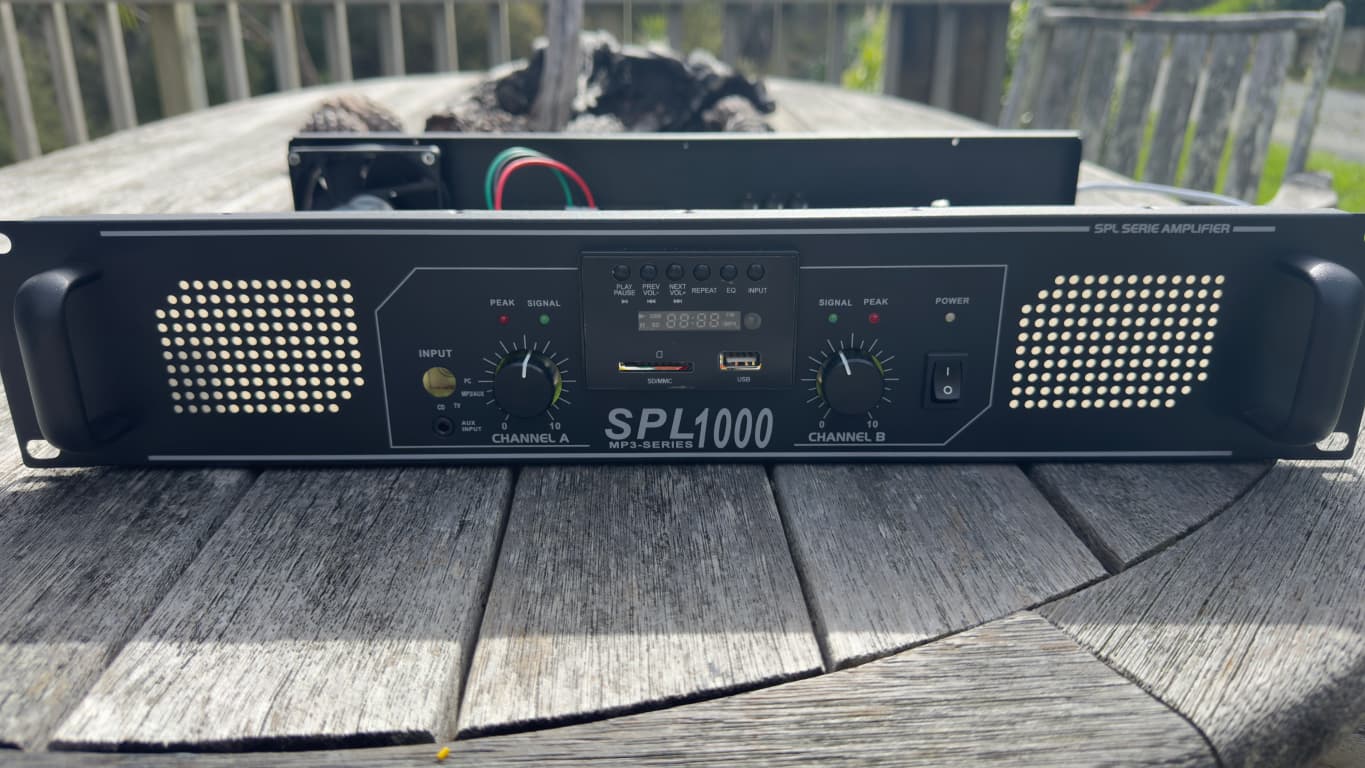
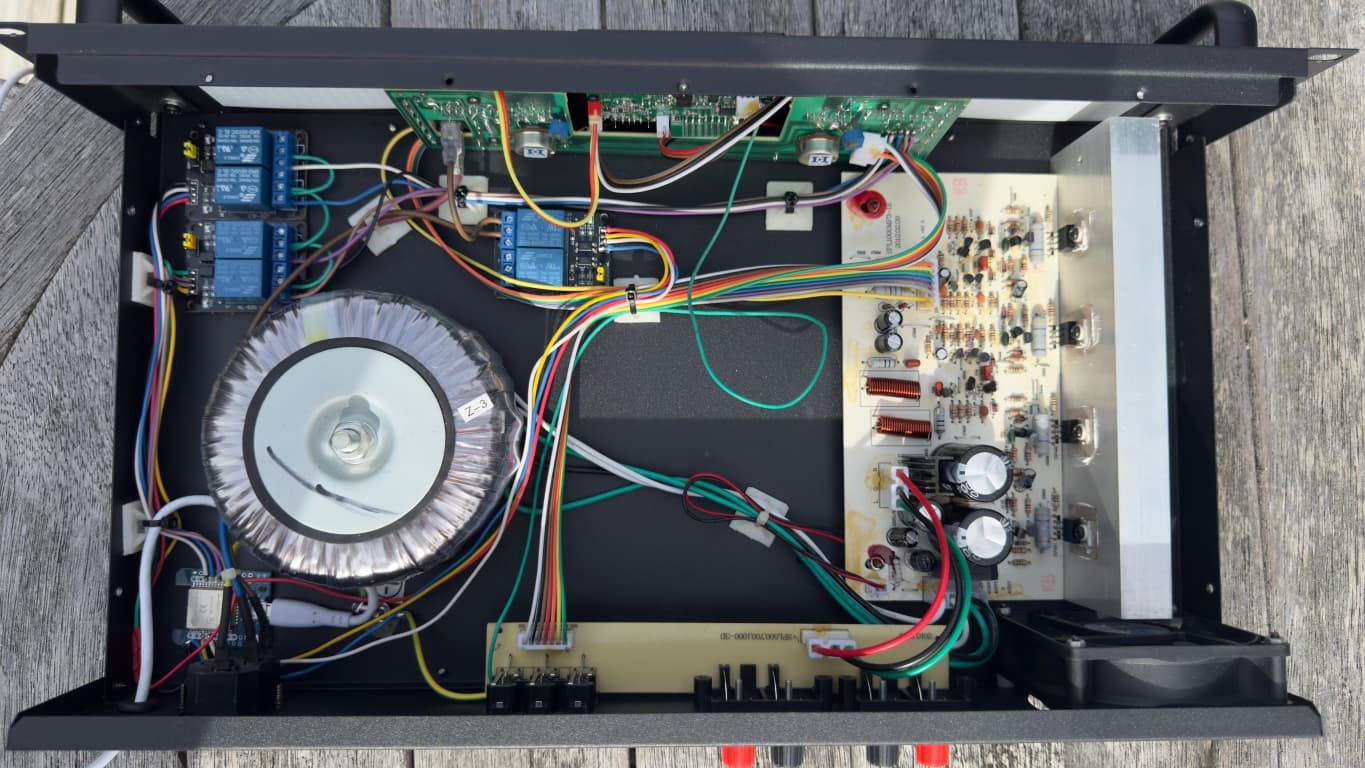
I am looking at getting this amp and I want to control the input source based on entity status, for example,
When the TV turns on, it automatically switches to AUX1,
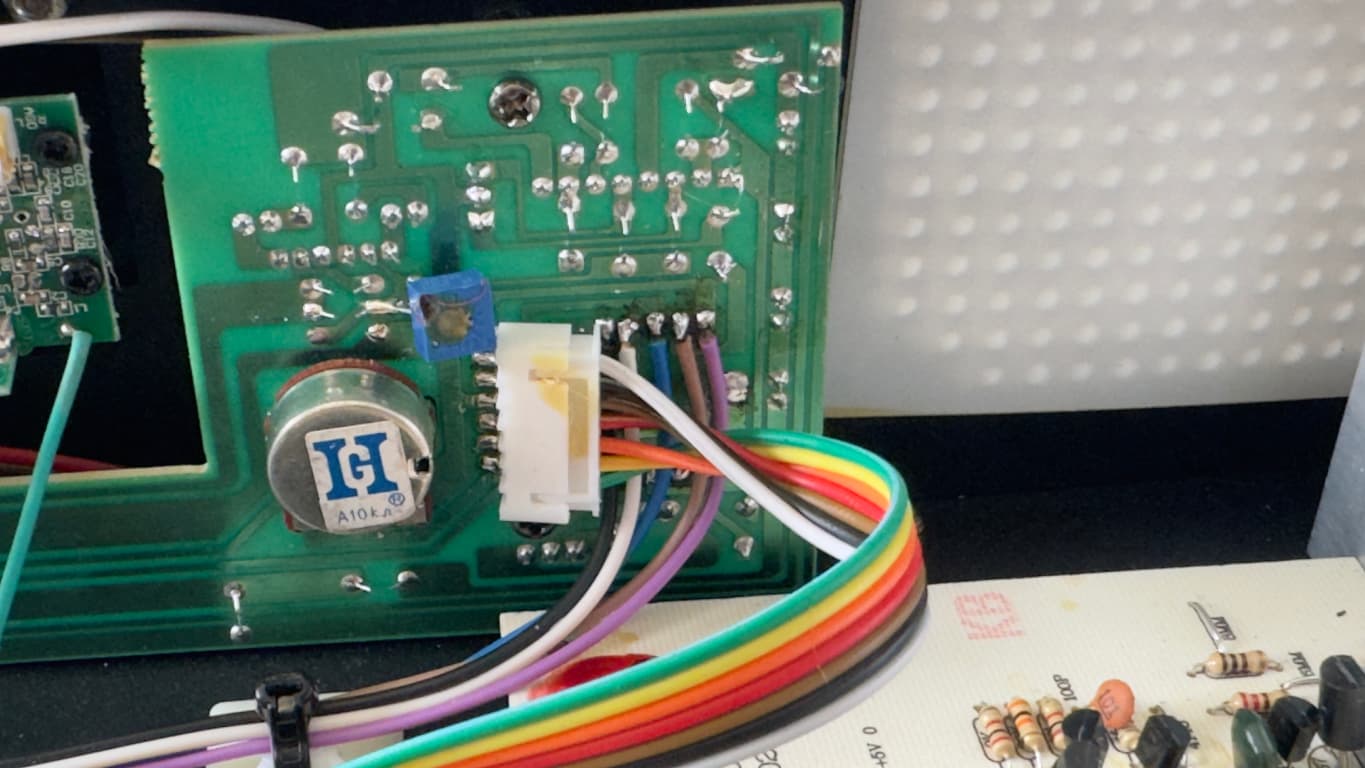
I would plan to wire into the rotary dial where the input select is. Is it safe to assume that each input is just a short to GND to trigger? Anyone have experience with this or done anything similar?
Thanks
Media Player with Recorder FM Radio - Bluetooth Receiver - Sound Division & Surplustronics
tom_l
March 30, 2025, 5:41am
2
No. You will have to reverse engineer this to be sure.
Careful. This seems to be a simple media player with multiple inputs. I don’t think there’s any actual amplification going on.
If all you need is an input switcher, look for one which lets you switch inputs via remote (this one doesn’t). It’s easier & safer to send a remote command - that way if you mess something up there’s no risk of damaging the hardware.
nickrout
March 30, 2025, 6:47pm
4
I looked at automating signal switching like this, and the accepted solution seems to use a relay.
1 Like
Karosm
March 30, 2025, 7:34pm
5
No, but it’s relatively safe to verify it with multimeter.
I guess that approach would be similar to how this project controls and reads a multi-speed fan.
https://www.reddit.com/r/Esphome/comments/1bpeaol/made_my_vornado_fan_smart/
Shame the remote doesn’t control input.
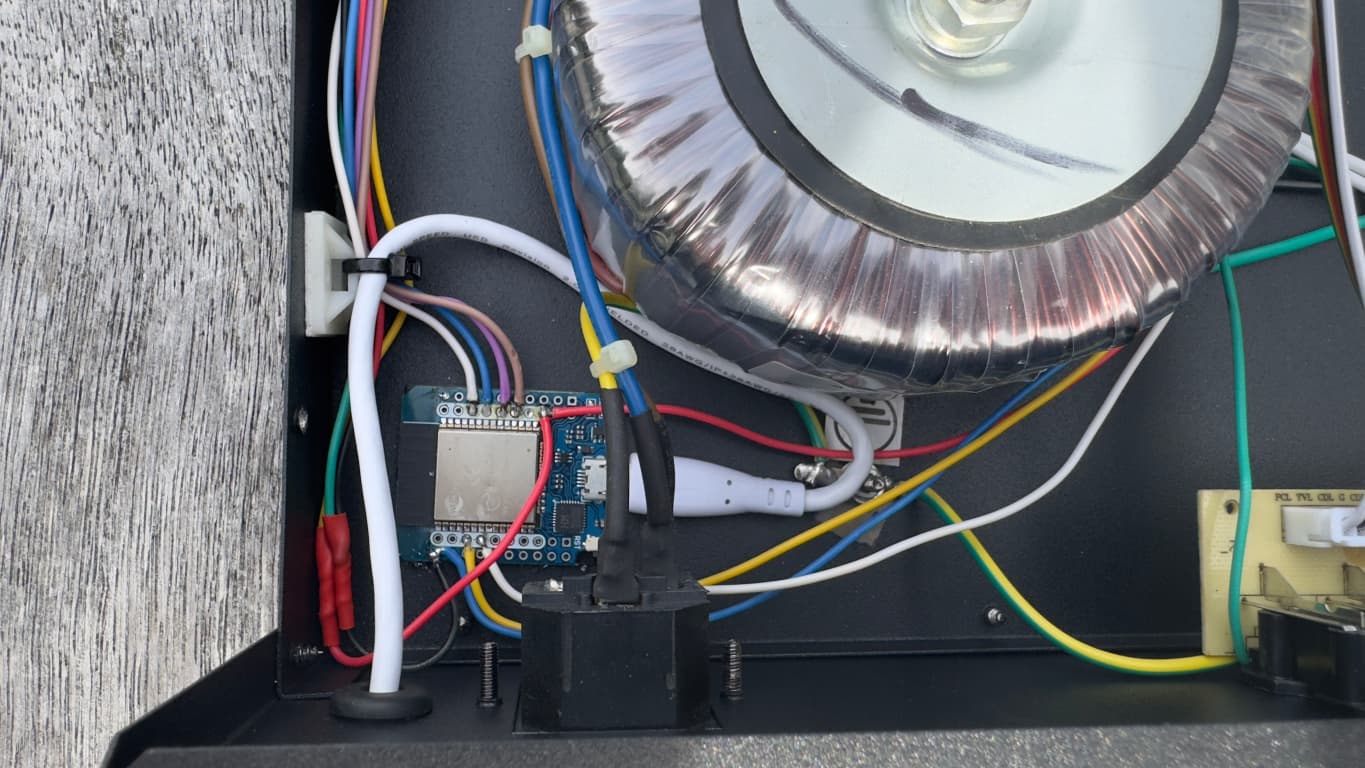
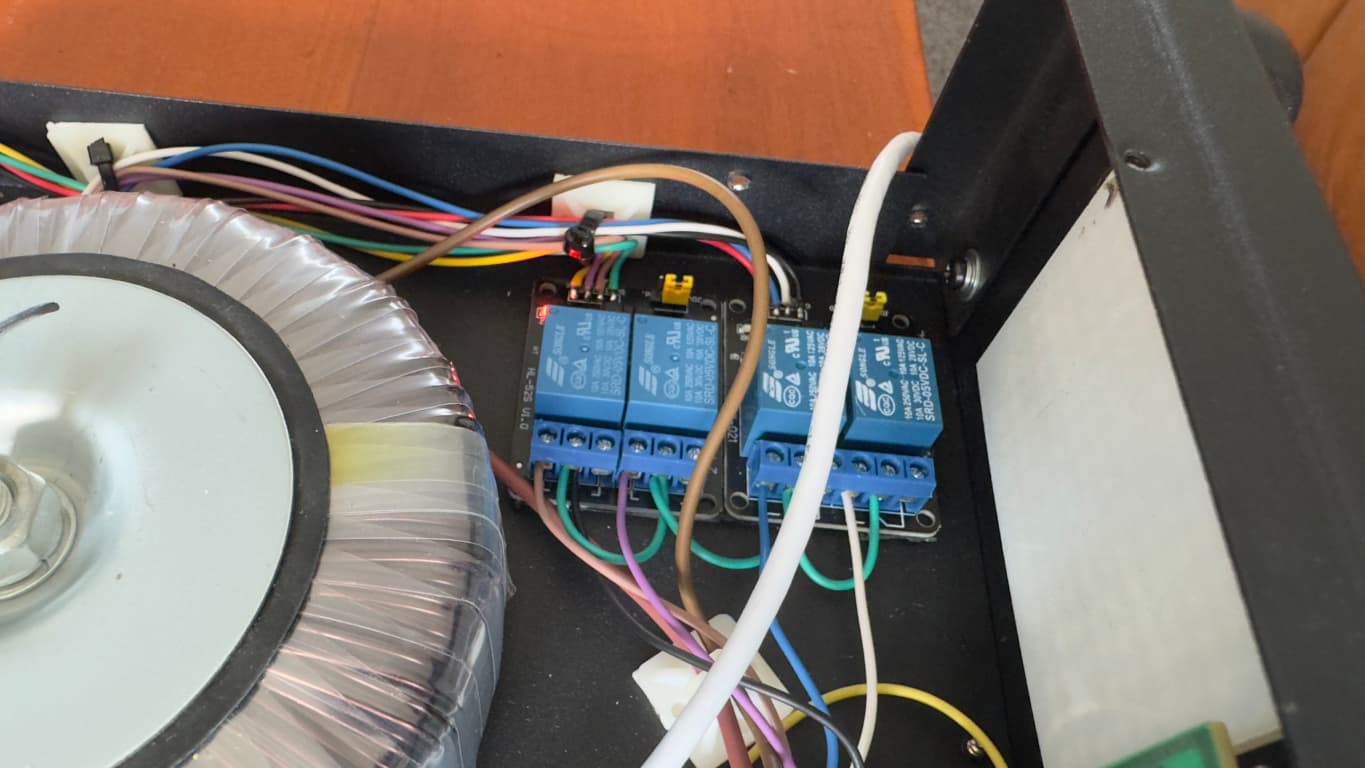
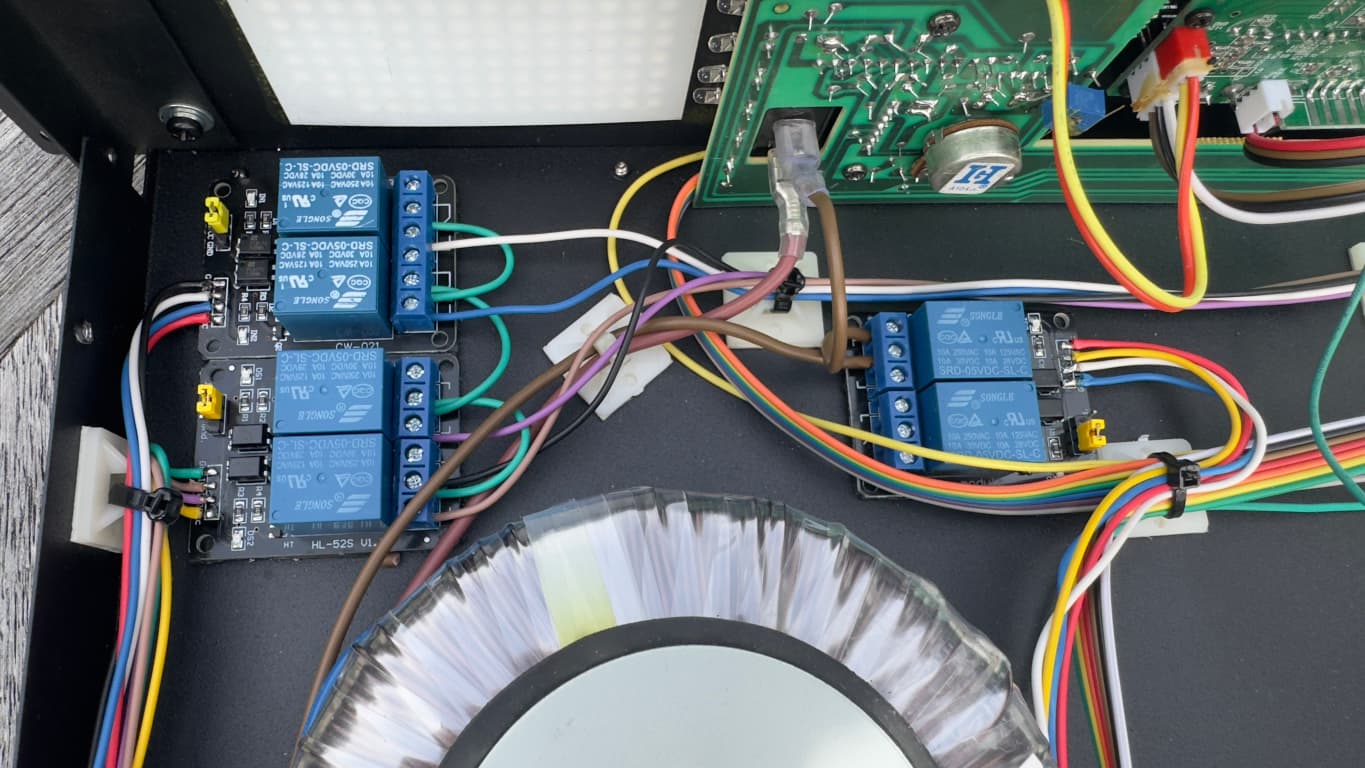
I got this done, using esp32 and esphome I am now able to switch channels and power.
One thing I want to do now is add a custom media control card that can control each entity individually, such as a input select card that can select and input and I can define the entity for each input.
Possibly a dropdown but I am not sure how I can select each entity to trigger when the dropdown option is selected.
My current entities are
nickrout
April 26, 2025, 10:18pm
8
This doesn’t appear to be the same device as in your first post. But it would be preferable to show us what you actually did. Ie code, wiring diagram.
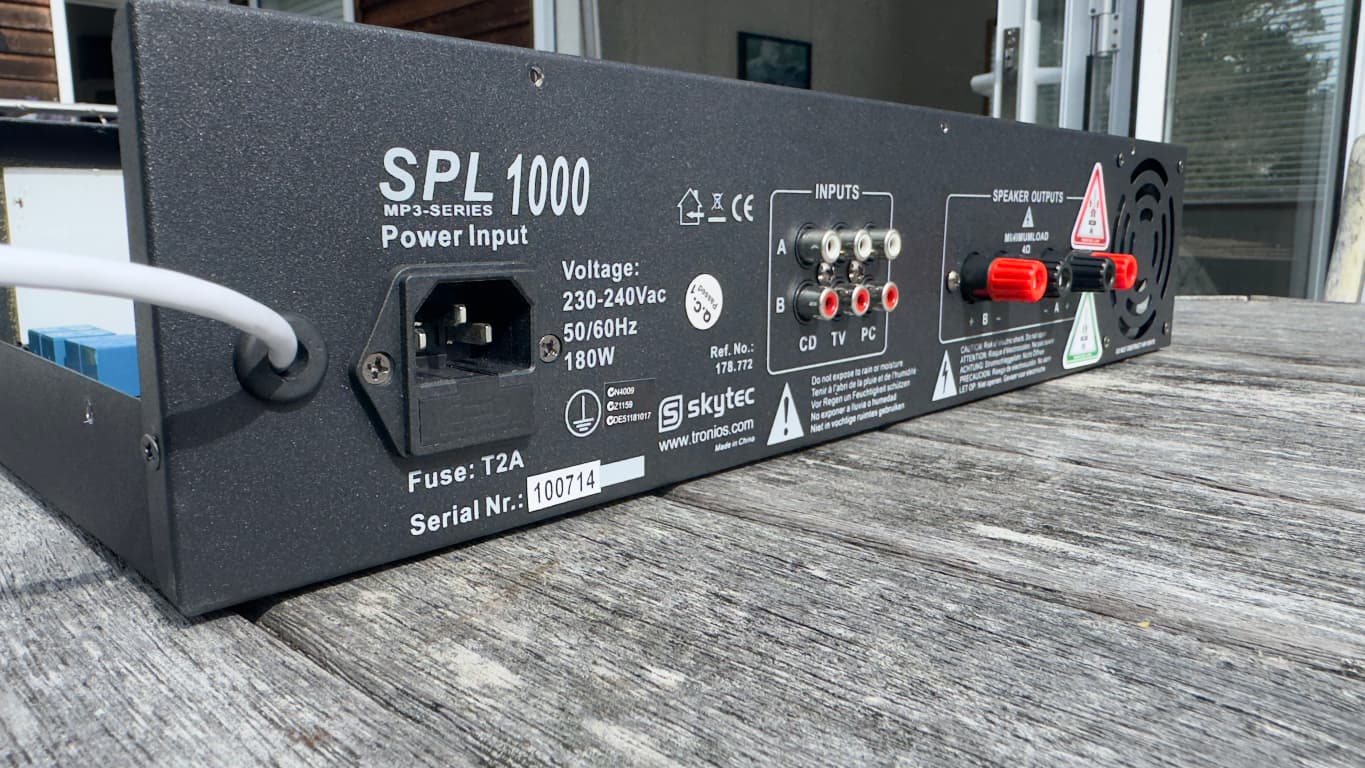
Yea turns out the previous one was a Media Player only and not an AMP, when in reality I needed the opposite.
Here is my config, I will do a wring diagram later.
script:
  - id: set_input
    parameters:
      input: int
    then:
      - switch.turn_off: switch_aux
      - switch.turn_off: switch_pc
      - switch.turn_off: switch_tv
      - switch.turn_off: switch_music
      - delay: 100ms
      - if:
          condition:
            lambda: return input == 1;
          then:
            - switch.turn_on: switch_aux
      - if:
          condition:
            lambda: return input == 2;
          then:
            - switch.turn_on: switch_pc
      - if:
          condition:
            lambda: return input == 3;
          then:
            - switch.turn_on: switch_tv
      - if:
          condition:
            lambda: return input == 4;
          then:
            - switch.turn_on: switch_music

sensor:

  - platform: wifi_signal # Reports the WiFi signal strength/RSSI in dB
    name: "WiFi Signal dB"
    id: wifi_signal_db
    update_interval: 60s
    entity_category: "diagnostic"

  - platform: copy # Reports the WiFi signal strength in %
    source_id: wifi_signal_db
    name: "WiFi Signal Percent"
    filters:
      - lambda: return min(max(2 * (x + 100.0), 0.0), 100.0);
    unit_of_measurement: "Signal %"
    entity_category: "diagnostic"

  - platform: uptime
    name: Uptime

button:
  - platform: restart
    name: Restart

switch:
  # Physical GPIO relays (internal)
  - platform: gpio
    pin: 22
    id: switch_aux
    inverted: true
    restore_mode: always_off
    internal: true

  - platform: gpio
    pin: 21
    id: switch_pc
    inverted: true
    restore_mode: always_off
    internal: true

  - platform: gpio
    pin: 16
    id: switch_tv
    inverted: true
    restore_mode: always_on
    internal: true

  - platform: gpio
    pin: 17
    id: switch_music
    inverted: true
    restore_mode: always_off
    internal: true

  - platform: gpio
    pin: 26
    name: "Power"
    inverted: true

  - platform: gpio
    pin: 18
    name: "SPARE"
    inverted: true

  # Template switches for Home Assistant UI
  - platform: template
    name: "AUX"
    lambda: |-
      return id(switch_aux).state;
    turn_on_action:
      - script.execute:
          id: set_input
          input: 1
    turn_off_action: []

  - platform: template
    name: "PC"
    lambda: |-
      return id(switch_pc).state;
    turn_on_action:
      - script.execute:
          id: set_input
          input: 2
    turn_off_action: []

  - platform: template
    name: "TV"
    lambda: |-
      return id(switch_tv).state;
    turn_on_action:
      - script.execute:
          id: set_input
          input: 3
    turn_off_action: []

  - platform: template
    name: "Music"
    lambda: |-
      return id(switch_music).state;
    turn_on_action:
      - script.execute:
          id: set_input
          input: 4
    turn_off_action: []

text_sensor:
  - platform: template
    name: "Active Input"
    id: active_input
    lambda: |-
      if (id(switch_aux).state) return {"AUX"};
      if (id(switch_pc).state) return {"PC"};
      if (id(switch_tv).state) return {"TV"};
      if (id(switch_music).state) return {"Music"};
      return {"None"};
    update_interval: 1s

select:
  - platform: template
    name: "Amp Input Select"
    id: amp_input_select
    options:
      - "AUX"
      - "PC"
      - "TV"
      - "Music"
    optimistic: true
    initial_option: TV
    set_action:
      - lambda: |-
          if (x == "AUX") {
            id(set_input).execute(1);
          } else if (x == "PC") {
            id(set_input).execute(2);
          } else if (x == "TV") {
            id(set_input).execute(3);
          } else if (x == "Music") {
            id(set_input).execute(4);
          }