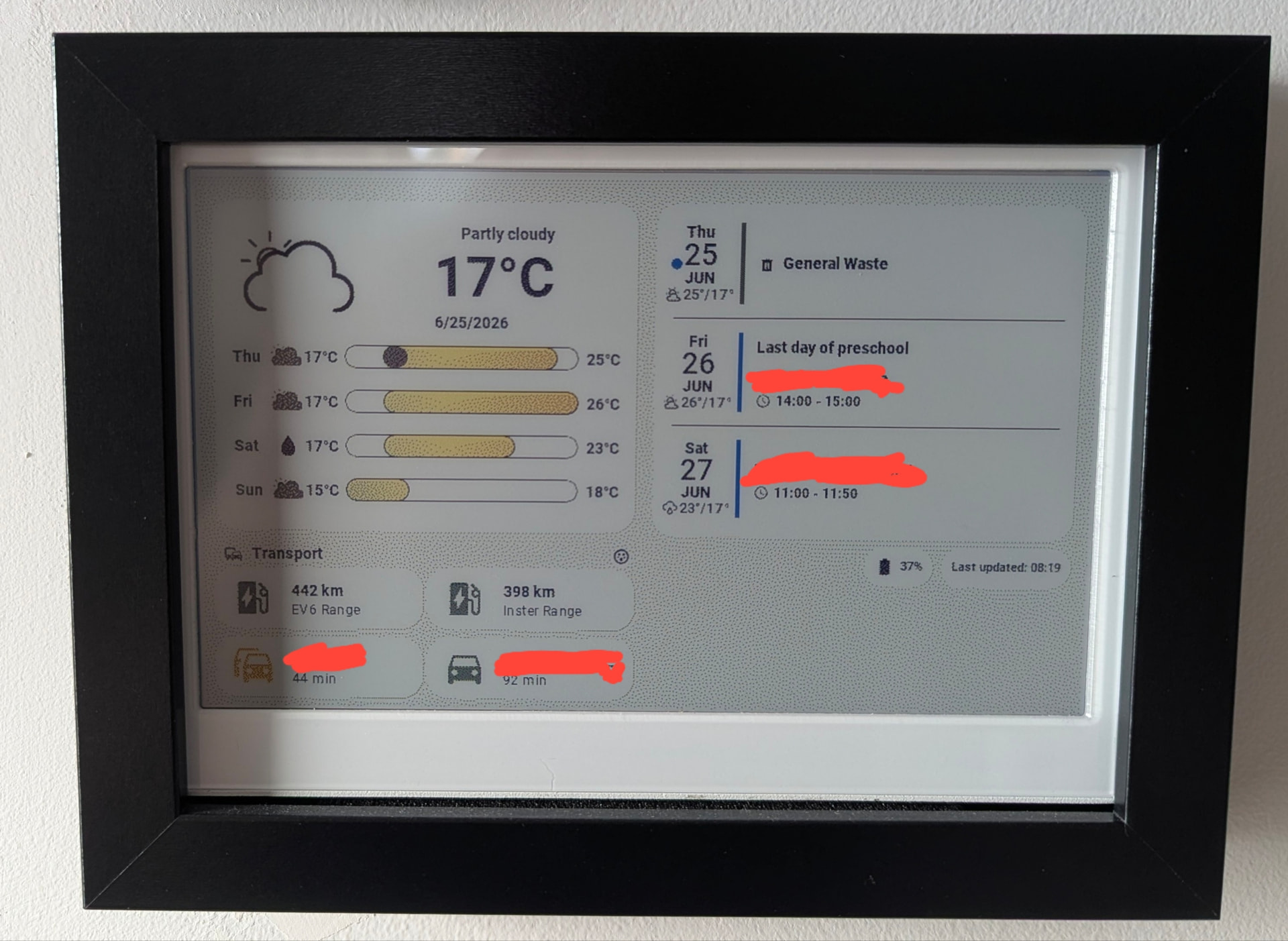
I’ve been looking for a way to have information at a glance in my hallway without resorting to a tablet stuck to the wall. After previously having used a 10" Fire HD tablet (which eventually died), and more recently using a 7.5" monochrome epaper, I’ve recently been testing Seeedstudio’s new reTerminal E1002 colour ePaper 7.3" Spectra 6 display.
(Full disclosure: Seeedstudio reached out and sent me this unit after seeing some previous ePaper dashboards I’d shared. All the opinions shared regarding the unit are my own. There are no affiliate links nor do I get any commission from anything. I’m sharing this because the solution is genuinely great. )
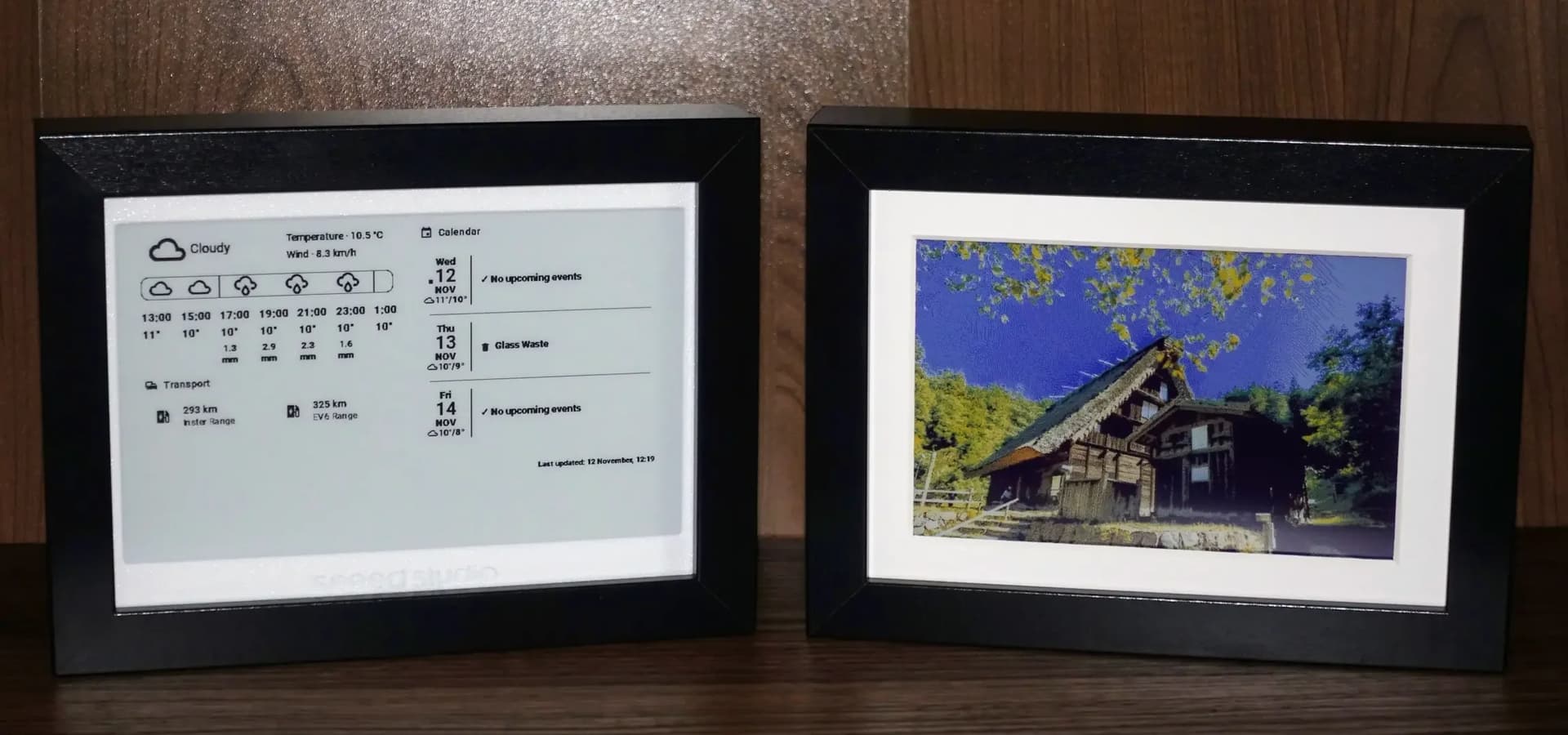
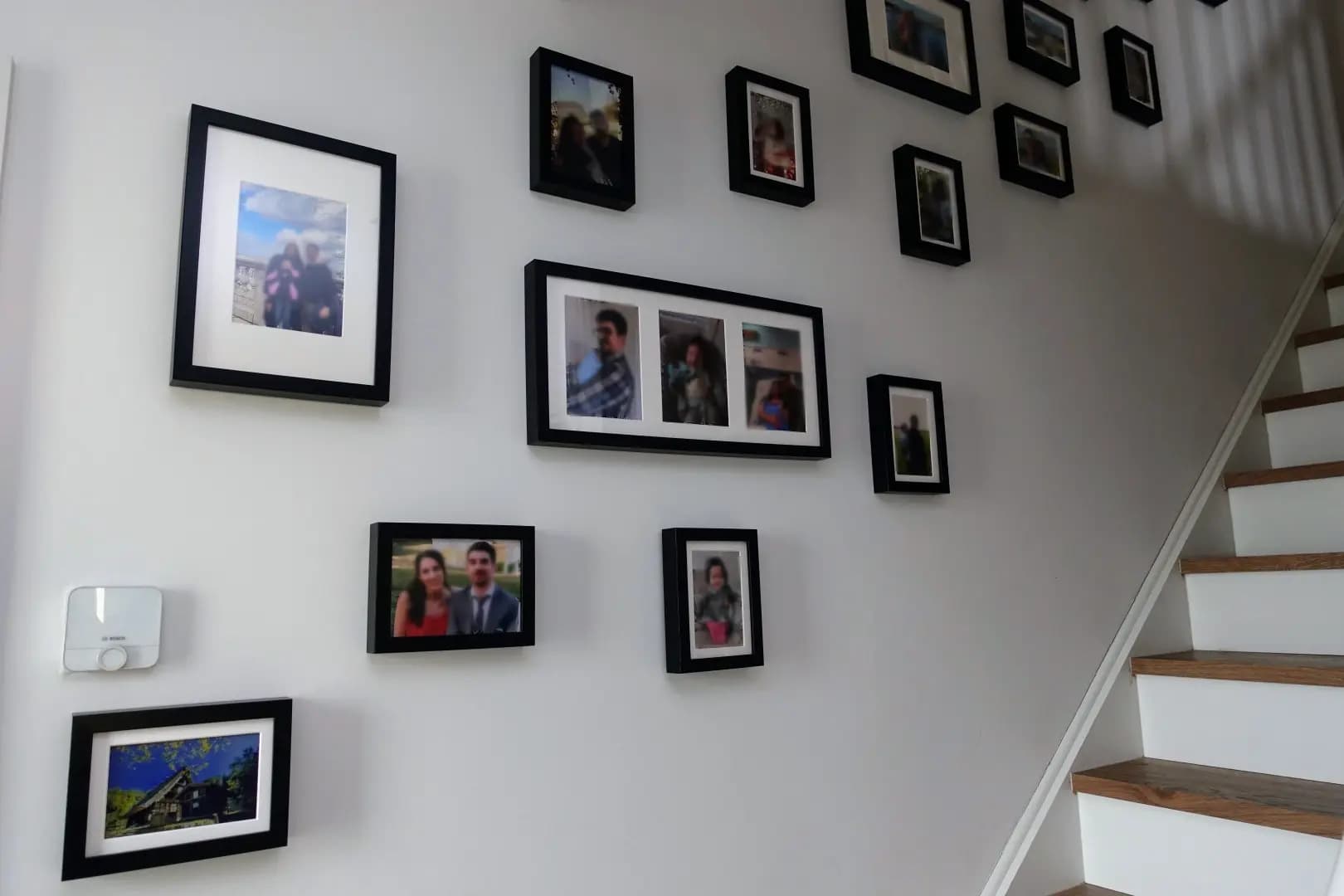
The difference from a typical wall tablet setup is significant. It fits in a standard IKEA photo frame, runs for weeks on battery, and when it’s showing photos it genuinely looks like a framed print. No glowing screen, no obvious “look at my smart home” aesthetic. Just information when you need it, blending in when you don’t.
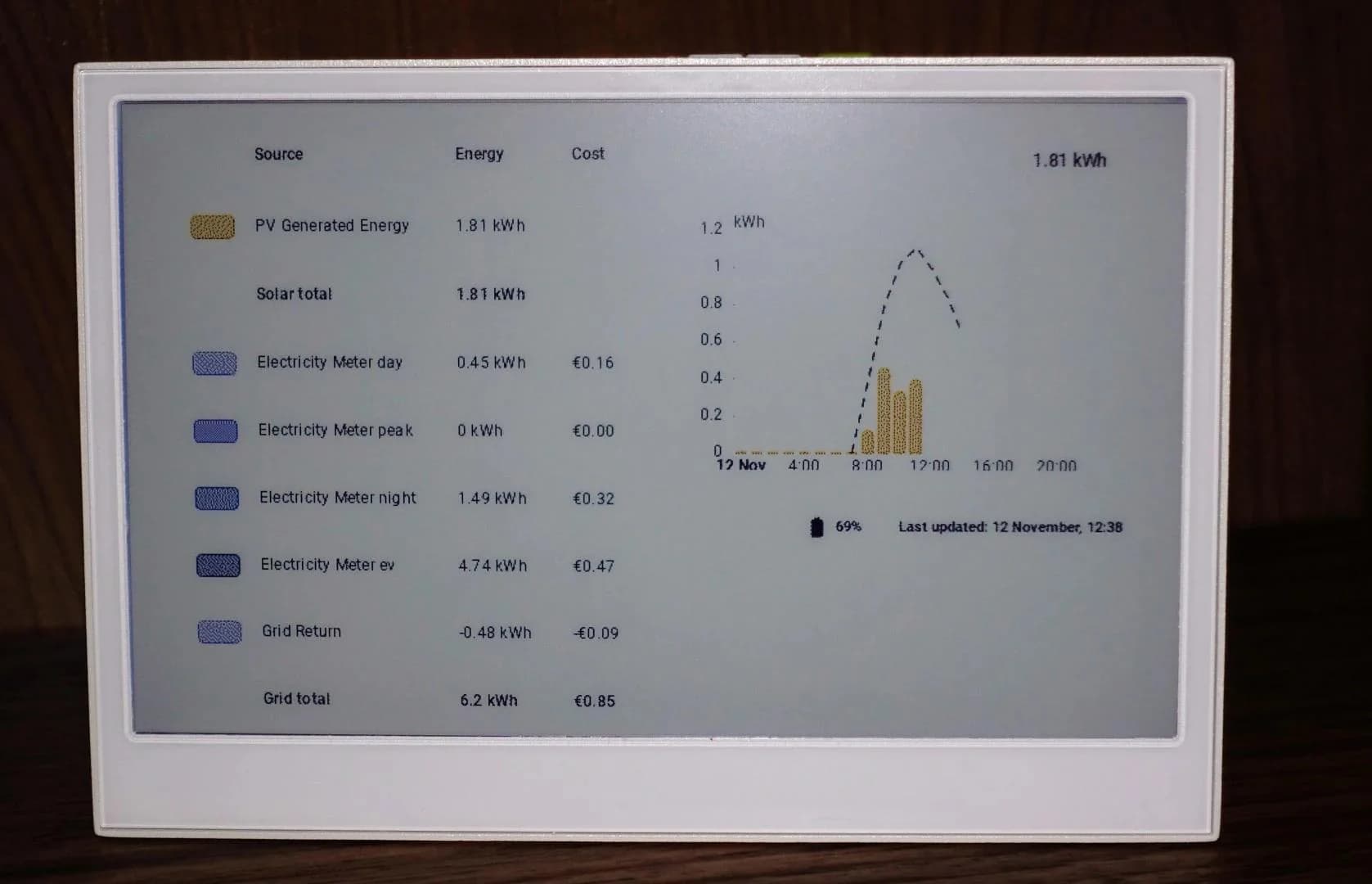
I’ve configured mine to be context-aware through Home Assistant automations. Most of the time it displays family photos. But it automatically switches to show relevant dashboards based on what’s actually useful in that moment - plants needing water, excess solar energy production, calendar appointments when we have events scheduled. Having this driven by Home Assistant rather than something fixed on the device is pretty neat.
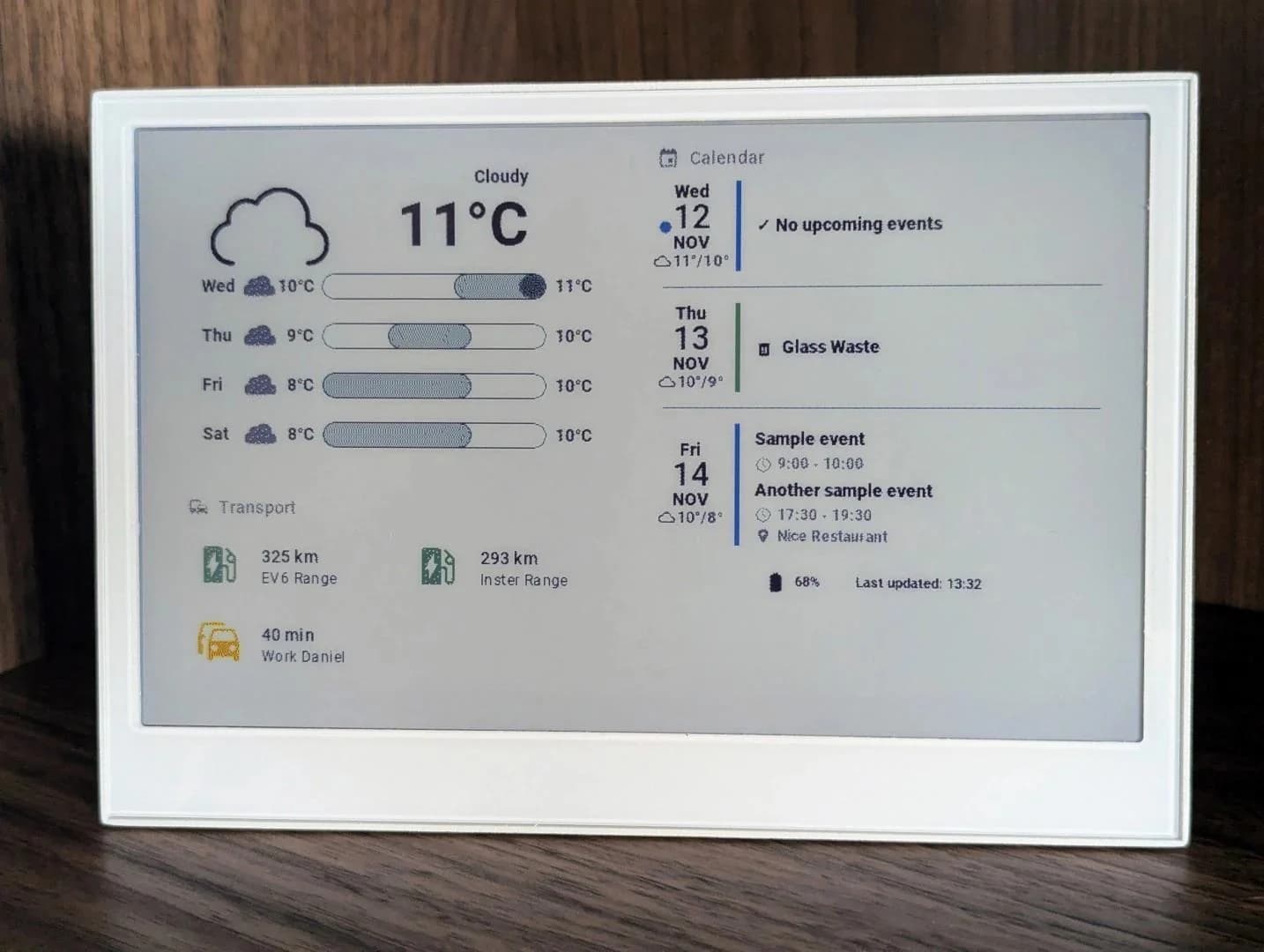
The 15-second refresh means this isn’t for real-time monitoring. It’s for the kind of information you’d normally check your phone for when leaving the house: weather, calendar, EV range, drive time estimates. Having it just there, without having to pull out a device, is surprisingly useful. This was already the case with the monochrome screen, but having the ability to display a colour photo on the frame really makes it blend with the decor.
Do you know if there is already an easy way to add Voice Assistant?
Because the Specifications mentions an Microphone Reserved for voice interaction application.
Good question. I’m not yet using Voice Assistant, so didn’t think to even look for that.
If a microphone is built in it really should just be the case of finding out what GPIO pins are used for it and then adding in the relevant Esphome lines for it.
I’ll try to dig in the documentation and see if I can find that.
Thanks a lot for the share and gave me some inspirations to get my Inkplate 6" out of dust and use it again and your process is a lot easier than doing all layout in ESPHome code.
Unhappy got blocked by the issue with Puppet (I’m using HAOS so no way to do the manual modification needed). No workaround for that problem so far ?
The PR30 for Puppet is for dithering and colour display support.
Dithering is especially helpful for grayscale and colour.
I would calling it a pending improvement rather than an issue, if that’s make sense!
If you are using black and white only (or, if you at least don’t mind using it just as b/w for the meantime, until puppet is updated), then you can check the code I used for the 7.5” b/w epaper: link
The ESP32-C3 used on the old generation 7.5" runs out of memory when trying to use grayscale, so the write up only includes the pure b/w.
I have bought a ESP32-S3 to upgrade it and I plan to update that write up once I get the grayscale working with it.
Thanks a lot @cromelex for your explanations and link to your code for the b/w version. Unhappy same result, my inkplate blinks every few seconds as if it was going to refresh for display but nothing shows up
Here is code I’m using now (tried both with Arduino and IDF but same !
I checked manually the URL and it works fine so all good on Puppet side !
and logs don’t help much about the real issue there
[14:15:46.917][I][online_image:109]: Updating image http://192.168.1.40:10000/lovelace/inkplate_bureau/0?viewport=800x600&eink=2&invert&format=bmp
[14:15:51.924][D][http_request.arduino:134]: Received response header, name: etag, value:
[14:15:51.925][D][http_request.arduino:134]: Received response header, name: last-modified, value:
[14:15:51.927][D][http_request.arduino:140]: Content-Length: 60062
[14:15:51.929][D][online_image:175]: Starting download
[14:15:51.930][D][online_image:180]: Allocating BMP decoder
[14:15:51.932][I][online_image:212]: Downloading image (Size: 60062)
[14:15:51.940][W][component:453]: online_image took a long time for an operation (5017 ms)
[14:15:51.941][W][component:456]: Components should block for at most 30 ms
[14:15:51.951][W][component:453]: api took a long time for an operation (5027 ms)
[14:15:51.960][W][component:456]: Components should block for at most 30 ms
[14:15:51.971][D][online_image:089]: Allocating new buffer of 60000 bytes
[14:15:52.148][D][sensor:131]: 'battery_voltage': Sending state 2.12100 V with 2 decimals of accuracy
[14:15:52.149][D][switch:020]: 'battery_read_mosfet' Turning ON.
[14:15:52.152][D][switch:063]: 'battery_read_mosfet': Sending state ON
[14:15:52.155][D][switch:024]: 'battery_read_mosfet' Turning OFF.
[14:15:52.158][D][switch:063]: 'battery_read_mosfet': Sending state OFF
[14:15:52.163][D][sensor:131]: 'Inkplate Battery Voltage': Sending state 4.22400  with 1 decimals of accuracy
[14:15:52.173][D][sensor:131]: 'inkplate bureau WiFi Signal': Sending state -90.00000 dBm with 0 decimals of accuracy
[14:15:56.426][D][online_image:226]: Image fully downloaded, read 60062 bytes, width/height = 800/600
[14:15:56.427][D][online_image:228]: Total time: 5s
[14:15:56.427][D][http_request:039]: Header with name etag found with value
[14:15:56.428][D][http_request:039]: Header with name last-modified found with value
[14:15:59.037][W][component:453]: online_image took a long time for an operation (2503 ms)
[14:15:59.037][W][component:456]: Components should block for at most 30 ms
and with esp-idf framework it states error on download…
Can I ask what hardware you are running? I run my HAOS on a N100 mini pc and have had puppet work reliability, for months, without issues.
It’s quite unfortunate if you can’t get it to work properly. Trying to draw any kind of dashboard in Esphome is really a pain, especially when compared to just grabbing the screenshot from HASS.
Just to give you an update, I haven’t been able to get the mic working yet.
I have sent an email to seeedstudio asking about it.
There is definitely a mic in the unit, but I haven’t been able to get the code right in order to get it working. I had a friend look at the schematics and he thinks there is a different pin that needs to be powered to then get the mic working. I haven’t quite figured out the code for it yet.
If I get an update I will update here.
Just wanted to drop a note of thanks. Your blog was a big motivation for me to take the plunge and buy one of these devices, and I've just managed to get mine rendering a pretty similar calendar view this evening based on your example (main difference is I have a plot of Swedish electricity prices at the bottom). Really excited to start using this every day!
Honestly this is one of the most useful dashboards I've done with Home Assistant. I mostly try to have things automated without the need to interact via a dashboard.
Weather, calendar, traffic, car ranges (and if any of them is plugged in) are all critical information that is super handy to have, at a glance, right by the entrance to the house and the stairs.