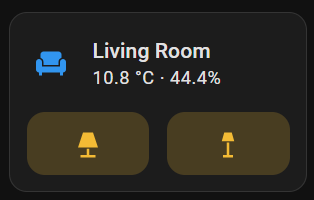
I have an area card for my living room on my dashboard.
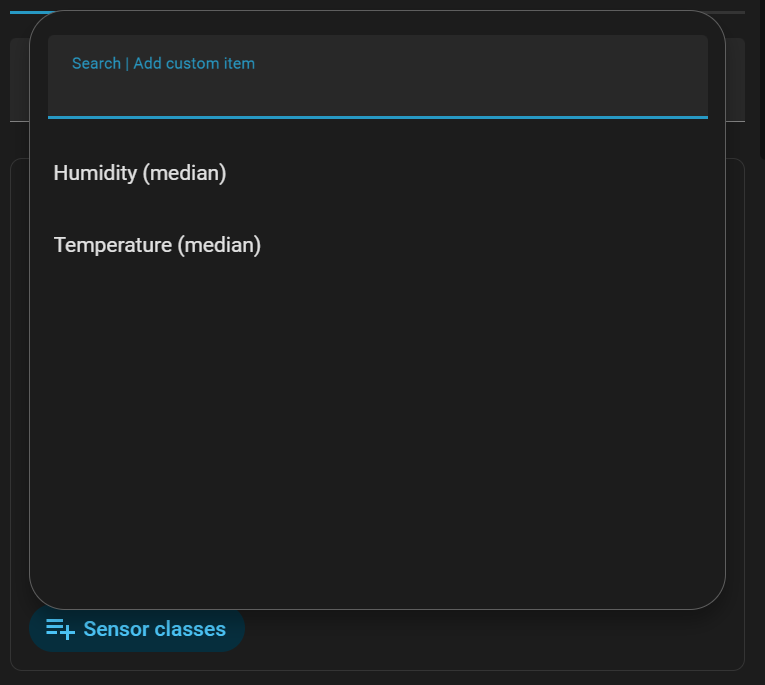
The sensor classes for that card are set to “temperature (median)” and “humidity (median)”.
I have one thermostat in the living room, so I expect the median to be the same as the actual temperature read by that thermostat.
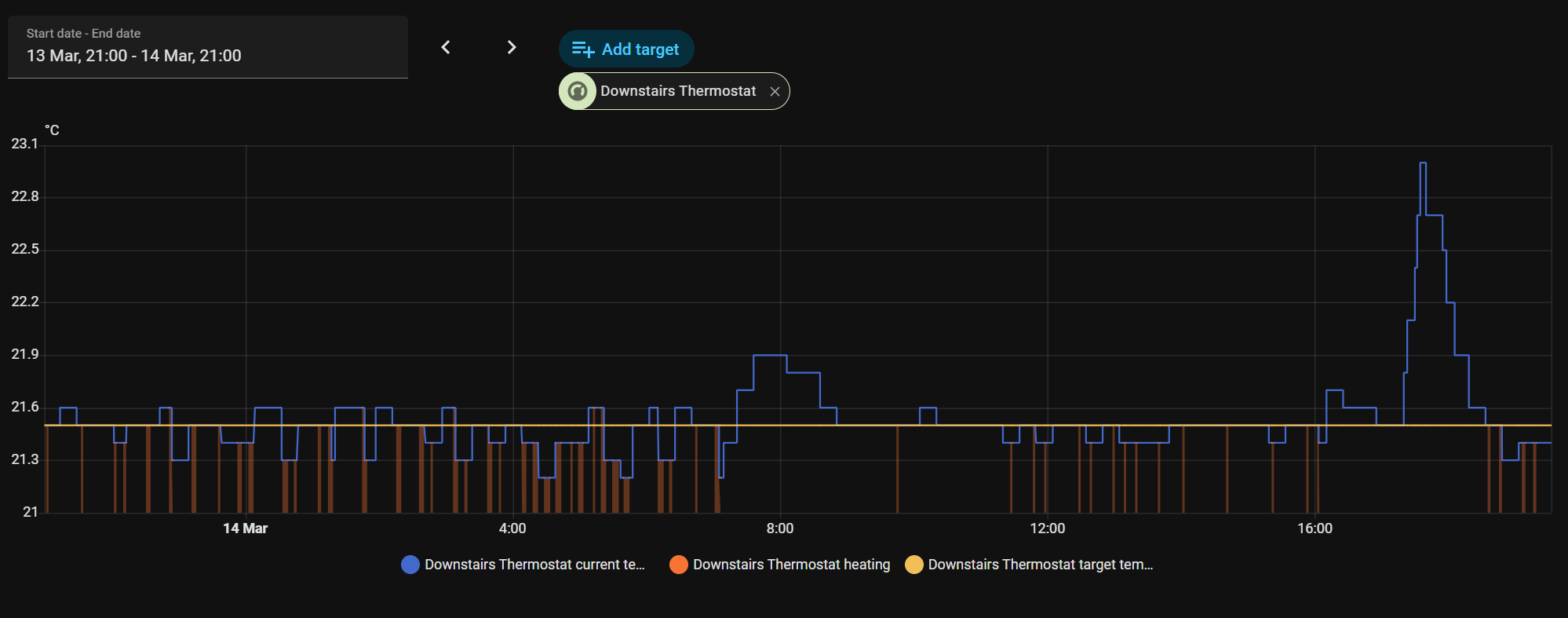
However, while the thermostat temperature reading is usually around 21 deg C the area card consistently shows the temperature to be 10.8 deg C.
Why is this and how can I fix it to show the actual temperature?
The thermostat is a Bosch Smart Home Room Thermostat II.
The temperature reading from that thermostat is shown as a sensor with device_class: temperature which apparently is what the area card desires (or?)
The humidity reading from the same thermostat appears correctly on the area card.
Hmm thats an interesting observation…
However this is the only smart thermostat I have ever installed on this floor of my house.
I have checked the entities list and do not see any other temperature entities… Is there some other way that I could detect any orphaned entity?
I do have another thernmostat of the same type on another floor.
That thermostat is integrated using BetterThermostat (so that I can use a separate temperature sensor in another room).
The area card for the temperature for that room seems to work as expected.
But I have no way of knowing if the are card is looking at the thermostat, the BetterThermostat, or both.
Check the raw data values being stored. The median calculation may actually be correct, showing you the midpoint between high and low count values (how many data points are recorded over the period in question). A graph over the same period may provide insight of high and low values and where the temperature spends most of its time.
No, I dont explicitly want to display the median, but it is the only option offered. Is there someway I can select the current temperature rather than the median?
Checking the entities for the room, the thermostat does have other temperature sensors: External temperature (always 0) and Outdoor temperature (always -32,768). Both of these are sensors that do not acually exist physicaly (i.e. they are options on the themostat that I have not wired in).
I will try disabling these and see if it makes any difference over the next 24 hrs or so.
EDIT: this actually made an immediate difference! The temperature is now showm correctly. Playing around a bit more, re-enabling the Outdoor temperature entity (always -32,768) did nothing. So this leads me to believe that the area card is including the External temperature sensor in the median value. Obviously this is not my intention.
I’d prefer not to have to disable entities just to futz some display (it feels like a code smell). So the question becomes: is it possible to select the specific temperature sensor for the area card somehow?
But isn’t this external sensor non-existent? Seems like getting rid of it makes the most sense.
Or are you just referring to in general for other areas? You can override the area assigned to an entity (it normally just uses the device area it’s associated with). Just go to settings for the given entity and it gives you this option.