Hi Everyone,
I got stuck in installing HAOS, and would apprieciate any help in this topic.
I have an older ASUS EeeBox EB1035 mini PC with 8GB RAM, a Celeron processor and a 120 GB SSD.
I installed HAOS on the SSD via another PC using Rufus, but I stuck in the first boot.
What I tried:
- installing Windows on this EeeBox, worked fine
- tried this SSD with HAOS in another mini PC, worked fine
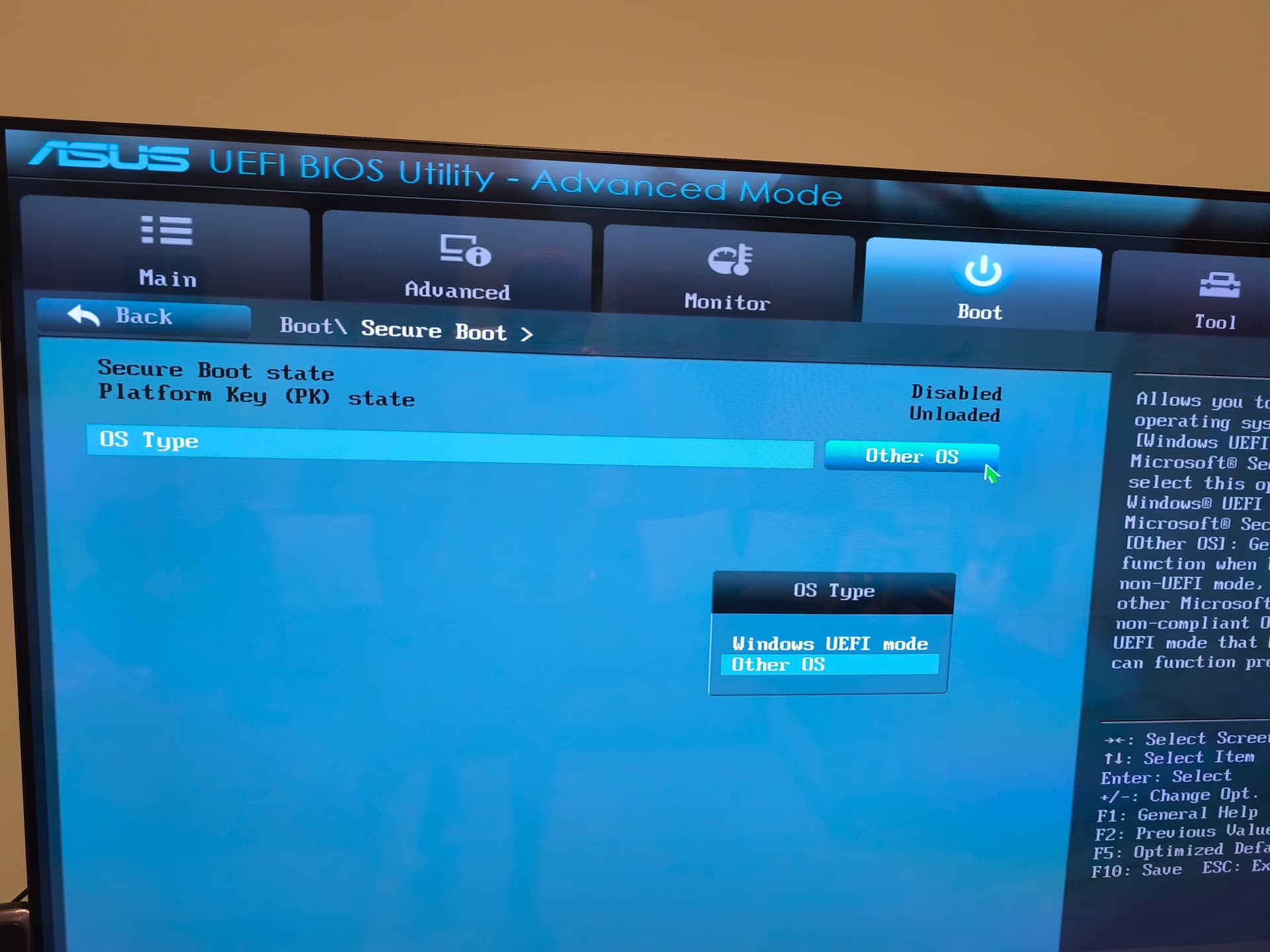
When first booting I reveiced a no boot device found message, after that I set the BIOS settings to this:
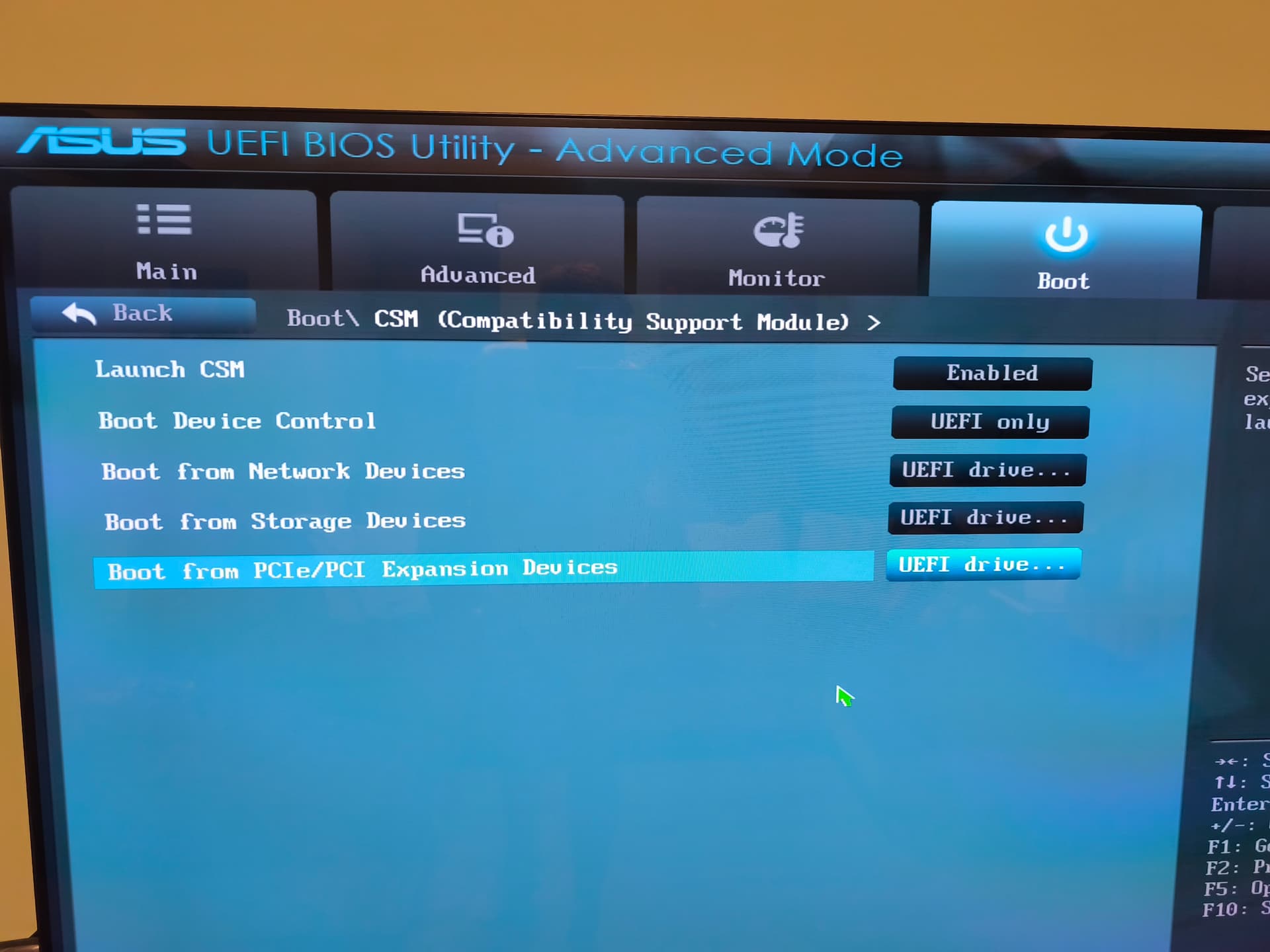
After restart I got the message that “The current BIOS setting do not fully support the boot device… Go to … parameters and adjust the CSM (Compatibility Support Module) settings to enable the boot devie.”
I tried several combination, but neither worked.
+1 info: Inter VT technology is disabled.
Any idea, guys?
Thanks in advance,
Janos