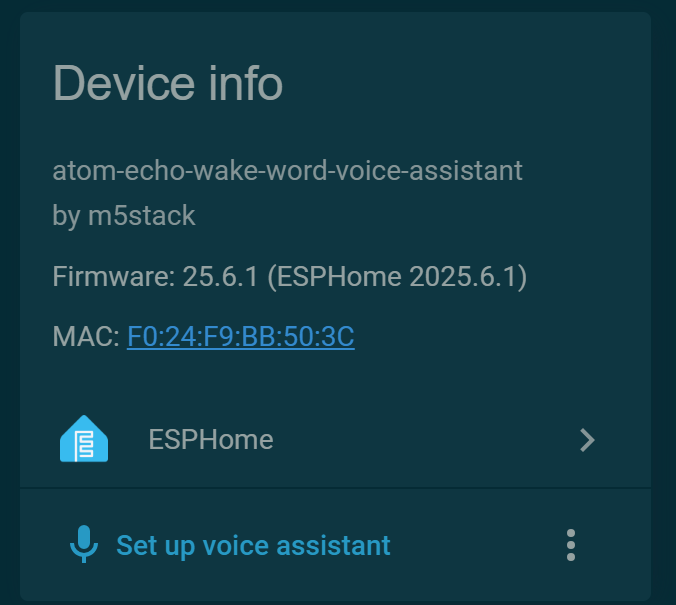
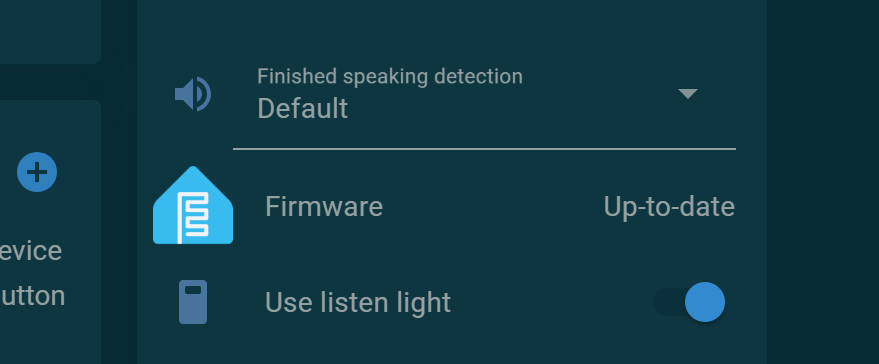
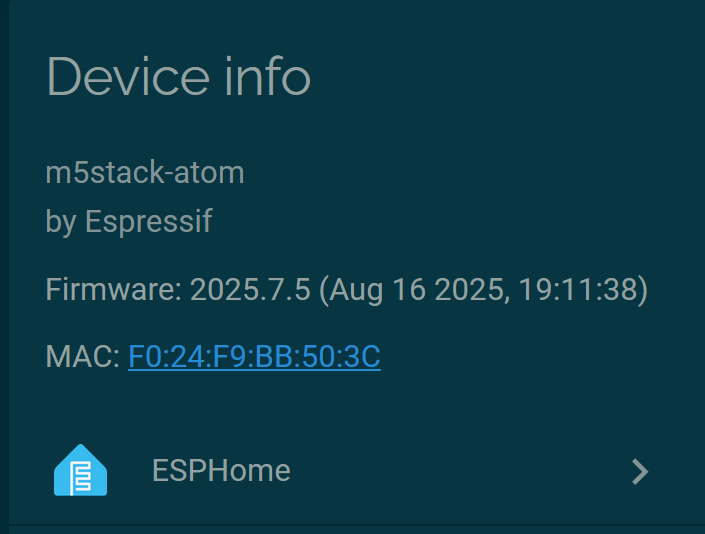
Recently purchased and setup the Atom Echo M5 dev kit through Esphome Project’s website. Everything was added to my HA instance no problem, but then I noticed it didn’t respond to the wake word at all, and then I noticed that the version of Esphome installed seems rather outdated
I then tried to install it via Esphome by taking control and started encountering build errors when trying to install via my laptop (I tried altering the yaml to include the new ota syntax, changing the firmware url…). When I do take control and try to update it via the firmware entity, I get errors that seem to be related to old problems where the firmware image was too large…
Is there a better way of setting it up / updating it?
Have a look here, I have no idea if it still works or not. but it did some time ago. I have not played with one for a while. But at least it gives you the whole yaml.
I assume you have tried this from the official site??
and of course, I’m experiencing a different error there, lol
...
 - toolchain-esp32ulp @ 2.35.0-20220830
 - toolchain-xtensa-esp-elf @ 13.2.0+20240530
Reading CMake configuration...

CMake Error: Could not find CMAKE_ROOT !!!
CMake has most likely not been installed correctly.
Modules directory not found in
C:/Users/Midni/.platformio/packages/tool-cmake/share/cmake-3.30
CMake Error: Error executing cmake::LoadCache(). Aborting.
I was trying to do it from my Home Assistant Blue - but I guess its got too much going on.
It now shows up after reinstalling again that its due for an update but the upgrade fails and reboots HA.
Trying to copy the yaml and build from my Windows laptop results in the below error:
......
Reading CMake configuration...

CMake Error: Could not find CMAKE_ROOT !!!
CMake has most likely not been installed correctly.
Modules directory not found in
C:/Users/Midni/.platformio/packages/tool-cmake/share/cmake-3.30
CMake Error: Error executing cmake::LoadCache(). Aborting.
Ah, looks like I figured out my assistant problem - I accidentally purchased an Atom Lite, not the Atom Echo. Also submitted an issue for the compiling problem