Hello dear Community,
Time for me to post a new question  since I am definitely not an expert and it’s very hard for me to find a solution without the help of smart people.
So, today’s problem is the following:
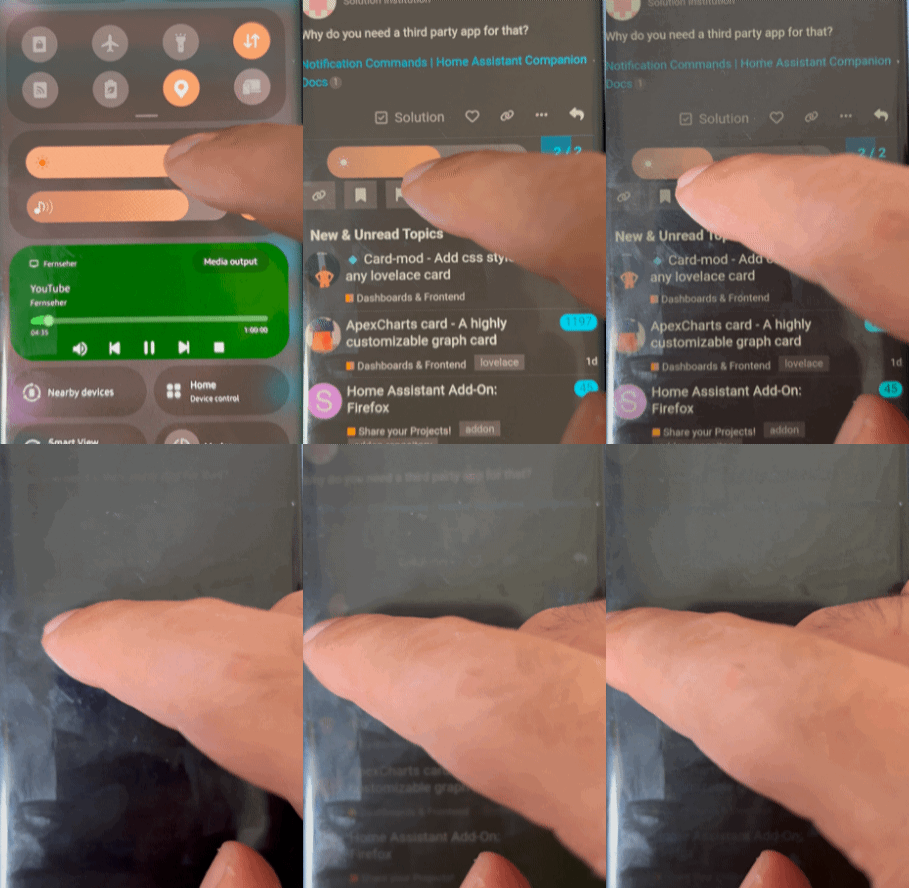
I am in possession of one of those nasty Samsung S phones with OLED display problems. Auto Brightness can not function descently, since for some range of ambient light the display goes totally black (let’s say between 500 and 100lx) and partially black with green lines (between 1000 and 500lx).
Over 1000lx is ok and under 100lx is also ok.
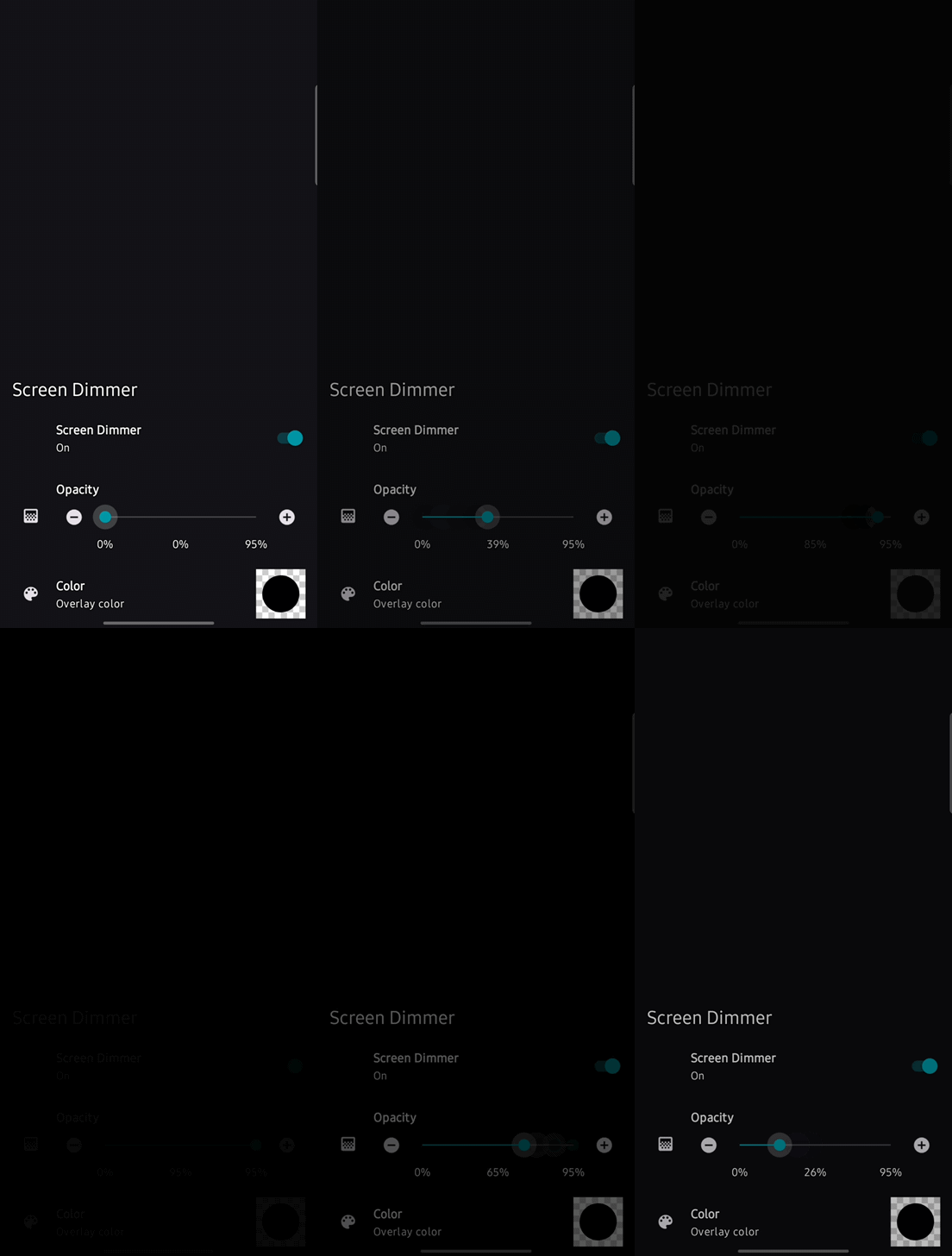
The solution I found is to deactivate auto brightness, set it to maximum and to use a third party application called Screen & Notifications Dimmer, which can apply a filter to the hole display and darken it.


The remaining problem is that I have to change it many times over the day, which affect considerably the user experience on this Samsung phone.
Thus, I was wondering if it would be possible to automate the hole thing with home assistant.
A light sensor is actually working and I can follow it within HA as shown in the following picture
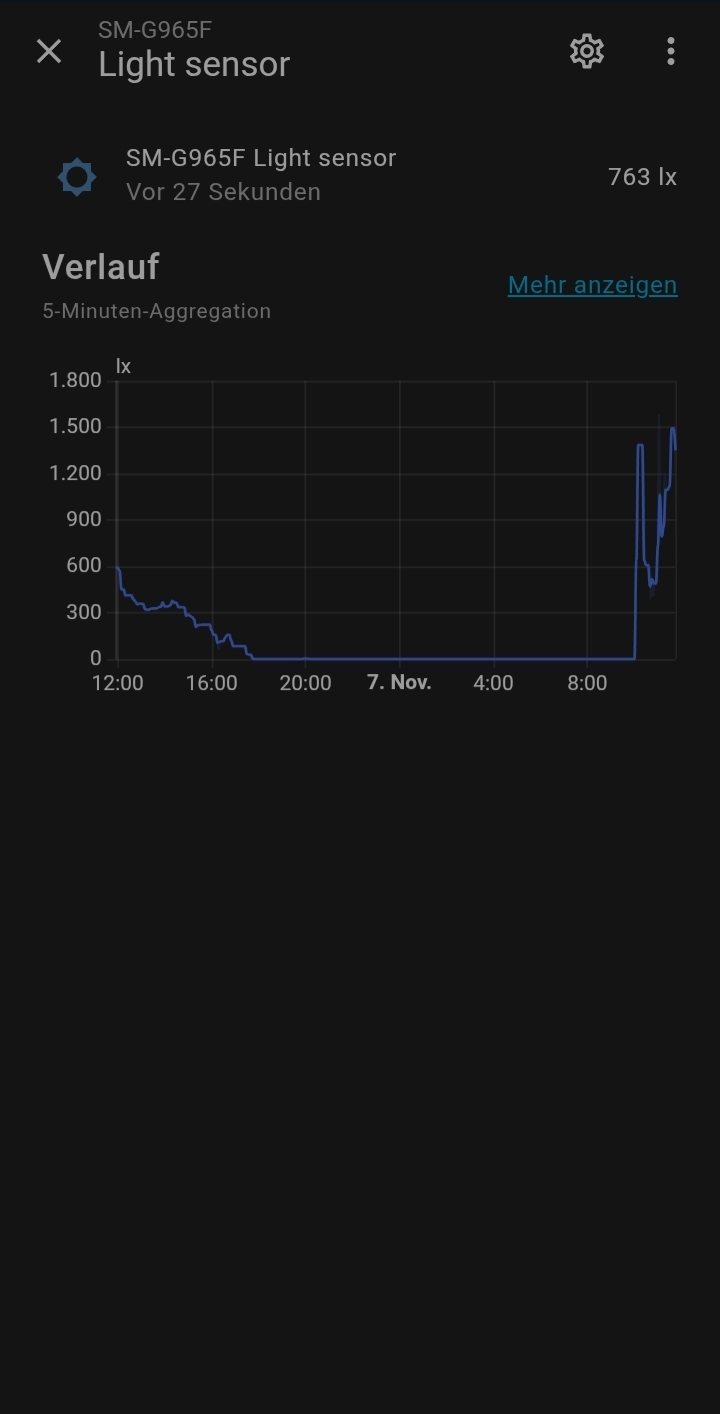
What I want to do in HA:
- get the lux value and decide by the means of an automation which opacity level will be configured in the application Screen & Notifications Dimmer
- send this value (intent broadcast) to the screen dimmer app to set the opacity of the applied filter according to the scenario.
i.e. 0≤ ambient light level < 100lux → set opacity to 90%
Is this even possible ?
Any help will be much appreciated. Thank you!
P.S. this is for experimental purposes, this phone is not one of my main phones, just laying there at home principally as a gadget to check and control stuff, HA among other things. But, this brightness issue is so annoying, I admit.