ljorg
December 7, 2023, 3:35pm
1
Hi. I’m going nuts. I have this automation:
id: '1701805253836'
alias: Lyskæde terrasse
description: ''
trigger:
  - platform: sun
    event: sunset
    offset: '+00:15:00'
condition:
  - condition: template
    value_template: '{{ now().month >= 12 or now().month <= 1 }}'
    enabled: true
action:
  - type: turn_on
    device_id: 41730f3395fd1c4d3d1292dfc38276f8
    entity_id: 34e9e400eebf26b2ff80004beeaac5d8
    domain: light
mode: single
The device_id is a Hue smart plug LOM001 on a Hue Bridge, integrated with the Hue integration.
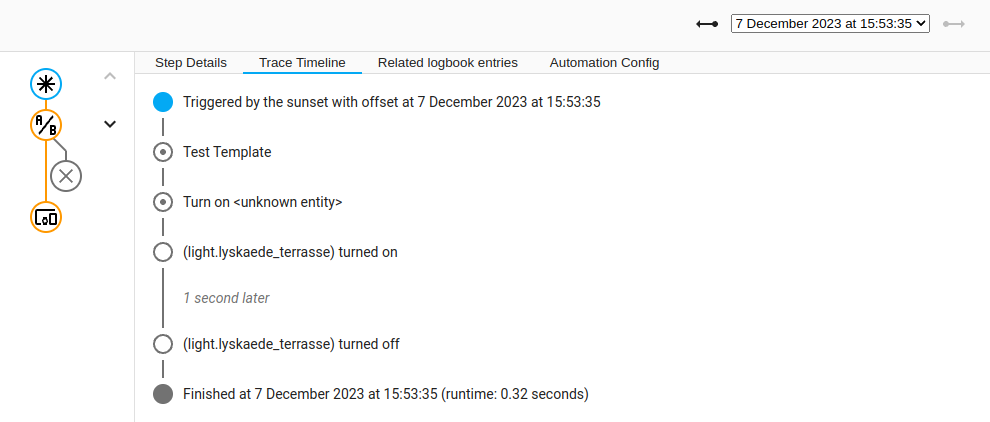
When the automation runs, I get this trace log:
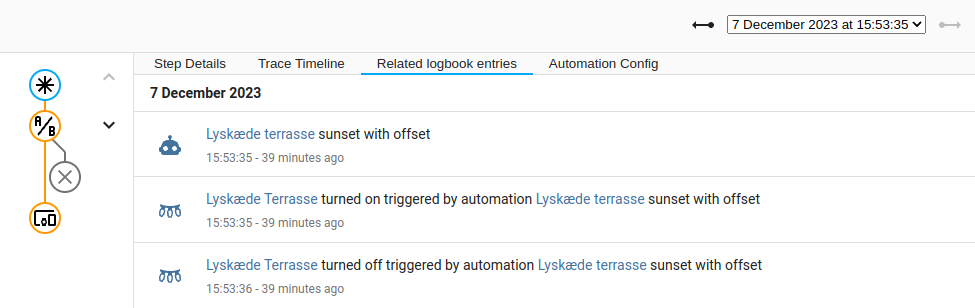
For those, like me, who thinks “something else is turning them off” - the answer is no. It’s done by above automation, at least according to the logs:
I can’t for the life of me figure out why it behaves that way. What am I missing?
Troon
December 7, 2023, 3:37pm
2
As that light has a “real” entity ID light.lyskaede_terrasse, try using this instead of the device action and see if that helps:
action:
  - service: light.turn_on
    entity_id: light.lyskaede_terrasse
Alternatively, find the switch entity of the smart plug. Are you perhaps trying to switch the power supply to a smart bulb on and off, which is confusing it?
ljorg
December 8, 2023, 3:09pm
3
Thanks for the suggestion. I changed the automation to this:
id: '1701805253836'
alias: Lyskæde terrasse
description: ''
trigger:
  - platform: sun
    event: sunset
    offset: '+00:15:00'
condition:
  - condition: template
    value_template: '{{ now().month >= 12 or now().month <= 1 }}'
    enabled: true
action:
  - service: light.turn_on
    entity_id: light.lyskaede_terrasse
mode: single
The results are not as great as I had hoped for:
Troon
December 8, 2023, 3:09pm
4
Can you successfully control that light directly from the frontend?
ljorg
December 8, 2023, 3:12pm
5
Yes, no problem. I use that to turn it on when the automation fails
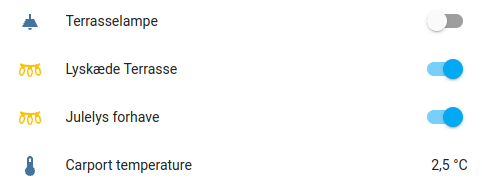
You can see it as the second one on the card below (sorry about the Danish names):
ljorg
December 8, 2023, 3:14pm
6
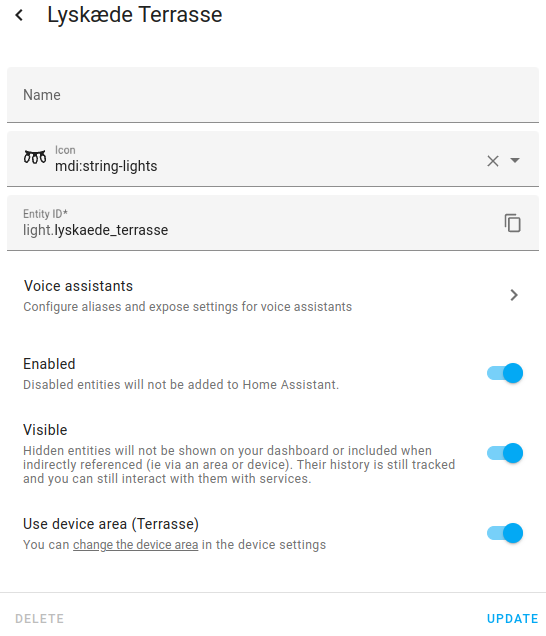
And just to show you the ID of that entity:
Troon
December 8, 2023, 3:18pm
7
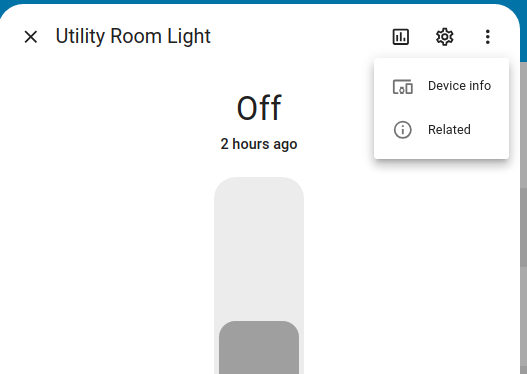
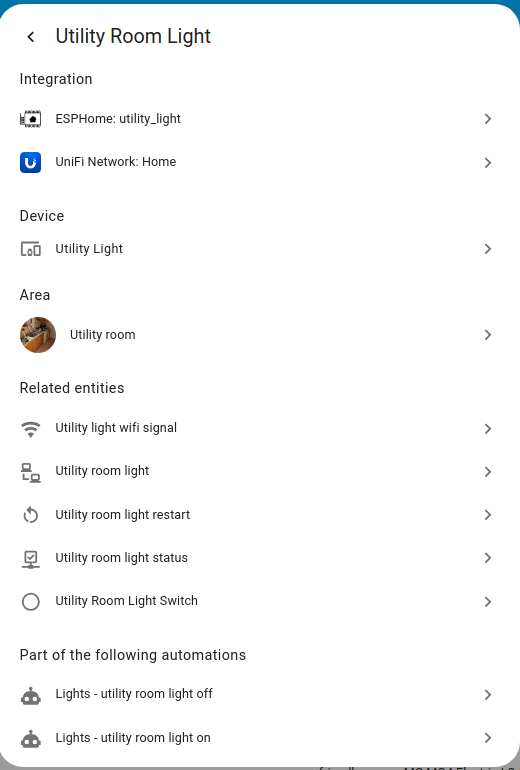
Have a look under … / Related, like this:
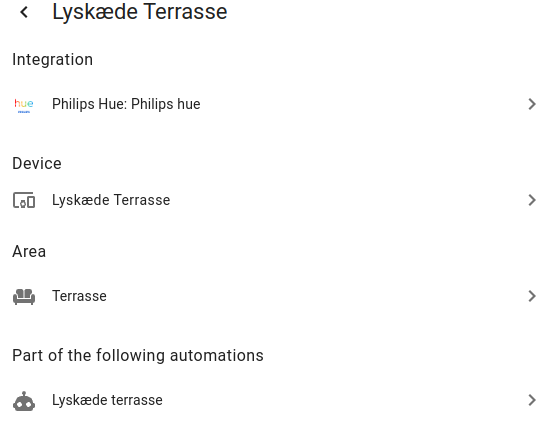
Are there any other automations or scripts showing that interact with your light?
ljorg
December 8, 2023, 3:21pm
8
No, only the one not working correctly:
Troon
December 8, 2023, 3:26pm
9
Then I’m stumped, I’m afraid. My next step would be to watch the event bus (Developer Tools / Events) to see what happens when the UI switch is operated versus when the automation runs. My guess is it’s something Hue-related.
ljorg
December 8, 2023, 3:28pm
10
Thank you for being stumped together with me! It’s reassuring to know I’m not missing anything essential, and walking through it together with you helped me do that.
I’ll look at the debug logs, and also try and swap the smart plug out with one directly connected on ZHA to see if that changes anything.
ljorg
December 10, 2023, 3:20pm
11
Swapped the smart plug out with another one running off ZHA. Everything working as expected now, so definitely a Hue issue.
1 Like