I just had a new furnace system installed, and it came with a Honewell T6 Pro Wi-Fi Thermostat.
The thermostat instructions say use an app from Residio (which is very basic and poorly written).
I came back here to perform the integrations that I had looked up before and found Honewell. This article describes Honeywell integration Following the instructions to add an integration, I am offered “Honeywell Lyric” and “Honeywell Total Connect Comfort (us and europe)”
I tried “Honeywell Total Connect Comfort US”. It prompts for credentials for mytotalconnectcomfort.com.
I go there and create an account. I get to the step of “Register Device” It asks for MAC address of the thermostat. Below is a drop-down of how to find the MAC on various devices. The list includes
Redlink Internet Gateway
Wi-Fi VisionPro 8000
Wi-Fi VisionPro
Wi-Fi FocusPro
W-Fi Smart Thermostat RTH9580WF
None of those are my T6 Pro Wi-Fi. (Although the VisionPro 8000 photo looks similar).
I also looked at the Lyric integration (although the term Lyric is not found in anything that came with the T6 Pro). It asks for Oauth credentials.
It is confusing that the T6 Pro had me create an account at resideo.com and use their app, but the integration guide references mytotalconnectcomfort.com. Are two independent companies selling thermostats under the Honeywell brand name?
Can I integrate the T6 Pro, or do I have to buy something else?
I was in the exact same situation. A hodgepodge of crappy apps and sites without clarity of what’s what and what you need. The app could not find the thermostat. I even did some packet capture but decided it was not worth to keep spending time on this. Forget about tech support. Ended up selling both thermostats on eBay and getting Venstars. Never looked back.
If you want to stick with Honeywell better buy the Zwave version.
Given no other options, I went ahead and tried to integrate the T6 Pro as a “Lyric” device. I followed the instructions here: Honeywell Lyric - Home Assistant
The first step is “Go to the developer site and register with an account.”
The URL is https://developer.honeywellhome.com/, but the page has “Resideo” on the top.
I was able to log in with the account I created when I first attempted to install the Android App. The app failed trying to create an account, so I went to resideo.com and created an account. I turns out the App uses an entirely different authentication domain and accounts (even though it is branded “Resideo”), but the account I had created on resideo.com worked for the developer login.
The process worked as documented. I logged in at https://api.honeywell.com/oauth2/app/login, and was able to see my T6 as an available device. I created the new app, gave it a name, and submitted. I was immediately approved, and I could click on the name and see the keys that needed to be entered into the HA oauth fields.
I agree that everything related to Honeywell is very poorly thought out and confusing. @odwide captures it succinctly - “A hodgepodge of crappy apps and sites without clarity”
One more vote to put anything with the name “Honeywell” (whatever it really is) on the “not recommended” list.
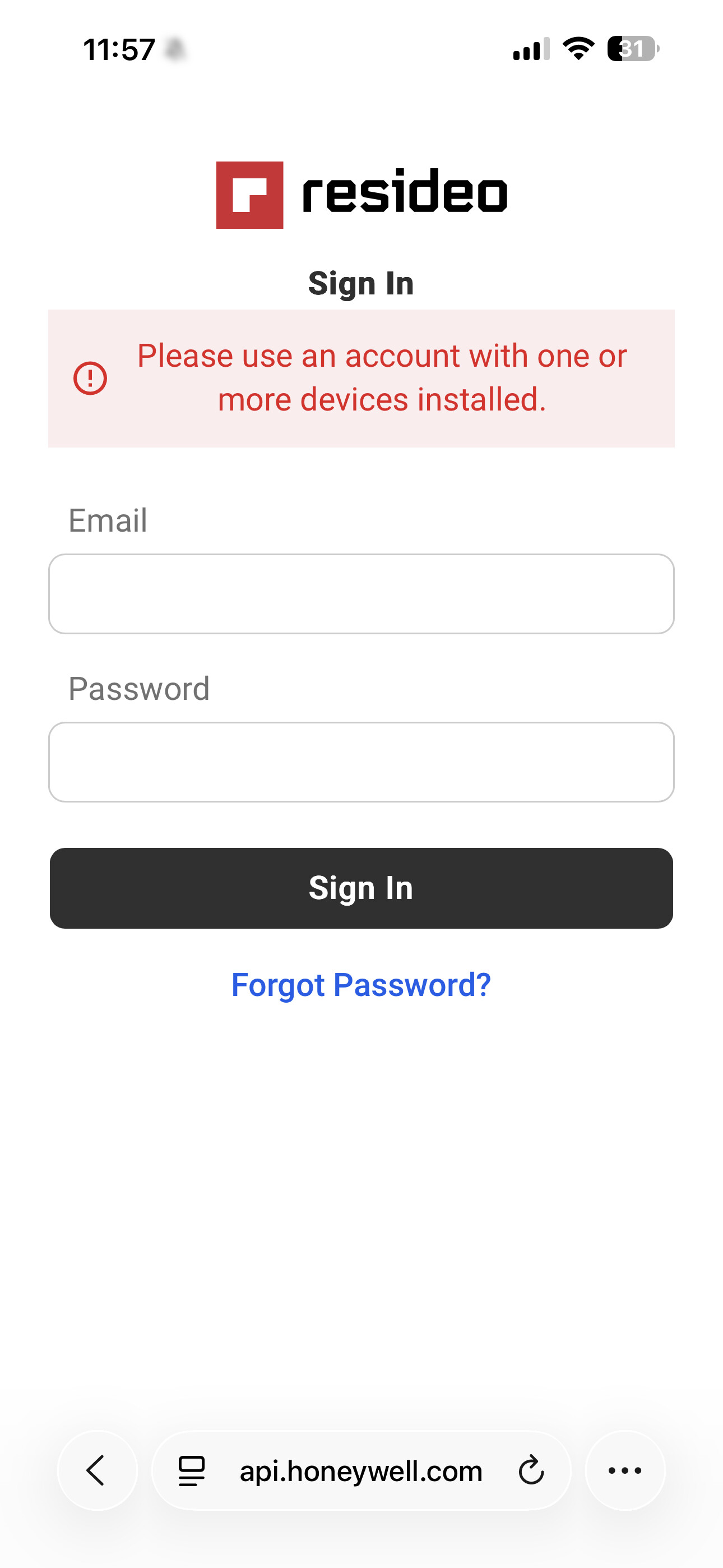
I am also stuck at this step, https://api.honeywellhome.com/ won’t accept any of the passwords, not the Resideo.om password, nor the developwe credentials.
I figured it out. The last prompt for the password is the same as the password I used to setup my account on the Resideo app. Once I entered it, I was prompted to select my thermostats and confirm authorization.
I had the same problem. I called Honeywell support 800-633-3991 and the support person escalated my issue and I recieved a link the next day and my developer account was active. One other interesting thing your password for Resideo app and the developer account has to be the same password.
Thank you so much, I wish I had known that earlier. This is great info for anyone going forward. I actually reached out to their Facebook support, and it got escalated, then it got approved. So nice to have them in HA/HK now. The direct homekit integration is garbage and never works.
I have 16 thermostats, and when I was adjusting quite a few of them, I got hit with an API “rate limit exhausted” error, but it worked again within an hour or so. Might just be limited on how many changes I can make in a short period of time. But still much better than nothing at all. My wife demanded white thermostats, so this was really my only option.
Thanks, that number was great the woman had no idea what I was asking for, but eventually she talked to someone else and was approved in 5 minutes. For prompts I pressed Home owner and thermostat , wifi and that got me there all the other info got my thermostats connected. Much thanks for this thread!
ok, I’ve done the steps via HomeKit and see the Honeywell ok in HA.
My problem is how to make the conditions/scenarios thus to start/stop my pumping groups when no need. I say this as I noticed that Honeywell shows idle mode but viessman boiler still works, so I can’t simply put a condition
tu TURN OFF Pumps when Honeywell STATUS goes to IDLE.
Any suggestions ?
I finally was able to create a developer account, enter my consumer key and secret, but when I try to login I get this error. I tried adding my thermostat to the Total Connect Comfort app but don’t have the CRC code. Anyone have any suggestions?
Hello,
I am trying to figure out if my very basic HoneyWell Home will work with Home Assistant. I do not have a smart or Wi-Fi version, but there are only four wires, and I figure that if I could send the proper signal over those wires, I could control the heating and air conditioning.
I live in an appartment, so I do not want to invest in an upgraded thermostat that would be compatible. I figure if I move the Home Assistant can move with me.
I have a Honeywell Home Digital Non-programmable Thermostat RTH111B1024. I was thinking I could use a Pi Zero W in which I could hook up the connectors to, and send signals from Home Assistant computer over wifi to a client running on the Pi Zero W. However I have not found any forum posts on the subject.
Could anyone point me in the right direction?
Thank you