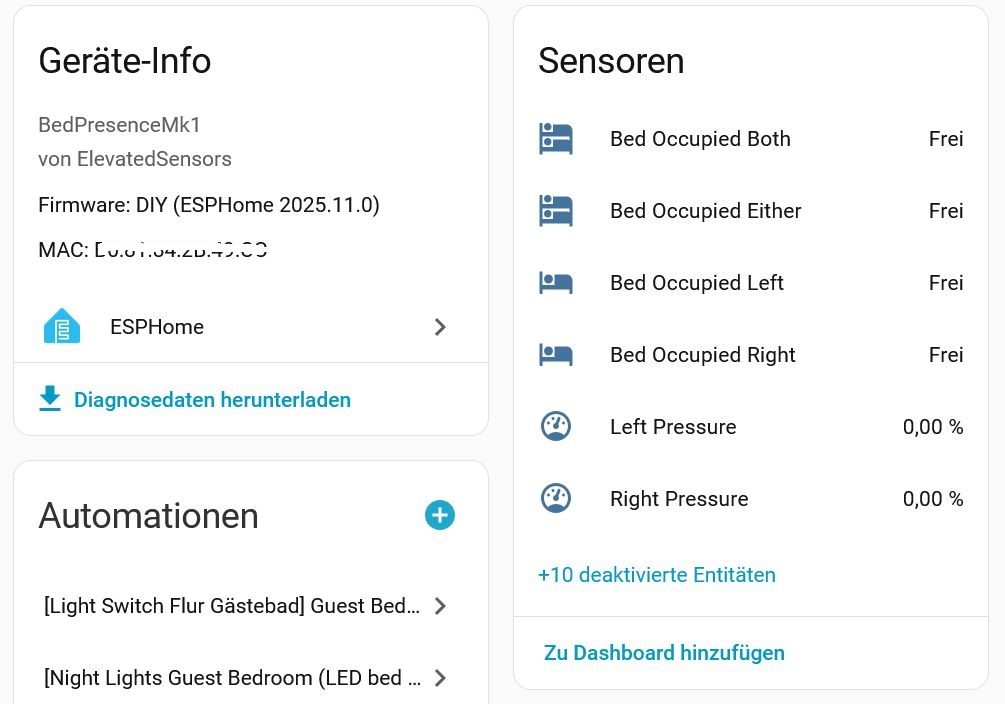
thx for the hint but sadly this doesnt work.
I think you cant remove things from other packages, error:
INFO ESPHome 2025.10.4
INFO Reading configuration /config/esphome/schlafzimmer-bed-presence.yaml...
INFO Updating https://github.com/ElevatedSensors/sensor-configs@main
Failed config

sensor.unknown: [source /config/esphome/common/devices/bed_presence_mk1.yaml:57]

  Source for removal of ID 'uptime_sensor' was not found.
  id: !remove uptime_sensor
Sadly, that does’nt work for all sensors in diagnostics.yaml.
I have my own local yaml (cloned github and changed to my likings) and can live with it.
Would be nice if you would split up the config further in the future, so users can decide which file to include.
My apologies for not actually testing that YAML first. The diagnostics.yaml has the default names for the IDs, but we overwrite a couple of the values when we include the file in the base yaml. Below are the correct id’s for all of the diagnostic components.
This allows more fine grain control and can be done for all components within the diagnostics.yaml, but I like the idea of including individual files to allow for the option of removing all components within a file quickly. It’s something we’ll definitely consider for future releases.
After 10 days of using the sensor I have to say it’s working very good without an false positive or negative.
I am impressed that the implementation with the timer in the hardware is working so good, without calibration.
Thanks for checking. We will be doing something for the holiday season, but it will be a bit smaller this year since inventory has been tight. We’ll be posting details in the next few days. Thanks for the support and patience while we work to keep everything in stock!
Is there a feature from the 2025.11 release that you’re specifically looking for?
Unless something in the firmware is no longer supported, or there is a new feature we’d like to take advantage of, the production firmware doesn’t get recompiled just to be on the latest release.
Personally I am primarily interested in the wifi and bt proxy enhancements, but there appears to be a lot of improvements to resource efficiency and usage, among many other things.
Oops, I should have read the release notes before my last comment. That’s a pretty significant release, and WiFi performance alone might make it worth it. We’ll do some testing and see if it makes sense to do a release on 2025.11.0.
Our holiday sale is almost here! From November 28 to December 12 everything in the store will be 10% off, and orders over $100 will get free U.S. economy shipping. Inventory has been tight the last couple of months so this will be a smaller sale than last year, but everything will be included. Thanks again for all the support. I really appreciate it!
I bought one of these a couple of months ago and it was a treat to set up in Home Assistant, worked instantly and easily; just what I was looking for. Love it.
But, a few days ago, I decided to move it from under my mattress where it was working fine, to between the mattress and the foam pad I have on top of the mattress, thinking I could have a wider range of response and greater accuracy and speed of response.
Unfortunately, I must have messed something up when I re-calibrated it, because it just doesn’t work at all now. I have rebooted it multiple times, unplugged it, checked the sensor connection, etc. It shows up in HA, but is not talking to it.
Can you point me in the right direction? Do I need to pull it out and hook it up to the computer and reflash it or something?