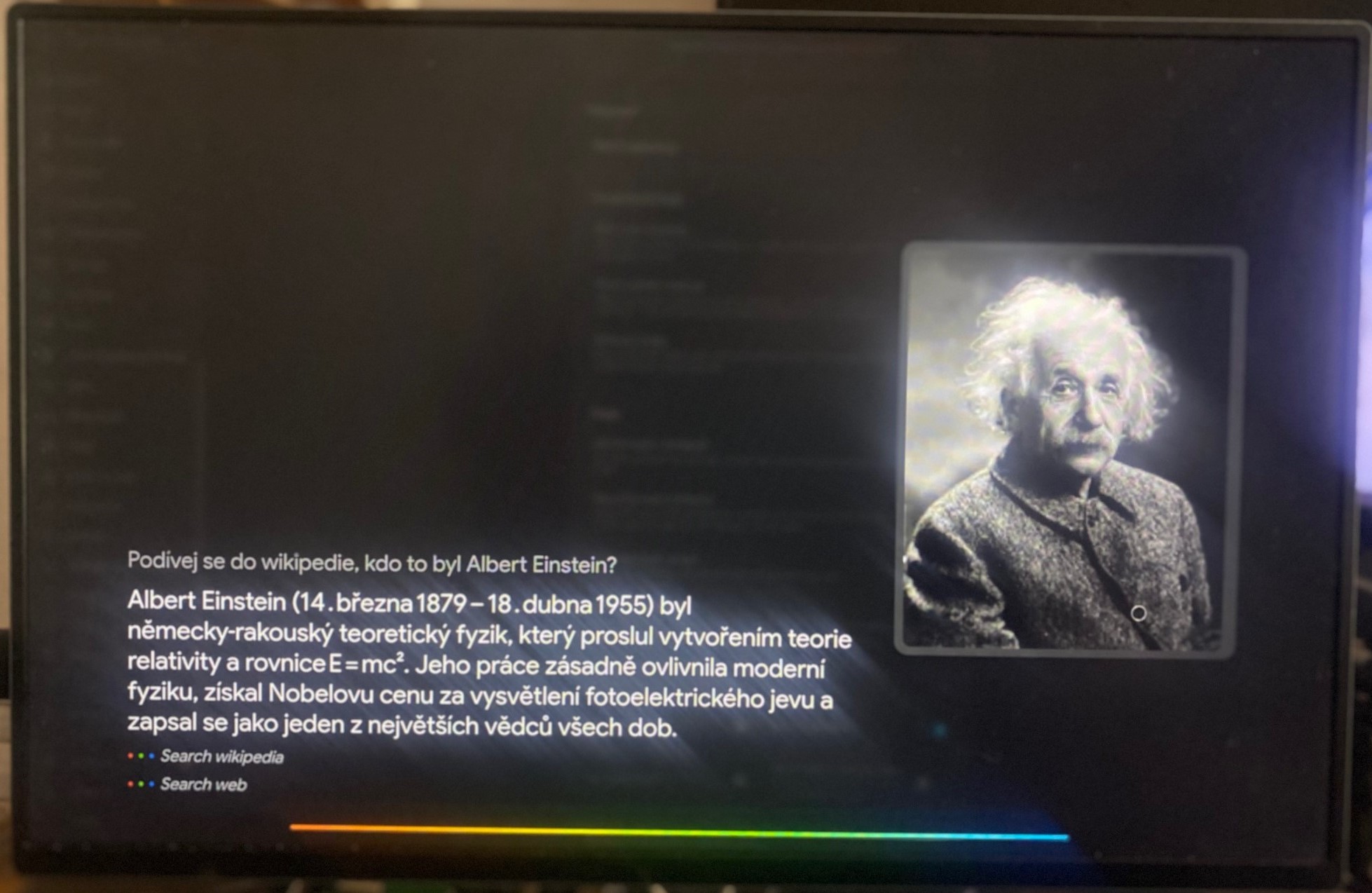
Hi there. I’ve tried a lot of control panels for Home Assistant—Android and Apple tablets, wall panel and kiosk mode, ESP32, remote WebView, and so on. Then I came across TouchKio, and in combination with Voice Satellite, it created the best control panel with a voice assistant that I’ve ever tried.
And one final tip: if you want the cleanest possible setup, look into a Windows tablet—you can find used ones at a good price. That way, you’ll only need a single power connection instead of multiple cables for monitors and the like, and your audio (mic and speakers) is taken care of as well.
I use both of these and they work well!
The only thing I’d say is about your advice to look into a Windows tablet - I’m not sure why you think that only Windows offers single power connections?
There are any number of devices that can run Linux and are a single physical unit. I’m running a couple of variants myself currently.
I mentioned Windows tablets because you can get them for peanuts, and it’s an all-in-one solution.
When using it with a mini PC, for example, you need to power both the mini PC and the monitor, and connect the monitor’s touchscreen interface and the HDMI video cable to the PC + If the mini PC or monitor doesn’t have a microphone and speakers, that means extra cables. I bought one, older, used, for around 12–13 euros; that’s less than I’d pay for, say, an ESP32-S3 with a display and microphone.
If you can, please share your solution. Thanks.