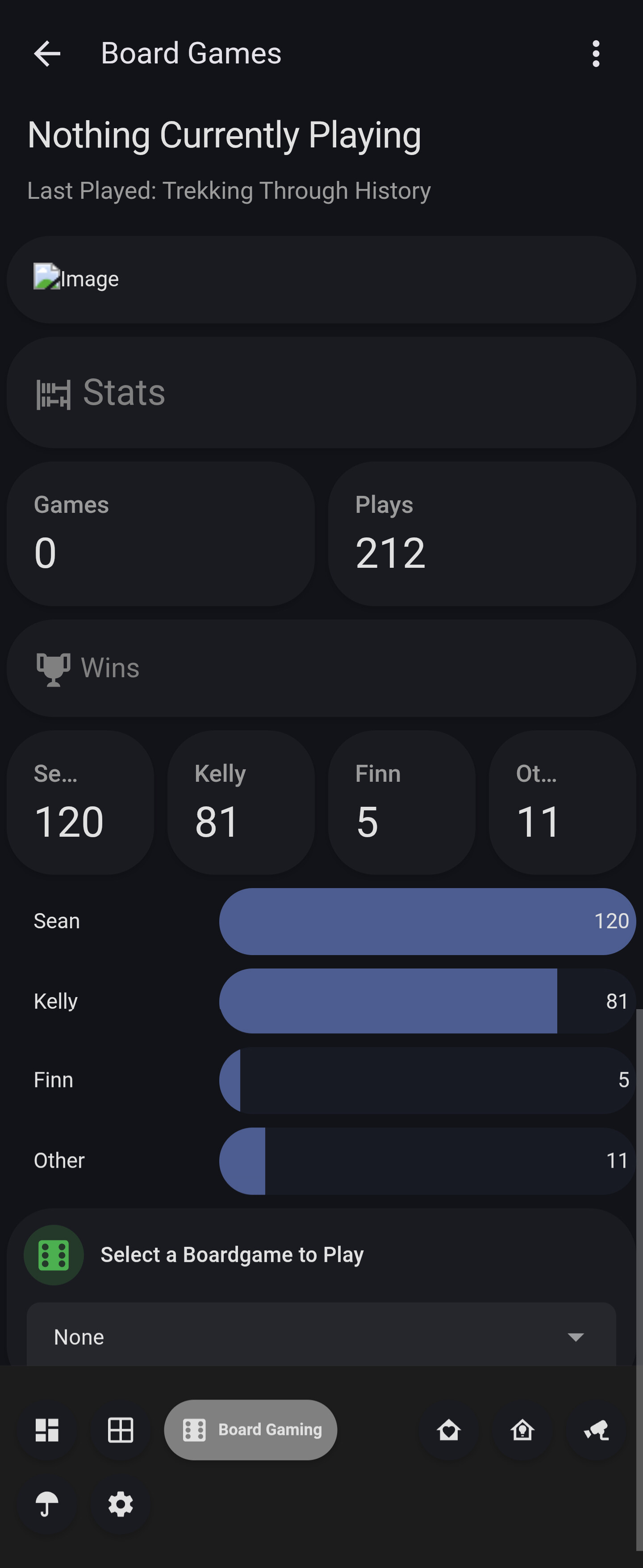
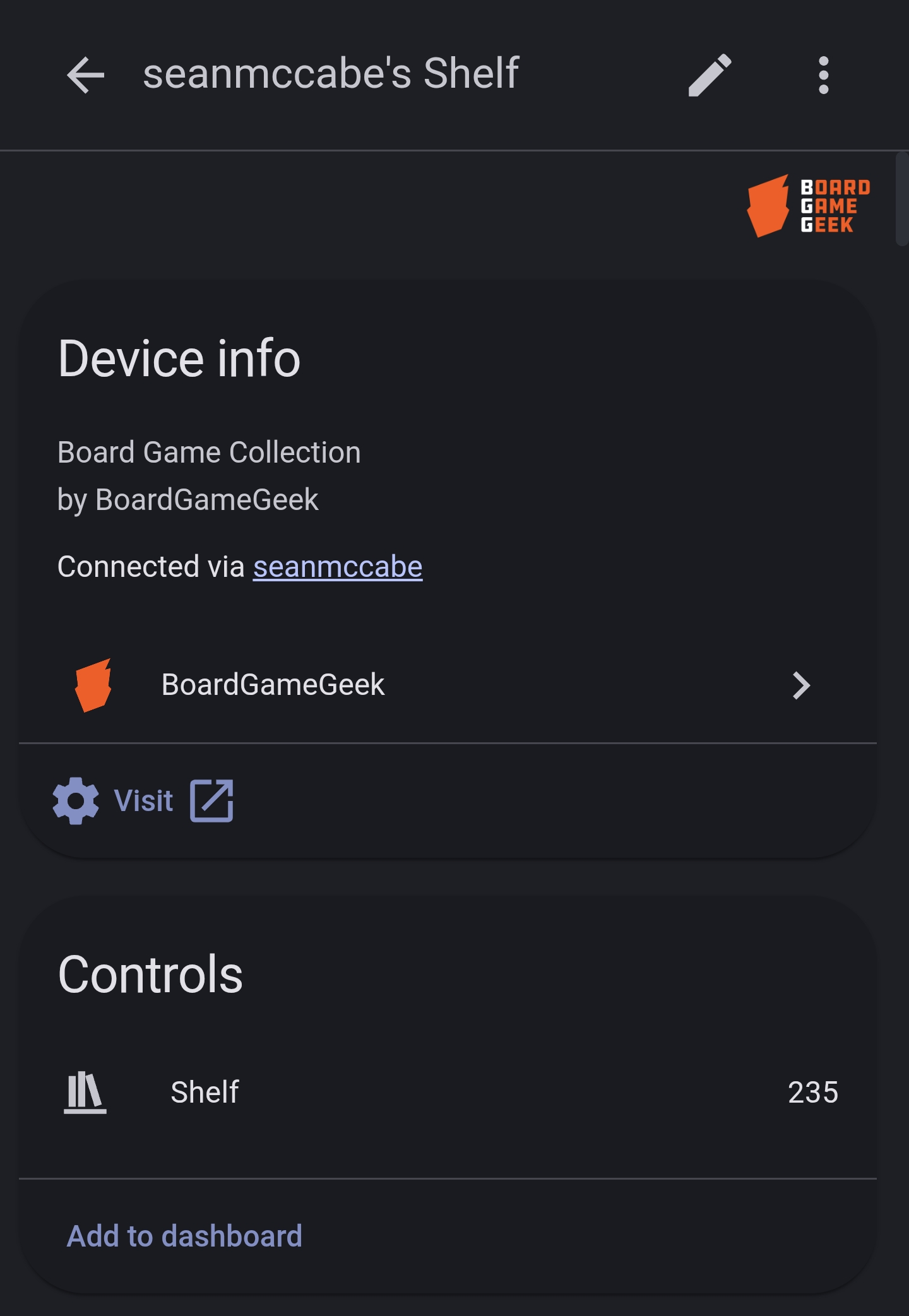
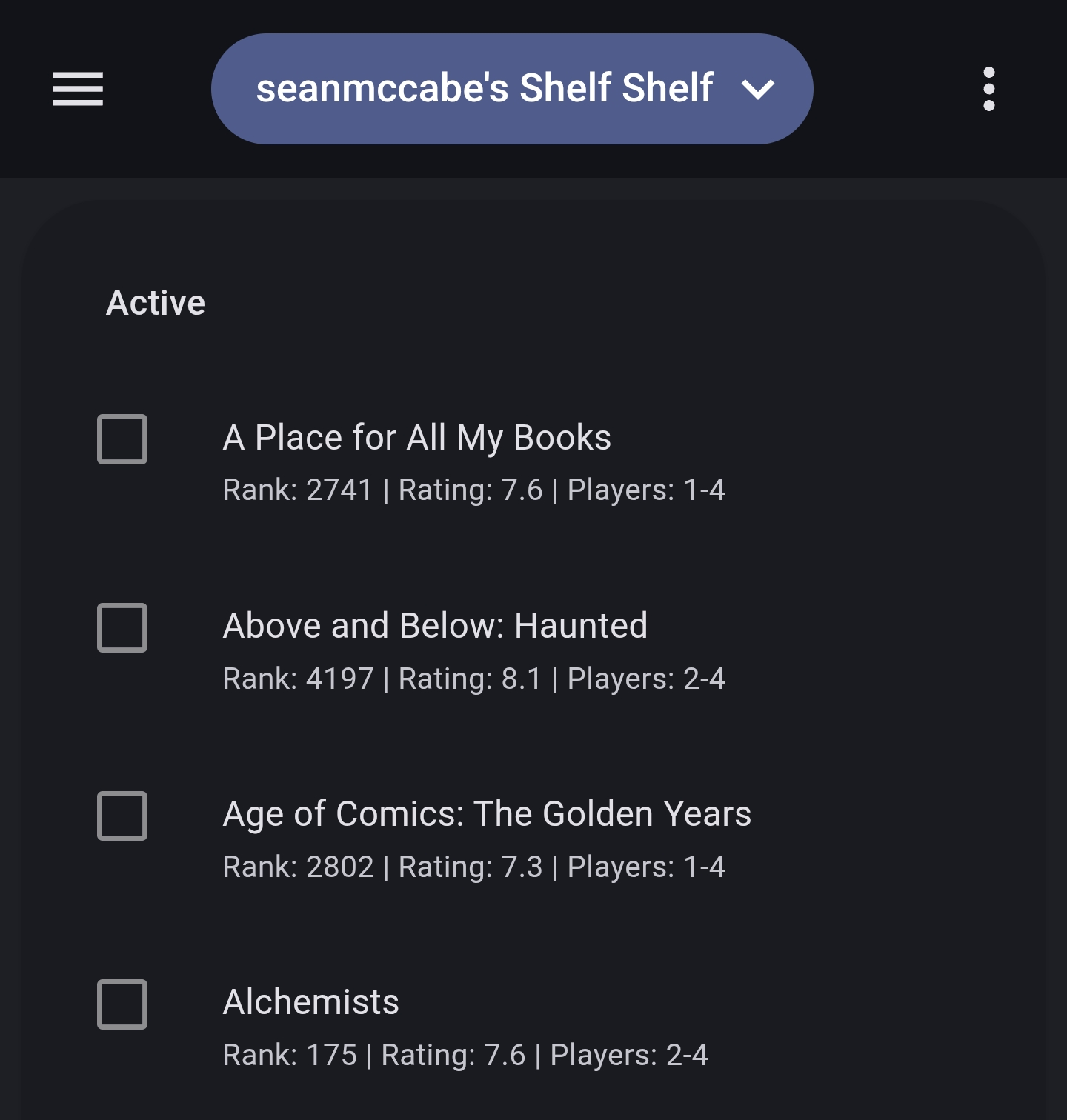
I’ve created a new integration for BoardGameGeek called BGG Sync that focuses on reliability and two-way interaction.
With BGG’s API changes (requiring tokens) I lost some of my automations which I’ve shared to the community previously, so I’ve been wanted to do this integration for a while to get everything back and bring my 2 biggest hobbies together again!
BoardGameGeek (BGG Sync) been accepted into HACS, so you can find us in there without needing to take manual steps.
Update: v1.2.0 Released!
Big update today! The integration has been bumped to v1.2.0 with some highly requested features.
What’s New:
Collection Tracking: You can now track your entire collection (or specific subsets like ‘Wishlist’ or ‘Want to Play’) as individual sensors.
Enhanced Play Logging: The record_play service is now much more powerful. You can now specify:
Players (with scores, roles/colors, and win status!)
Location and Comments
Incomplete / No-win-stats flags
NFC & Music Automation: The track_game service allows you to attach custom nfc_tag and music (Spotify/URL) attributes to games dynamically. Perfect for setting the scene when you scan a game box with your phone!
Rich Metadata: Game sensors now include Box Art, Weight, Rank, Rating, Year, Play Counts and more.
Performance: Moved to a fully async architecture for better stability and performance.
Updating:
This release is available now. If you don’t see it yet, check for updates in the HACS dashboard.
I am doing this with another integration and it works really well. A bit complicated to get set up, but responsive and searchable, so it could be an easy way to find games in your collection to play on game night.
I was previously tracking everything seperate from BGG then occasionally needing to update the values.
I’ve also been using another integration for having my collection in HA Variables+History, but it’s gotten to the point it’s a lot of manual work, getting images, building the attributes etc. So this integration solves all that and I can keep my existing boardgame automations, like Scan to play, track wins, play a random boardgame, suggest an unplayed boardgame.
Plan is to make an eInk display with the data and it updates when playing a game with things like QR codes for how to play videos and rulebooks.
I am going to get a Wiki going with this stuff as examples of things you can do.
Hopefully that should work with it. Otherwise, I’m sure you can use a template sensor to create the output, I did something similar to get my old setup and create a list usable for a select list.
Interesting. The result is different, but looks like it works for you.
The issue with creating sensors is that there is a limit to size of the state and attributes. I imagine some collections can exceed the limits quite easily.

 Collection Tracking: You can now track your entire collection (or specific subsets like ‘Wishlist’ or ‘Want to Play’) as individual sensors.
 Enhanced Play Logging: The
  NFC & Music Automation: The
  Rich Metadata: Game sensors now include Box Art, Weight, Rank, Rating, Year, Play Counts and more.
 Performance: Moved to a fully async architecture for better stability and performance.