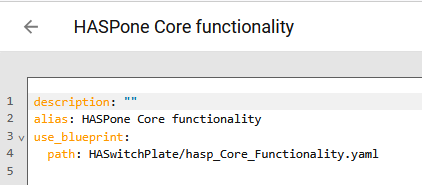
Hi, not sure if it’s normal but it wasn’t like that a few days ago (before one of the latest update I believe). Instead of seeing the Blueprint YAML file when selecting ‘Edit in YAML’, all I’m seeing is this:
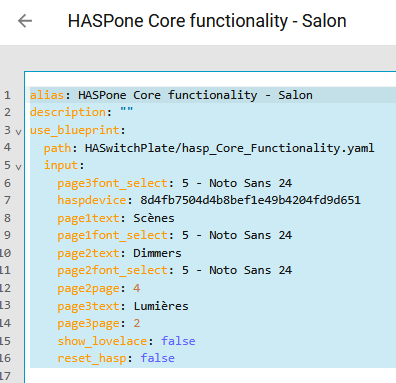
It does that for all the Blueprints, including those that I’ve created myself. Same thing when looking at an Automation created by a Blueprint. All I’m seeing is this:
That looks normal to me. If you want to edit a blueprint-derived automation or script beyond the inputs, you select “Take Control” from the breadcrumbs menu.
I already did that. It does nothing. It doesn’t matter if I click on ‘Take Control’ while in the Blueprint’s Visual editor or the YAML editor. I still only just see that.
I was able just a few days ago. I was working on a Blueprint. I even wrote earlier that I didn’t know I needed the Automation to be reloaded when a Blueprint was modified.
Then I’m really confused. Maybe I was using the File Editor? I swear though I was within the YAML editor, it look is different. I must be tripping lol.