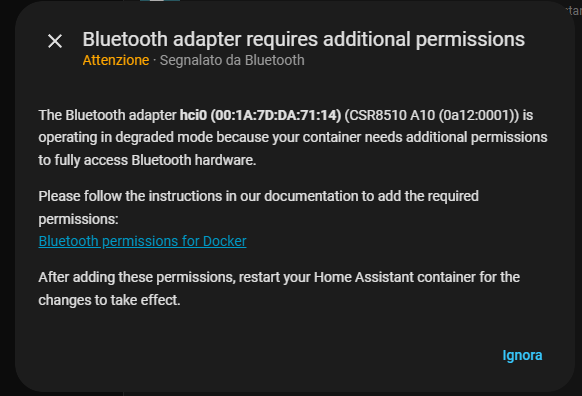
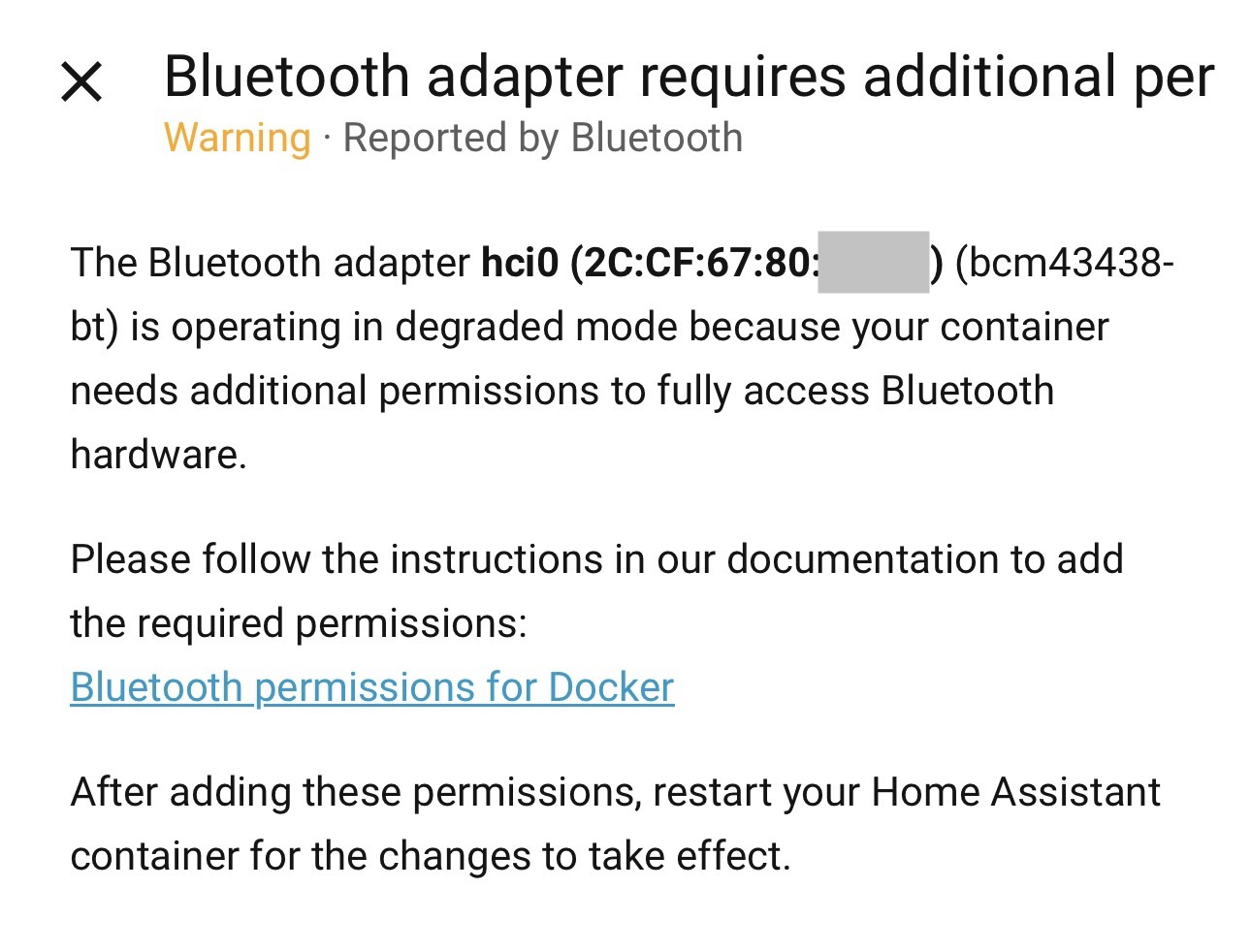
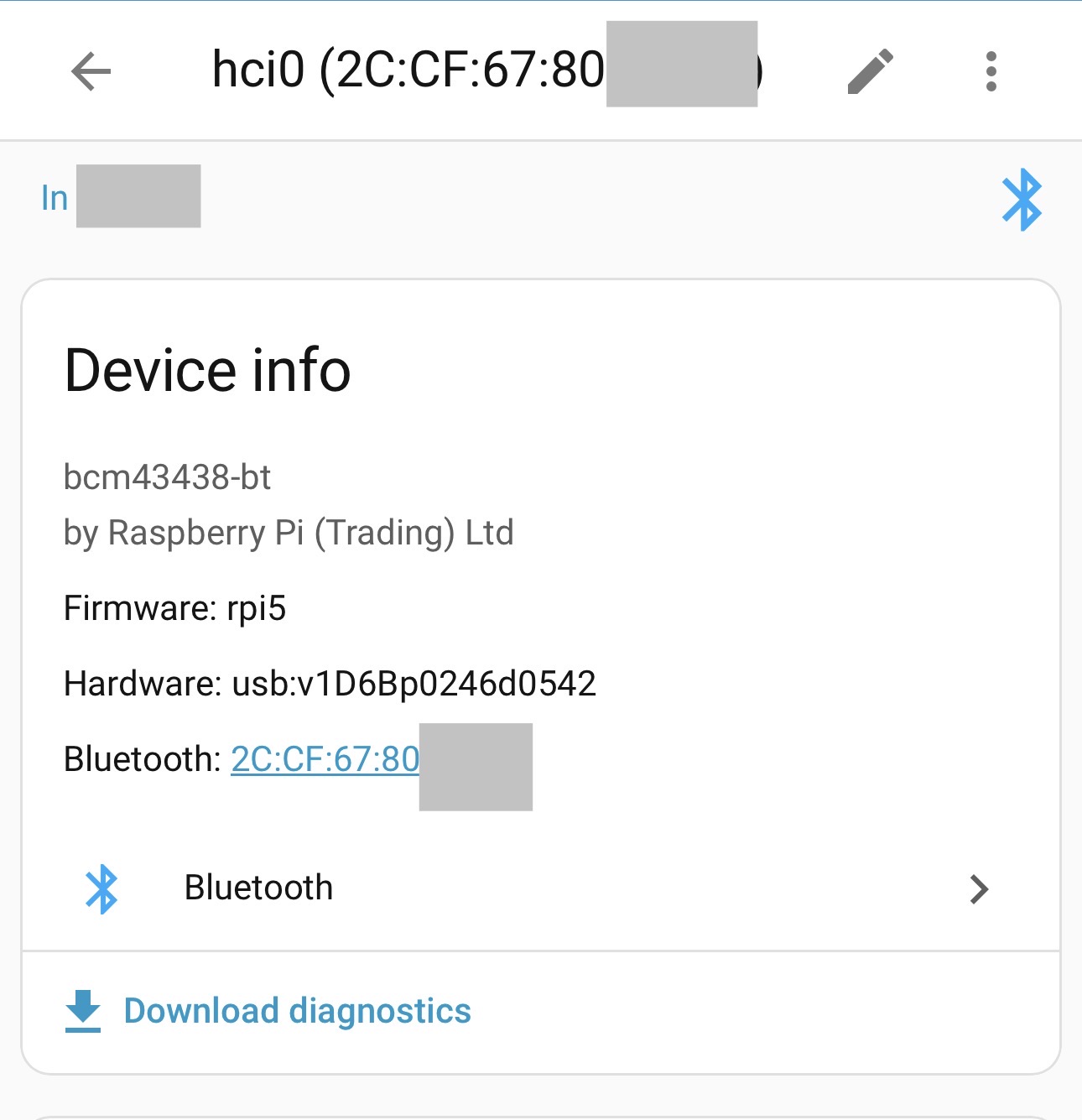
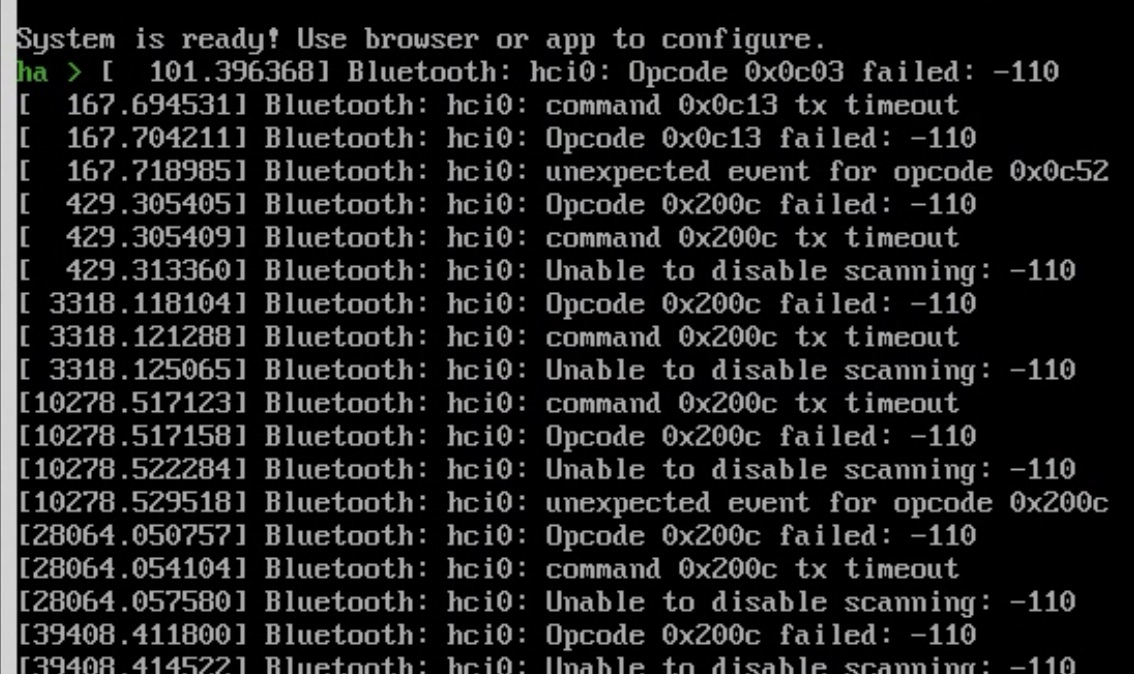
I’ve followed all the official guide recommendations: /run/dbus mounted as read-only, privileged: true, cap_add added. I also tried different network setups (macvlan, bridge), but the warning persists.
Important context:
I’m using macvlan because my IoT devices are on a separate VLAN.
Despite the warning, integrations that rely on Bluetooth seem to work correctly, though there may be slight delays (e.g., with SwitchBot devices).
Question: Could the issue be caused by using macvlan instead of host networking? Or with cap_add and privileged, shouldn’t there be no limitations?
Has anyone resolved this warning without switching to host network?
If there’s a way to check the “degraded” status, the logs (system) don’t report anything, but Home Assistant must see this status somewhere to know it’s degraded.
My only remaining concern is trying the “Host” network mode, but that would cause a lot of problems, since the network is designed differently. What do you think?
So the error appeared after the update, but you didn’t have it before?
I was actually in the middle of migrating from one machine to another (where the dongle always worked without problems) and I thought it was the result of something wrong during the migration.
When NET_ADMIN and NET_RAW capabilities are missing, your Bluetooth setup will work in a limited capacity, but you’ll miss out on some helpful features:
Bluetooth operates in degraded mode with reduced functionality
Automatic adapter recovery won’t be available - if your adapter stops responding, you’ll need to manually reset it
Connection parameters and management commands won’t work properly
Raw advertising data will be unavailable, which can lead to less reliable device updates
You’ll see this error in your logs: “Missing required permissions for Bluetooth management”
If you’re okay with slower connection times and don’t mind occasionally unplugging and replugging your Bluetooth adapter when it stops working, you can safely dismiss this warning and continue as-is.
That said, we’re actively improving the Bluetooth stack with new features, so choosing to skip this fix may mean missing out on future enhancements or encountering unexpected issues down the road. Just something to keep in mind!
Hi all,
I have the same issue as @MrTaik.
I can’t find a way to keep macvlan + have all the functionalities of the Bluetooth.
Does anybody know a way to let the macvlan have full access to the Bluetooth module?
Unfortunately I must keep macvlan but I need the full access to the module for some devices.
I’ve added the flags to my docker-compose.yaml but I still get this message on two servers (one running on a RPI4, another one on an old Dell machine).
Reviving this thread because I’m having the same issue, but I run HA through a VirtualBox virtual machine (which is not Docker, AFAIK). I ran into the known Mac built-in bluetooth problem when I started my HA journey a few years ago, so I use a “known working high-performance” CSR8510A10 adapter. I still get BT errors all over the place, but they don’t generally seem to affect anything, so I just ignore them (mainly because I have not figured out how to solve them). Or if they do I just restart HA.
I am not sure how to implement the instructions in the documentation since I don’t use Docker, but I don’t seem much/any difference between the BT issues I had for several years before the error started popping up and since.
I don’t know enough about any of this to suggest whether it would help to also have instructions for non-Docker setups.