Brake line inside horizontal-stack with custom: button-cards

Hey!

I have a horizontal stack card with multiple custom button cards. There is a condition in these cards that shows/hides the status. When the status is shown, the card becomes wider, and as a result, the mobile app has a horizontal scroll. Is there any way or card type where I can paste a set of custom button cards, and depending on their width, the line between them will break to avoid horizontal scrolling?

The only way is using card-mod to customize a behaviour of a flex container.
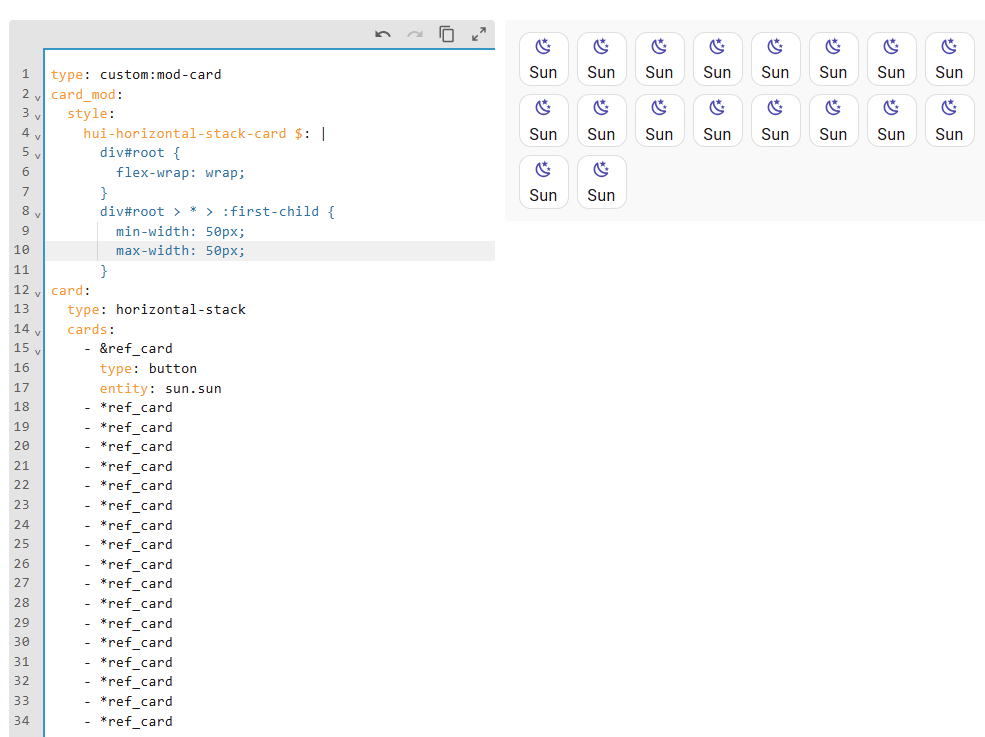
As a starting point:

type: custom:mod-card
card_mod:
  style:
    hui-horizontal-stack-card $: |
      div#root {
        flex-wrap: wrap;
        /* justify-content: ???? */
      }
      div#root > * > :first-child {
        min-width: 50px;
        max-width: 50px;
      }
card:
  type: horizontal-stack
  cards:
    - &ref_card
      type: button
      entity: sun.sun
    - *ref_card
    - *ref_card
    - *ref_card
    - *ref_card
    - *ref_card
    - *ref_card
    - *ref_card
    - *ref_card
    - *ref_card
    - *ref_card
    - *ref_card
    - *ref_card
    - *ref_card
    - *ref_card
    - *ref_card
    - *ref_card
    - *ref_card

ΠΈΠ·ΠΎΠ±Ρ€Π°ΠΆΠ΅Π½ΠΈΠ΅

And play with β€œjustify-content” property to get a more desired look.

1 Like

Thanks a lot! That’s exactly what I need!

Revisiting this topic because the previous solution worked great for me until the latest update, after which it stopped working. I suspect the issue might be that applying styles directly to a horizontal-stack card now requires using the card_mod: style approach, but I haven’t been able to get it to work correctly. Has anyone found a reliable method or workaround for this?

My code:

- type: "custom:mod-card"
  style:
    hui-horizontal-stack-card$: |
      #root {
        flex-wrap: wrap;
        row-gap: 8px;
      }
      #root > *:first-child {
        margin: var(--horizontal-stack-card-margin, var(--stack-card-margin, 0 4px))
      }
  card:
    type: horizontal-stack
    cards:
        [...]

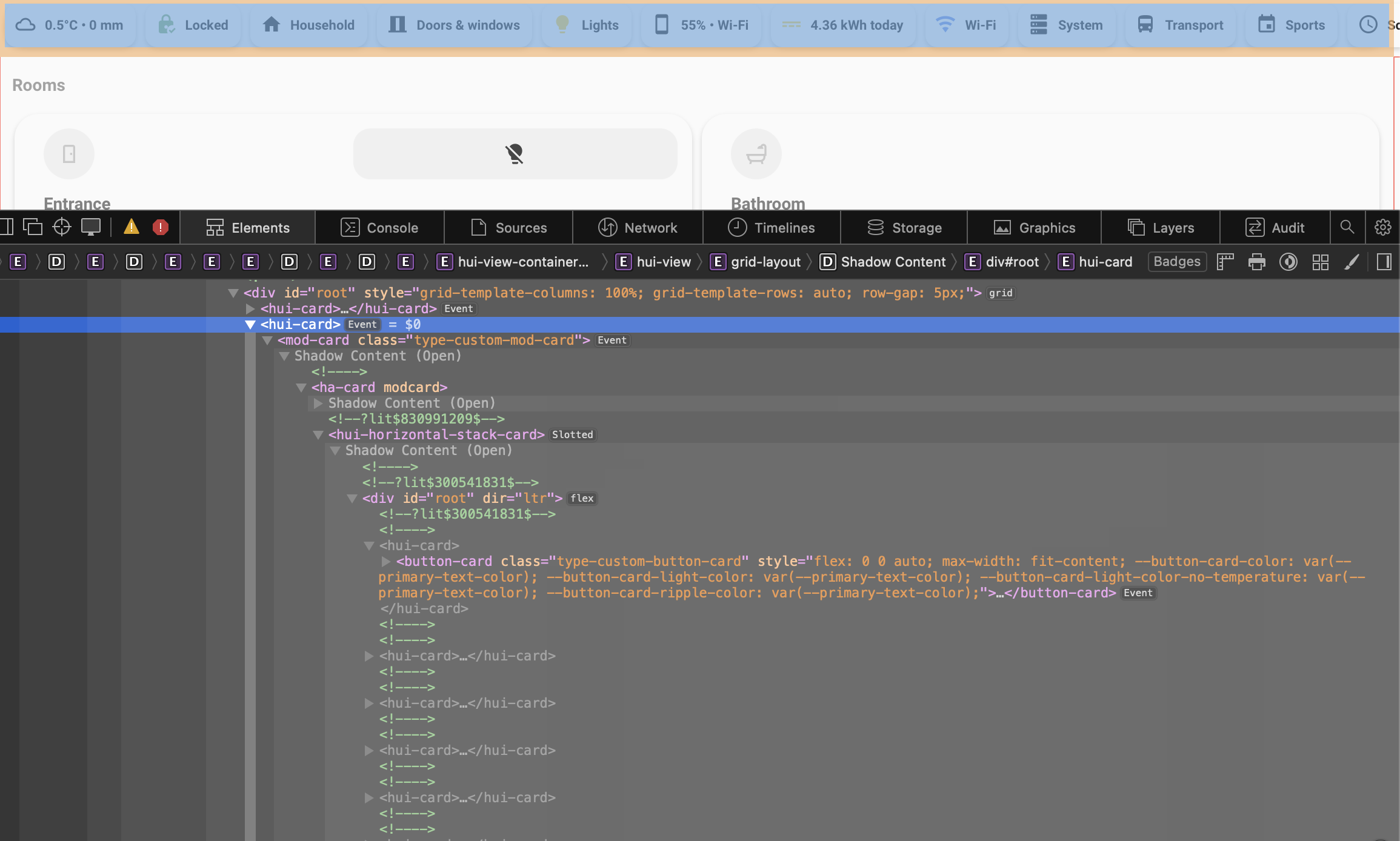
Up until now this has wrapped the elements, braking to a new row when reaching overflow-x. After updating, I have gotten a border shadow that I have not had before, and none of the card_mod styles seem to be applied anymore.

An inspect of my page if helpful:

According to an author of that v4 update , all old styles with mod-card should keep working.
I am not near PC, will check your case tomorrow.

1 Like

Check out the Breaking Changes Pinned Issue with details what has change with mod-card.

Also, v4 allows to remove mod-card as stacks and grids can now be styled directly. So would be able to add card_mod direct to a stack and style #root as a direct string style with no shadowRoot selector required. With a few less steps (load mod-card, card_mod to find hui-horizontal-stack-card shadow, it will be a wee bit more efficient.

Testing in 2025.11.3, card-mod 3.4.6 with same code.
It still gives same result as when it was posted.

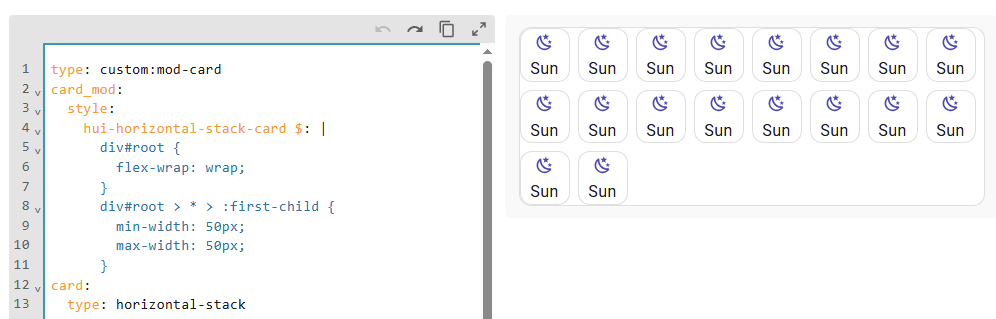
With card-mod 4.0.0 it looks differently, a border & background are added to mod-card which is wrong:

Of course, with 4.0.0 you may apply card-mod directly to vertical-stack (i.e. w/o mod-card) as was described in Release notes (a recommended way if you write a code anew):

type: horizontal-stack
cards:
  - ...
card_mod:
  style: |
    div#root {
      flex-wrap: wrap;
      justify-content: center;
    }
    div#root > * > :first-child {
      min-width: 50px;
      max-width: 50px;
    }

But, as I said earlier, old styles with mod-card should keep working.
Why mod-card got a border & background in 4.0.0 - I will ask in the main card-mod thread.

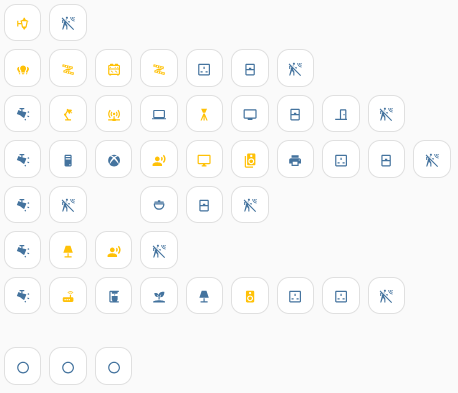
Also (might be useful), if you need to allocate buttons in a special way like this:


consider this simple way.

2 Likes