flequi19
(Martin M.)
1
I have created a button with button-card, the code is
- type: custom:button-card
icon: mdi:sofa
styles:
card:
- border-radius: 50%
- box-shadow: 0px 0px 3px 3px grey
icon:
- margin-top: ‘-5%’
style:
top: 90%
left: 30%
I want the button to be circle, but it is oval.
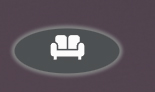
I think that can be solved with the parameter aspect_ratio: 1/1. but when I put it on the button disappears, it looks like this
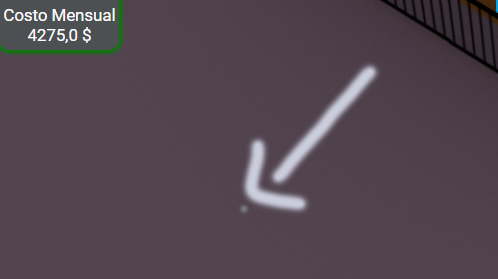
How can I make it look circle?
Frosty
2
no expert on button-card but this should work.
type: custom:button-card
icon: mdi:sofa
styles:
  card:
    - border-radius: 500px
    - box-shadow: 0px 0px 3px 3px grey
    - height: 100px
    - width: 100px
1 Like
even this should work, it’s my default template for round buttons:
round_button:
  show_entity_picture: true
  aspect_ratio: 1
  size: 100%
  show_name: false
  tooltip: >
    [[[ return entity.attributes.friendly_name; ]]]
  styles:
    card:
      - border-radius: 100%
note the aspect_ratio: 1 is important, as it tells button card to equalize height and width (can also be written as 1:1 )
1 Like