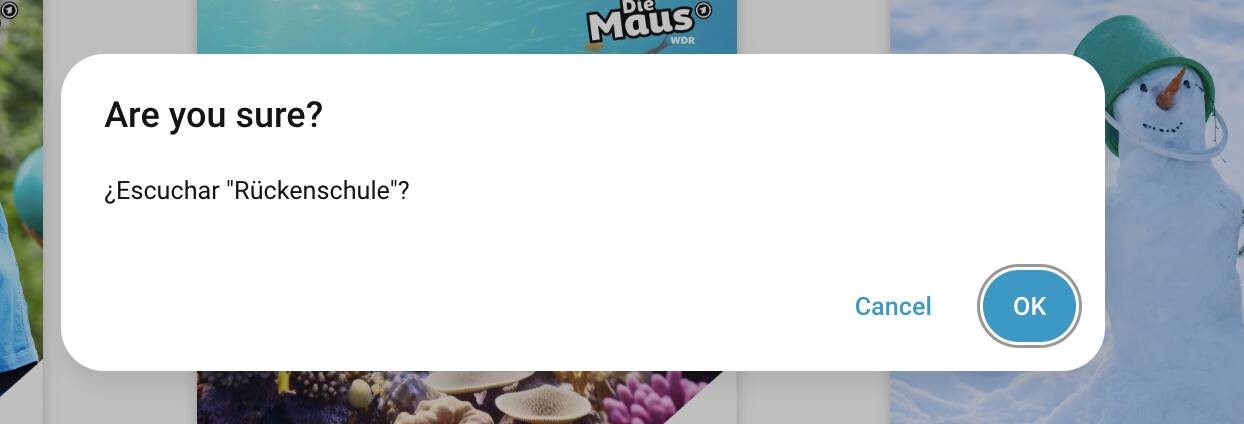
I am trying to find out why the companion app on my kid devices vibrates when I trigger a confirmation action.
The device is an old Oneplus 3 Android phone running LineageOS 18.1. It is just used as a Home Assistant controller. The device is always on do not disturb mode.
I have disabled the vibrate feedback on the app already but doesn’t seam to do anything. I also have disabled all vibration settings on the android settings.
On my personal device (Samsung 23 ultra) it doesn’t happen.
The phone can be configured to vibtate as a haptic feedback when the button activated.
In the settings you can set the phone to vibtate and/or make a sound when a button is pressed.
No, all haptic stuff and vibration was disabled but I found what the problem was.
The browser/HA sends the notification as an alarm, and inside the “Do Not Disturb” options, alarms where configured as allowed. Removing it removes the vibration.
Good enough for my use case. But I would imagine that it isnt the best for other people.
You should be able to change the notification channel from alarm to something else. That way if you ever needed the alarm to ring on DnD, it would still be possible.