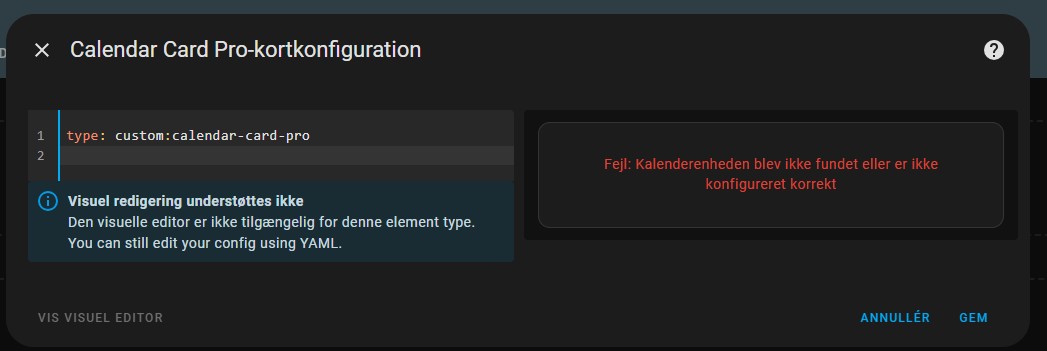
This happens.
Is it just because there is only code editing in this card ?
Great update 
Any Change to get the Time-location "row-reverse? Currently it does not work via card-mod. (I also tried the new card_mod commands from v2)
card-mod:
 style: |
   ha-card {
     .time-location {
       display: flex;
       flex-direction: row-reverse !important;
       margin-top: -20px;
     }
   }
@stephanschleichstr13, try this:
card_mod:
  style: |
    ha-card .time,
    ha-card .location {
      flex-direction: row-reverse !important;
      text-align: right !important;
    }

    /* Make the text span take up most of the space and align properly */
    ha-card .time span,
    ha-card .location span {
      flex: 1 !important;
      text-align: right !important;
    }

    /* Adjust spacing for the reversed icon */
    ha-card .time ha-icon,
    ha-card .location ha-icon {
      margin-right: 0px !important;
      margin-left: 4px !important;
    }
1 Like
@alexp1 Looks good thank you
i have add also margin-top: -30px; 
1 Like
Awesome card, replaced my old calendar card On my desktop everything works great, on my mobile in the App it shows “Keine anstehenden Events”. In the Browser it works perfectly on mobile as well. How can that happen?
May be a caching issue resulting from configuring the card. Try setting refresh_interval to 1 for a moment and wait for the next refresh, or set refresh_on_navigate to true, and then trigger a force refresh. Please see if the card shows on all frontends then. If it does, you can reset the refreshing to default or whatever else you configured.
Got it. Only yalm code, not gui setup
1 Like
Hi @tom_l ,
Does not fit the topic but:
I love your dashboard. Could you share a little bit more what you used?
(Card types, theme, add on, …)
BR Stefan
Hi, I love your calendar. It’s very well designed and visually beautiful. There are also many possible settings.
I installed version 2.1.0 and there are two small problems.
Translating the W of week into other languages.
When I choose Sunday instead of Monday as the first day of the week, only the first week is displayed and not the following ones.
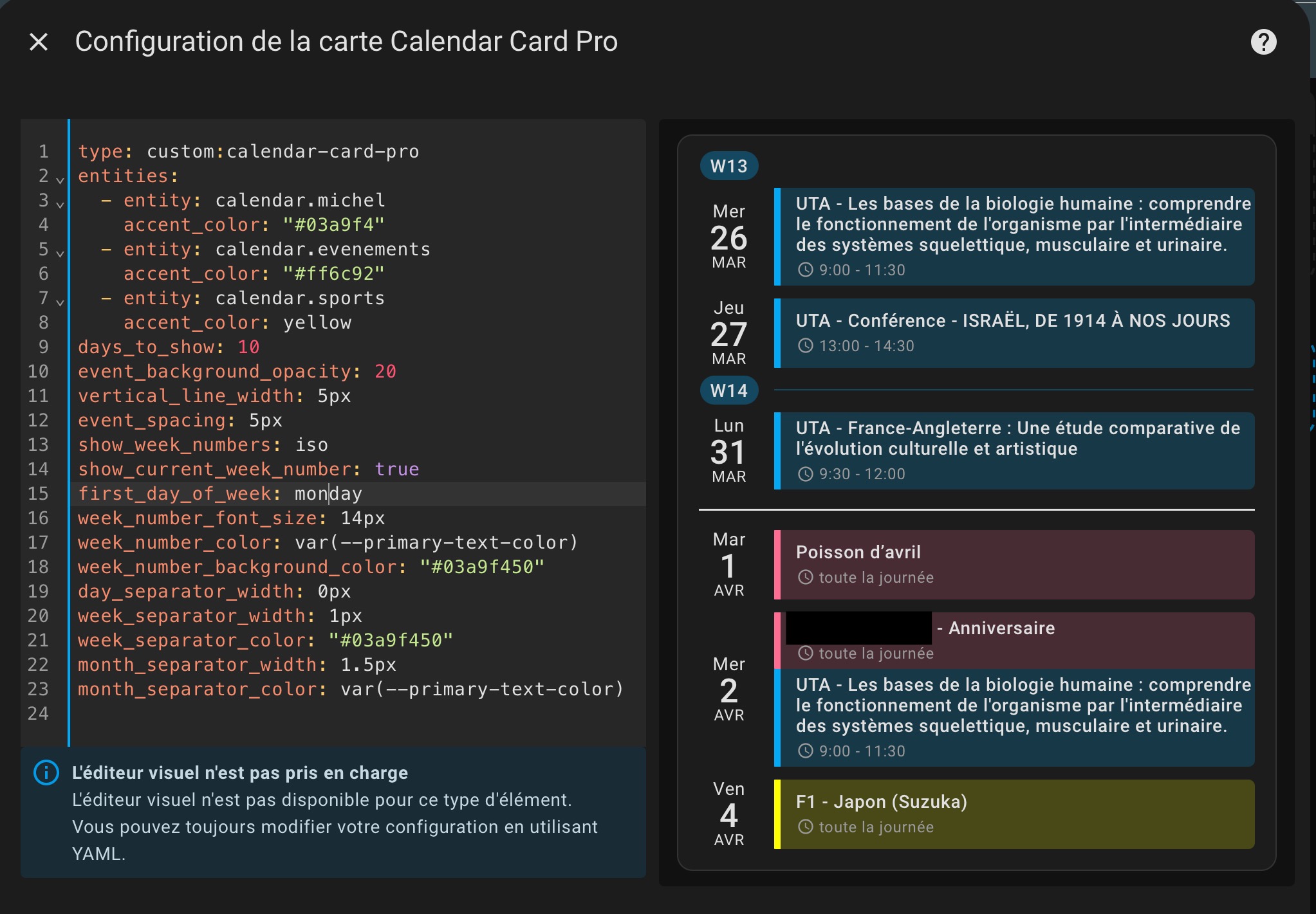
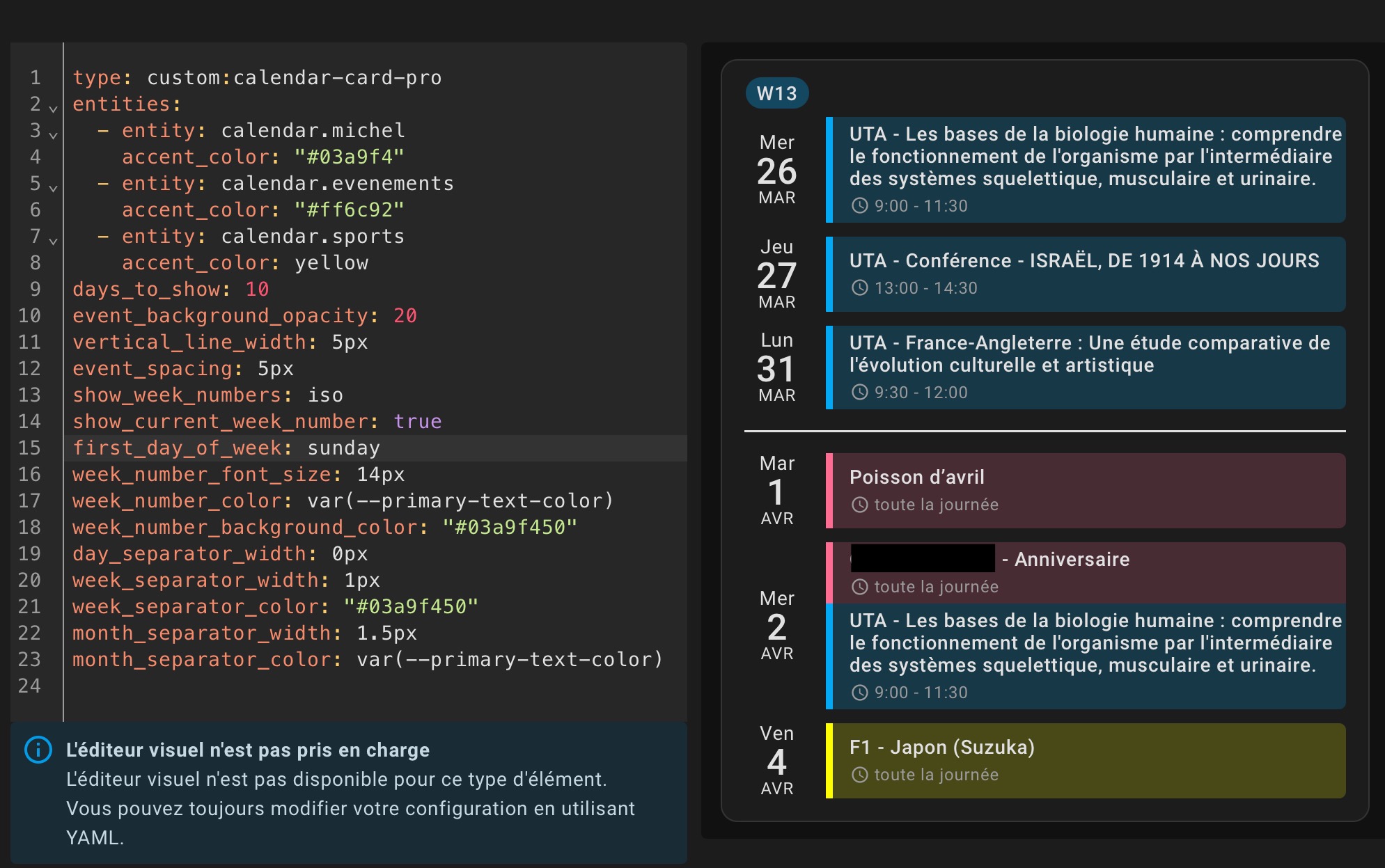
@ValMarDav, thanks for flagging the week number issue you experienced. I was able to reproduce your issue thanks to your config and have just released a bug fix release v2.1.1 that fixes this issue.
As for translating the “W” in front of the week number, I opted to remove it instead of adding translations. This reduces visual clutter while delivering the same information.
1 Like
I just installed this card and am loving it on all of my kiosk dashboards. I am curious if there is a way to color the calendar day if there are “No Upcoming Events” I am able to add color to all of my individual calendars, but would like a different color if there are no upcoming events. Is there a way to achieve this with card-mod?
1 Like
The “empty day” event title is currently not configurable but inherits the --primary-text-color of the user’s theme and renders at a 60% opacity.
I had not considered adding it as a user-configurable parameter yet, but great suggestion. I may add it with the next feature release eventually (v2.3).
So long, you can use card-mod to achieve that, yes:
card_mod:
  style: |
    .empty-day-title {
      color: green !important;
      opacity: 0.9 !important;
    }
That colors the text. I just want to color the vertical line and the background color. How would I color that?
The vertical line and background color for empty days uses the global vertical_line_color parameter. So you just change that to whatever you want to have for empty days, and define within the entities array the specific accent_colors for each calendar.
Perfect!!! That did it. Thank you.
1 Like
One last question. Is there a way to split a multi-day all-day event across all of the days it applies to? A previous HACS calendar card provided this and I am just not sure if I am missing it here or not.
Nope, currently this is not possible. May be added in a future release.
1 Like
Hello, thank you for this great card. Works perfectly on almost all my tablets. Only my iPad 2 it’s showing the code. Not a big deal for me but maybe you like to know.
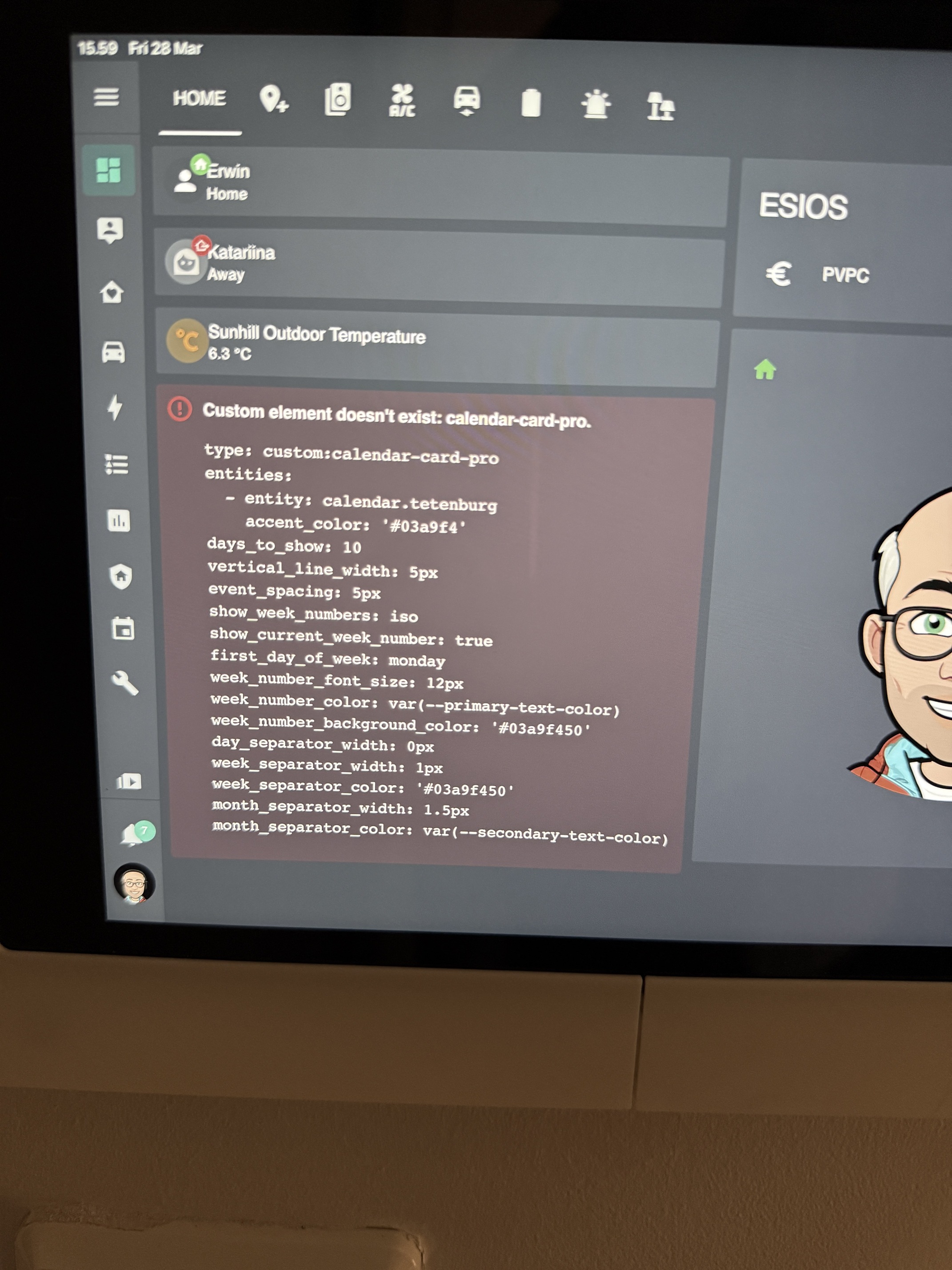
@Ethome56 thanks for your feedback! The issue on your iPad is weird. Seems to be a caching issue on the device rather than something with the card itself?! Have you tried rebooting, clearing browser history, etc.?
You’re fast😅. I’m using the HA app. Not sure how to clear cache in the app or if this even possible. I rebooted the iPad. But no luck so far.