Immediately after connecting the cable to the ESP32 the red power LED on the ESP32 lights up and I hear a continual beeping noise from my computer about once per second.
In ESPHOME WEB, the device is offered as COM5 and then immediately removed and then re-offered in time with the beeping. I can’t make a usable connection.
I have downloaded the latest espressif driver (ESP32.USB.JTAG-v6.1.7600.16386) to no avail.
Does anyone have any ideas what the problem may be?
Update: Pressing the Boot button on the ESP32 while plugging the USB cable into it seems to have solved the connection issue. Unfortunately ESPHOME WEB was unable to initailize the device’s WIFI credentials.
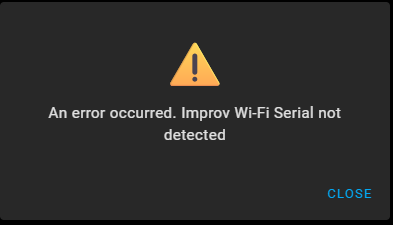
I guess this is a new issue so I’ll close this one and open another topic.