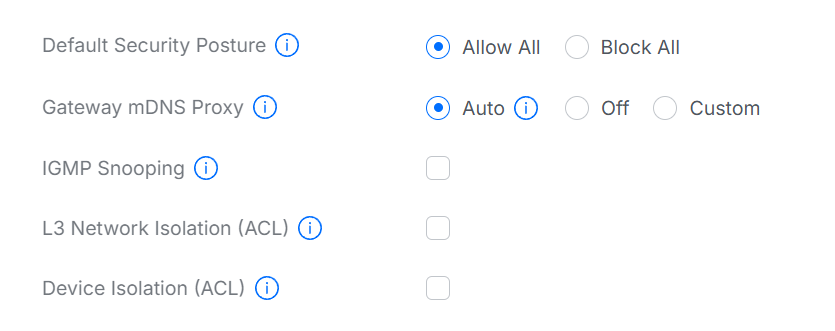
First of all yes, I have read through a number of topics, tried a lot of stuff, but so far things don’t work.
I have a Ubiquity network, with 1 VLAN, Wifi & Ethernet are in the same VLAN.
I have a home assistant server on a Raspberry PI 5, booting from NVMe, freshly installed with a Home Assistant Connect ZBT-2.
I have installed a thread border router (#49F6), and I can see a ha-thread-d2e9 thread network, which is the preferred network, it has an icon that indicates that the network is used for android & IOS credentials.
I have an IPhone 17 pro with IOS 26, with the HA companion app.
When I go to Settings → Thread in the companion app, I see the thread network but I cannot download the credentials to my phone, I get the message “Failed to store credentials in keychain, error: Thread netwok credentials does not match with any of the active thread networks around.”
Home assistant server has IPV6 enable and I can ping it from my desktop machien over IPV6
When I look on the home assistant server in the Zeroconf browser I can see an entry for Home Assistant OpenThread Border Router #49F6, IP adresses inlcude the IPV4 addresses of the ethernet & wireless interfaces and the IPV6 address of the HA server.
I’m at a loss of what else I can check or do.
P.S. reason I have this freshly installed HA server is that I had trouble with the previous one with matter. I have an aqara Hub M3 and a number of aqara matter over wifi and matter over thread devices. The aqara matter devices were succesfully shared with the previous ha, but often disconnected, so I wanted to try a new HA and use matter without the aqara hub.
The hub is currently powered down.