Hi guys,
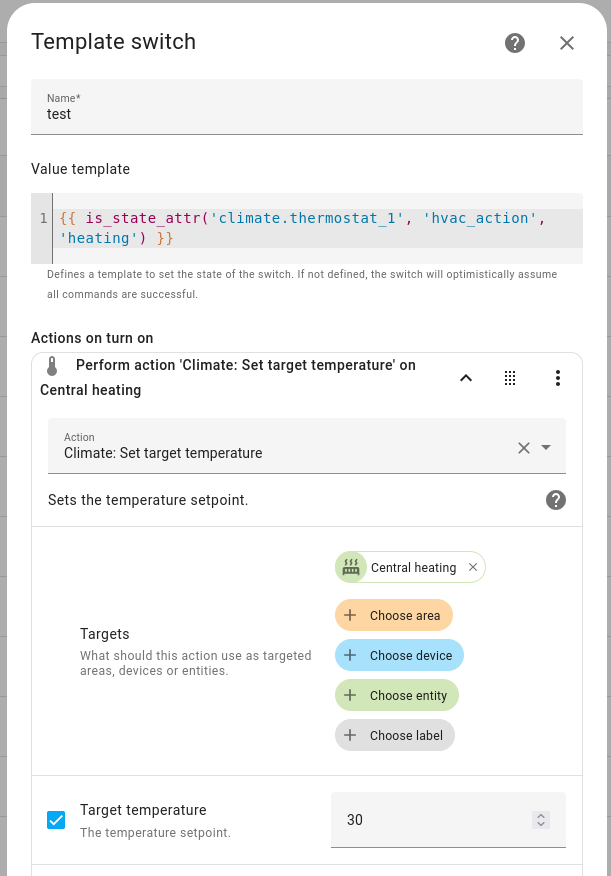
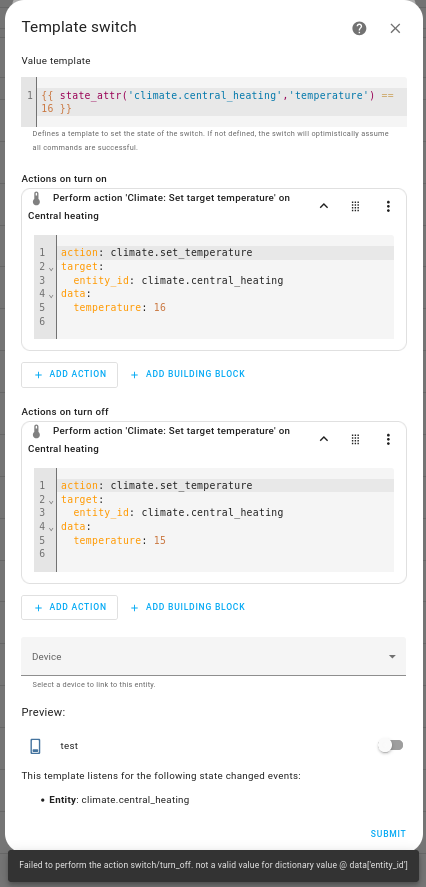
I have been trying to create and test a switch template using UI but have an issue.
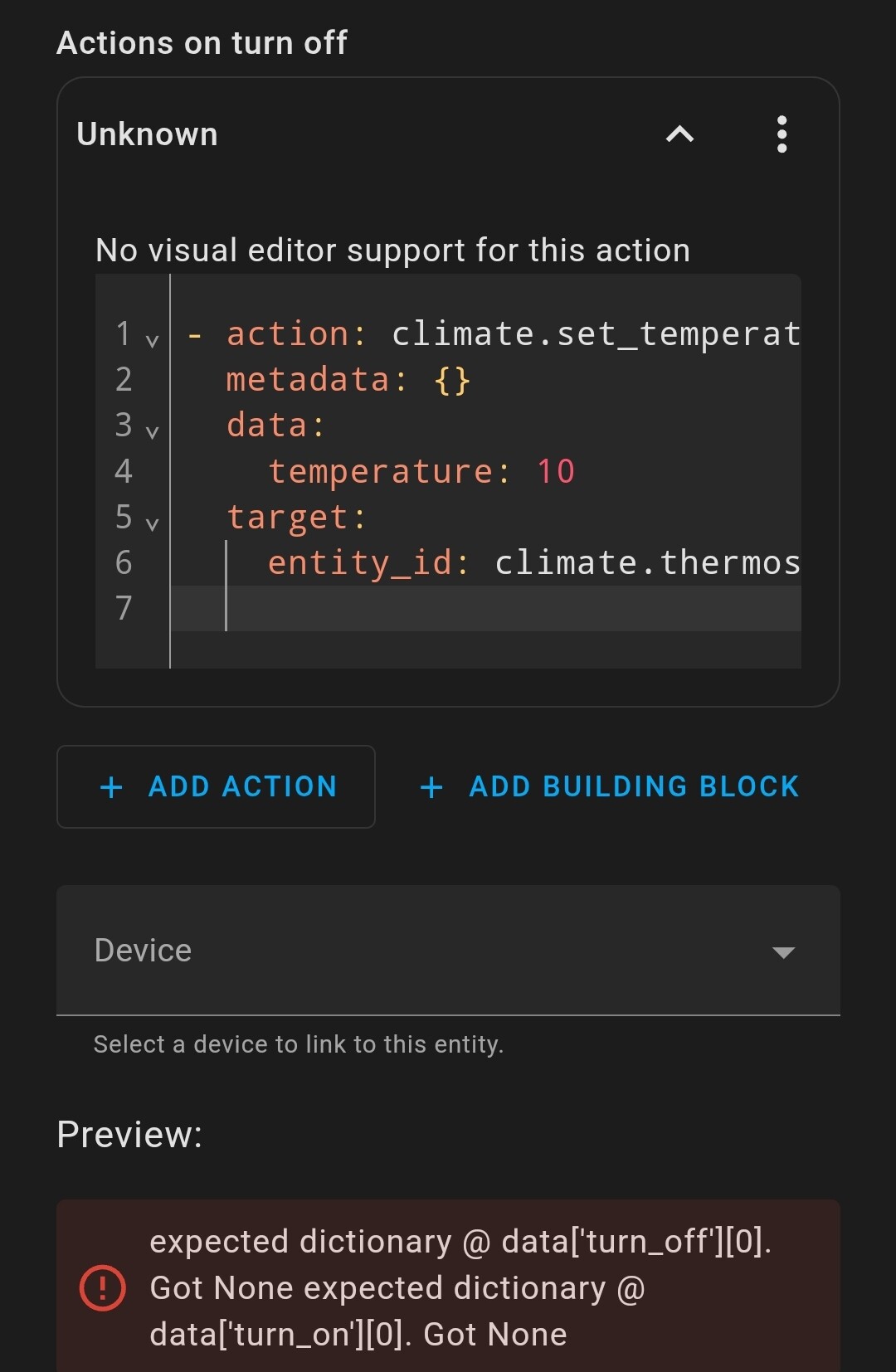
I can turn on/off the template manually, but it does not pass on/off testing.
Also system log shows warning every minute if I use the switch template in thermostat.
Can anyone help? Thanks!
Please share the template switch configuration as text formatted for the forum. Not as a picture. Use the </> button in the post toolbar to format your pasted config.
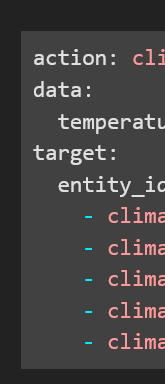
I made this on the UI so that indent were automatically put by the system. I checked and they are okay. I’m not sure what the error is: "not a valid value for dictionary value @data[‘entity_id’]
I have like 20 templates but all were written in YAML.
I tried to create one in the GUI and have NO IDEA how.
I can see stuff about my YAML ones but not any of the Code.
The only think I can think of is you are saying :
Sometimes at least in the automation and script GUI you can’t test using the tool, you have to use developer - states to change the actual value of the sensor to force a test trigger.
I have tried before and that kind of manual test all worked well… Actually, at the beginning I also created this switch in configurations.yaml and it didnt work too.
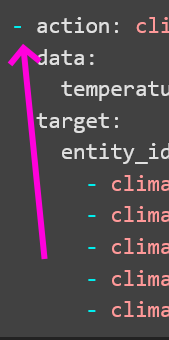
Ok you cant do that. Go back to what you had. I missed the “Add Action” button below. The helper builds the list for you if you have more than one action.
Actually ‘run action’ works well and manually set a value from developer setting works well too.
I would like to use this switch to turn on/off all climate entities, from another general climate entity.
Problem happens here. That general climate entity cannot use the switch.
Error in the system log says:
Logger: homeassistant.helpers.service
Source: helpers/service.py:303
First occurred: 3:16:32 PM (252 occurrences)
Last logged: 6:27:12 PM

Referenced entities switch.hcm_valves are missing or not currently available
The logic of your state / value_template feels weird/flawed to me. Surely it should be based on which temperature the HVAC is set to, not on whether it is currently heating or not?
Ponder this: The HVAC is already set to 10°, the temperature drops further and heating kicks in. Now the switch will show that the HVAC is “on”, but if you click the switch to toggle it “off” the switch will never flip to the “off” position. The HVAC is already set to 10° but the temperature is below that, so it will continue heating until reaching the set temperature. Seems like a very unintuitive UX to me.