In an individual automation, is there an Option parameter I can use to slow down the speaking rate of a Piper voice model when using tts.speak? I’m using a Spanish voice model (voice: es_MX-ald-medium), but it’s not my first language, so I want to slow down the rate.
I’ve tried variations of speed, rate, length scale, length, scale, etc. with no luck.
Note: Looking in the Piper add-on configuration, “cadence” seems like something different from the rate change I’m looking for. Regardless, “cadence” doesn’t work as an option, either.
This is not possible directly, as the add-on specifies a global setting for the entire server.
However, you can try making a copy of the voice (rename it) and increasing the length_scale value in json. After that, the new voice will work more slowly.
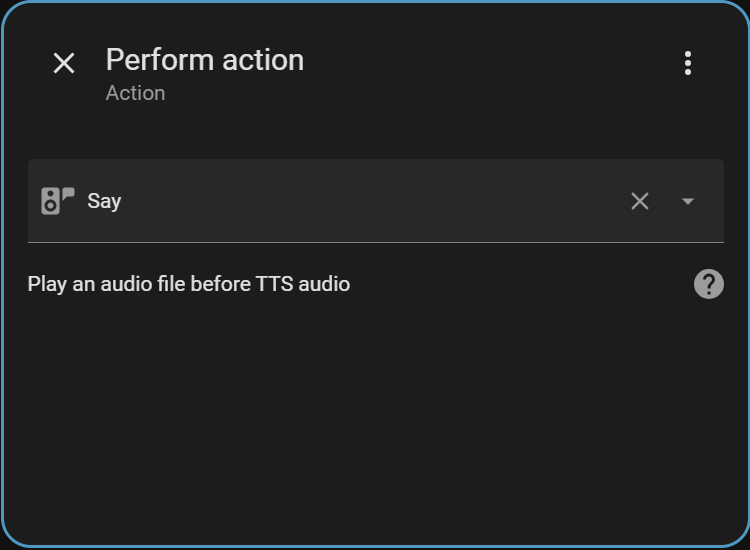
This integration looks useful. I installed it via HACS and then installed the integration, but when I add the Say action to an automation, I don’t get any parameters. I’ve tried restarting Home Assistant.
From the documentation, it’s supposed to look like this: