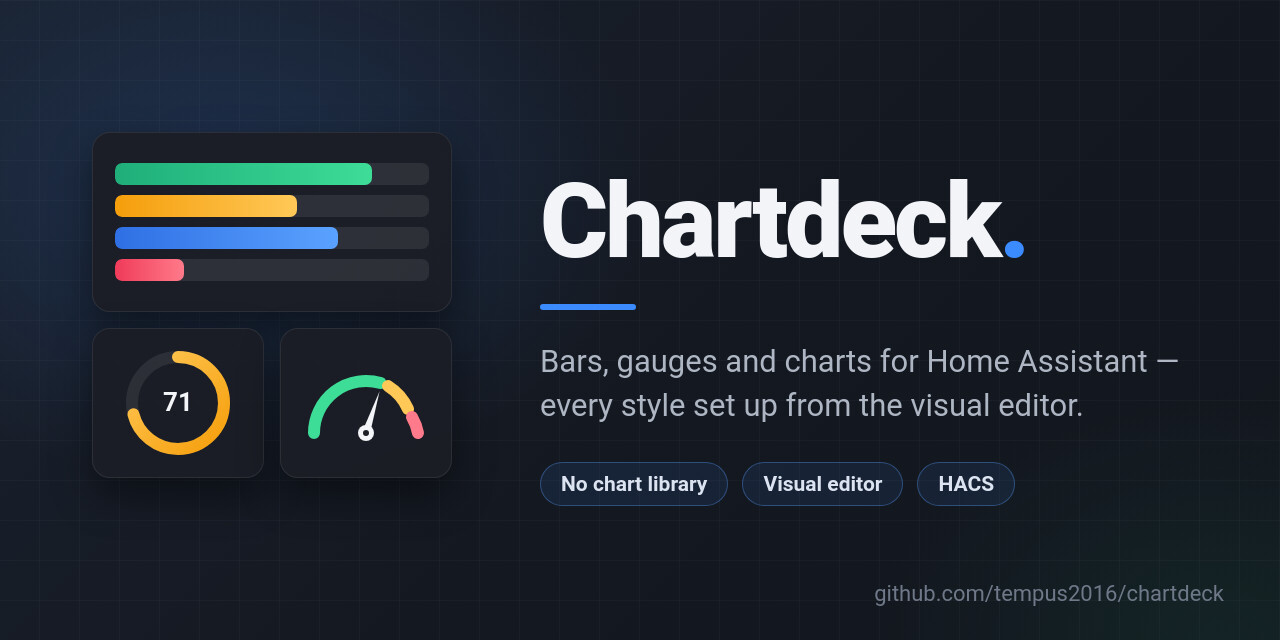
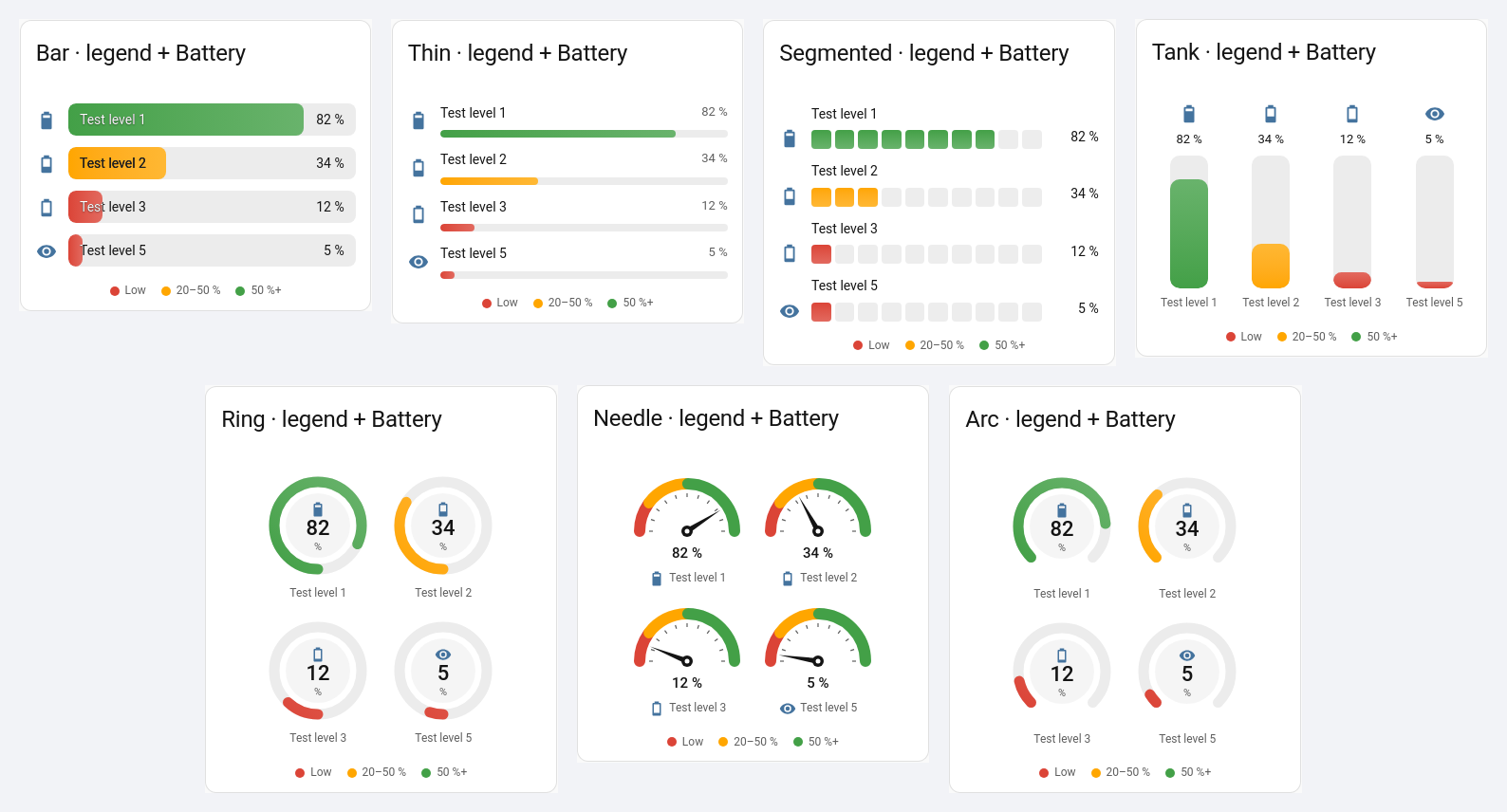
I’ve just released Chartdeck, a Lovelace card for showing sensor values as bars and gauges. It has seven styles in one card: a classic bar, a thin bar, a segmented bar, a vertical tank, a ring, a half-circle needle gauge and a three-quarter arc. You switch between them with a single setting and everything else carries over.
The thing I cared most about is that you never have to touch YAML. Every option is in the visual editor: pick your entities, choose a style from the previews, set limits and colours, and you’re done. YAML still works if you prefer it, and the editor won’t throw away anything it doesn’t show.
A few things it can do:
- Min, max and target can each be a fixed number or another entity, so a bar can fill against a sensor’s capacity or a target can follow a helper.
- Colour bands with presets for batteries, usage and temperature, plus an optional legend. The colours come from your theme, so light and dark mode both look right.
- Decimals, unit and icon come from the entity by default, and you can override any of them per entity.
- Negative ranges fill from zero, so something like grid import/export reads naturally.
- Sort entities by how full they are, with unavailable ones at the end.
- Tap, hold and double-tap actions, and it sizes itself properly in sections, masonry and stacks.
It’s drawn entirely by the card itself with SVG and CSS, no chart library, so it’s small (about 23 KB) and quick on wall tablets. Values animate in when the dashboard loads and when they change, and the animation turns off if your device is set to reduce motion.
A quick battery example if you do want YAML:
type: custom:chartdeck-card
title: Batteries
entities:
  - sensor.front_door_battery
  - sensor.back_door_battery
  - entity: sensor.smoke_alarm_battery
    name: Smoke alarm
sort: ascending
severity:
  - from: 0
    color: red
    label: Low
  - from: 20
    color: amber
  - from: 50
    color: green
show:
  legend: true
It’s submitted to the HACS default list and waiting for review. Until it’s accepted, you can add https://github.com/tempus2016/chartdeck in HACS as a custom repository (type: Dashboard), then add a Chartdeck card from the card picker. It needs Home Assistant 2025.1 or newer.
Docs for every style and option: Chartdeck
Code and releases:
History charts (line, area, column) are next on the roadmap. If you try it, I’d love to hear what you think, and bug reports and ideas are very welcome on GitHub.